Main Content

HDMI Cables Buying Guide

A comprehensive buying guide that will give you all the information you need on which HDMI cables you need.
What Does HDMI Stand For?
The acronym means High-Definition Multimedia Interface. For over a decade, they have ruled as the supreme standard audio and video connection for high-definition (and ultra-HD) home theater equipment. Every new television has at least two of these inputs, and gadgets such as DVRs, DVD players, Blu-ray players, gaming console and computers feature the same outputs to deliver audio and video. Having a single cord handling both images and sound has the potential to make home theaters much simpler than they once were.
What Do They Do?
In layman's terms, it’s is a type of digital connection that's capable of transmitting high-definition video and high-resolution audio over a single cord. To do the same thing with analog cords, you'd need to connect three component-video ones plus six analog audio cables. HDMI cables are the one connection that rules them all.
Types
HDMI cables can deliver some of the best image quality of any connectors available today. Modern models can handle an ultra-high-definition of up to 8K resolution at a full 60 frames per second, or 4K resolution at a boosted 120 frames per second. That’s one of the most bandwidth-heavy formats currently available, and it’s perfect for gamers searching for that premium quality experience.
Many readers may be familiar with older standard definition video versions. Those include S-Video, composite (the yellow cable among the red, white and yellow trio) and RF versions. But HDMI cables are a monumental boost in quality over these predecessors. Do keep in mind that the source is always the primary factor in video quality, though: a poor quality VHS tape will look worse transmitted over HDMI cable than a Blu-ray would over an S-Video connection.
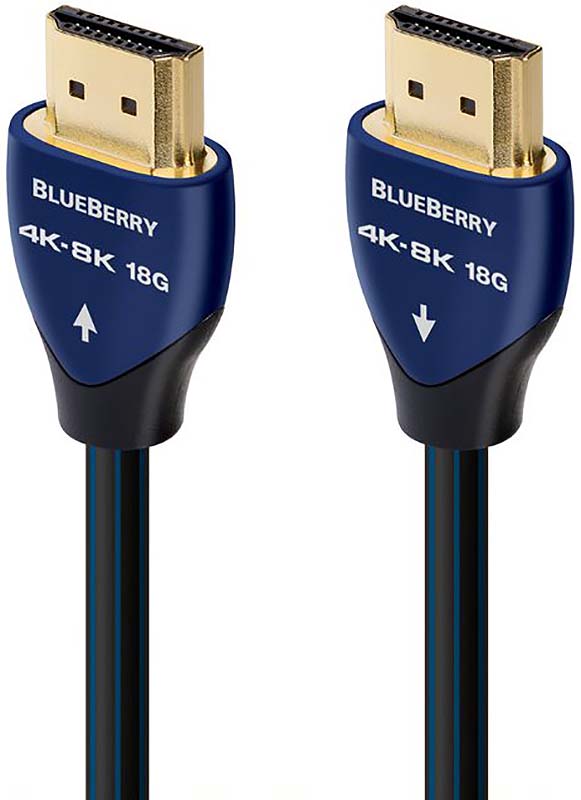
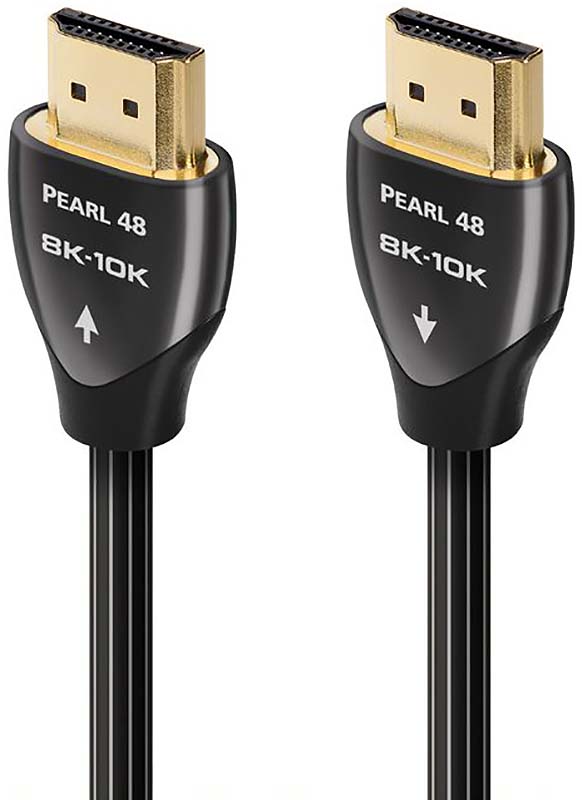
There are two common categories that these powerful cords fall into: Premium High-Speed and Ultra High-Speed. Premium is optimized for video at up to 4K resolution and 60 frames per second. It supports a bandwidth of 18gbps, too. Meanwhile, the Ultra High-Speed version can handle double the load. These can support UHD quality of up to 8K resolution, 120 frames per second and 48 gbps. These models are optimized for HDMI 2.1 and all of its new advances, like variable refresh rate (VRR), auto low latency mode (ALLM), quick frame transport (QFT), quick media switching (QMS) and enhanced audio return channel (eARC).
Before choosing between these two classes, consider your screens, your sources and what you’ll be using them for. For example, a 4K television with users that don’t often play next-gen games would be best served by a Premium version. Meanwhile, 8K TV owners that watch Ultra-HD nature documentaries often and relish every frame would want an Ultra model. For audio, HDMI cables are the best option as well. They support the ability to carry eight channels of 24-bit audio at 192kHz—enough to handle even the highest resolution audio soundtracks such as Dolby Atmos and DTS:X Audio.
Where Else Are They Used?
As with USB, there's also a mini HDMI port that is more and more commonly found on high-def camcorders or smartphones. It offers the same benefits as the larger version, but the smaller size of the port makes it easier to include on portable gadgets. You can connect electronics with mini ports to a television using a cable that has a mini connecter at one end and standard connection on the other, like this one. You can also use a standard cable and a mini adapter.
Miscommunication can occur between a video source and the TV. This generally happens when there is a manufacturer's defect or the copy connection code is interfering. The copy protection code will obstruct the audio and video from getting to the TV. The communication between devices is called Extended Display Identification Data (EDID). The devices connected can send and receive information between each other. This communication sends information beyond the AV signals. Manufacturer name, product type, screen resolution, and color depth are exchanged between devices making auto-configuration and set-up easy.
Frequently Asked Questions
- What Does HDMI Stand For? High-Definition Multimedia Interface—it delivers both boosted video and audio quality between sources and displays.
- What is the best HDMI Cable? That’s a tough question to answer. Generally speaking, If your TV is 4K resolution or lower, use a Premium model. If you have an 8K screen or need the high frame rate power for gaming capabilities, an Ultra High-Speed model is what you’ll need.
- Where can I find a USB to HDMI Cable (and other adapters)? You can find them online or in-store at Abt. Check out our converters and adapters.