Main Content

Memory Card Buying Guide

This guide will inform you on everything you need to know about the different types of memory cards available, as well as what each of the labels on the different cards represent.


Getting Started
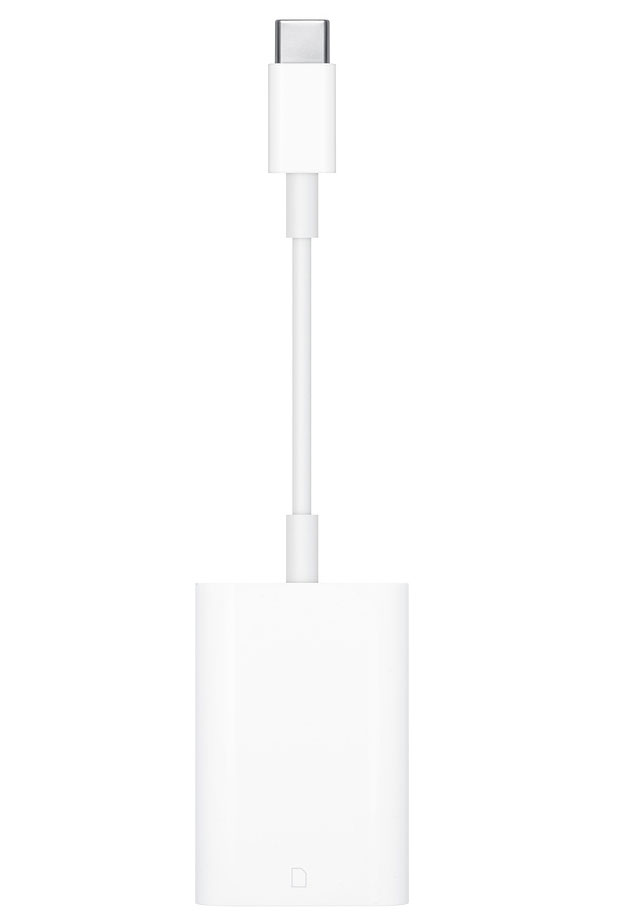
Are you in the dark about which type of memory card or memory stick fits your camera, cell phone, or electronic device? Abt's memory card buying guide should help inform you on everything you need to look for when searching for your new memory card. It's important to know which memory storage is compatible with your device, as well as if your memory card reader will be compatible with your new card. Check out the guide below, to learn about everything relating to memory cards.
CompactFlash
Compact Flash Type I is the most popular memory storage device on the market. Compact Flash Cards, or CF cards, are about the size of a matchbook and are most often used with Canon, Nikon, Hewlett-Packard, Minolta, and pre-2002 Kodak digital cameras.
Compact Flash Type II cards are pretty rare to come across, however the main differences are the size and the power supply amount permitted. To start, Type II cards are 5mm thick, where as Type I cards are 3.3 mm thick. Type I cards are also compatible with Compact Flash Type II slots, and will often fit in a standard laptop PC slot with the use of an inexpensive adapter. When it comes to power supply, Compact Flash Type I are permitted to draw up to 70 mA of power, Compact Flash Type II can take up to 500 mA.

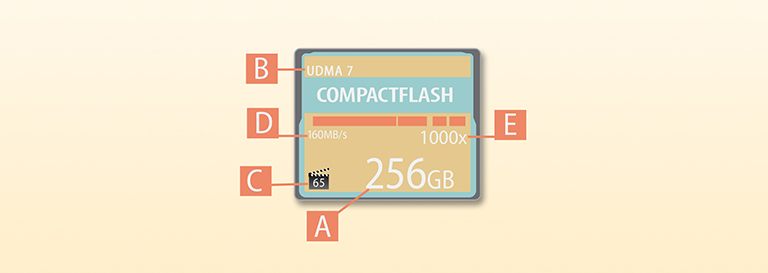
- Capacity
- This number specifies the amount of data that can be stored on the CompactFlash memory card. CompactFlash card capacities range from 2GB to 512GB.
- UDMA Rating
- UDMA Rating, or Ultra Direct Memory Access Rating, specifies the speed at which a memory card can process data. For example, UDMA 1 supports speeds up to 16.7MB/s, UDMA 7, which is 10 times faster than UDMA 1, meaning that the maximum speed for UDMA 7 rated cards is 167MB/s. Typically, the UDMA rating will be higher than the memory cards available read speed.
- Movie Clapperboard
- The Movie Clapperboard, when shown on a Compact Flash card, indicates the slowest speed (represented in MB/s) a card will write. This number is typically more important to videographers due to the fact that if the writing speed drops the frames being recorded won't record. The Movie Clapperboard may or may not be present on the label of the Compact Flash card, which is purely due to a brand choosing not to include it.
- 150MB/s*
- This number represents the card's maximum read speed, or in other words, how quickly the card will retrieve your data. This specifies the highest speed a memory card can read, though it is rare to find a memory card that will be able to sustain these speeds for long periods of time.
*Note: The numbers shown are examples only, not all CompactFlash cards offer these speeds.
- This number represents the card's maximum read speed, or in other words, how quickly the card will retrieve your data. This specifies the highest speed a memory card can read, though it is rare to find a memory card that will be able to sustain these speeds for long periods of time.
- 1000x*
- This number is an outdated way of showing the read speed. It originally was used as a way to compare a memory cards read speed to an audio CDs read speed (150 KB/s). To figure out (through this number) exactly how fast the read speed is, you would have to do a series of calculations. Since most people would rather simply just see the answer, manufacturers have started to just put the actual read speed in MB/s.
*Note: The numbers shown are examples only, not all CompactFlash cards offer these speeds.
- This number is an outdated way of showing the read speed. It originally was used as a way to compare a memory cards read speed to an audio CDs read speed (150 KB/s). To figure out (through this number) exactly how fast the read speed is, you would have to do a series of calculations. Since most people would rather simply just see the answer, manufacturers have started to just put the actual read speed in MB/s.
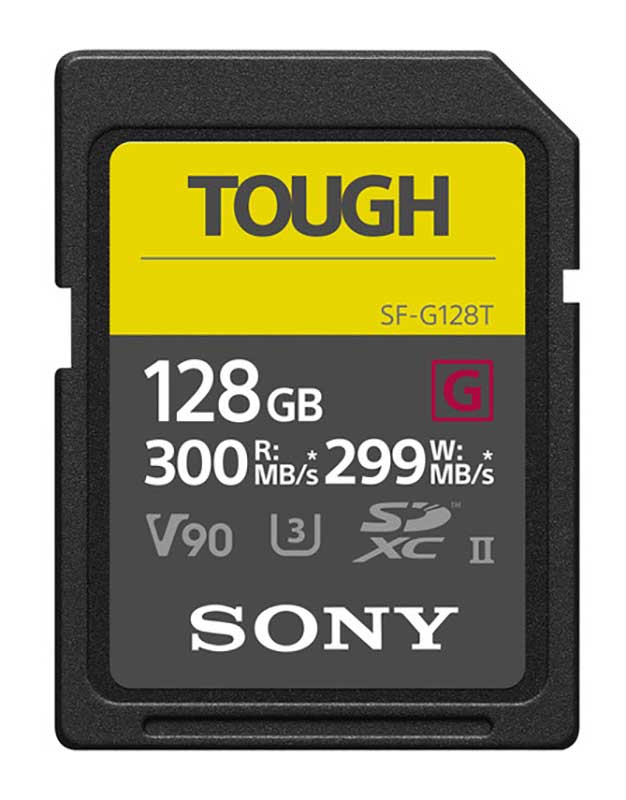
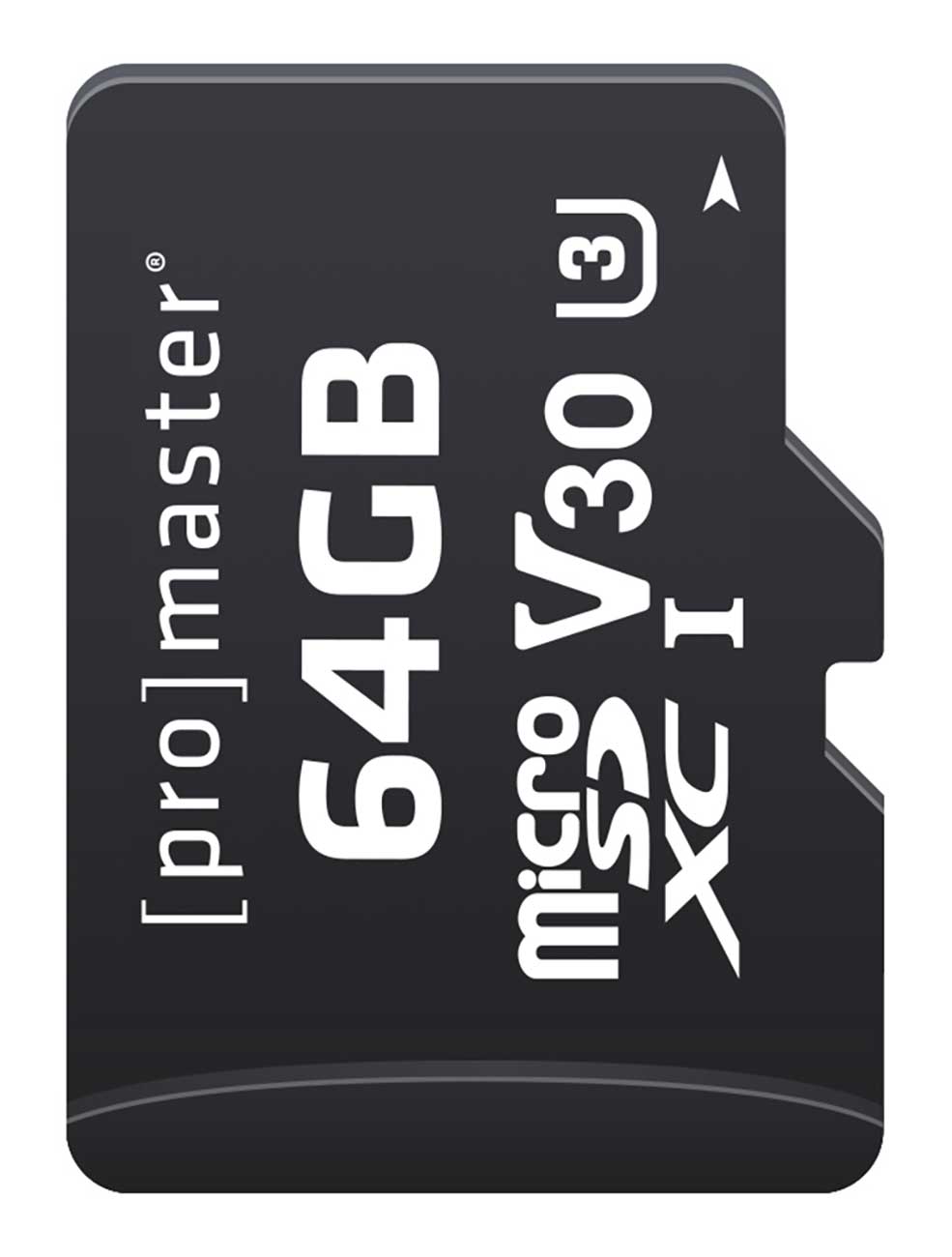
SDHC Cards, SDXC Cards, microSDHC, microSDXC
Over the years, SD cards have gone through an enormous amount of advancements. When they were first released, SD cards were slow and offered a very limited capacity. In recent years, however, after increased capacity and speed had been added, we now have to two different types of SD cards. These types are SDHC cards and SDXC cards.
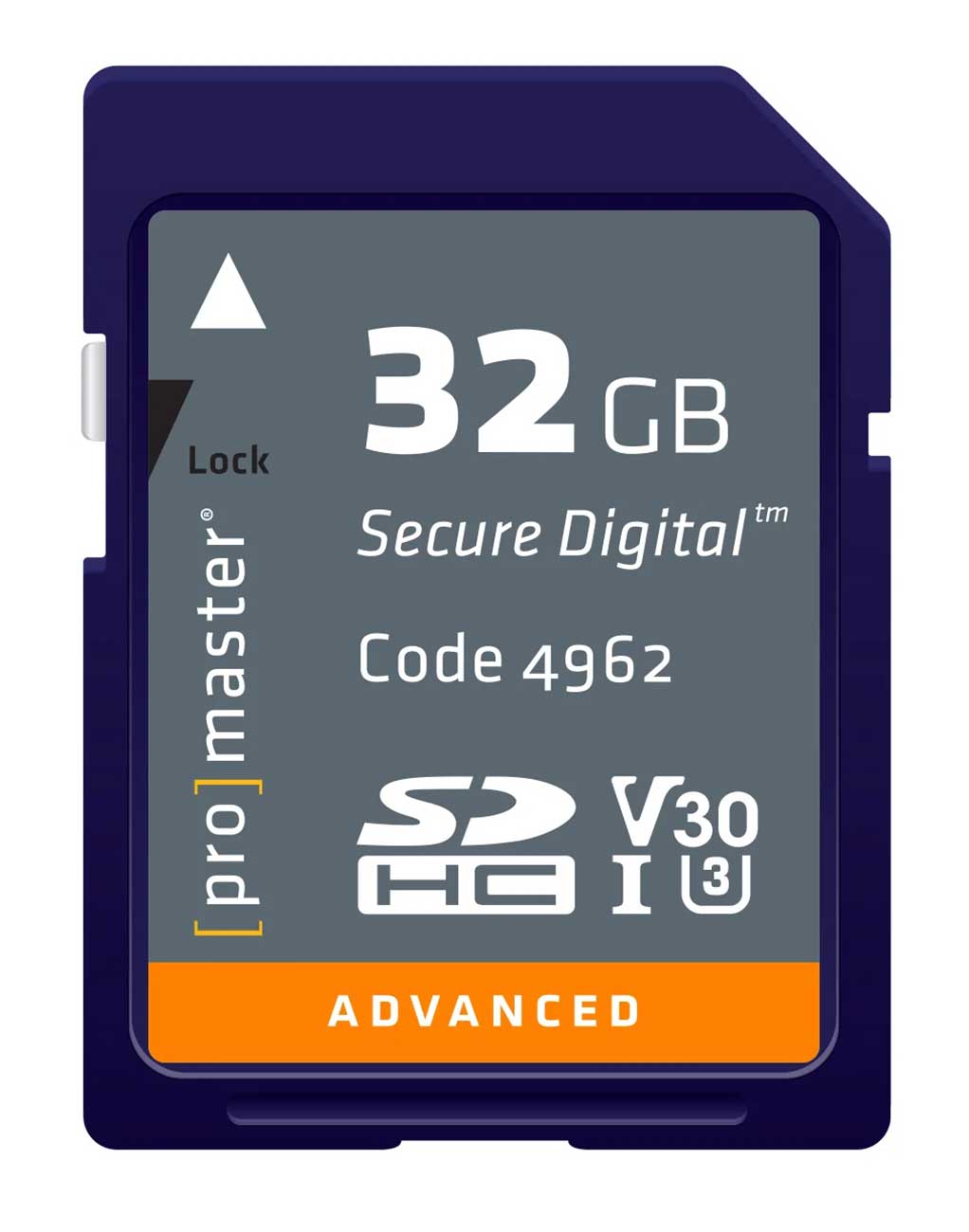
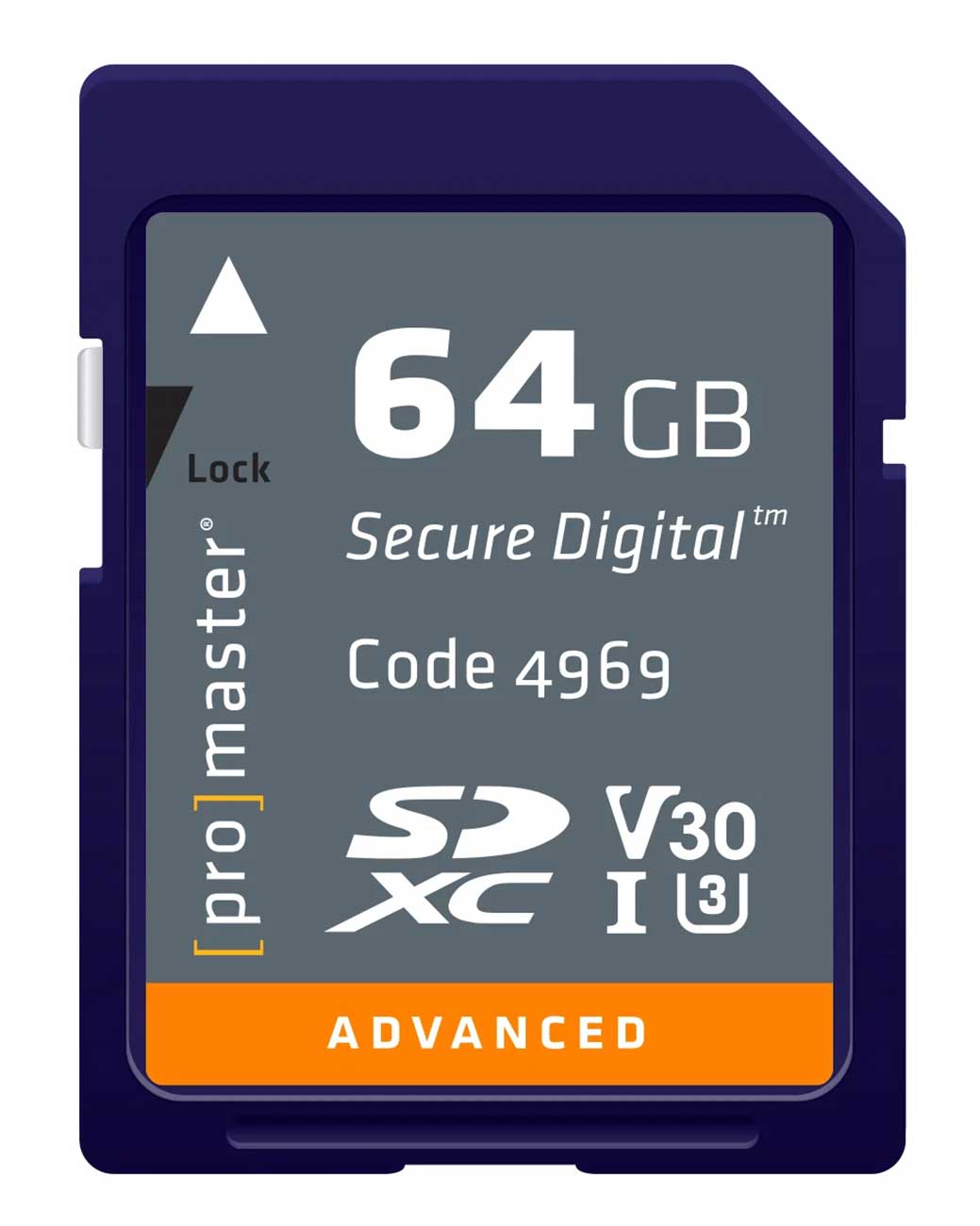
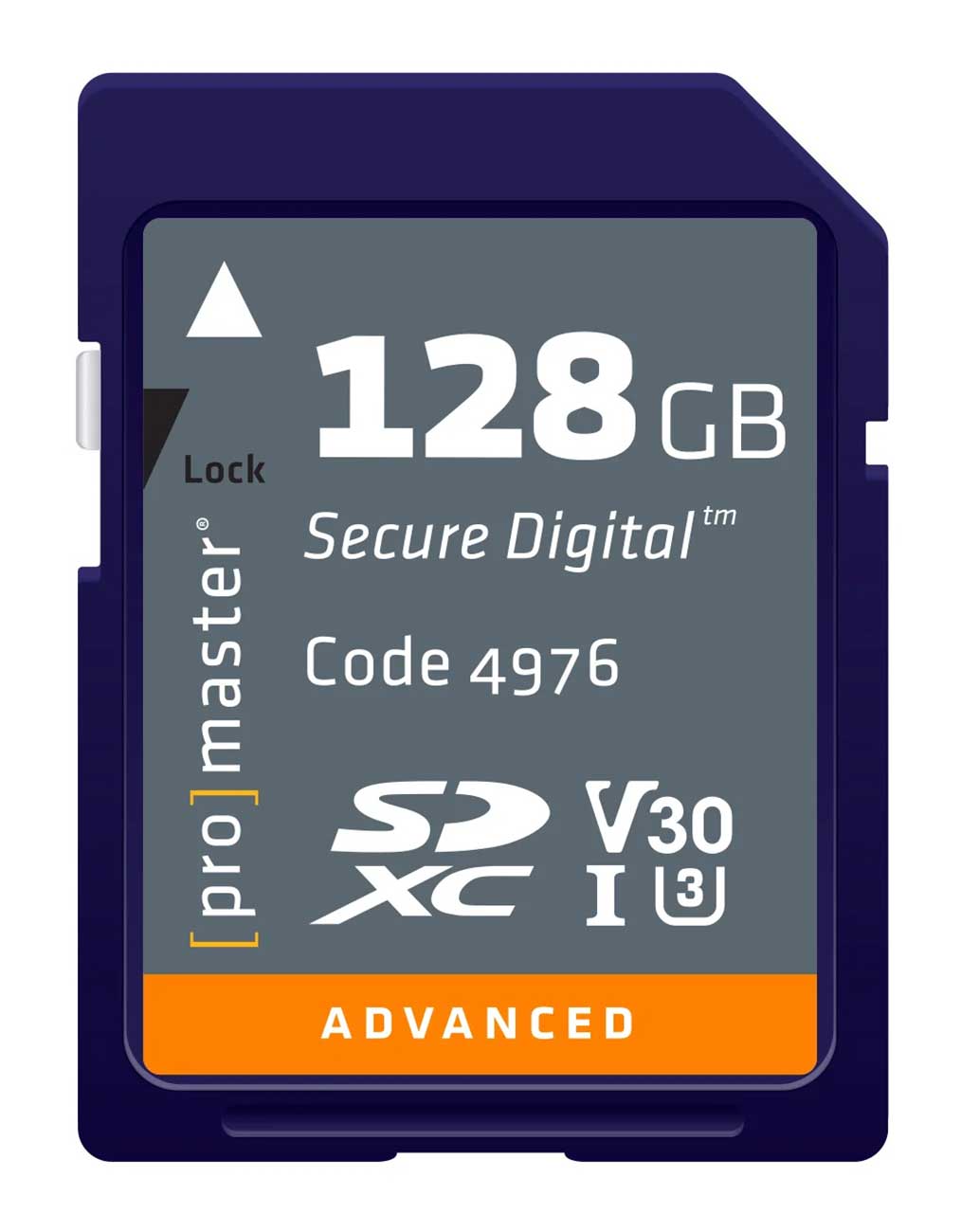
What's the difference between each type you may ask? To put it simply, SDHC cards offer a smaller capacity and a slower speed when compared to SDXC. For a deeper explanation, SDHC cards use a file system that is one step above the original standard SD cards. Standard SD cards used a file system called "Fat16," whereas SDHC cards use a system called "Fat32." Fat16 let SD cards offer a capacity that ranges between 128MBs to 2GBs. With Fat32, SDHC cards have the ability to handle capacities ranging between 4GBs to 32GBs. On the other hand, SDXC cards use a file system called "exFat." The exFat file system has expanded standard SD cards to now offer a capacity between 64GBs and 2TBs.
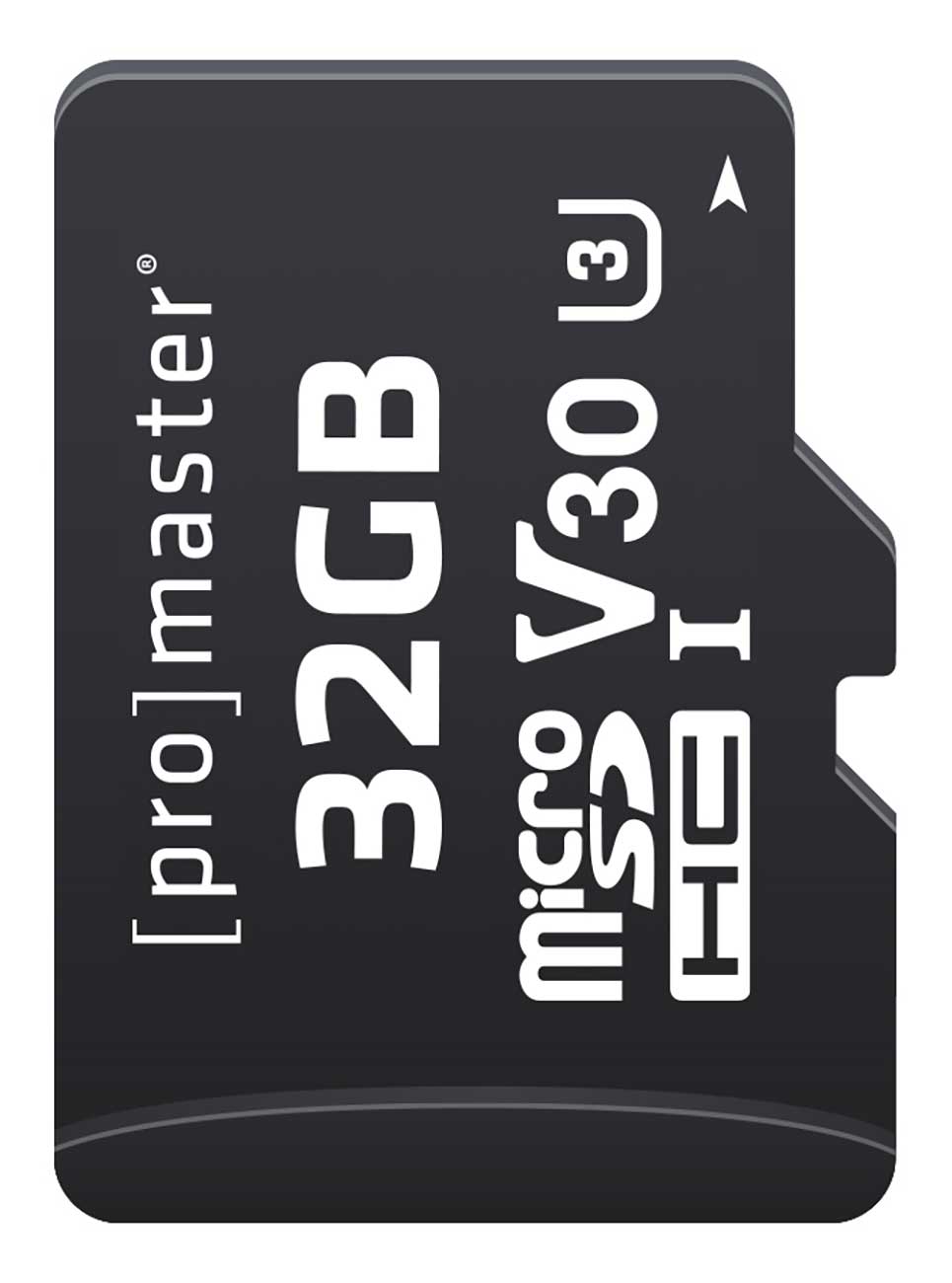
In addition to SD cards, there are also smaller versions called microSD cards, which share all of the same classifications as standard SD cards. microSD cards like SD cards are available in two types: microSDHC and microSDXC cards (just like the larger SD cards). There are also UHS-II microSD cards that offer the same speed-class ratings. Though microSD cards are small, they are still capable of holding large amounts of data, which is why many cell phones and other electronic devices use them.


- Type
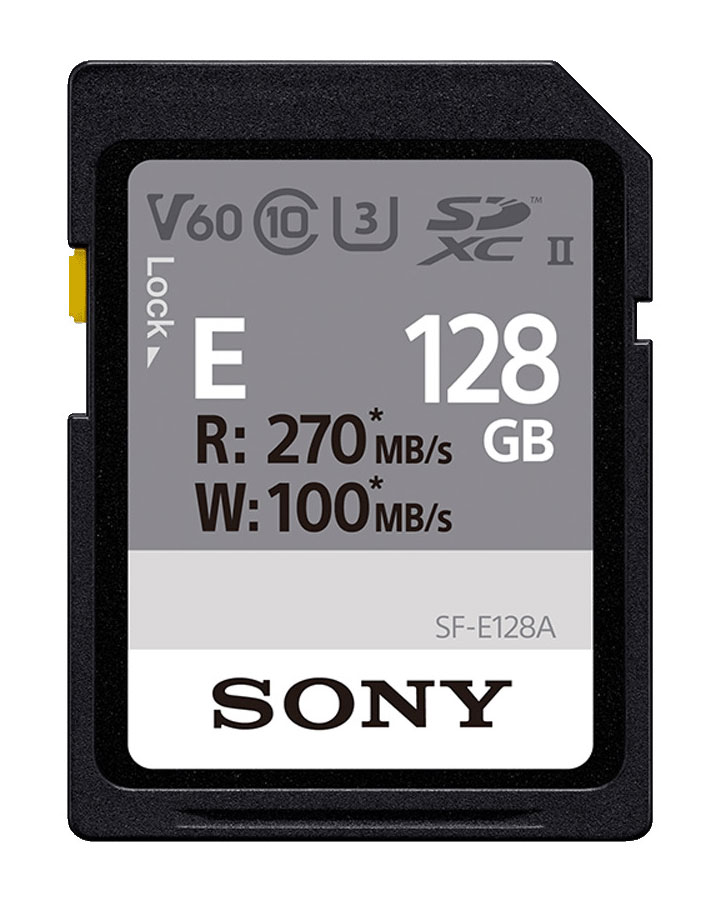
- This specifies the type of memory card you have. SDHC cards offer a capacity that ranges from 2GBs to 32GBs, whereas SDXC cards range from 64GBs to 2TBs. Older card readers may not recognize newer SDXC cards, so be sure to check which reader you have, or update to a new one just to be safe!
- Capacity
- This represents the capacity of the card. As stated above SDHC cards offers a capacity that ranges from 2GBs to 32GBs, whereas SDXC cards that range from 64GBs to 2TBs. Pay attention to how old your card reader is, older ones may not be able to read newer cards.
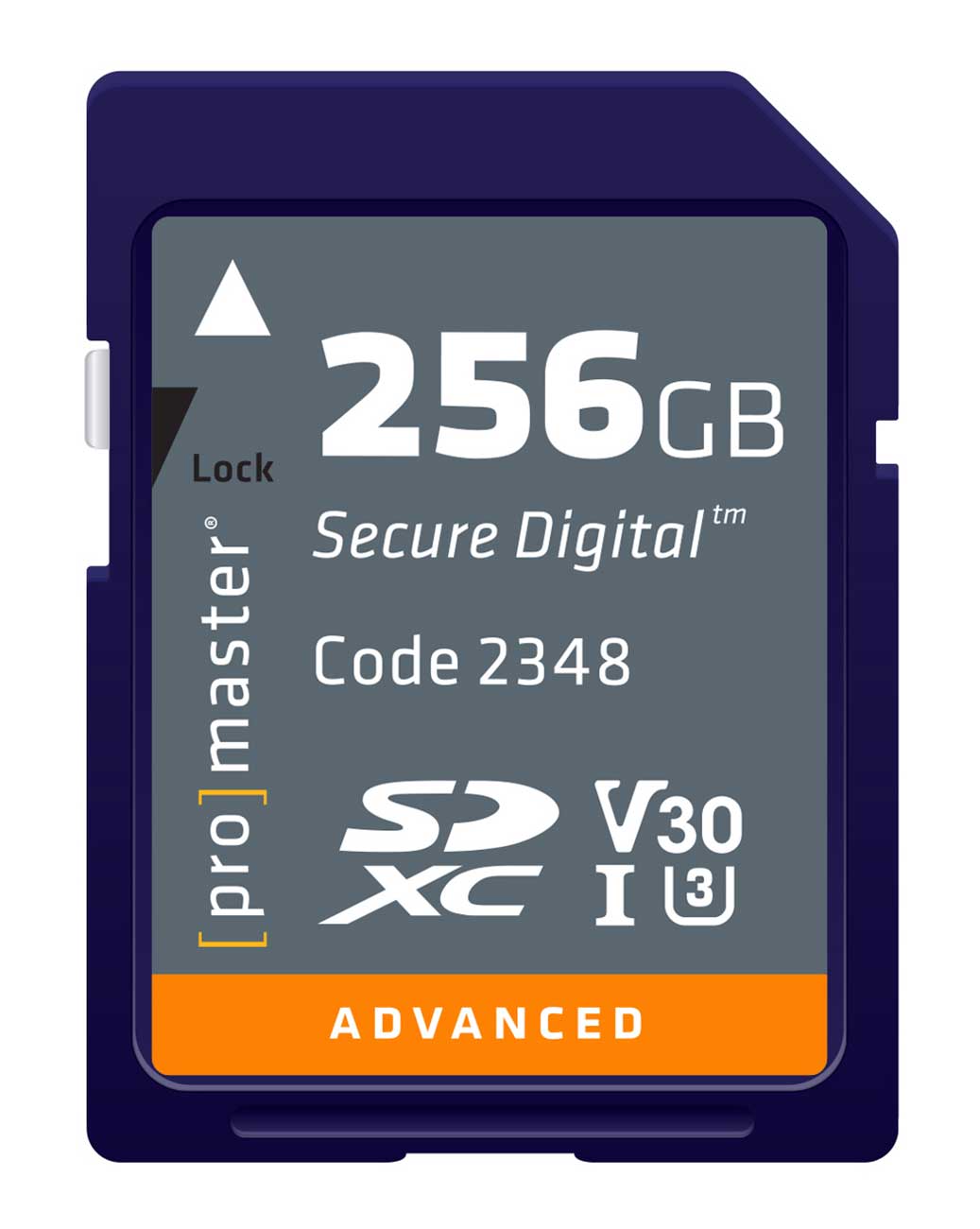
- Lock
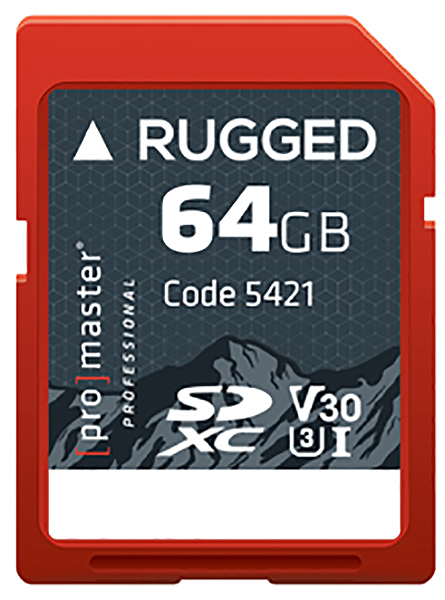
- On the side of SD cards there will be a tiny little tab that slides. Typically on the label of the SD card an arrow will indicate the direction the tab must slide to be locked. When an SD card is locked, the write features are turned off. This means that no one will be able to remove or add any files. This is useful if you are sharing your SD card with someone and would like to ensure that they do not have the ability to remove your stored data. The lock feature is only available on standard sized SD cards. Unfortunately microSD cards currently do not offer this feature. The lock feature does have one small flaw that you should be aware of and that is that anyone could easily unlock it. Since the tab has the ability to be slid into the lock position and then back into the unlock position, anyone who is aware of this feature will be able to operate it. If the SD card is unlocked, any user of the card will be able to remove or add any data.
- UHS Rating
- The UHS Rating or Ultra High Speed Rating specifies the maximum speed an SD card can process data. There are two types of UHS ratings currently available: UHS-I and UHS-II. UHS-I rated cards support speeds of 104MB/s, while UHS-II cards support speeds that are up to 312MB/s. There are cards that do not have UHS ratings, which are referred to as Non-UHS cards. Non-UHS cards have a maximum speed of only 25MB/s.
- UHS Speed-Class Rating
- This is the minimum sustained writing speed of the card. This is more important to videographers due to the fact that if the write speed drops, the video may not be recorded. UHS Speed-Class 3 cards will never write slower than 30 MB/s, whereas UHS Speed-Class 1 cards will never write slower than 10 MB/s.
- Speed-Class Rating
- This is an older speed-class rating that specifies the minimum writing speed that can be sustained by the memory card. Class 10 is the fastest rating when it comes to the old speed-class ratings, which will never write slower than 10 MB/s. Many manufactures will include this because some products will still recommend products by specifying the old speed-class rating.
- 150MB/s*
- This number represents the card's maximum read speed, or in other words, how quickly the card will retrieve your data. This number represents the highest speed a memory card can read, though it is rare to find a memory card that will be able to sustain these speeds for a long period of time.
*Note: The numbers shown are examples only, not all CompactFlash cards offer these speeds.
- This number represents the card's maximum read speed, or in other words, how quickly the card will retrieve your data. This number represents the highest speed a memory card can read, though it is rare to find a memory card that will be able to sustain these speeds for a long period of time.
- 1000x*
- This number is an outdated way of showing the read speed. It originally was used as a way to compare a memory cards read speed to an audio CDs read speed (150 KB/s). To figure out through this number exactly how fast the read speed is you would have to do a series of calculations. Since most people would rather simply just see the answer, manufacturers have started to add the actual read speed in MB/s.
*Note: The numbers shown are examples only, not all CompactFlash cards offer these speeds.
- This number is an outdated way of showing the read speed. It originally was used as a way to compare a memory cards read speed to an audio CDs read speed (150 KB/s). To figure out through this number exactly how fast the read speed is you would have to do a series of calculations. Since most people would rather simply just see the answer, manufacturers have started to add the actual read speed in MB/s.
Memory Card Storage Capacity
Wondering how many digital photos or videos you will be able to store on a memory card? Check out our .
Furthermore
Memory cards are, and will be, a necessity when it comes to technology. With improvements being made consistently it is quite clear that there is no foreseeable end to them. If you need any assistance purchasing, help figuring out which card your device requires, or have any other questions, do not hesitate to contact any of our Memory Card specialists at 800-860-3577.