Abt's Review & Win Sweepstakes
Rate and Review Your Recent Purchase for a Chance to Win a
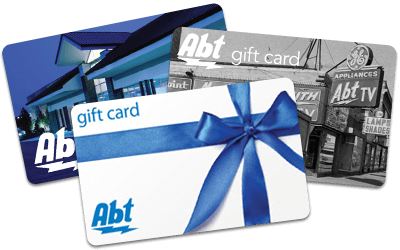
$100 ABT GIFT CARD

Tell Us What You Think
Offer your opinions and experiences to others who might want some help making the best decision for their needs. Complete a verified online product review at Abt and automatically be entered into a drawing to win a $100 Abt Gift Card.*
Writing a Review Is Easy, and You Can Do It Two Ways!
1. Complete the Review via Email
Review your product through the product review that is sent to your email. Rate the product, fill out the review and submit.2. Review on the Product Page
Use our search tool below to find the product you purchased. On the product page, navigate to the reviews section and click on Write a review. Rate the product, fill out the review and submit!
Abt has been in the business of making people happy since 1936. We work hard to help you solve problems and enjoy the latest and greatest in the world of technology. Our success depends on it. We scour the globe for products with innovative features and designs to make your life easier and more enjoyable. But no matter how much research and testing we do, there's no substitute for the feedback we receive from customers. We want to know why you love the products you love and what could be better about the ones you don't.
If you would be so kind, let us know how you feel about the products you've purchased us. Doing so helps us get a better understanding of your needs and the things that make you smile. And as a result, we can find better, more exciting products to help serve you more effectively. As a thank you, we'll enter you into a drawing for a $100 Abt Gift Card. We know that our business depends on you. Help us understand how we can serve you better.


