Main Content

Video Camera Buying Guide

A comprehensive camcorder guide that will give you all the information you need on how to buy a new video camera.
Getting Started
Gone are the days of shoulder-mounted camcorders that took large VHS tapes to record. Camcorders these days are incredibly advanced and super small. Offering a wide variety of recording features, camcorders turn the average film recorder into a cinematographer-extraordinaire. When shopping for a new camcorder, there are a lot of things to consider. Before making your decision, check out our buying guide to help you narrow down the camcorder that suits you best! Whether you need it for family parties, or if you are an amateur Hollywood director, we have the right camcorder for you.
Types of Video Camera
Unlike analog camcorders of the past, digital camcorders allow you to do a lot more with videos than simply play them back on your TV. You can edit and embellish them with music using your computer, then play your productions on your DVD or Blu-ray player or PC. You can also e-mail recordings or upload your video clips to sites such as YouTube. Many video-editing-software suites also allow you to combine your video with digital stills, graphics, and text.
Several recording formats are available: Internal hard drives, on-board flash-memory, or removable flash-memory cards like those you'd use in a digital camera, are the most common formats. Like MP3 players, many pocket models include on-board flash memory. Some models combine two storage options, such as a hard drive and memory card, for added flexibility.
Camcorders that capture high definition (HD), which offers the highest video quality, have become the norm. Companies still make SD models, but we suspect those will ultimately be phased out. If you'll be watching your video on an HDTV, it's worth considering an HD camcorder, but be prepared to pay more for one.
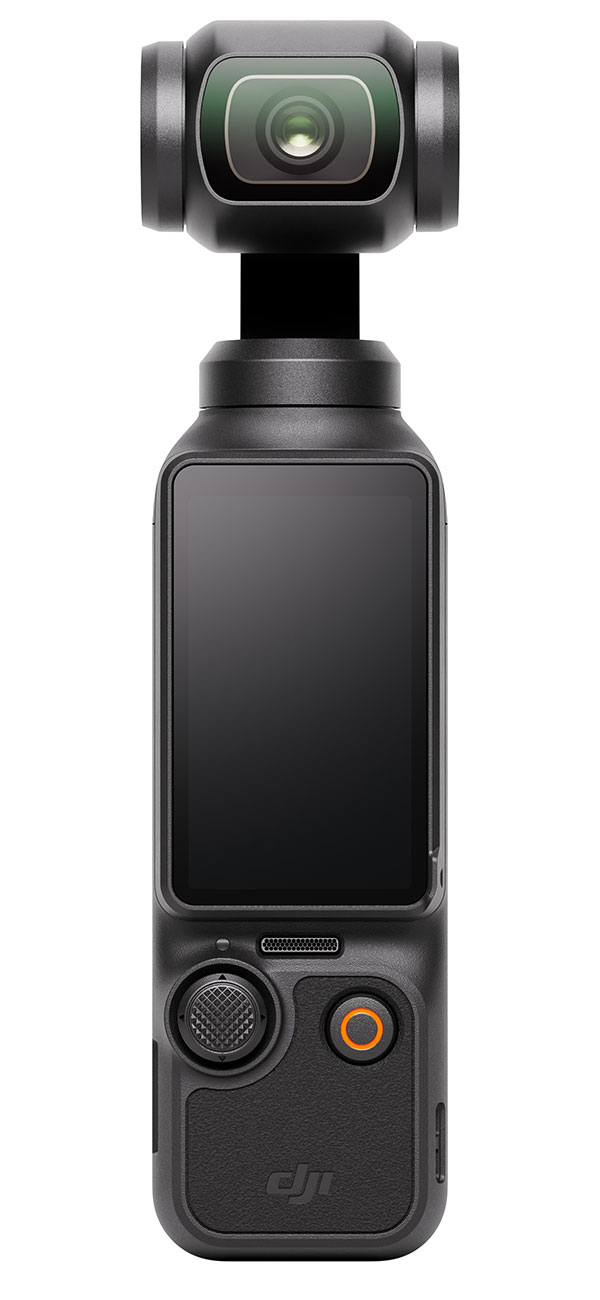
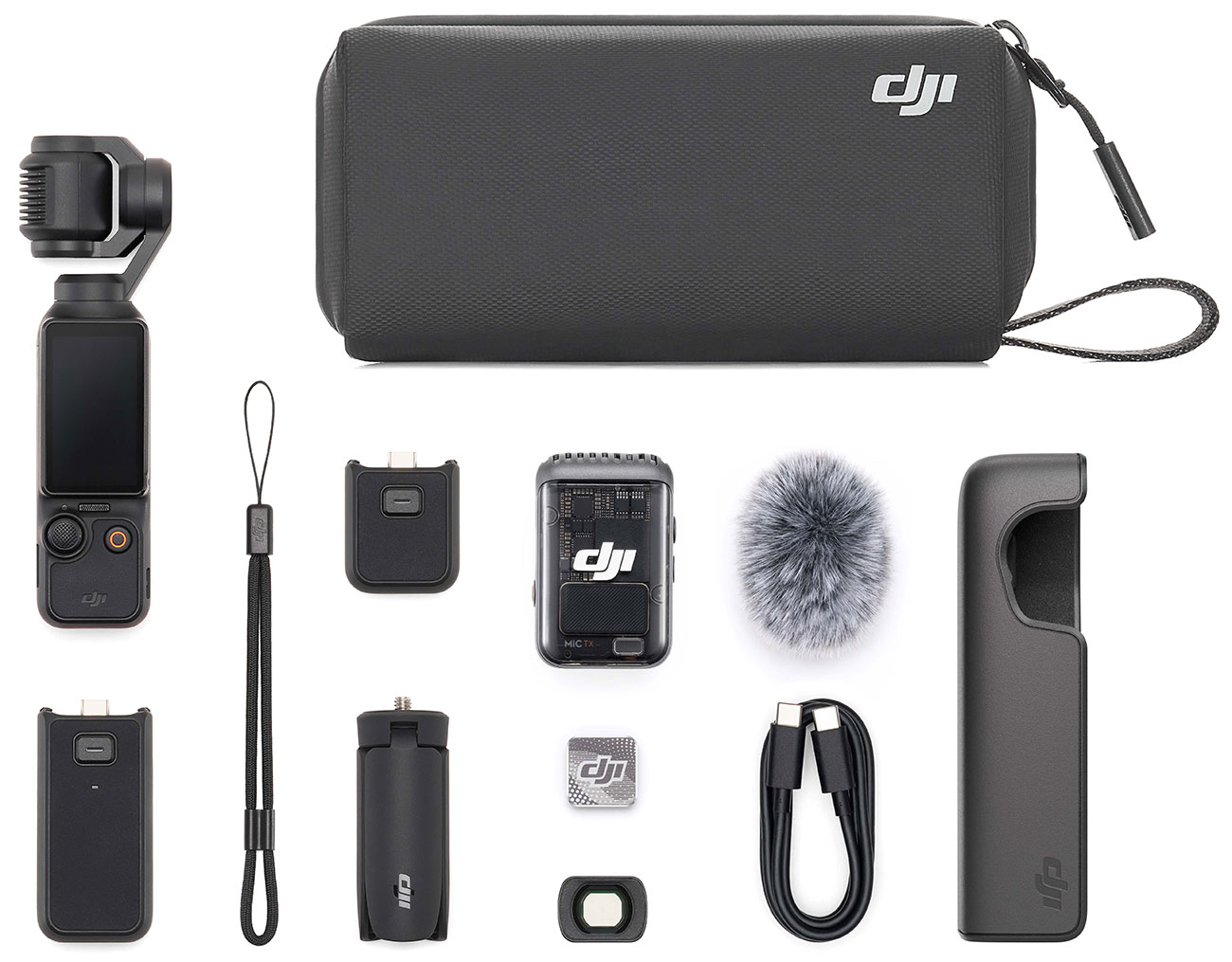
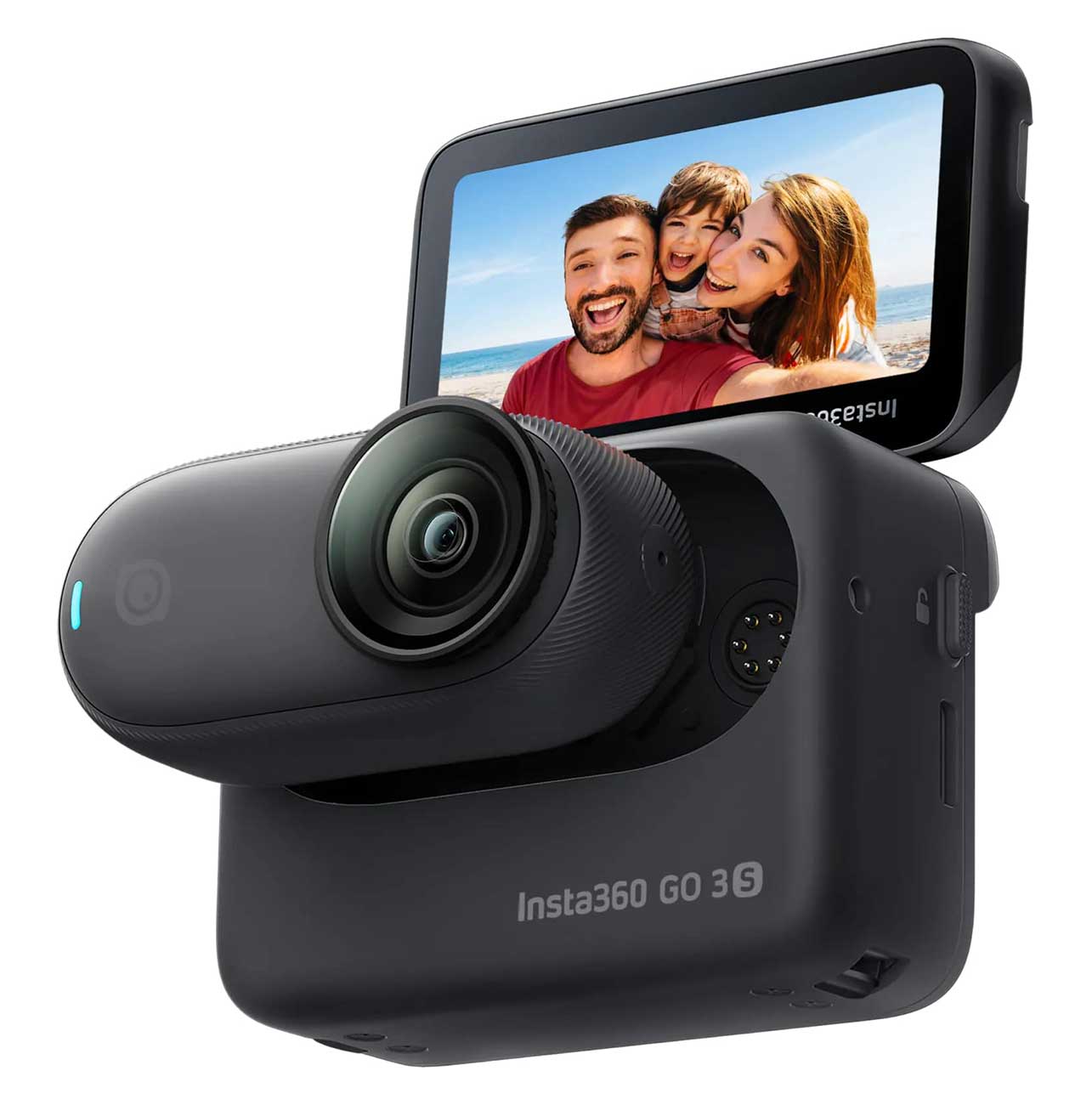
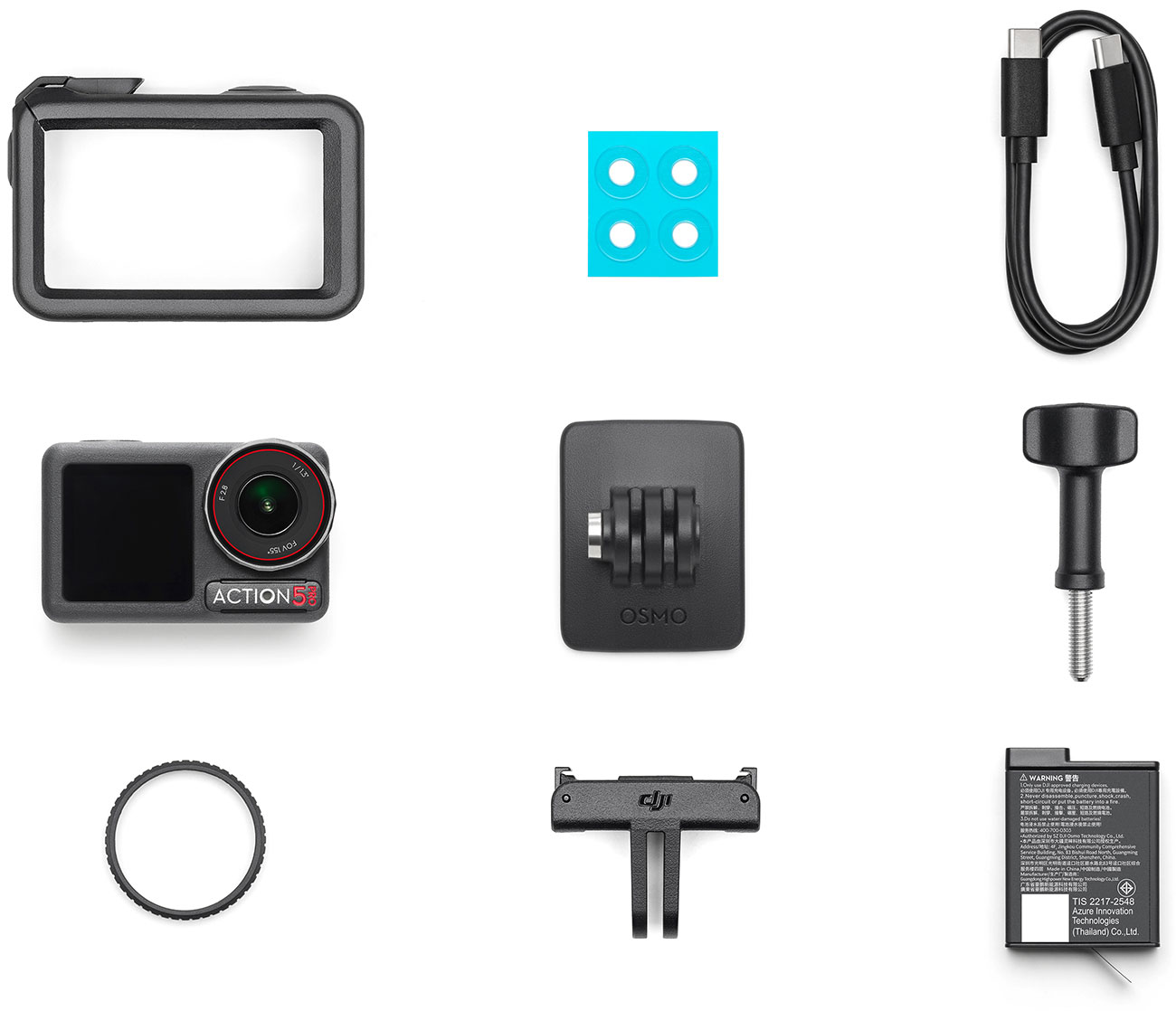
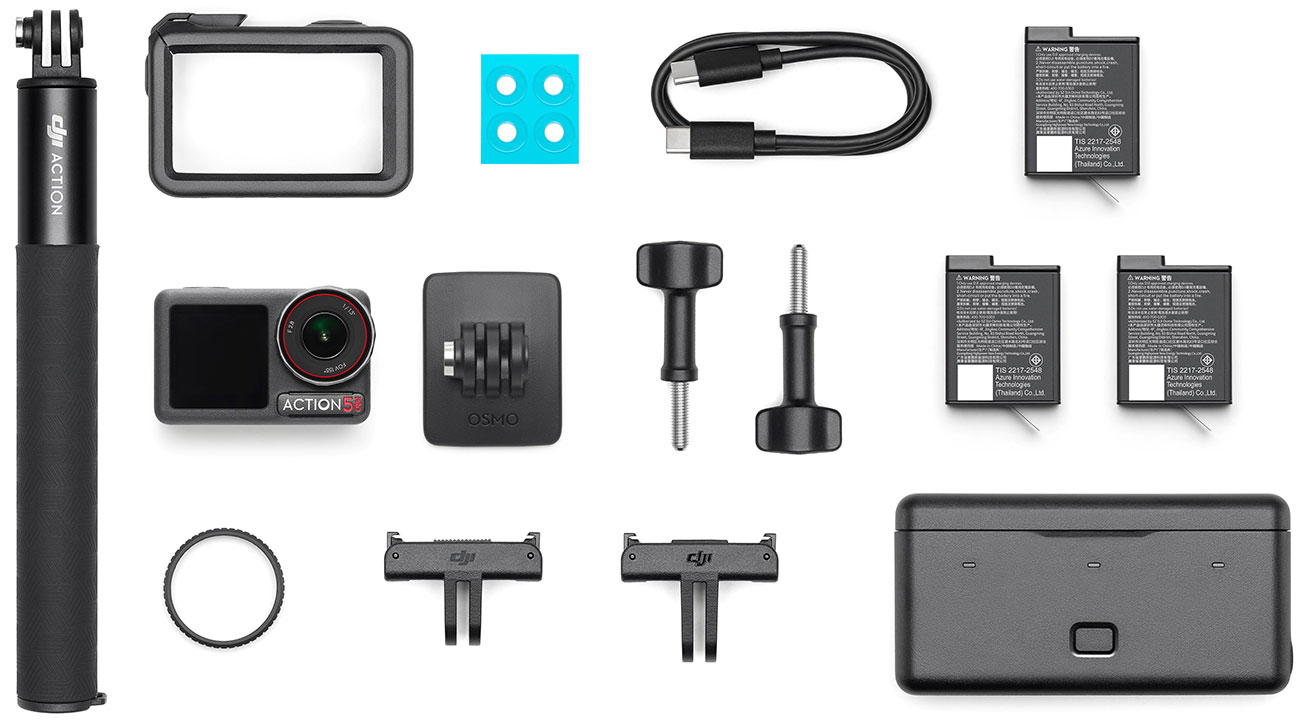
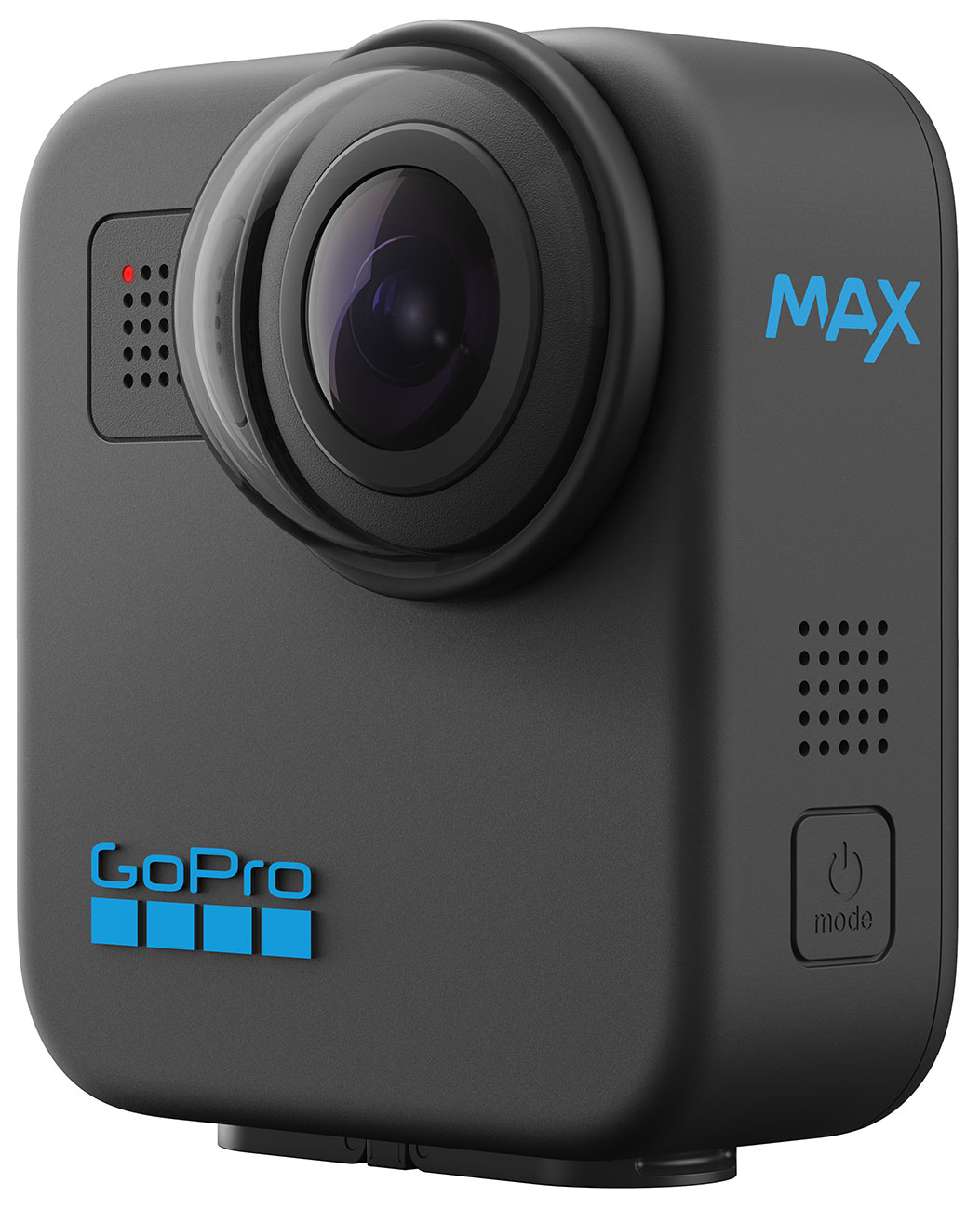
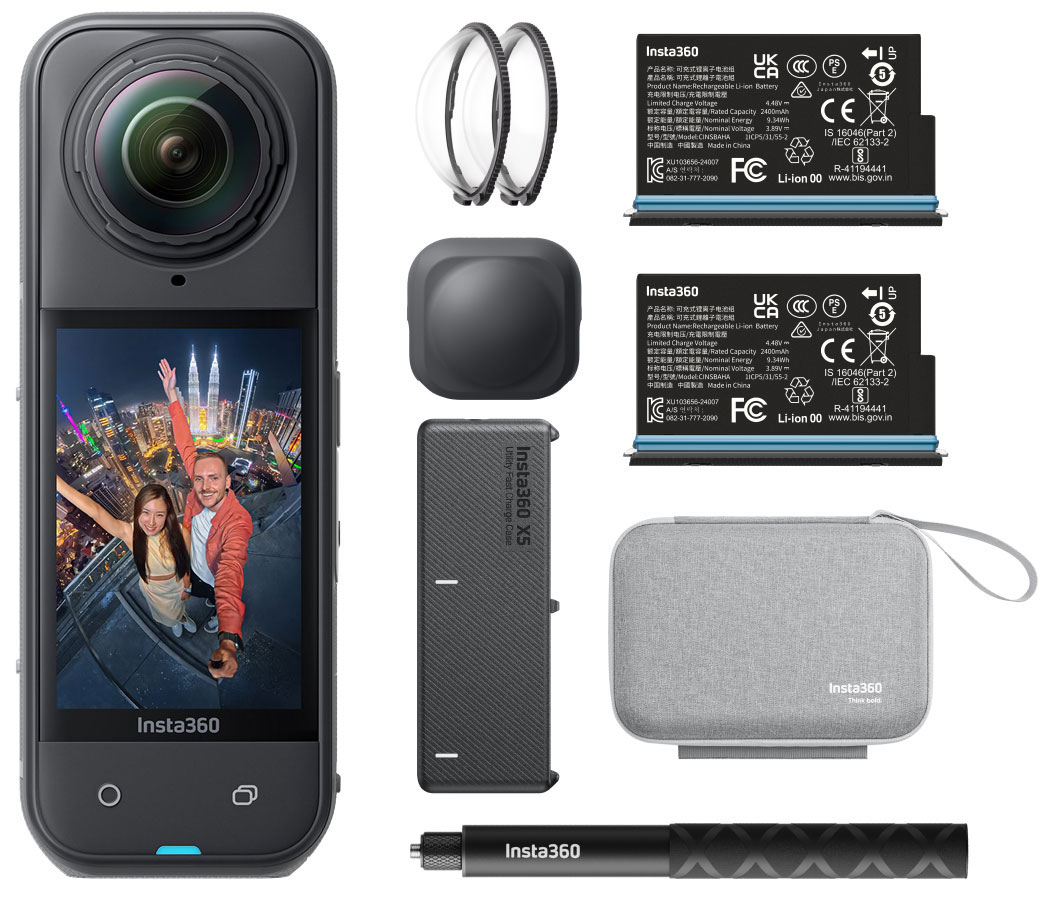
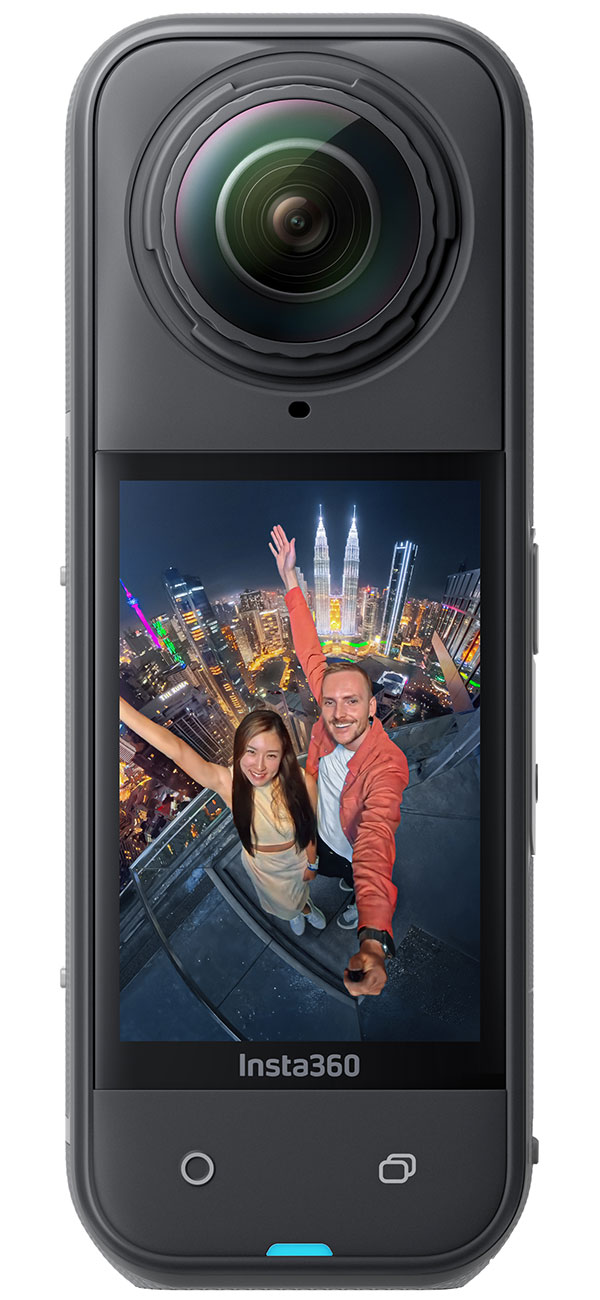
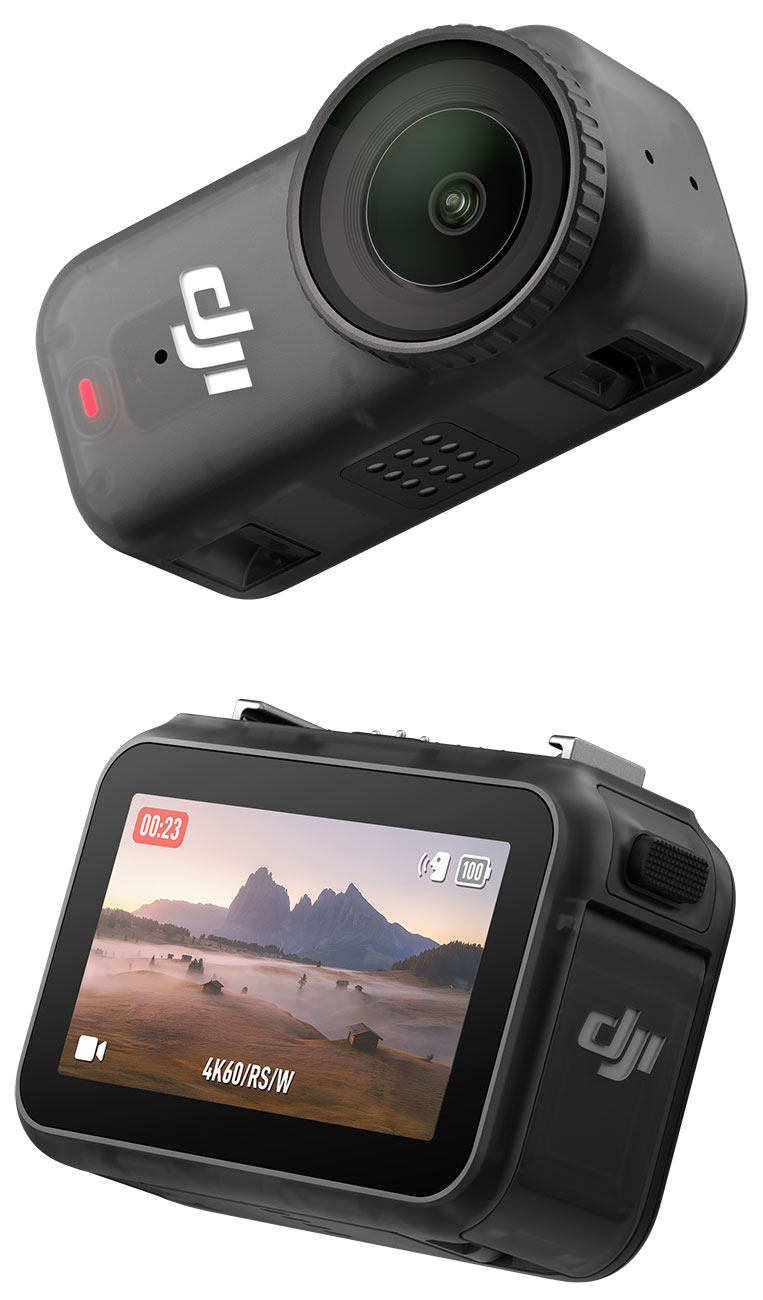
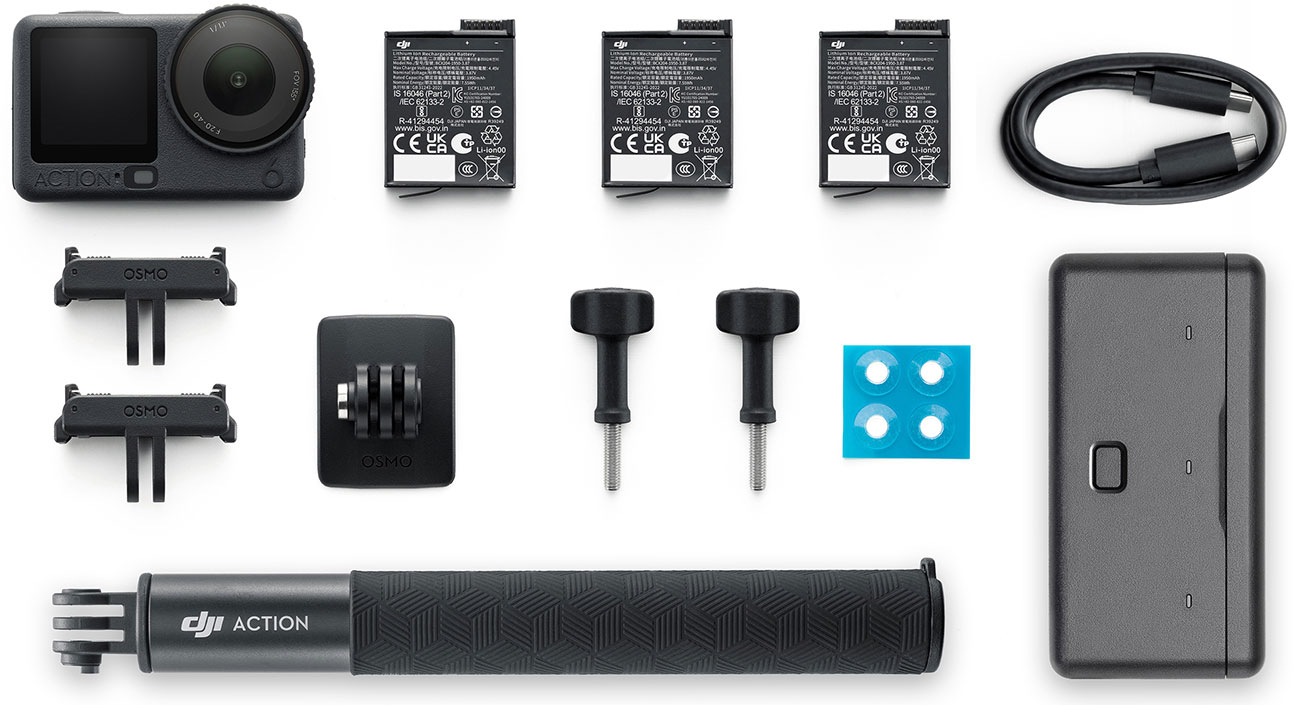
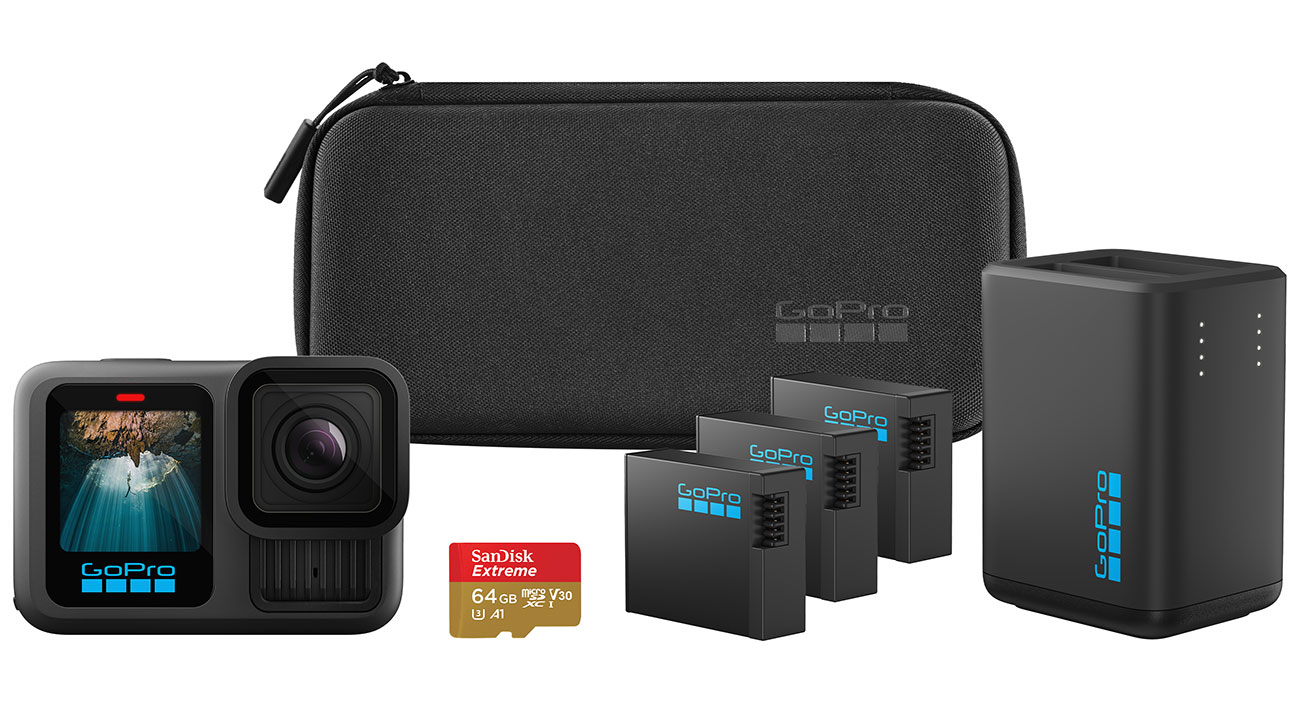
There are also smaller, lighter models, some of which store video onboard and on removable flash-memory cards. Because of their compact size, they may lack features such as a viewfinder. Some of these small, lightweight models (identified as "action camcorders" or "sports camcorders") are designed for people who engage in outdoor sports and activities such as biking, surfing, and snowboarding. They often have a rugged and waterproof housing or removable case and mounting brackets for attaching the camcorder to a helmet or other object.
Camcorder with Flash Memory
With digital formats using Secure Digital (SD/SDHC/SDXC) or Memory Stick memory cards, the amount of video you can record at the highest quality level varies depending on the card's capacity, which can range between 4GB and 128GB or more. As with hard-drive models, you must be comfortable using a computer to transfer or archive your video. But there are some camcorders that include internal, nonremovable flash memory. Capacity for internal flash storage can range between 8GB and 96GB. Some models include both types of flash memory: memory card and internal flash memory.
Models with Hard Drives
Few companies have introduced new camcorders that record onto tiny, built-in hard drives. Most now record to flash memory instead. However, hard-drive camcorders are easy to use since the drive is internal and protected. There's also no recording media to buy or carry along. Like DVDs, hard drives are random access, but they're even faster. Models generally have between 80 and 220 gigabytes of capacity, providing hours of recording at the highest-quality. Some models can use removable memory cards to provide even more storage. This type of camcorder attaches via USB to a computer and appears as a mass-storage device. This means you can drag and drop files to transfer them. This format is very flexible, with an easy connection to a computer; no special computer drivers are necessary. Video and photos are already in computer-compatible file formats that transfer quickly, so no conversion is necessary. With this type of camcorder, you should be comfortable using a computer to transfer or archive your video.
Features
Flip-Out LCD
This type of viewer is found on most current camcorders. Some come in a wide-screen aspect ratio (16:9), just like your HDTVs. (You'll also find that some higher-priced camcorders include touch-screen LCDs.) LCDs are also useful for reviewing video that you've shot and can be easier to use than an eyepiece viewfinder. Some LCDs are hard to use in sunlight, so since there isn't an eyepiece viewfinder, it may be difficult to see what you are recording on a bright, sunny day.
The screen sizes vary from 2½ to 4 inches measured diagonally, with a larger screen offered as a step-up feature on higher-priced models. Because an LCD viewer uses batteries faster than an eyepiece viewfinder does, you don't have as much recording time when the LCD is in use, however it wqill guarantee you can see just what you are recording, making it much easier to record.
Image Stabilizer
This is a great feature if you do a lot of hand-held recording. A camcorder with the image stabilizer feature will automatically reduce most of the shaking that can occur when you are recording automatically reduces most of the shaking that occurs while you hold the camcorder as you record a scene. Most stabilizers are either electronic or optical, although some models have both. Either type can be effective; though mounting the camcorder on a tripod is the surest way to get steady images. If you're not using a tripod, try holding the camcorder with both hands and bracing both elbows against your body.
Full-Auto Switch
This control, which goes by different names depending on the manufacturer, provides you with point-and-shoot simplicity. The camcorder automatically adjusts the color balance, shutter speed, focus, and aperture (also called the "iris" or "f-stop" with camcorders).
Autofocus
This camcorder feature adjusts for maximum sharpness. Some models include a manual-focus override that can be helpful in problem situations, such as low light. You can sometimes choose which portion of the viewfinder to focus on. This will allow you to control the depth of field and allow you for more control.
Zoom
This is typically a finger control--press one way to zoom in, the other to widen the view. The rate at which the zoom changes depends on how hard you press the switch.
Optical Zoom
Typical optical-zoom ratios range from 10:1 to about 50:1--or are described in the specifications as having 10x optical zoom or 50x optical zoom. The zoom relies on optical lenses, just like a film camera (hence the term "optical zoom"). If you plan on taking a lot of video and your subject is far away, invest in a good camera with exceptional zoom and image stability.
Digital Zoom
Many camcorders also include a digital zoom to extend the range to 400:1 or more, but at a lower picture quality than optical zoom gives.
3D capability
Some camcorders can capture 3D photos or video. In order to do this, the camcorder may capture two different images (or use software to create them), representing the different perspectives of the left and right eye. The differences between those two images create a sense of depth. If you are looking to make recordings and show them off in 3D, you might want to keep this feature in mind.
Viewfinder
Although most camcorders now do not include this feature, some higher priced models still have an electronic viewfinder that allows you to compose a shot without needing to use your display. This can conserve battery power and is helpful in bright light situations that wash out the LCD.
Wi-Fi
Wi-fi camcorders are incredibly convenient when it comes to sharing your content. You can wirelessly transfer your photos and video to your computer, quickly back them up on a hard-drive, or upload them directly to a social networking website.
Rugged & Waterproof
Models that are rugged and waterproof have bodies that claim to resist moisture and withstand falls. These are best if you plan on doing a lot of recording in the outdoors, or during many visits to the beach!
Over 90 Years Of Experience


Your recently viewed items:
Electrolux Icon Designer Series Electric Double Oven In Stainless Steel

Electrolux Icon Designer Series Electric Double Oven In Stainless Steel
Contains 5 Reviews
5
GE Super Capacity Batch Feed Garbage Disposal

GE Super Capacity Batch Feed Garbage Disposal
Contains 20 Reviews
20

Yamaha 5 Disc Black CD Changer In Black

Yamaha 5 Disc Black CD Changer In Black
Contains 32 Reviews
32
GE Hotpoint 1.4 Cu. Ft. Capacity Spacemaker Microwave Oven - RVM1435BK

GE Hotpoint 1.4 Cu. Ft. Capacity Spacemaker Microwave Oven - RVM1435BK
Contains 1 Reviews
1
GE Profile 27" Built-In Single Convection Wall Oven - Bisque Finish

GE Profile 27" Built-In Single Convection Wall Oven - Bisque Finish