| At Abt, we understand
that long road trips can seem longer without any form of entertainment.
People today want more than to play license plate bingo and video entertainment
in the car has become a popular choice for mobile entertainment.
Abt carries a wide variety of Mobile video products. There are currently
three types of mobile video products: Overhead Systems, Headrests, and
Mobile video in a bag.
- Overhead Systems
These systems can be mounted flush to the ceiling of almost any kind
of vehicle. While the installation for this system is the most complex
of the three types, it is also the least conspicuous and the most space
saving. In most cases, the "pod" is mounted in place of the
dome light and has a foldaway 6.8 to 13-inch LCD screen. When you're
ready to head out on your trip, just flip down the screen and press
"play".
- Headrest Systems
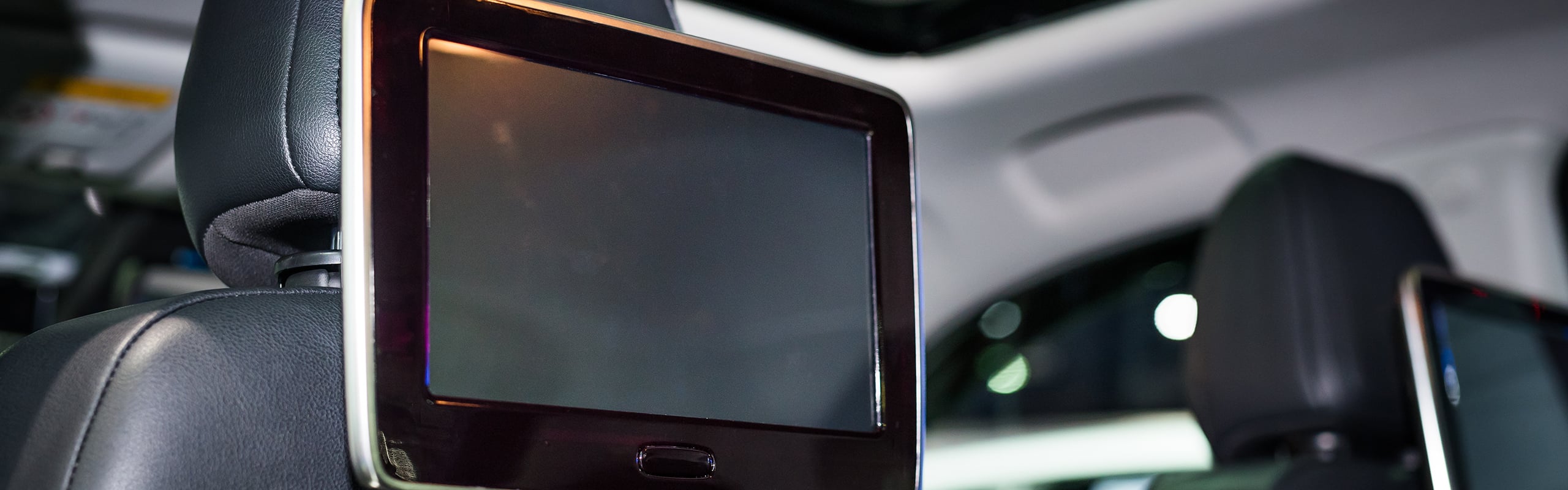
As an option for entertainment, LCD screens, 5.8 to 7inches, can be
installed in your vehicle's factory headrests. Installing an LCD screen
in a headrest can increase viewing capability for passengers traveling
in the rear seats of a vehicle. Multiple screens can allow viewers to
watch more than one source at a time.
- Mobile Video-In-A-Bag
If you like the idea of Mobile Video, but you're not into the idea of
installing it in your car, then a Mobile Video Bag System is something
you might be interested in. They're self-contained and require no installation;
all you have to do is plug it into the cigarette lighter, hang it between
the front seats by the two straps, and go. This system can be used virtually
anywhere. That means that while on vacation you can take it from the
car to the motel room, and when you return home you can use it in the
kitchen or bedroom.
It is important to note that Mobile video units (non-navigational) are
for Back Seat Passengers only. The laws vary from state to state so make
sure you check your local laws before committing to one system or another.
Below, we have created a glossary of terms to help you on your search
for Mobile video products. If you feel you need further assistance please
contact our knowledgeable sales staff at 888-228-5800.
A/V Input
Audio/Video or A/V inputs allow you to send audio and video information
via standard RCA connections to systems and/or video screens.
A/V Output
Most often found on sources, these are the connections that allow you
send audio and video information to the inputs on a video screen or a
system.
Brands
At Abt, our Mobile Video unit brands include: Sony, Alpine, Audiovox,
Kenwood, Movie Vision, Panasonic, and RCA.
FM Modulator Included
Radio Frequency (RF) modulators allow you to use the tuner in your car's
audio system to play the sound from the mobile video system. Just tune
your radio to a predetermined frequency and it's show time!
Headphone Output
Most Mobile video systems will have a place to plug in headphones so you
don't have to listen to your kids' favorite videos. While the number of
jacks or outputs limits the number of wired headphones you can plug into
a system, wireless headphone systems can transmit audio to as many headphones
as you've got.
Remote Included
Like home video systems, many mobile video systems and sources come with
remote controls. I this case, remote controls can be considered safety
features, as they let your passengers to control the video system without
unbuckling seatbelts or leaving their seats.
Screen Mount Type
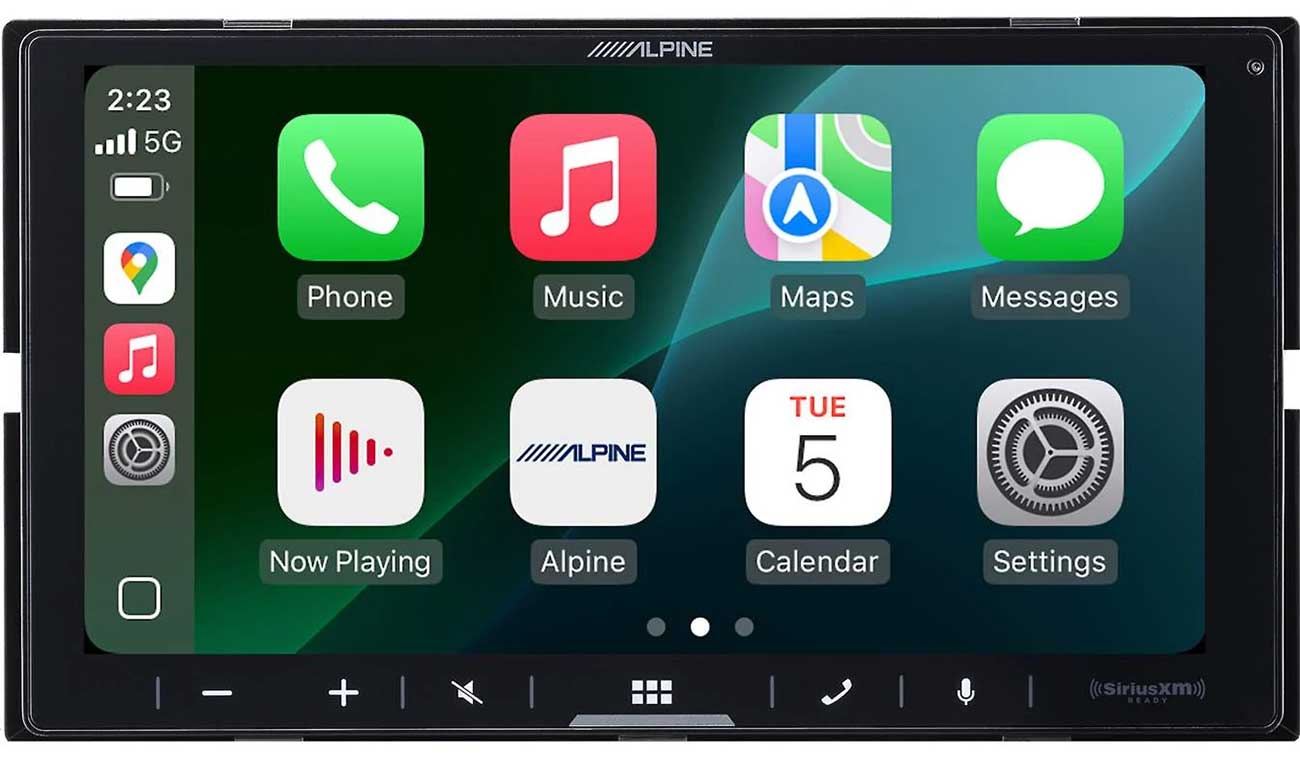
LCD screens, the kind most often used in mobile video systems are thin
enough to be placed almost anywhere in a vehicle. They may be flush-mounted
into the back of a headrest, put in a dashboard, or can be part of an
overhead mount that allows the screen to be dropped from the ceiling when
watching a video and folded back up out of the way when not in use.
Screen Size
Just like the TV in your home, screen size is measured diagonally, from
corner to corner. Although placement and cost are key factors, the larger
the screen, the easier it will be for passengers to see and enjoy the
video.
Screen Type
LCD, thanks to its very low profile, can be mounted virtually anywhere.
Incidentally, LCD screens also use less power than tube screens. This
means you can use them longer while the engine is off with less drain
on the battery.
Sound Type
Some video systems and sources will be monaural, meaning that no matter
how many speakers it's hooked up to it has only one channel. Most will
be stereo, meaning that it's got two separate channels of sound. All things
being equal, stereo systems have better sound and a greater sense of depth
that can improve the experience of watching movies - even in a car.
Source Mount Type
This refers to where the video source is designed to be physically located
in the vehicle. Some video sources, like DVD, are compact enough to fit
in a standard car radio opening on the dashboard, while others are designed
to mounted somewhere out of the way in a cargo area. When we specify that
something is designed to fit in a cargo area, we mean it can be put anywhere
there's room: the trunk, back of a van, under a seat, etc
Source Type
A video source is anything that provides a picture to a video screen.
Mobile video systems may have a DVD player, VCR, VCP (video cassette player),
or a TV tuner or any combination of these.
System Type
Systems include a video screen and a video source - a DVD player, VCR,
VCP, or TV tuner - and currently come in three styles: Bag systems, Headrest
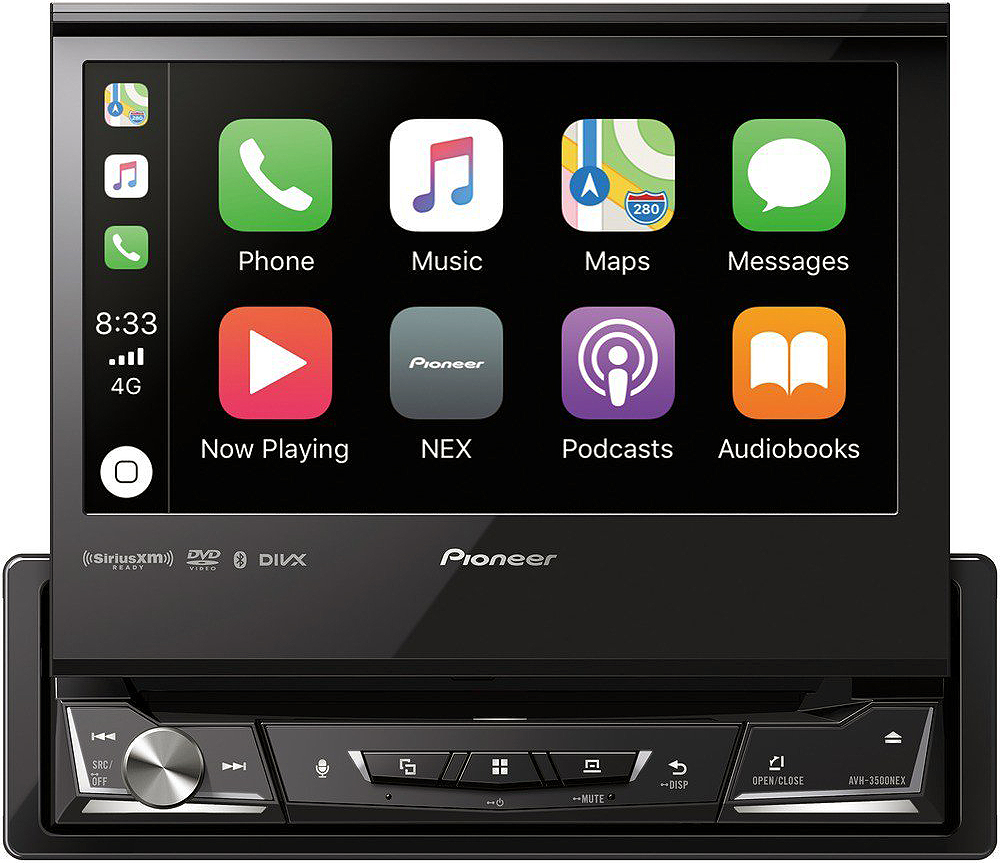
systems, Over-Head systems, and In-Dash systems.
TV Tuner
A TV tuner lets you watch broadcast TV on your mobile video system. Because
the strength of TV signals depend on distance from the source, direction,
and location, you're likely to find that TV tuners work best when the
vehicle is parked.
Video Source
A video source is anything that provides a picture to the video screen.
Most often that will be a DVD player, VCR (video cassette recorder), or
VCP (video cassette player), although a TV tuner that lets you watch broadcast
TV can be a considered a source as well.
Click here to view
all Mobile Video Products
Click here to view all Mobile Video Accessories
Click here to view all Mobile Products
Click here to view all Buying Guides
|
|