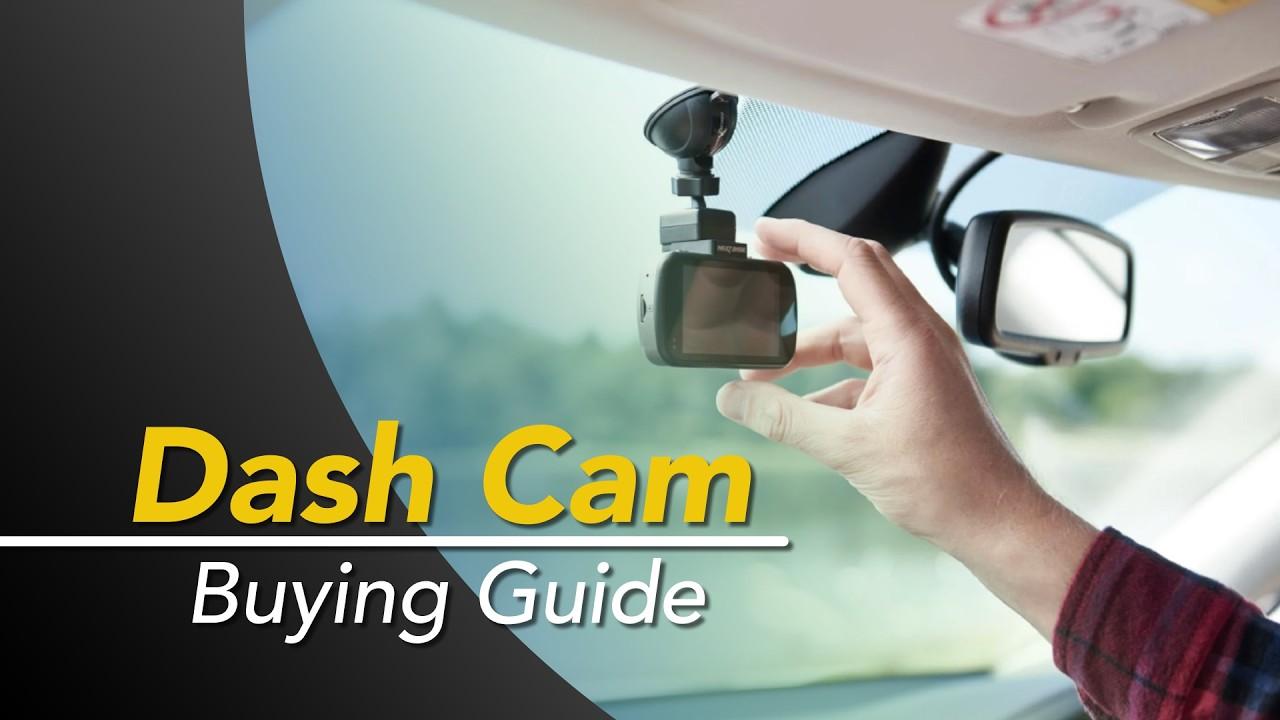
Dash Cam Buying Guide

What Are Dash Cameras For?
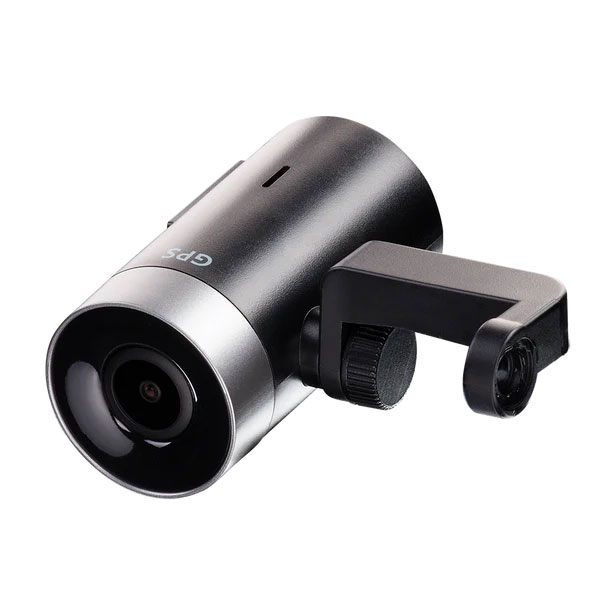
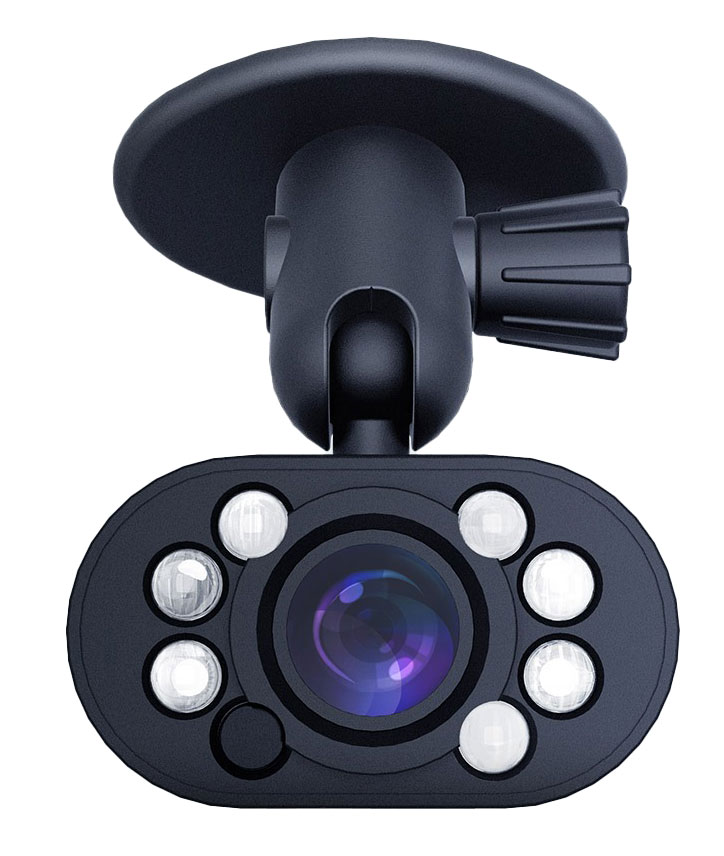
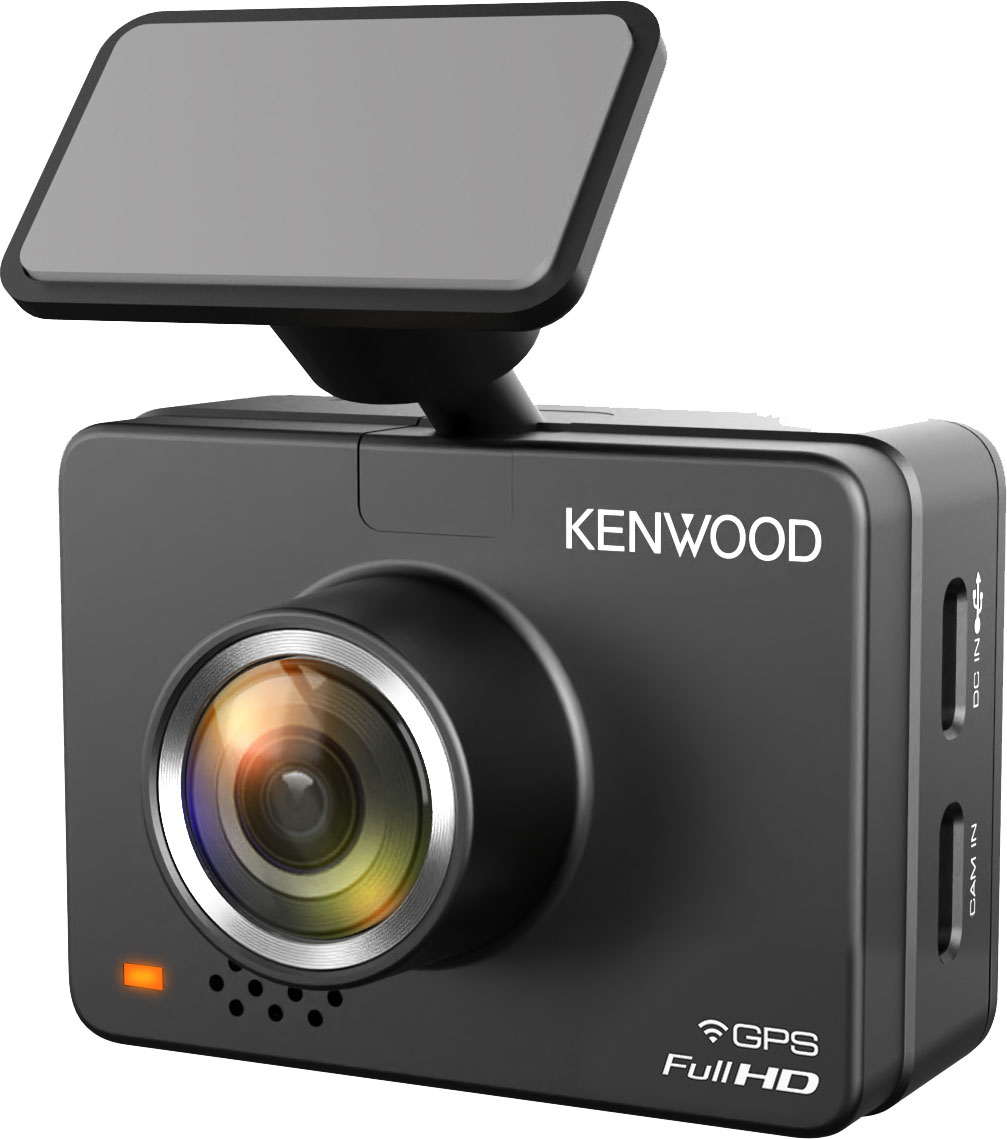
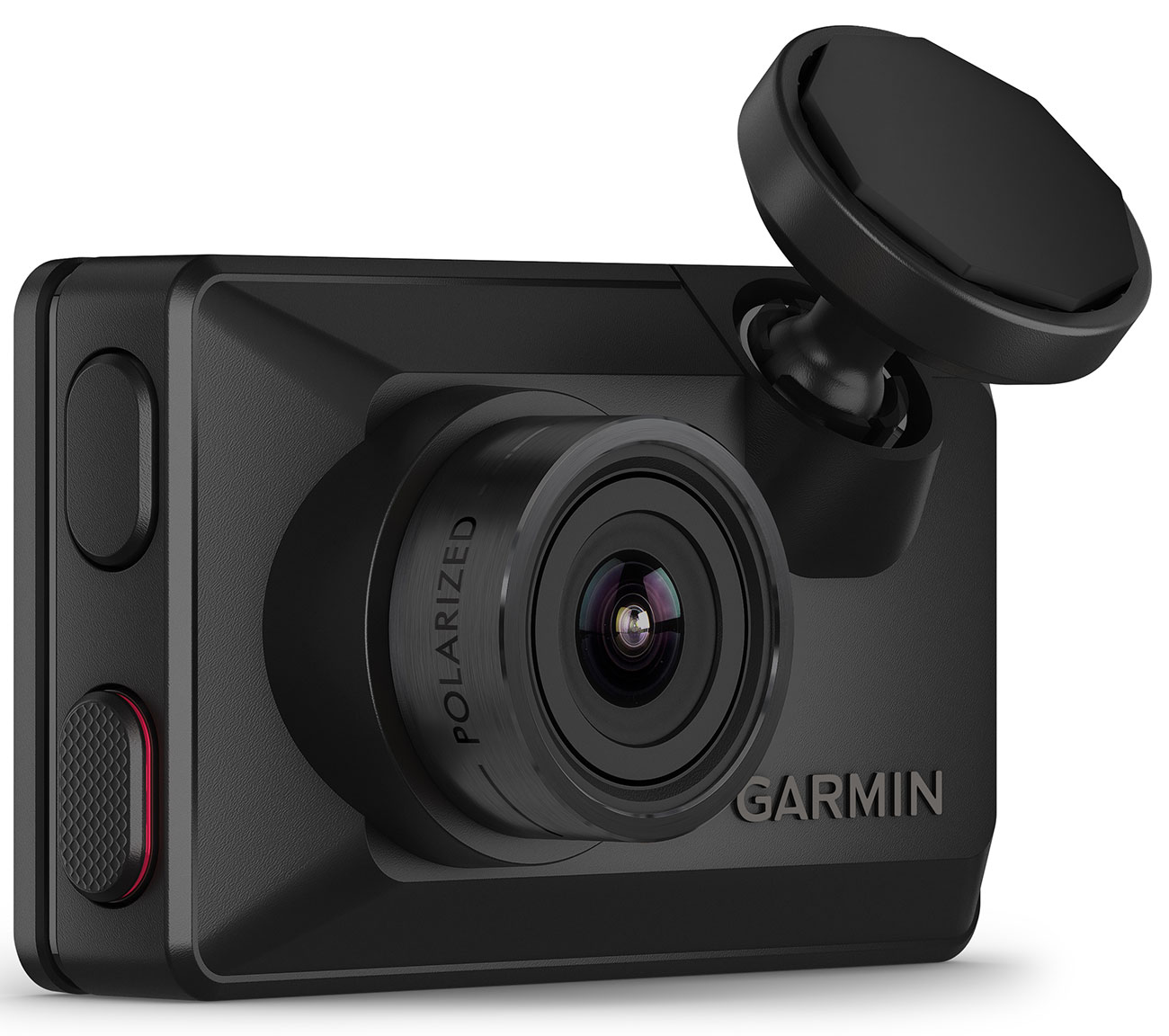
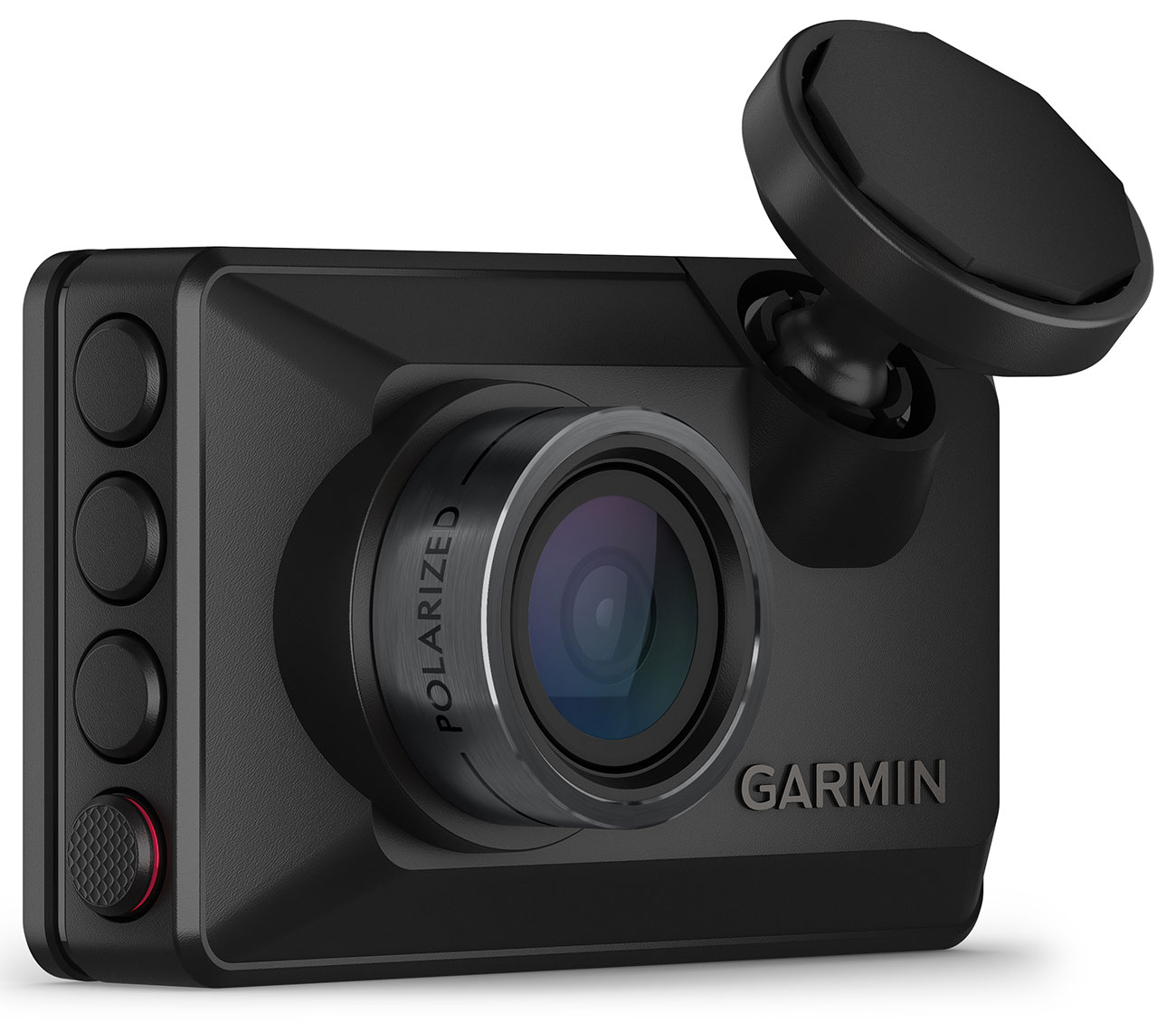
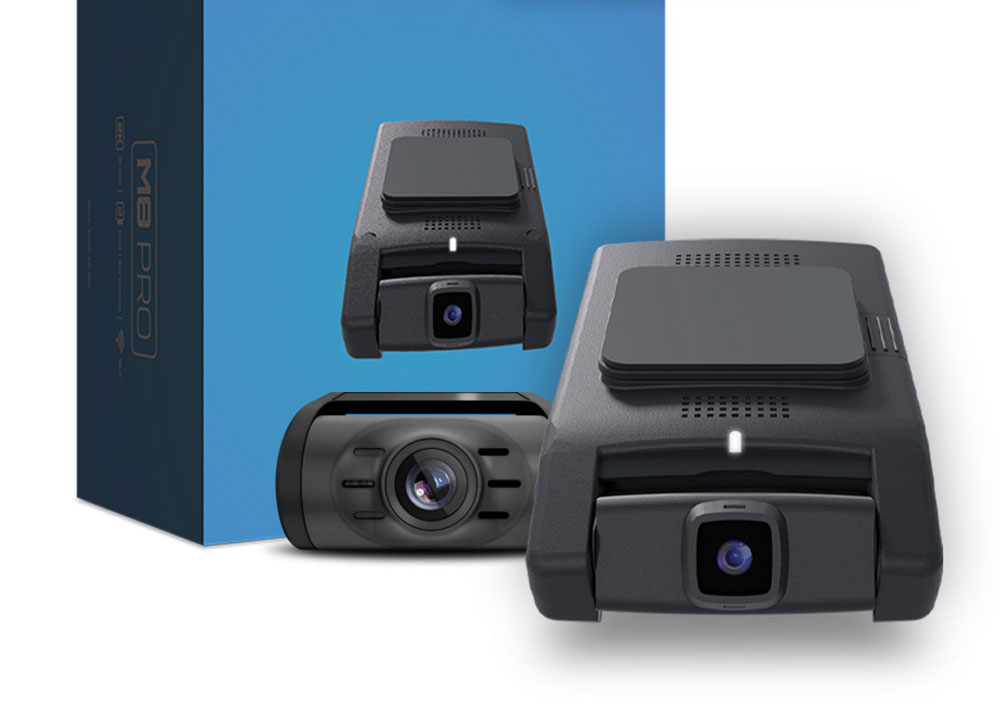
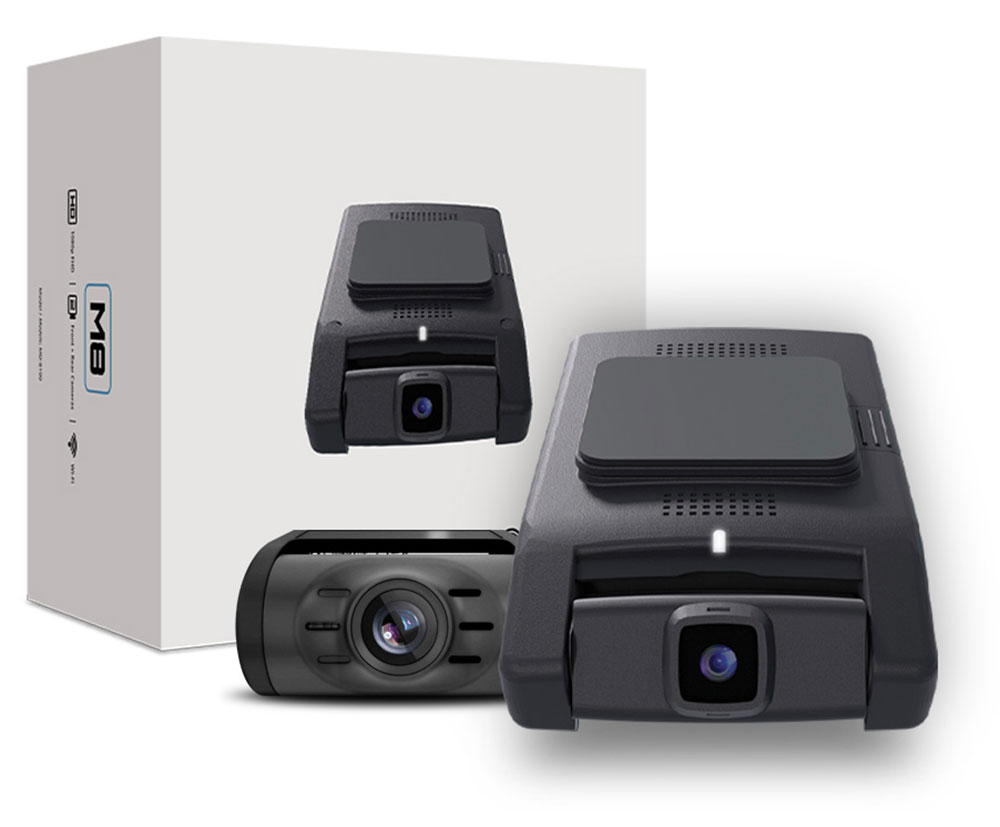
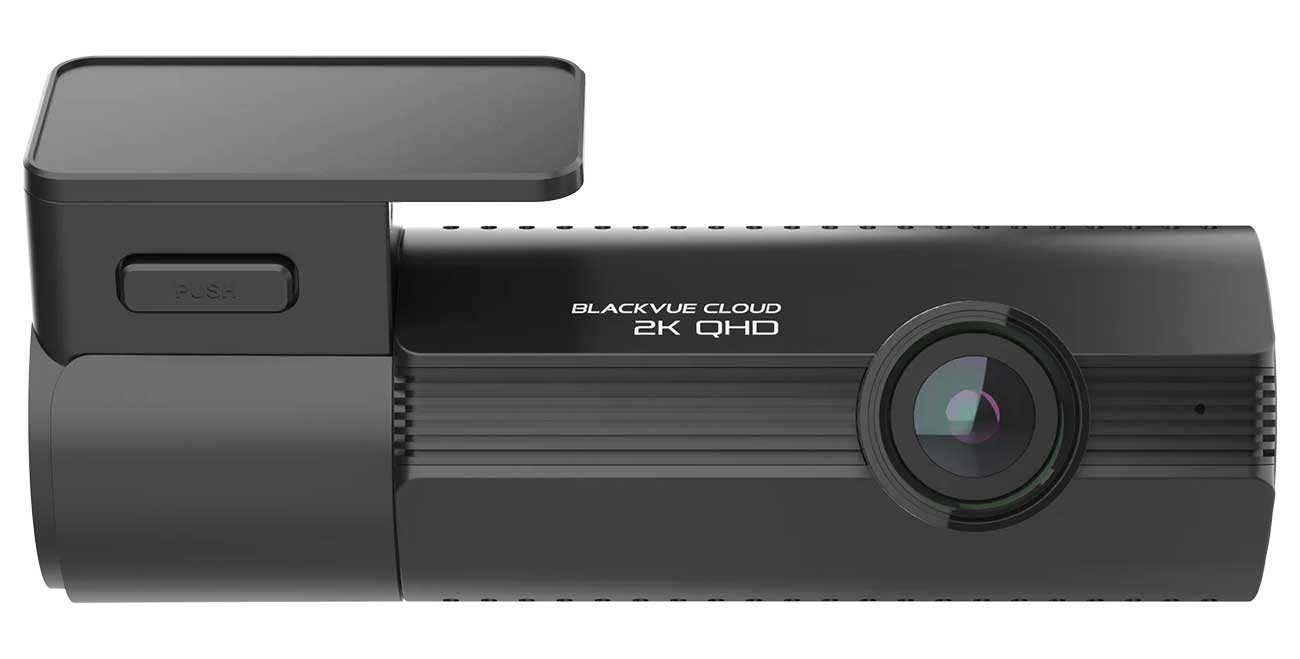
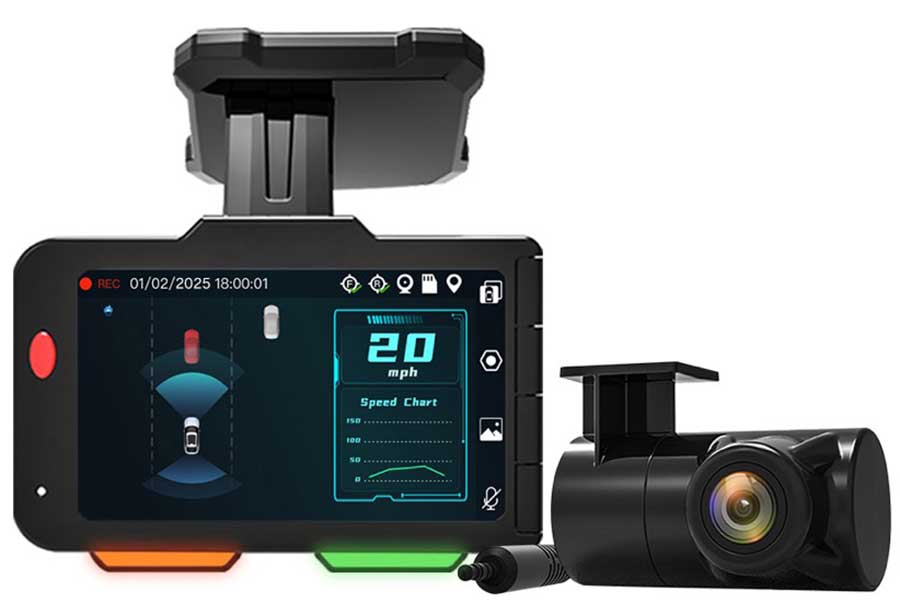
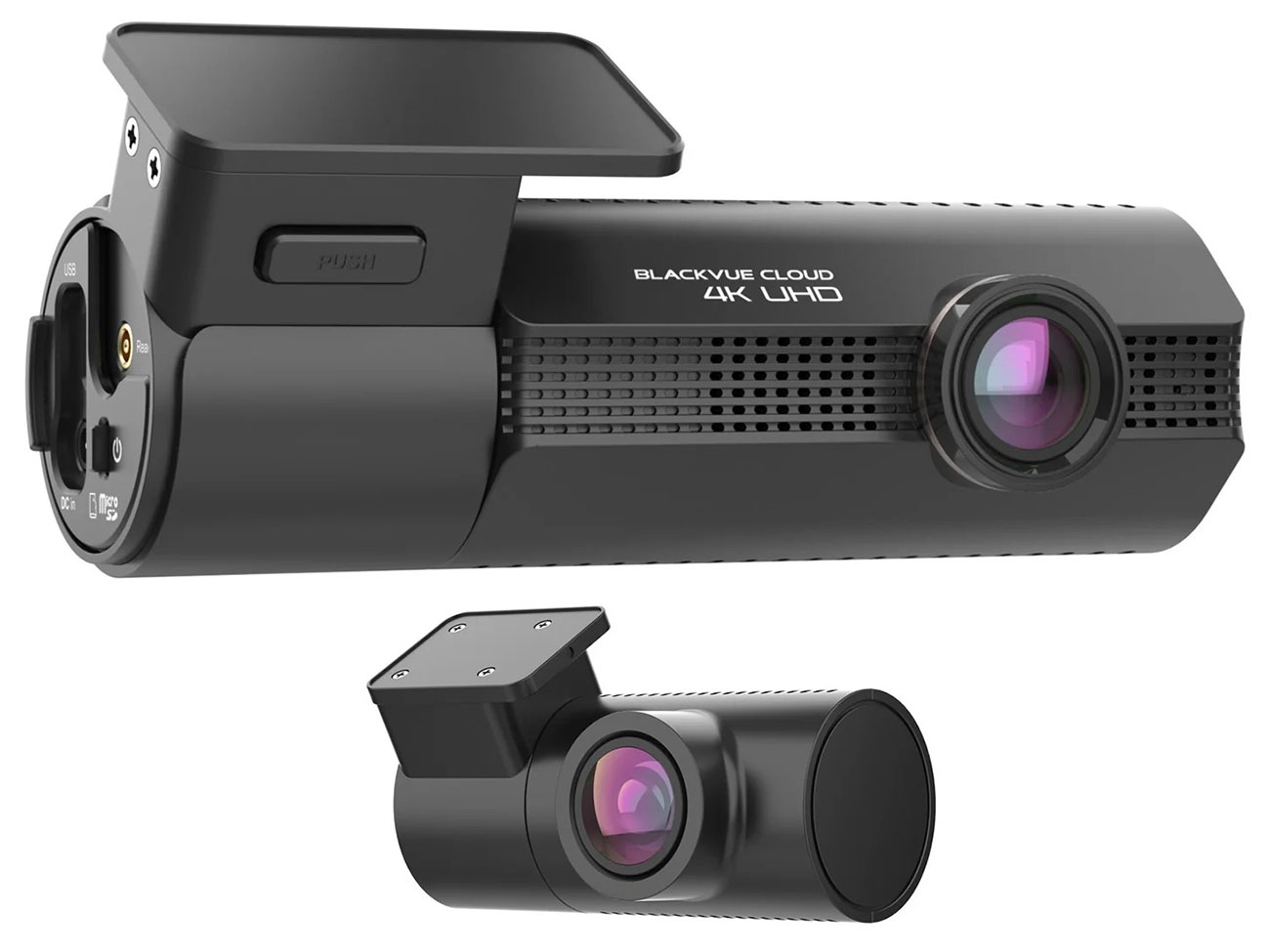
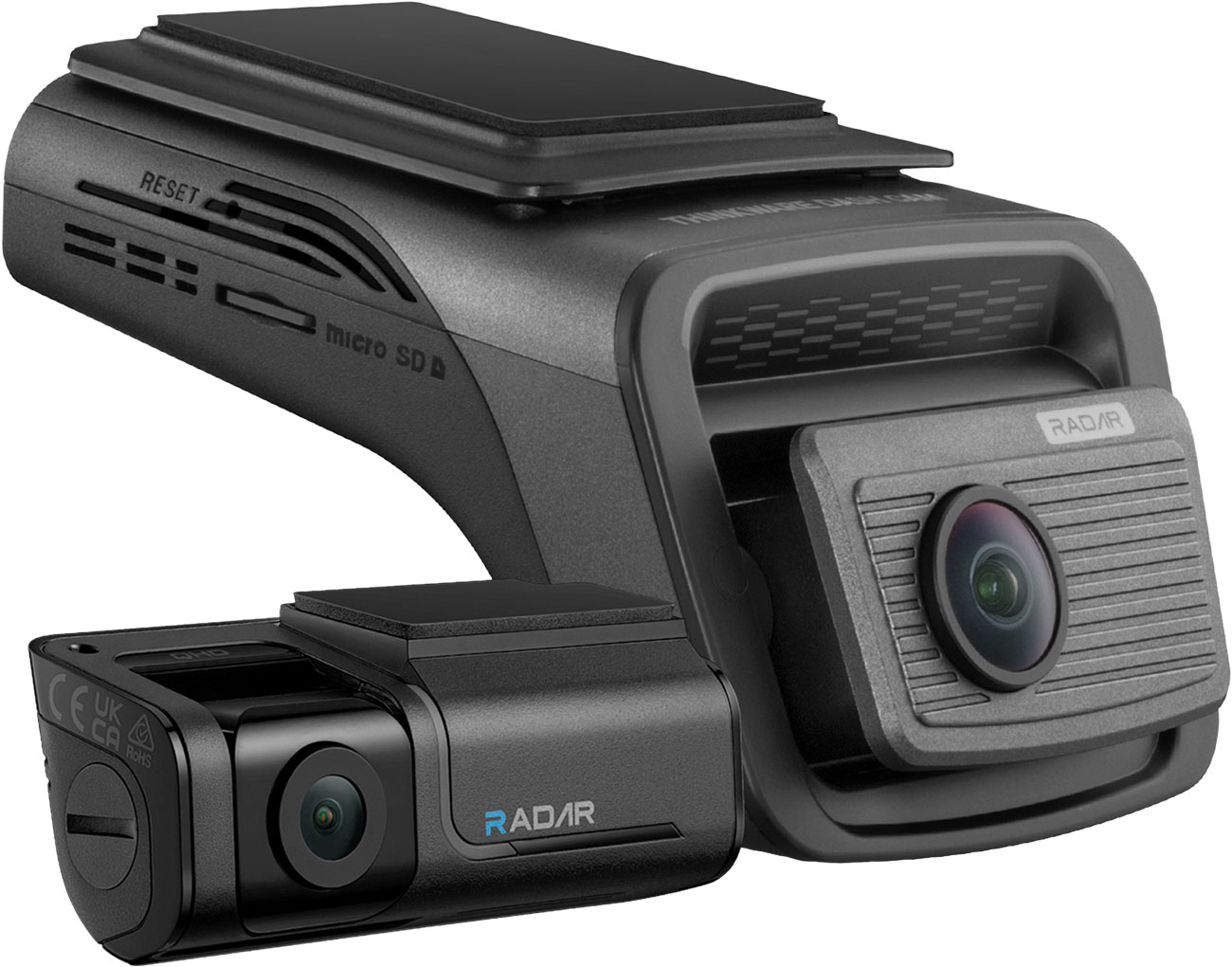
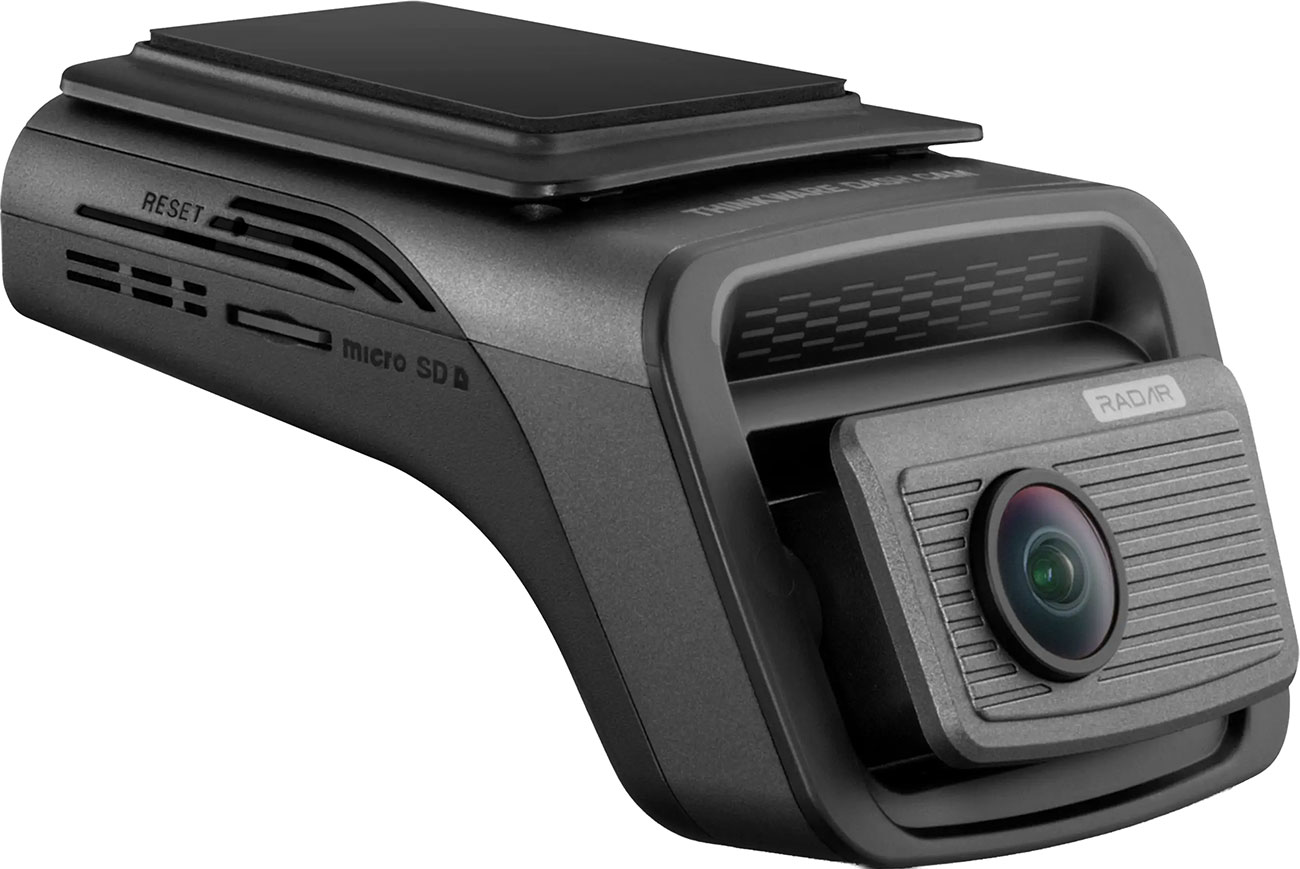
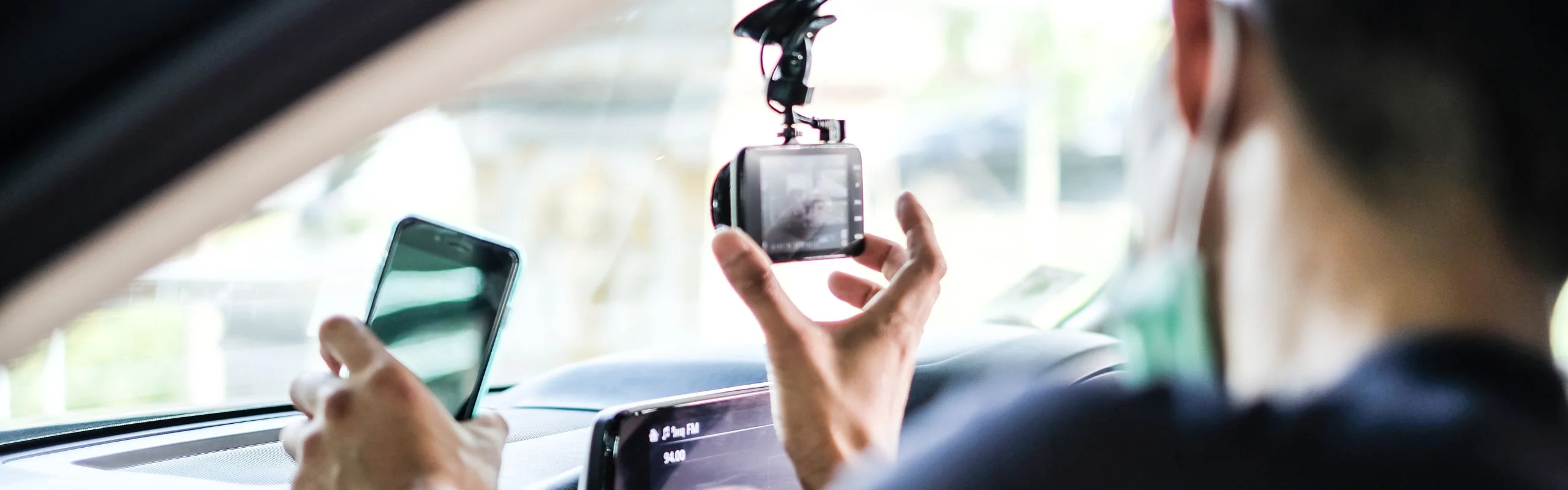
Dash cameras are cameras installed in your vehicle that record footage as you drive. They are mounted on or near your dashboard, some get a rear view, while still more can see a 360° view of your vehicle, or record what happens on the inside-even when it's parked. That being said, all dash cams have certain features, like loop recording and a wide lens, but you can easily find models with newer features that provide extra safety for driving or parking. We'll go over more of those below. But first ... why would you want to film as you drive?
Why Buy a Dash Camera?
In one word, safety. Dash cameras bring any driver peace of mind, whether you're a fleet truck driver, operating for a rideshare business or just driving your personal vehicle. Even the safest drivers can't avoid all danger, and having a record of any accident or trouble you run into on the road is important for your records, police reports and insurance. These are especially great for those who drive professionally and for family cars, as well as anyone with a teen who just got their license. In case of an accident, a dash cam will record it as an event and you'll have a record of what happened.
What Do All Dash Cameras Have in Common?
In our dash camera buying guide, we've established that these devices are for safety, even if they record what goes on after an accident, a dent or another event. And while these car electronics aren't all alike, you can expect a few of the same things from even the most basic models.
Continuous Loop Recording
Nearly all dash cameras use continuous loop recording. The camera catches footage, then rewrites it if nothing seems out of the ordinary. When something does change, the dash cam stops looping and records the event. So, how does the dash camera know that an event has taken place, and that it's time to stop looping and time to start saving footage? With many cameras, the answer involves G-sensors, or gravity sensors, that can detect a sudden change in motion, like vibration or impact. From there, the dash cam can tell it's time to stop looping, and time to start recording and protecting that footage.
An Upgraded Wide-Angle Lens
All dash cameras have to be able to record as you drive, and the best way to do that is with wide angle lenses that can capture the majority of the road ahead and feature low-light vision for dark nights and shadowy roads. That wide field of vision will give you more than just the lane ahead; instead, you'll be able to see a wider expanse of what's going on as you drive.
Photos, Audio Capture & More
Other features nearly all dash cams include are photo capturing, audio recording, the ability to mount to nearly any car (check your state's mounting requirements before installing), and a stop/start feature that aligns with your vehicle. When you turn the car on, the dash cam turns on. When your car is off, the dash cam is off. If you want that to change, You'll need more than just a basic model. Our dash cam buying guide goes into all the upgrades you can look for below.
Record Better Footage
Things move fast on the road, and if someone clips your car or you get in an accident, you'll want to have the best footage possible. Our dash cam buying guide explores some of the options below:
- Video Quality/Resolution: 1080p, 1440p, 4K. The same way you'd think about resolution on a TV ... the sharper the picture, the easier everything is to see.
- Frame Rate: 30, 60 or 120 FPS: The higher the frame rate, the less blur you'll record, even at high speeds.
- Lighting Conditions: HDR or WDR. High Dynamic Range or Wide Dynamic range help balance bright lights and dark shadows, all so that the camera can get better footage without being blinded when bright headlights could cause trouble in the dark.
- Field of Vision: The larger the field of vision, the more you can see ... but it can also warp and distort the feedback. Instead of going for the widest possible, consider a camera that lets you see the lanes you usually drive in and that keeps distortion low, like 140°
How Many Channels Do You Need?
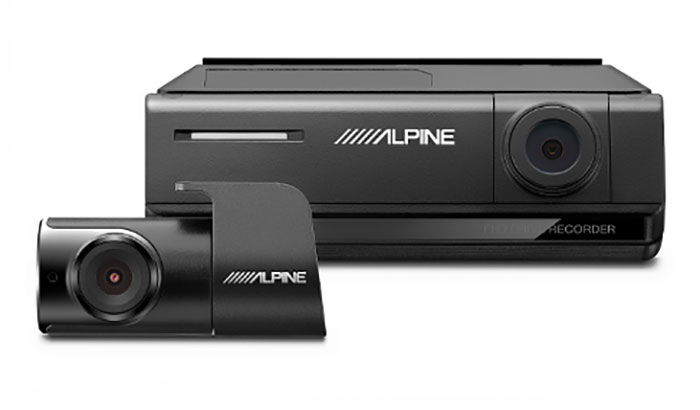
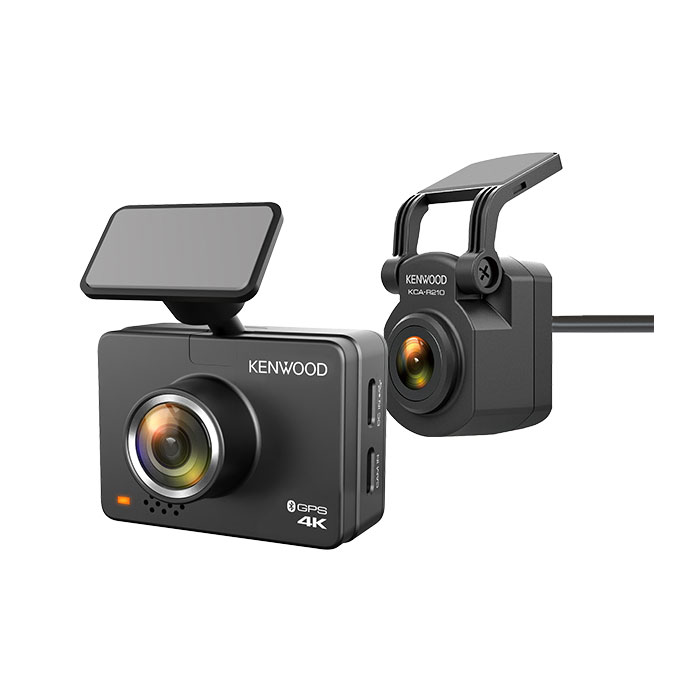
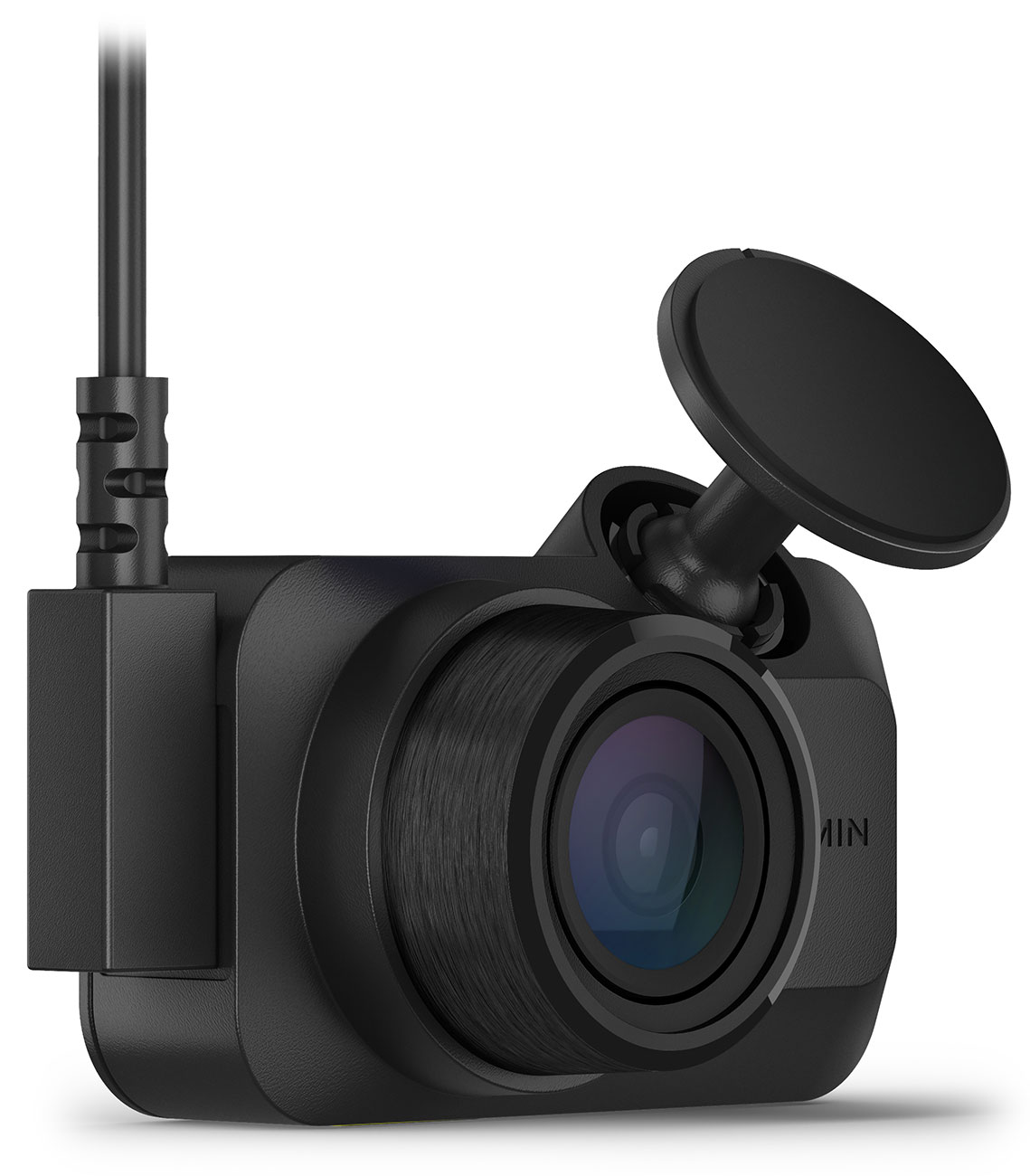
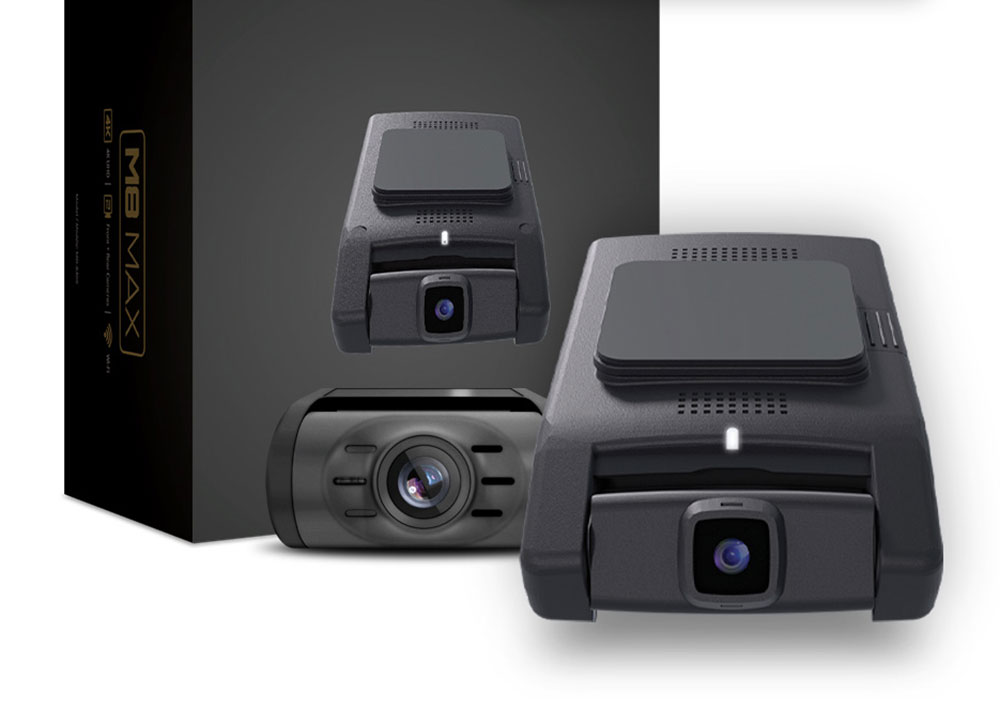
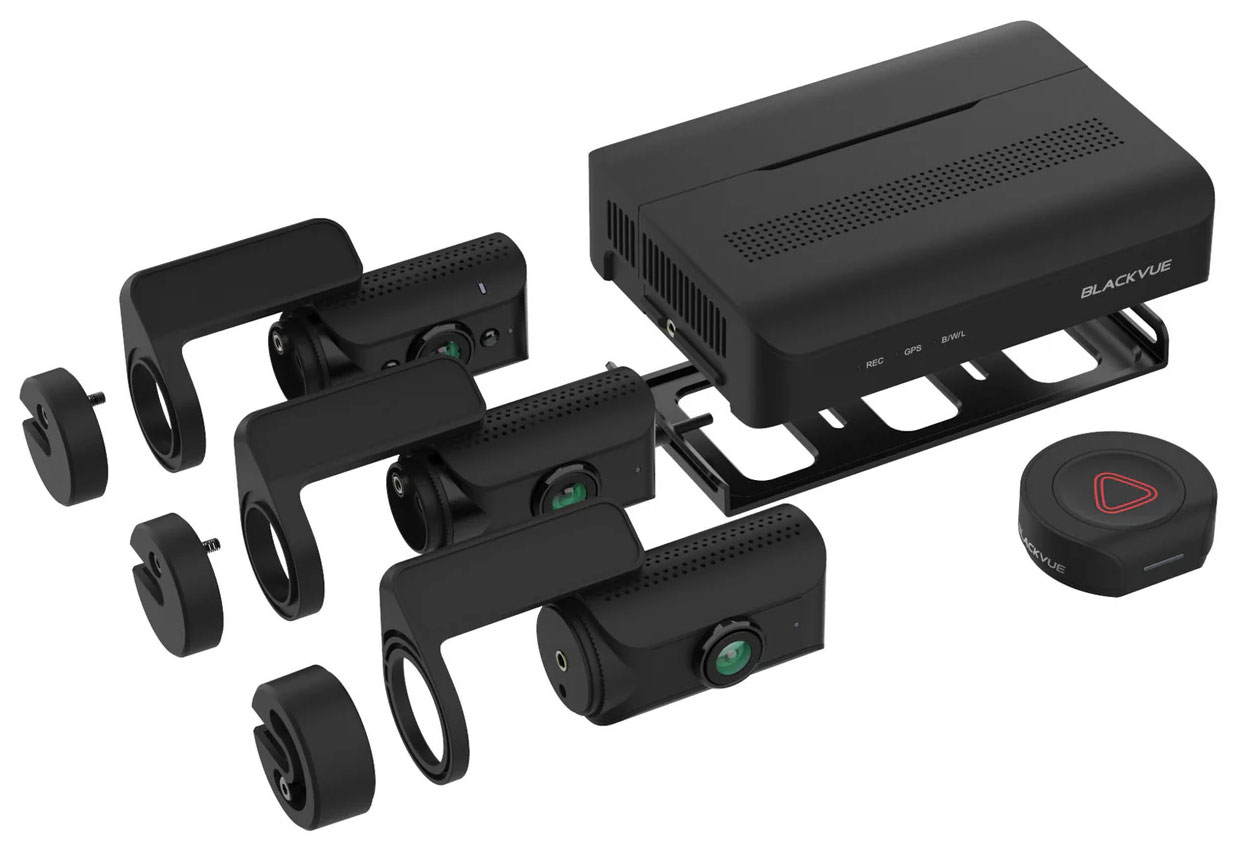
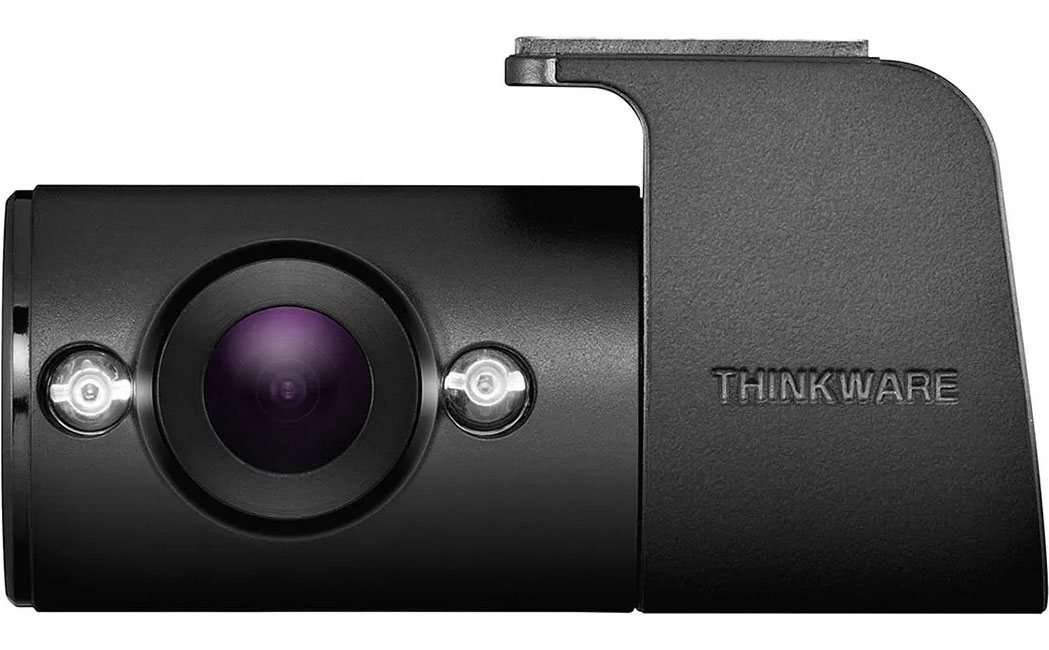
We've already touched on some of the most important aspects of these vehicle upgrades in our dash camera buying guide. Consider how many channels, or cameras, you'd like your dash cam system to have. A one-channel camera captures what's ahead of the vehicle, a two-channel system also looks behind you, and a three-channel system records 360-degree views of your auto as you drive. If you want the most safety possible, go for a three-channel system, but for many folks, a two-channel system covers their needs just fine. Some include a camera that helps you keep an eye on the backseat as well-a great idea for rideshare drivers hoping to boost their safety.
Choose Safety for Parked Cars
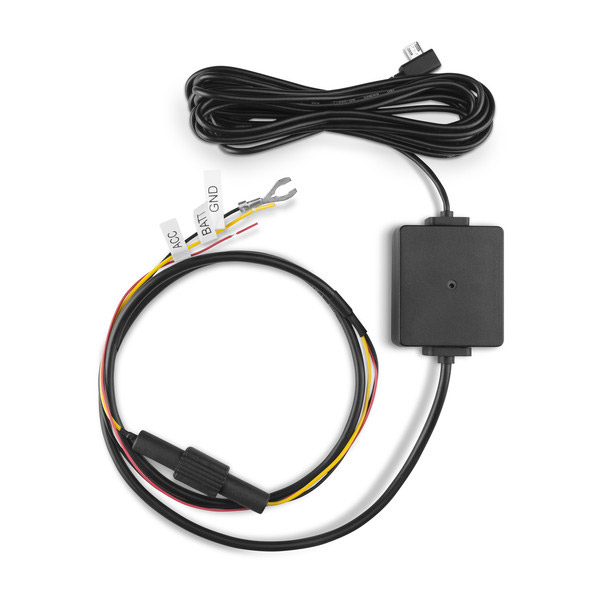
When your car is parked, you can still keep it safe with a dash cam. Look for a model that has "Parking Mode" that can catch anything that happens to your car even when you're not driving it. Sideswipes, bumps and dents won't be mysterious accidents anymore. You'll know exactly what happened and can take action. Parking Mode is best for a two-channel model, but there's a catch. For the camera to work, it will need a power source, like a connection to the vehicle's battery or battery backup, but you'll want to be careful not to drain your car's battery.
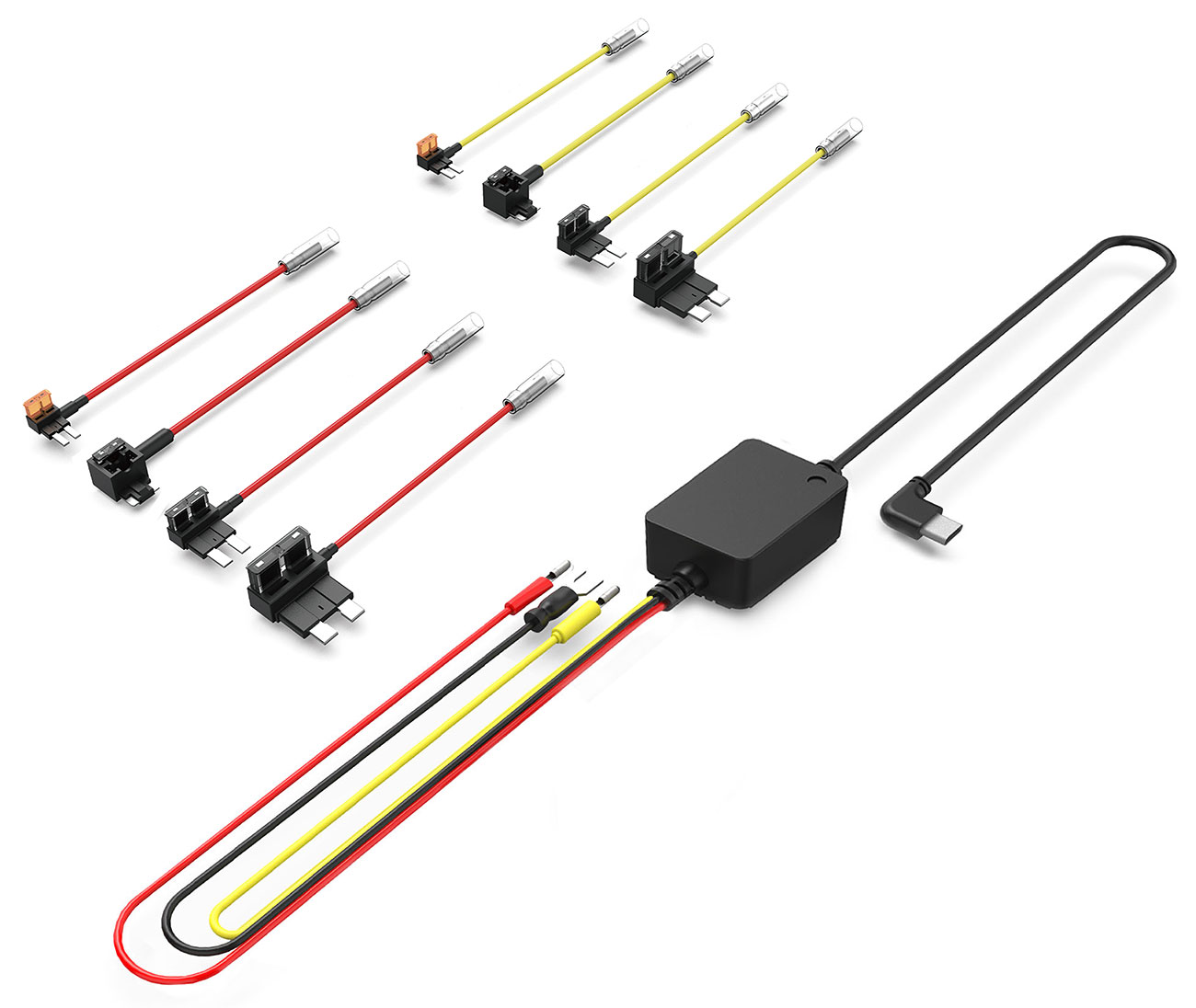
Parking Mode will likely need professional installation and wiring, and that's for a good reason-you don't want to drain or damage your system's battery any more than necessary, and if you can, why not get those messy wires out of the way? It's a good idea to go to the experts for this one, like Abt's Mobile Install department. There's more to cover on installation further below, as not all dash cams need the same kind of installation.
Other Extras You'll Love
In search of an upgraded dash cam for your lifestyle? Our dash cam buying guide can help you find boosted features that go beyond looping video.
- An LCD screen: Some cameras feature a built-in LCD screen that lets you keep an eye on what's happening from the inside.
- Driver Alerts: If you drive outside of your lane, come close to a forward collision or even if there are speed cameras ahead, these dash cams may let you know.
- Rechargable batteries: Some dash cameras have a built-in battery that can be recharged.
- GPS: With a GPS built right in, the dash cam can keep track of exactly where and when an event took place.
Video Data Storage Options
Next in our dash cam buying guide is data storage. It's a feature of almost all dash cams that looping video rewrites itself; no one wants to hold onto hours and hours of video footage when you're commuting or heading to the corner store. That being said, when an event does occur, storage is something you need to consider, and there are a few different ways to store that video. One of the classic ways that video footage is saved is via a memory card, though you may need to purchase one separately. Your camera will save the footage onto the memory card. Next, there's local storage. With local storage, the footage is saved directly onto the camera itself. Finally, there's the newest method: footage is uploaded to the cloud via 4G LTE, a process that requires a subscription fee. You can choose whichever methodology is best for you and your driving habits, but keep in mind that not all memory cards work for dash cams-you'll want to find one that matches up with your dash cam.
How Do You Install a Dash Cam?
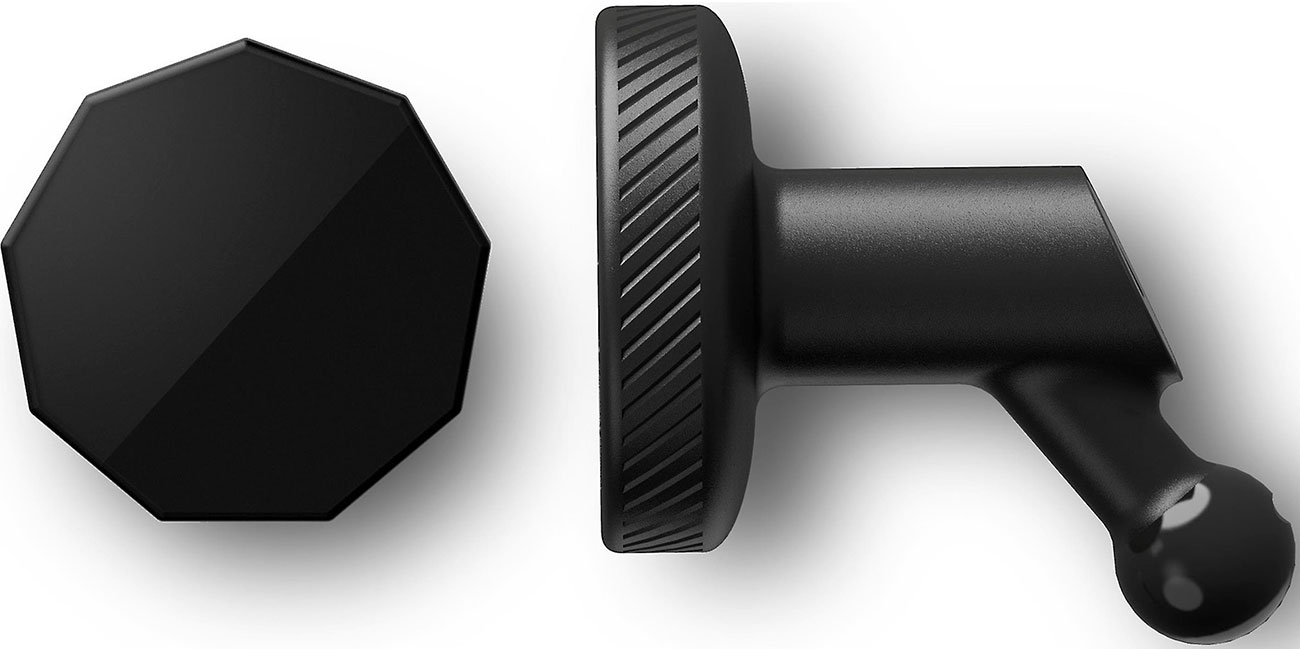
Installation doesn't have to be difficult, though you'll need to keep state laws in mind. Some dash cams come with or can attach to a suction cup mount that lets you mount your new mobile device with ease, though it's a good idea to check where it should be mounted based on your state's laws. From here, you plug a 12V cord into the car's power outlet to run the camera. Our dash cam buying guide has covered the concept of installation a bit, but there are two ways to go here: you can install it yourself by following the instructions, which is likely good enough for a one-channel system. But if you use a two- or even three-channel system, especially for professional use, then professional installation may be a better option for you. That way, wires stay professionally hidden and properly installed.
In Summary
If you've learned one thing from our dash cam buying guide, let it be that safety is something you should invest in. To learn more about professional dash cam installation or how to choose the best one for your vehicle and your lifestyle, call our team of experts at 800-860-3577 or fill out the form below. Our team of Mobile Installation experts are excited to help you outfit your dream vehicle or your first car with everything you need, from a classic dash cam to a new sound system and more. The dash cam buying guide is just one way Abt is ready to help with the expertise you need.
Let us assist you
Contact Us
Dash Cam Buying FAQs
-
How you install a dash can be easy, depending on the product and your needs. If yours comes with a suction cup mount, you can simply mount it according to your state's laws and plug in the 12V cord to begin recording. If yours is more complicated or you'd like to hide wires, seek out experts like those in our Mobile Install department at Abt.
-
Dash cams are simpler than they seem. Almost all of them record the road ahead via loop recording, where the video rewrites itself if no event occurs. If the camera detects an issue via its G-sensors, or gravity sensors, it stops looping and starts saving the video so that nothing important is lost.
-
Dash cams are legal to use in each state in the U.S. That being said, there are some restrictions on where they should be mounted, consent for recording audio and more. Depending on where you live, it's a good idea to look into what you can and cannot do.
-
Yes, dash cams are definitely worth it if you value safety and your vehicle. Whether you have a fleet, a family car or a vehicle you drive for a rideshare, peace of mind and safety are all must-haves. When compared to some add-ons for vehicles, they're fairly budget-friendly, too.
-
When it comes to dash cam placement, do your research ahead of time. You still want to be able to see the road, and it shouldn't be in the way of your vision. Many states have laws about whether a dash cam can be mounted to a dashboard or windshield, what size it can be, and whether it should be installed on the driver's side or the passenger's side of the vehicle.