Main Content

DVD Player Buying Guide

A comprehensive DVD Player buying guide that will give you all the information you need on how to buy a DVD Player.
Getting Started
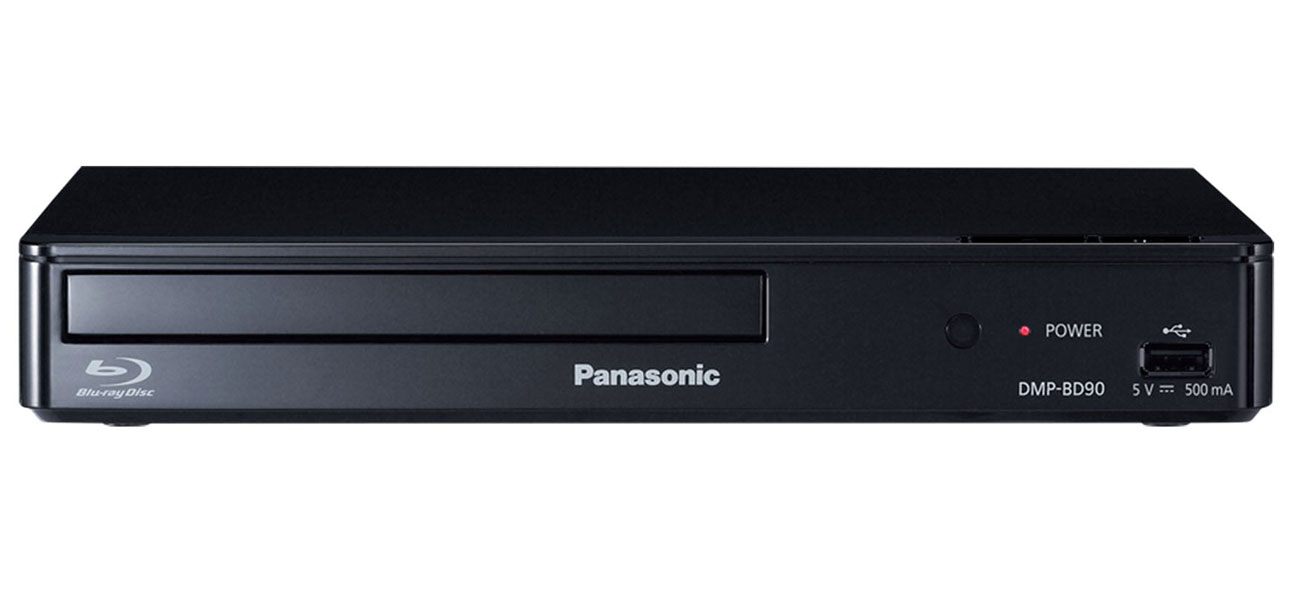
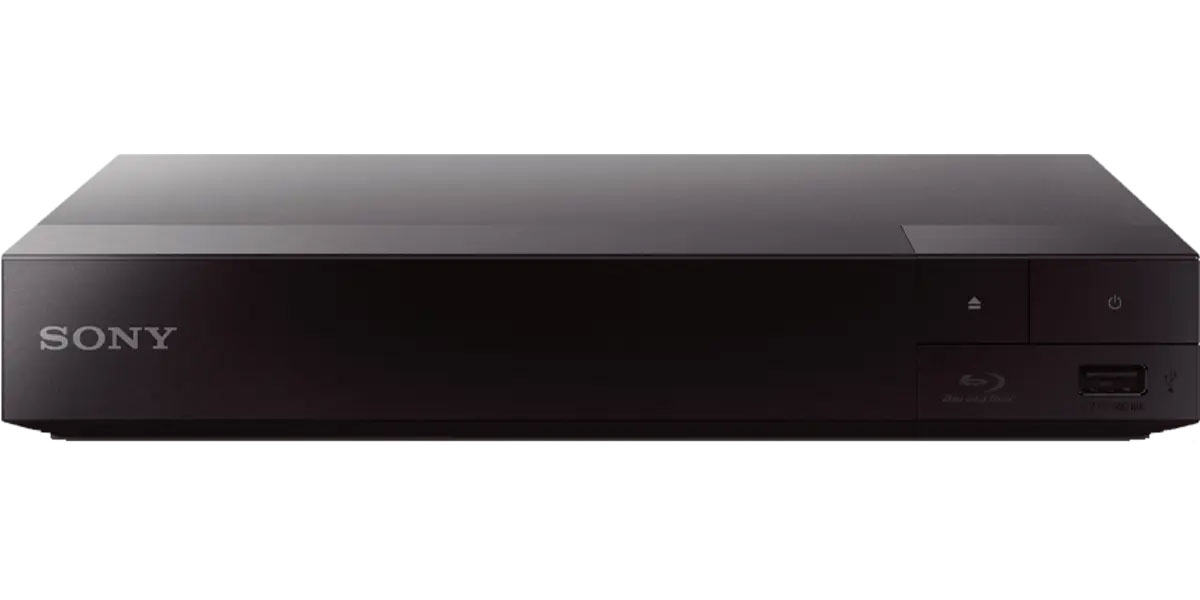
DVD players are a simple enhancement to your home entertainment system. They make movies look great, and provide better image and sound quality. Of all the DVD-type players, Blu-rays are known for having the best image quality; however, with some simple additions, DVD players can definitely compete. Twice as good as a VHS player, a DVD player gives better resolution, dual sided/dual layer discs, and options for viewing in widescreen or letterbox format. DVD players offer options for sound too, CD-quality sound and several configurations of Dolby 5.1 surround sound.
Things to Consider...
Should I buy a DVD player or a Blu-ray player?
Are you trying take advantage of every aspect of your HDTV? Blu-ray players have a higher resolution than DVD players, but DVD players can upscale so they can produce a higher resolution. The DVD player still sends the same digital signal to the TV, but with HDMI cables the player will send cleaner signals to the TV, giving your image and sound a boost.
Can I play CDs on my DVD Player?
Yes you can. The best solution for people looking to play both CDs and DVDs is a DVD player that has a multiple disc changer. DVD players can play and store anywhere from one to hundreds of discs. They are even capable of remembering the last disc played.
What if I still need a VHS player too?
Easy solution, a DVD/VCR Combo. The combination units have many features that make them very enticing. They can play CDs, have a better resolution than VHS only players, and some have a DVD burner option so you can record your favorite shows.
I have so many VHS tapes, is a DVD player for me?
The same DVD/VHS combination unit will be the best option for you. Make sure you get the DVD recorder combo unit. This will enable you to record the VHS tapes onto a DVD. Not only will you be able to record VHS to DVD, you will also be able to record programming from TV to DVD.
Is a portable DVD player right for me?
Do you travel a lot or would you like to have it in the car? Then a portable DVD player is the choice for you. They are small enough to take most places and fit on a lap. They can be mounted in cars, boats, or most vehicles.
Do I need to buy additional cables?
One consideration, what kind of TV will you hook up to the DVD player? If you have an HDTV then you would benefit from buying High Definition Media Interface or HDMI cables. They are like an upgrade for DVD players. They will give you better image and sound quality. Most DVD players are capable of hooking up to a TV one of three ways: component, S-Video, and composite.
HDMI cables are able to send Hi-Def video and multi-channel audio to a TV. HDMI cables are important for a few reasons. They send the best audio and video to your TV from any number of components. If you have an HDTV and a Blu-ray player, an up-converting DVD player, Playstation, or an Xbox chances are that you will want to use HDMI cables.
DVD Player Features
1080p
This is one of the more important terms to know when buying a DVD player. Usually, the resolution is described in numbers and letters. 1080p, 720p, and 1080i are the numbers that are associated with High Definition TV (HDTV). The numbers stand for the lines of pixels in the screen. The total number of pixels is measured by multiplying the lines of pixels (horizontal and vertical). For instance, when a TV is 1080p, it is actually 1920 (horizontal lines of pixels) X 1080 (vertical lines of pixels) = 2,073,600 total pixels. The letters associated with the numbers "P" and "I" stand for progressive and interlaced.
Progressive Scan
A television picture is made of up of a variety of horizontal lines that are continuously redrawn. A progressive-scan DVD player is a great choice for the high-definition (HD-ready) television because progressive-scan technology creates a sharper video image for HDTVs by redrawing consecutive lines. Progressive scan is an improvement over interlaced scanning that scanned the odd lines and then the even lines. If you have an HDTV and are looking for a new DVD Player, look into models that feature "progressive scan".
DVD Region Coding
The regional coding system, used by the movie industry, uses digital codes to divide the world into regions and then formats DVDs with these codes. Only a compatible DVD player can play a coded DVD. For example, a region one DVD player (US/Canada) cannot play a region two (Europe/Japan) DVD.
Up-converting DVD players
Many newer DVD players feature picture-quality enhancement known as "up-converting." These video players artificially increase the picture resolution of DVDs to near 1080p resolution to take advantage of the display capabilities of high-definition TVs.
USB or Memory Drive Connectivity
Some of the newer DVD models will allow you to plug a USB or memory drive directly into the player. This will give your DVD player the ability to share your favorite images as well as additional media without the need for a computer. This is a great feature to have to expand on your entertainment system.
Parental Lockout
When the DVD has a rating capability, the DVD player could read the rating and either play or not play the DVD based on the guidelines employed by the user.
Dolby Digital
This surround sound technology gives the listener undeniable music quality from any source. Dolby can produce anything from 1-5.1 channels of surround. (Dolby Digital Plus offers up to 7.1 or more channels of surround) If the DVD player that you are purchasing does not include a Dolby decoder, then you will have to connect it with a receiver. Dolby Digital has been the standard for surround sound for many years.
DTS Digital Theater System
Similar to Dolby Digital surround, but DTS is usually 5.1 channels only. DTS is used for commercial, theatrical, and consumer applications.
Setting Up Your DVD Player
To find out how to connect your DVD player to your TV, watch our "Connecting Your Blu-Ray/DVD Player to a TV" video below.
DVD Player FAQs
Can CDs be played on a DVD player?
Yes, some DVD players can play CDs. If that feature is important to you, call Abt's electronics experts to be sure you choose the right player.
Can you play Blu-ray discs on a DVD player?
No, Blu-ray discs can't be played on DVD players. However, there are many Blu-ray players that can also play DVDs.
How do you connect a DVD player to a TV?
Most DVD players connect to TVs with an HDMI cord. Simply plug one end of the cord into the DVD player, then plug the other end into your TV. For more specific connectivity information, consult the owner's manual.