Tablet vs. Laptop: Which is Right for You?

If your old computer or tablet is ready for a replacement, you're in luck—there are more options than ever with incredible functionality and at all kinds of price points. But with so many options, it's hard to know where to start ... or with what kind of device. In this article, we're pitting two top electronics against each other to help you start your search: it's tablet vs. laptop.
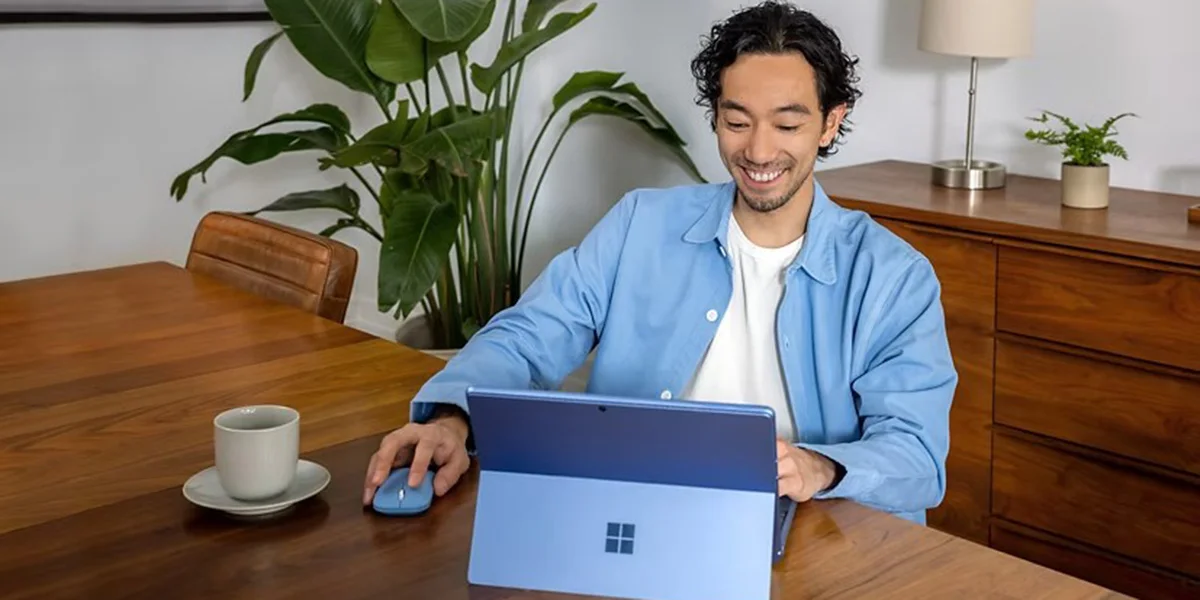
Tablet vs. Laptop: Where to Start?
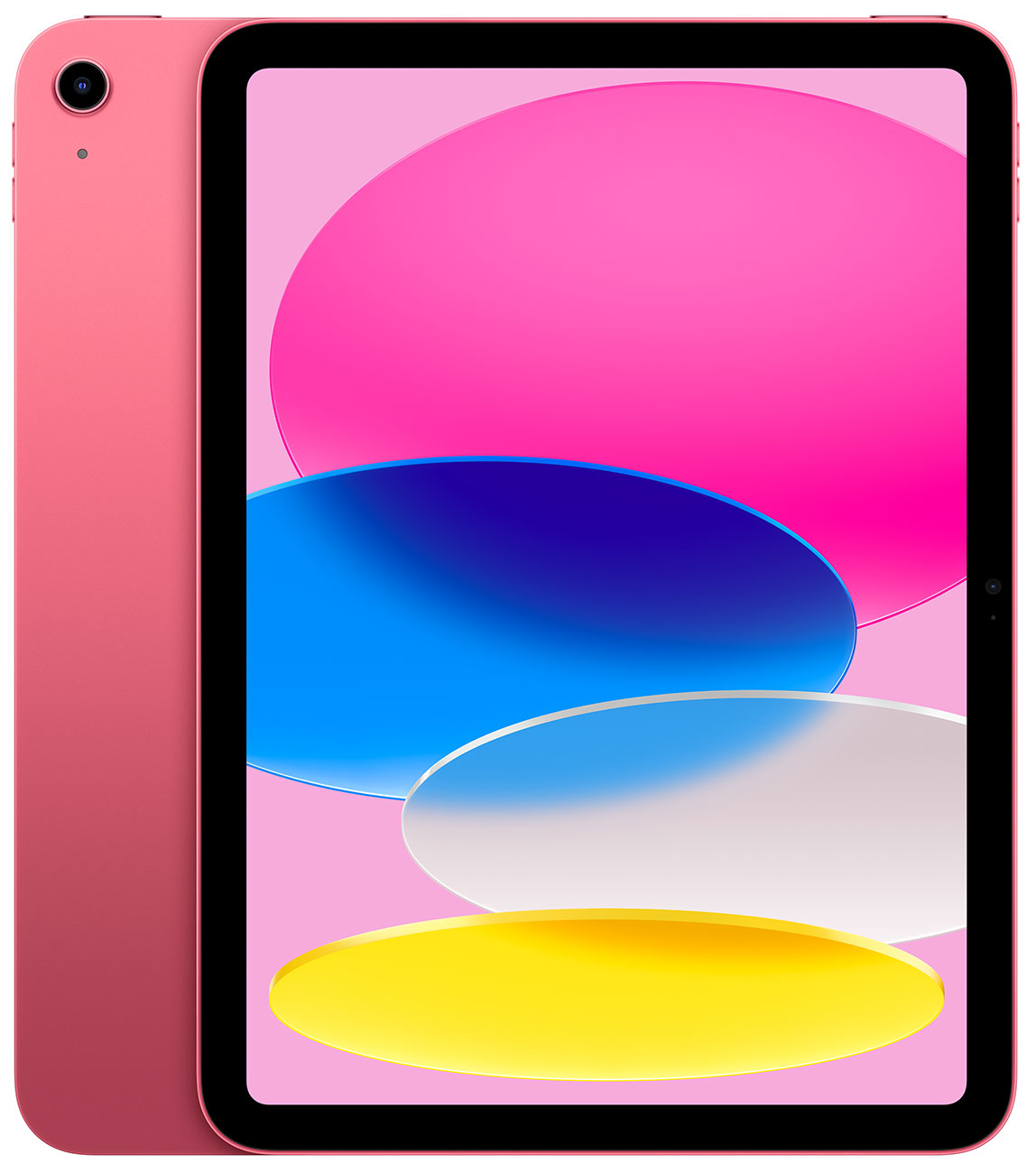
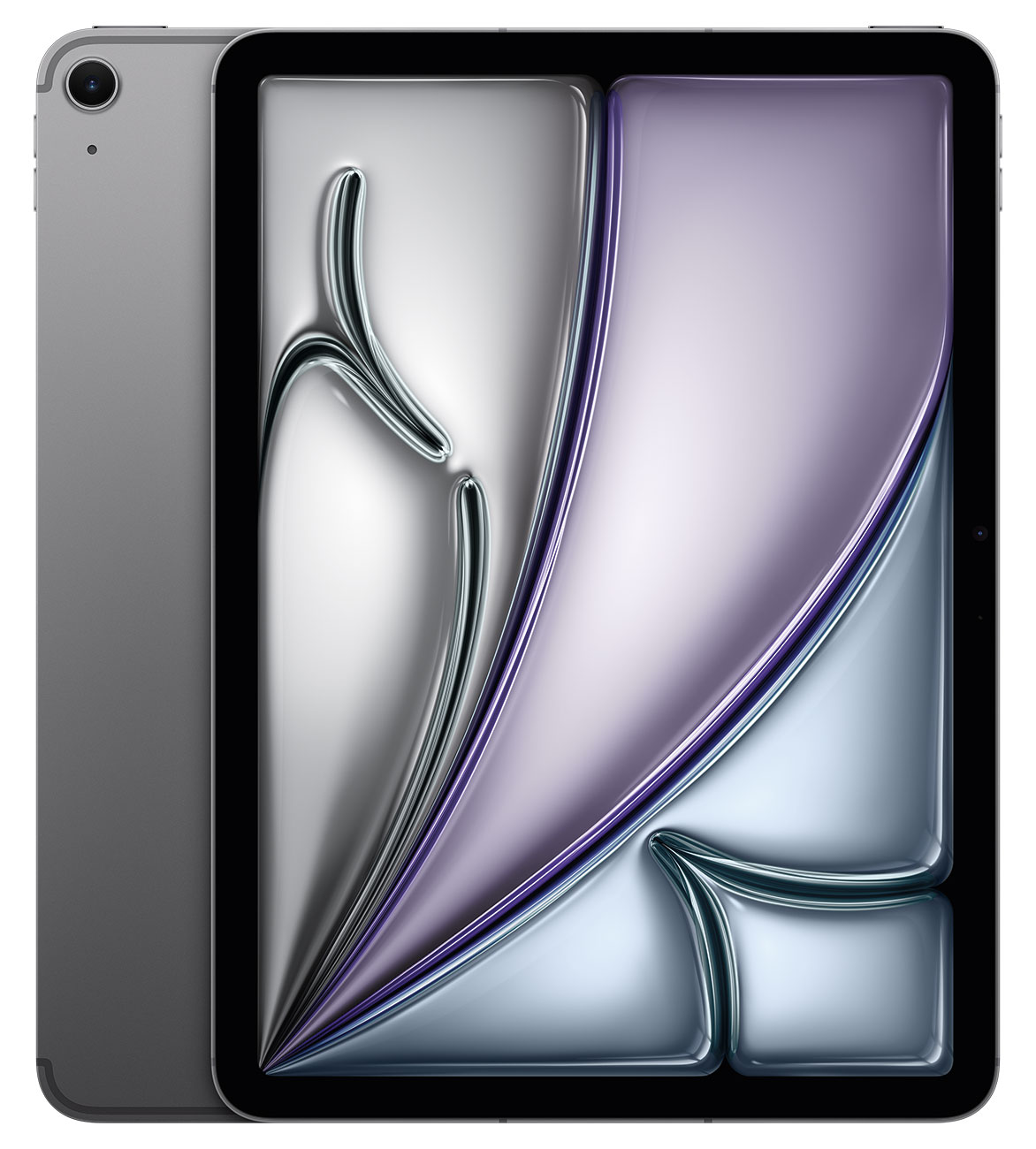
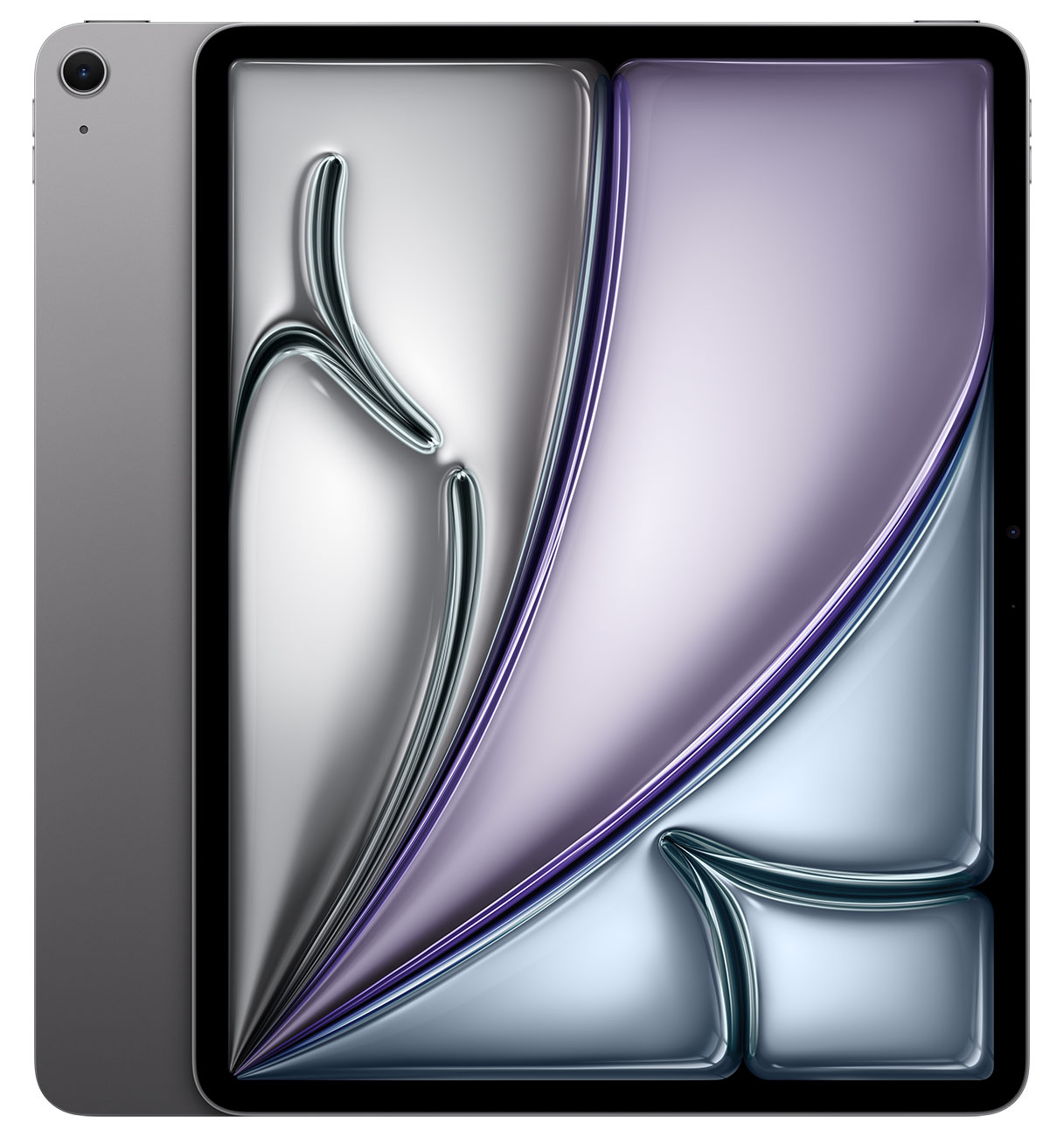
Before we dive into the battle of tablet vs. laptop, let's establish some definitions. With app-based laptops like Chromebooks and dual-screen laptops from brands like Lenovo, the lines become more blurred. But tablets are generally understood to be mobile devices with touchscreen displays—somewhere between a smartphone and a computer in size (and somewhat in functionality). They generally look like large smartphones, run mobile operating systems, use apps, and can be upgraded with accessories like styluses and keyboards. Popular tablets include the Apple iPad.
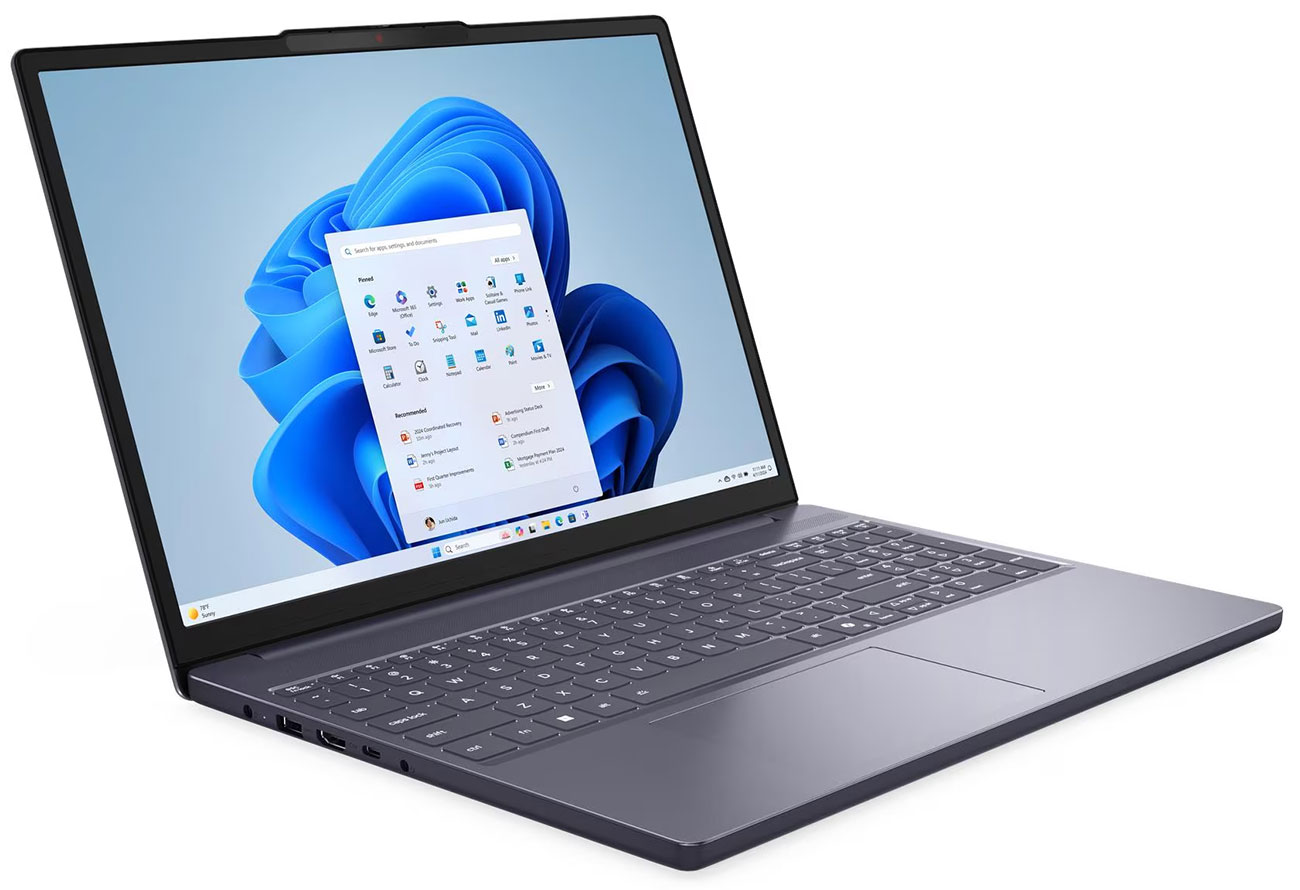
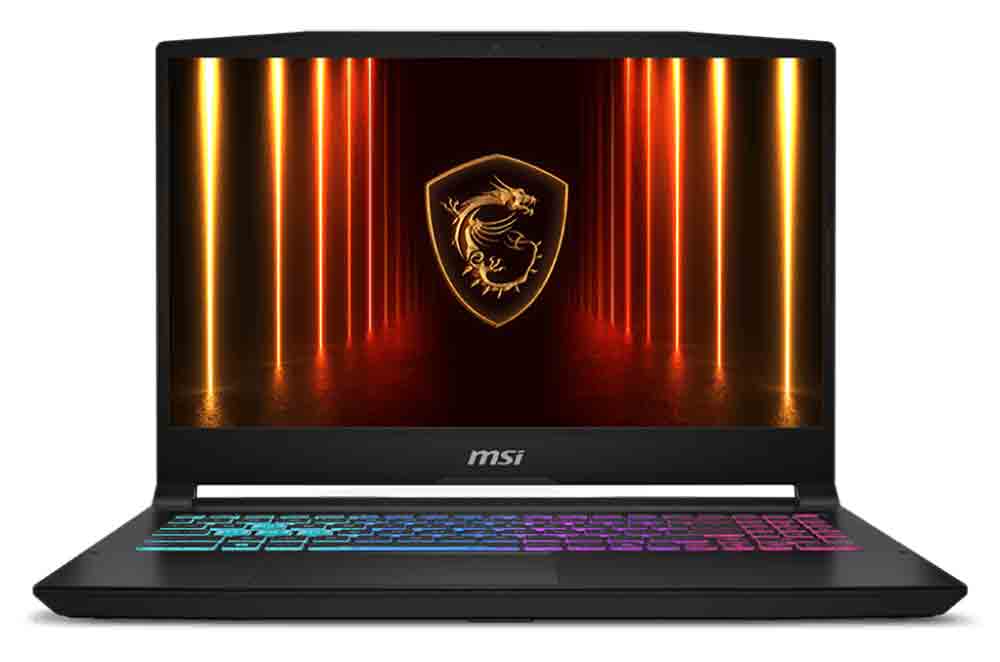
Laptops are different beasts entirely. Laptops are portable computers that can open, close and are easily transported. Traditionally, they run on operating systems just like desktops, include a screen and a keyboard, and fold away for portability. Just like desktop computers, laptops come in a range of capabilities and are designed to help users do certain tasks. Some models are designed for light work like email checking and web browsing, while others are made for tackling projects at home or work, and still more can handle heavy-hitting tasks like playing video games and photo/video editing. In the battle of tablet vs. laptop, your choice will depend on the kind of functionality you need—but if you've got hard work to do, don't disregard a tablet. Pro-style tablets can work harder than many laptops thanks to upgraded processors, impressive screens and other next-gen tech. With pro-style tablets, the tablet vs. laptop competition becomes even tighter: in the competition of tablets vs. laptops, which is better for you? That depends on a few factors.
Things To Consider
Now that you know the basics of laptops and tablets, we'll break down all of the factors you should keep in mind when choosing your next device.
Operating Systems: macOS, Microsoft Windows, iOS, Android & More
An operating system, or OS, is an intermediary between you and the computer/tablet that you're using. This software processes and manages the device's hardware and software. While it might sound a bit technical from the definition alone, people care about how they communicate with their device—and it can make things more or less comfortable to have the right OS. If you're looking for the "best" OS, that's hard to decide. When it comes to laptops, many end up choosing between computers with Microsoft Windows or Apple macOS. Windows is known for its versatility and is compatible with all kinds of software and hardware. Meanwhile, macOS is sleek, comfortable and easily integrates with other Apple devices.
Next in the battle of tablet vs. laptop, consider the operating systems for tablets. These often look similar to what you'd find on a smartphone, with apps galore and a user-friendly interface. Choose the tablet with the OS that fits your needs best; for example, iOS for iPads sports user-friendly features, making iPads a popular choice for older users, children, and those who use other Apple products. Next is Google's Android platform, the most popular pick overall with a much more customizable setup. Finally, there's Windows. Windows tablets are interesting in that their operating system mimics PCs—with a touch screen. These are as close to a PC that you can get with a tablet, and it's one of the reasons why their Surface tablets can still compete with the ever-popular iPads and tablets that run Android, like the Samsung Tab.
Tablet Apps vs. Computer Software Applications
Some of the nitty gritty of the tablet vs. laptop debate comes down to this: do you want to run a computer's software applications, or use a tablet's apps? Computer software applications are programs that perform tasks for users, instead of for the computer itself. The power of a laptop and the flexibility of software applications usually makes them more easy to manipulate than a tablet app. Examples you've likely heard of include Microsoft Word, Google Chrome and Adobe Photoshop. However, there are apps for each of these programs we just listed. So what makes apps different from computer software? Apps for tablets are made for specific functions and they'll be optimized for your tablet's mobile OS. They're made for convenience and for mobile use, though you'll likely have less flexibility and fewer options than you would if you were using the same product on a laptop. In optimizing convenience, apps lose some of the versatility you'd find in the same software or program on a laptop.
Performance: What Do You Need?
When it comes to tablet vs. laptop and the fight over which electronic is better, many would automatically say that laptops perform at a higher caliber. That can be correct—especially with demanding tasks like multitasking, editing photos/videos and playing games. However, not all laptops and tablets are the same, and not everyone needs incredible performance from their electronics. For example, an entry-level laptop would easily be outperformed by a pro-level tablet, like the iPad Pro. When comparing and considering performance, dig deep into a tablet's or a laptop's specs to see just how mighty they are. For higher performance, you'll want a strong processor, lots of storage space, a beautiful screen and more, depending on what kind of work you'd like to do. In the fight between tablet vs. laptop, those things should all be taken into account. And if you're looking to get work done, you'll likely need some accessories.

Accessories: Keyboards & More
For many, portability is top of mind in the tablet vs. laptop debate. While tablets are technically smaller and thinner than most laptops, you may need some tablet accessories to make them work the way you need them to. For example, the tablet is a touchscreen, and while that can be convenient, it can make it hard to type quickly, the way you could on a laptop's keyboard. That's why so many of these are designed with accessories, like attachable or wireless keyboards or magnetic stylus pens that are perfect for sketching. Some tablets perform best with upgraded protection from a case, and some cases come with built-in keyboards, too. Many of these accessories end up making tablets more like laptops, adding the extra functionality they lack. So, it's tablet vs. laptop: are you willing to buy multiple accessories, or should you go with a laptop?
One thing to consider is that there is no amount of accessories you can add to a laptop to give it the functionality of a tablet. If it has no touchscreen, that can't be changed. It's also rare that a laptop's keyboard can be detached, unless it's a 2-in-1 laptop. And these portable computers are not without need for accessories. That's especially true for those who use theirs for work. If your laptop is the base of a work station, you'll likely need monitors, a seperate mouse, a keyboard, and more.
You may not need accessories at all. It all depends on how you want to use your tablet or laptop. If you're just taking a laptop to a college class, there's no need for that kind of gear—but you would likely still need a keyboard or stylus for a tablet used in the same classroom. Maybe you're just using a tablet to stream shows—you may not need any accessories (but we'd suggest a case or kickstand so that it can stand up for a better viewing angle). In the tablet vs. laptop fight, it's all about how you'll use your new electronic, and what you'll use it for.
Storage: Looking for Extra Room?
Unsurprisingly, tablets lose this battle to laptops. Most laptops already begin with more storage space than tablets, though some tablets do have storage with as much space as a full terabyte—but they're the outlier. Most tablets store about 32-256GB. Some tablets have a microSD slot—with this, you have expandable storage options on a tablet and have more room for photos, music, movies and more. More often, though, tablet users will be stuck using the cloud once they've maxed out their device's storage. And unfortunately, users have to pay to use cloud storage, so you'll want to consider how much space you'll need for your media and other data before purchasing a tablet.
In the fight of tablet vs. laptop, we've already mentioned that many laptops begin with more space than tablets. What's even more, they're more flexible when it comes to storage. Depending on the ports on the laptop, you may be able to use a microSD card, a flash drive or an external hard drive for storage. With these, you can store all kinds of data ... and a lot of it. Stash family videos and photos here to make room for schoolwork, or make copies of files you'd need at the office to make sure that if something happened to your laptop, you've always got a backup. These are often connected to laptops via USB-A or USB-C ports, so make sure that the extra storage you need will fit your laptop—or that you have the right adapter.
Portability: Weight and Size
Tablet vs. laptop: which is more portable? In terms of portability, the tablet beats the laptop hands down. With a slim frame and lighter weight, these electronics are more portable than nearly every laptop (especially clunky gaming computers). That's because they rarely need all of the hardware you'd find in a full computer. That portability comes in handy for moments when you need entertainment, like on long flights or family roadtrips. With a tablet, you can read a book or watch a downloaded film, or stream live if you have a model with cellular capabilities. A laptop would be harder to handle here, especially if space is an issue—you can't take the keyboard off, and you do need to angle the screen to see it comfortably. Either way, you'll want to protect your tablet or laptop when you're on the go, so make sure you've got the right case. In tablet vs. laptop, the tablet wins here.
What About 2-in-1 Laptops?
If you feel like you're on the fence, there is an in-between option: the 2-in-1 laptop. These computers have some of the elements you'd normally find only in a tablet, like a touchscreen. And what's more, the screen's hinge can flip back, turning your keyboard into a stand that's perfect for streaming shows and movies. Some flip all the way back, giving you a tablet-like experience, too. Take notes or sketch with a stylus or lounge in bed with your 2-in-1 laptop at the right angle, or flip things back around to type up a paper at your desk on your laptop. These can be the perfect compromise ... or they can miss the mark completely. When exploring 2-in-1 laptops, take a look at reviews by users and information by the manufacturers—what kind of angles can the 2-in-1 laptop rotate to? Is it good at standing up on its axis? And can it do all of the things you need it to do technically? Before you jump at the chance to get the best of both worlds, make sure it checks every box you need in the tablet vs. laptop debate.
Can a Tablet Replace a Laptop for Work or School?
This is one of the big questions you might be trying to answer. For streaming and emailing, a tablet is fine, and so is a laptop. But what about when it's time to head to class or get some work done? That's when your device is really going to need to handle pressure. The kind of job you might need a desktop for—can a tablet handle that? And the ability to take homework on the go, would a laptop be better suited for that? This is where tablet vs. laptop gets tough. Consider all of the topics we've discussed already, from performance to accesories, and keep in mind the kind of work you do for school or your job. Maybe you'll need a mighty processor in whatever electronic you choose, along with a keyboard that can keep up with fast fingers. Truly, these days you can find that in both tablets and laptops. But when it comes to tablets, you might have less functionality and you'd need to use a pro model to match up with the functionality of a mid-tier laptop. And for a laptop, heavy-lifting power won't come with the cheapest of notebooks. If you're examining a laptop, know that they won't all be the same and aren't all-powerful. To learn more about how both individual tablets and laptops perform, take a look at specs like storage, size, processors and more. From here, you'll gain a general idea of whether or not an individual device fits your needs.
Our suggestion? Consider the processing power and dedicated software you'd need. If the work you need to do simply can't be done on a tablet, you have your answer: it's laptop time. But if you're doing tasks like word processing, using the internet, writing emails and taking notes, a tablet might be perfect. There are even specialized versions of Adobe Photoshop and similar programs for tablets—though many of these apps will be less flexible than the software found on a laptop. But in truth, it may be better and easier to use a tablet than a heavy laptop, especially for college students and people who work remotely.
Tablet vs. Laptop: Should You Buy Both?
If you're having a hard time choosing, you might be considering buying one of each. The choice is up to you—if you're on the fence, it might be nice to have the portability of the tablet as well as a laptop that can handle tougher projects. This might be a great option for gamers who want a gaming laptop, but don't want to have to haul a heavy device when they just want to stream a show or do homework at a nearby coffee shop. In these cases, investing in both is an option to consider. If you do a lot of hard work, you can use a tablet as a kind of companion device for your computer—and in some cases, an extra screen. An extra screen, a place to take notes, and tech that streamlines your workflow without unnecessary interruptions. For example, you could have a Zoom meeting up on your laptop and take notes on your tablet at the same time, or vice versa. Or maybe you like the idea of separating work from relaxation; dedicating your laptop to work or study allows you to make your tablet an entertainment hub.
If you're considering purchasing both devices, it's best if they communicate well with each other via a similar (or the same) OS. For example, pairing a MacBook with an iPad would be a great idea. Systems like iCloud sync photos, files and notes across devices—when you go looking for the notes you took on your iPad, you'll find them filed away on your computer. And while you certainly could have an Apple MacBook and an Android tablet, you might have to find third party apps and software to have them work together.
Which Will You Choose?
That being said, you don't need both. In the fight of tablet vs. laptop, both are powerful, easy-to-use and can help you make the most of everything on the internet. Plus, Abt has a great selection, from the latest Apple iPads to lightweight notebooks to gaming laptops and beyond. Whatever tech you're looking for, there's a good chance you can find it here. But if you're still having a hard time choosing, we can help: call our experts at 800-860-3577 and we'll talk you through the process, or head into our Glenview store to see these electronics for yourself. Hoping to do more research online? Read up with our guide to tablets and our laptop buying guide, where we explore what makes these devices unbeatable.
Tablet vs. Laptop FAQs
Tablet vs. laptop: we answer some of the top questions people asked when making the choice.
What are the benefits of a tablet vs. a laptop?
Tablets are generally loved for portability, ease of use, apps and entertainment, and with accessories like keyboards and styluses they're great for note taking. Laptops, meanwhile, are a more traditional portable computing device. These are more flexible thanks to impressive operating systems, processing power and flexibility. If you can accomplish a task with a desktop, there's a good chance you can do it with a laptop.
Can a tablet replace a laptop?
That depends on what you'll be using it for. Nearly any tablet can replace a laptop if you'll be using it for email, light note taking, web browsing and media streaming. If you'll be doing more intense work like photo editing, you'll need either a pro-style tablet or a mid-tier laptop.
Is the Surface Pro a tablet or laptop?
The Surface Pro by Windows is often described as a 2-in-1 laptop, though in form, it's closer to a tablet. In functionality, it features elements of a 2-in-1 laptop powered by an impressive processor with a detachable keyboard. The kickstand and accessories help give the Surface Pro even more functionality, and since it runs Windows OS, it's extremely flexible. Windows also makes a Surface laptop, different than the Surface Pro.
Are Chromebooks laptops or tablets?
There are Chromebook laptops, 2-in-1 laptops, or more rarely, tablets. What makes them easy to confuse with a tablet is the app-based operating system: all Chromebooks use the same web-based Chrome OS, meaning that instead of classic software, users interact with web-based apps. Most often, Chromebooks are laptops.