Abt | Pleasing People...Since 1936
Shopping Cart
Customer Support - 7 Days a Week
Call Us 888.228.5800 or
Live Chat
  
Appliances Audio TV & Video Cameras & Camcorders Portable Electronics Communications Computers Mobile Electronics Furniture Gourmet Shop Other Specials
Free Shipping on Thousands of Items
Learn Before You Buy - Abt Buying Guides
Buying_Telephones
Buying Guides - Telephones and Answering Machines

Telephone communication is key to both your home and business success--and the right phone can help you catch important calls, ensure privacy, manage multiple lines, and even help you save on long-distance charges. But should you choose 2.4 GHz or 5.8GHz? What about Caller ID or picture Caller ID? How do you determine if you should get an expandable phone--and then how many handsets will you need? Don't be intimidated by the numerous telephone and answering machine options available today--we'll help you sort through the jargon to find the right phone to fit your needs.

Overview

The telephone is so common, so ubiquitous, that sometimes we take its importance in our personal and professional lives for granted. A telephone with an appropriate set of features helps us communicate clearly, productively, and cost-effectively.

When shopping for a phone or answering device, start by identifying your needs. Do you want just a nightstand clock-radio phone? Is your only use for the phone to answer the occasional call? Do you need to talk to two clients at the same time? Do the people in your household need separate message boxes? Do you have to keep up with lots of names and phone numbers? Would you like to screen unidentified callers or know who's interrupting when you hear a call waiting signal?

Knowing what business and personal tasks you'll use your phone and answering device for will help you choose among options like corded versus cordless, one-line versus two-line, and separate answering devices versus systems that are integrated with telephones. This guide will help you decide which phone type and feature set is right for you.

Corded versus cordless

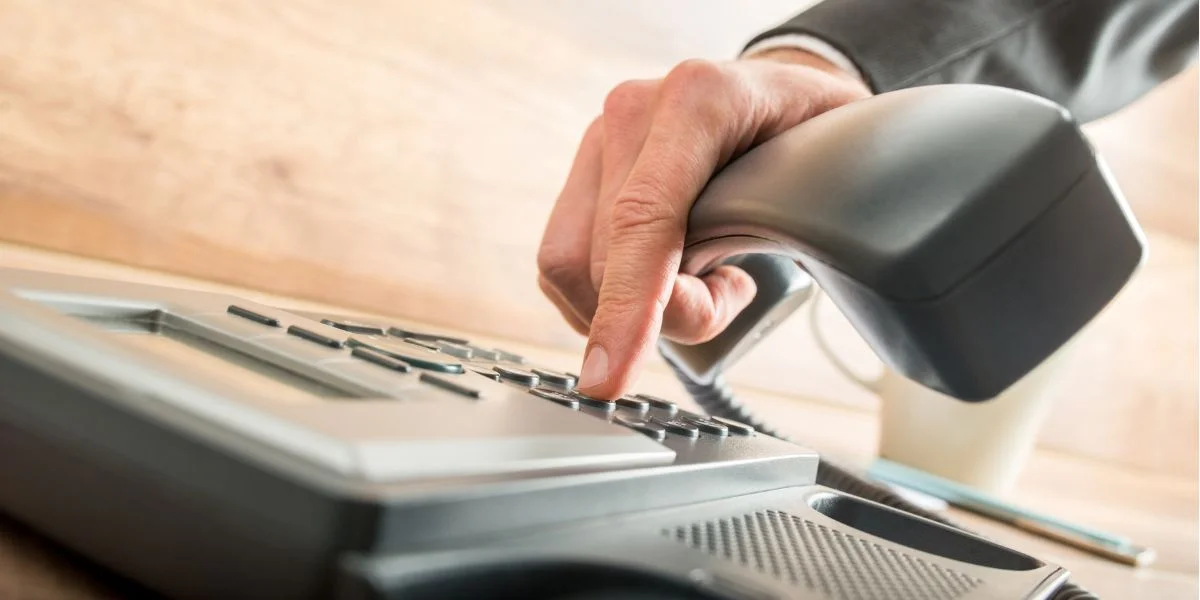
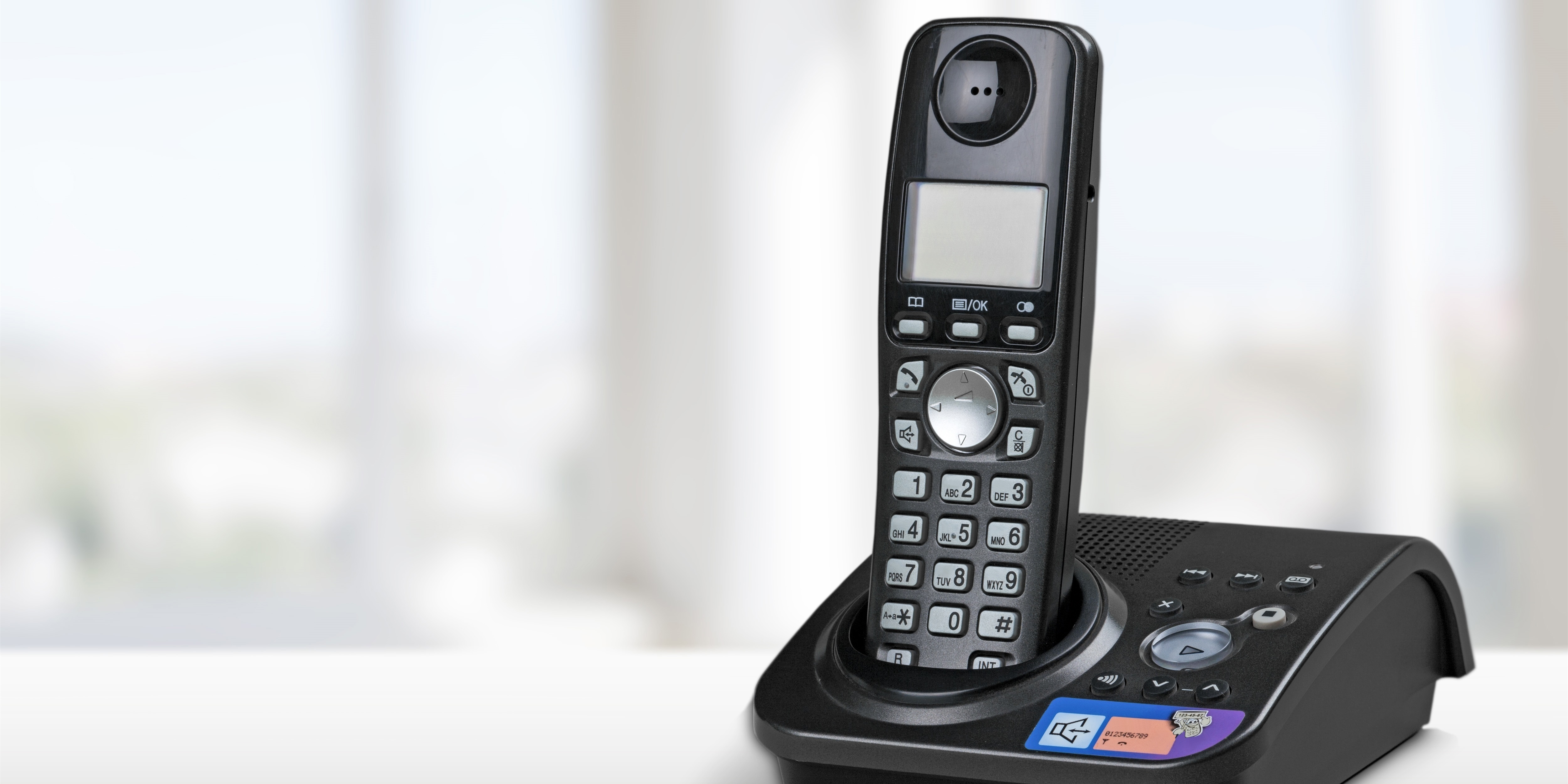
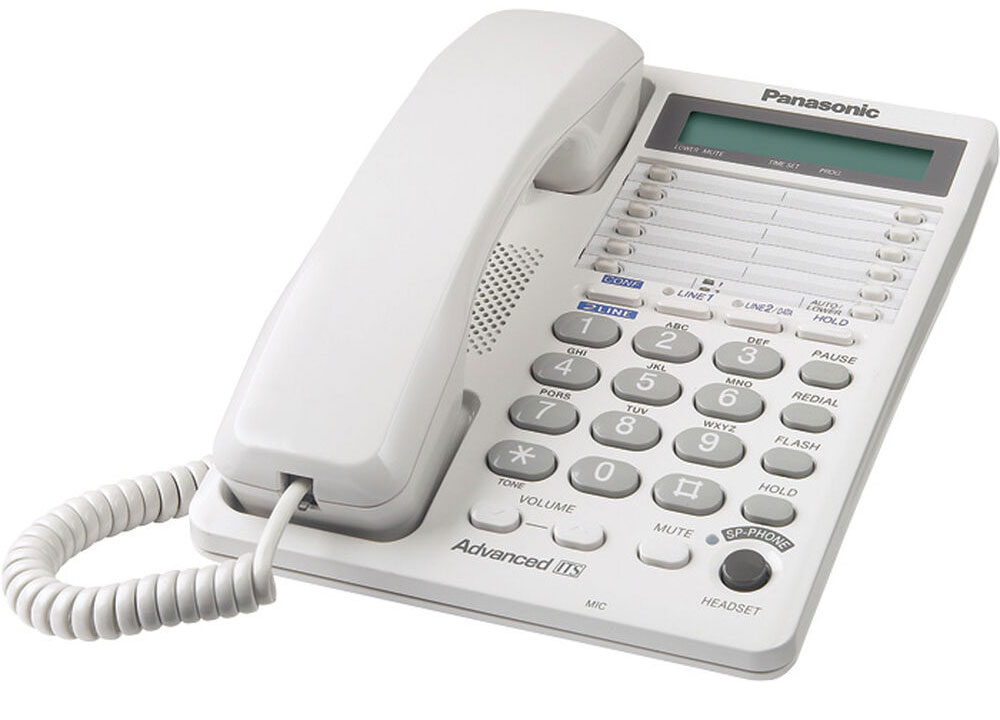
Traditional corded phones have been around since 1876--plenty of time to perfect the technology. They offer reliable, low-cost service. But with today's busy lifestyles, you might need to walk around the kitchen, yard, or the factory floor with your telephone in hand. Cordless phones offer portability and versatility--you don't always need a separate phone in each room. And with new improvements in technology, the sound and security of cordless phones now rival those of corded ones.

If you just need basic phone functionality, especially for a studio apartment or dorm room, a corded phone will probably give you the best value. But for larger apartments, houses, and small businesses, a cordless phone offers more flexibility--and will often come with more advanced options.


Analog versus digital
If you've decided to buy a cordless telephone, you'll have to choose between digital or analog signal formats. Analog is less expensive; digital sounds better, travels farther, and is more secure.

As an analog telephone handset moves farther away from its base, the signal fades; you hear increased buzzing and radio static. A digital telephone uses a computer chip to convert your voice into a series of numbers and then transmits the numbers to the base unit.

Digital signals are inherently more secure than analog. Even if someone tuned a radio scanner to your digital telephone's frequency, they wouldn't hear your voice, just incomprehensible digital "pulses" unless they had specialized digital-to-analog conversion equipment.

Digital spread spectrum
If you've decided to buy a digital cordless telephone, there's still one more option to consider: digital spread spectrum (DSS) format. Instead of using a single narrow band to transmit signals, as standard digital and analog phones do, DSS phones spread their signal over a range of frequencies. You can think of the process as breaking the signal into pieces and sending different pieces on different frequencies. The result is clearer sound with less interference, greater range, and more privacy than standard digital phones. DSS phones sometimes cost a little more, however.

Answering Machine or None
Phones are available with or without answering machines. In the past, you had to purchase a separate answering machine and a few tapes if you wanted to record messages from your callers. Today, phone companies offer the ability to record those same messages and let you check them while you're away, for a fee. A few phones now include a digital answering machine built into the phone. It usually doesn't change the size of the main base of the phone, and when it does, only very minutely. These digital answering machines have a chip in them that records messages. Think of a really small iPod that can only record 15-20 minutes. And don't worry--if you lose power, you don't lose the messages anymore.

Caller ID
Don't want to pick up that call because your mother-in-law might be calling? Most phone companies offer the capability for your phone to display the telephone number of the person calling you. Almost every cordless phone comes with a display that will show the name and number of the person calling you. Additionally, telephone manufacturers have taken a note from cell phones and now allow you to connect your phone to a computer via a USB port and download a picture that you want associated with a telephone number. The next time your mother-in-law calls, not only will her name and number appear on the phone, but that great smile of hers too.

Multiple Handsets
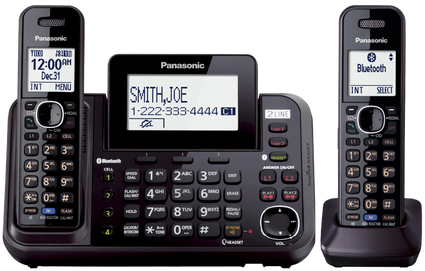
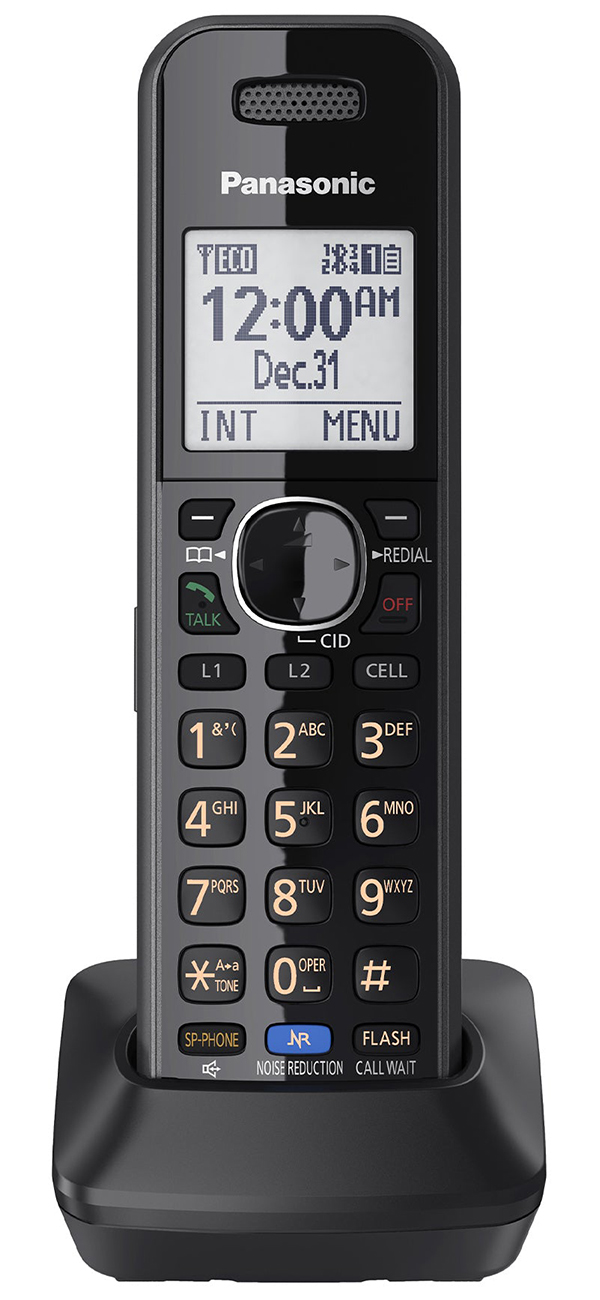
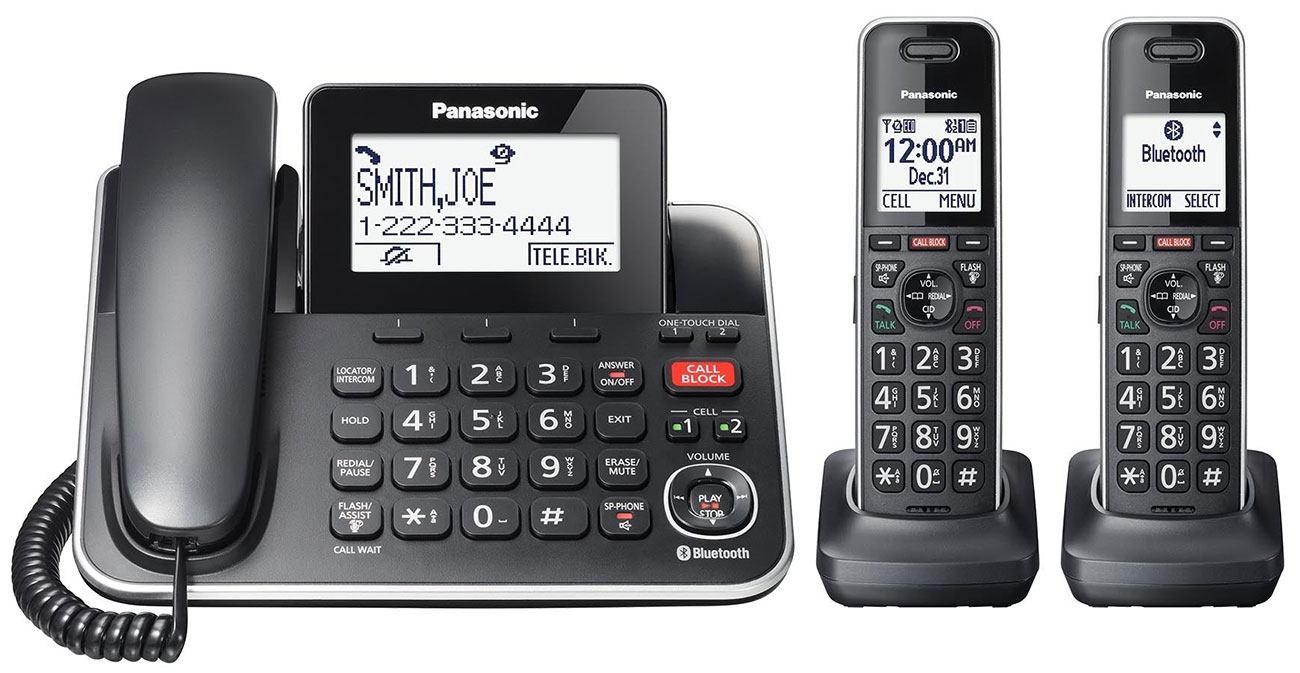
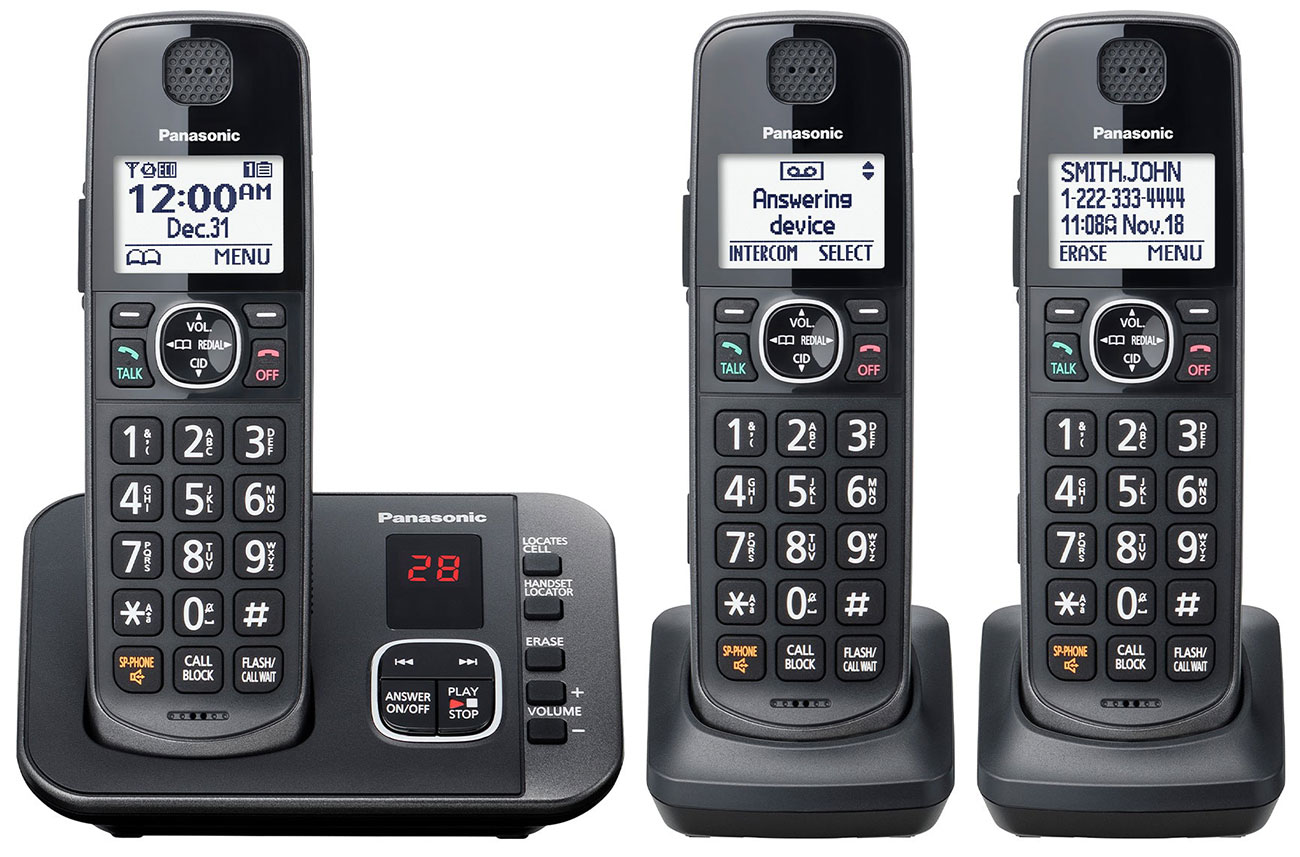
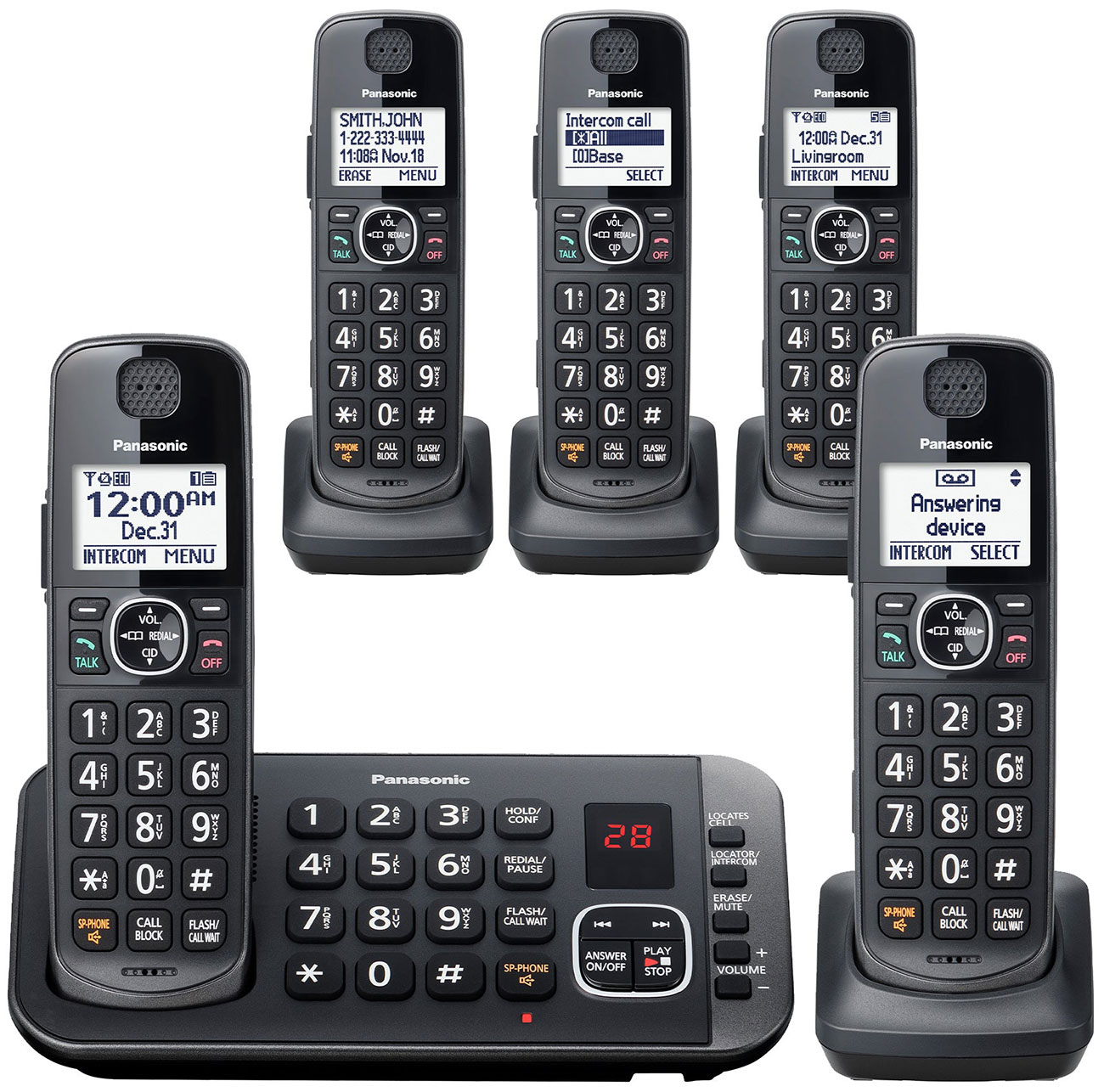
When deciding on a phone, consider how many telephone jacks you have available. Want to keep a phone in the garage because you like being out there working on your car? Don't know where your children put the handset? Then look into getting a phone with multiple handsets. Some cordless phones offer only the handset that comes with the main phone base. These were the first type of cordless phones. People liked the idea, but some didn't have a phone jack everywhere they wanted a phone, so companies started making phones with two, three, or sometimes the ability to add up to seven additional handsets. When choosing a phone, determine if you want to walk all over your house with one handset, or if having multiple handsets might save you time and keep you from missing that call when your only cordless phone's battery runs out.

A great setup for a smaller apartment is a two phone package. Only one phone will need a phone line, but for every handset you must have an electrical outlet available nearby. Remember, those cordless phones have to charge somehow. Can't figure out how many handsets you might want later, but you know you need at least a couple right now? Choose a phone that can accept at least three or four handsets in addition to the one it comes with. Then, when you are ready, you can buy extra handsets one at a time. Most also have the ability to page specific handsets, so now the kids won't have the excuse that they couldn't hear you asking them to mow the lawn.

Frequency bands (2.4 GHz and 5.8GHz)
Older and less expensive cordless telephones transmit on the standard 43 to 49 MHz frequency band. However, the U.S. government has freed up some higher-frequency bands previously reserved for military use, allowing phone manufacturers to utilize these frequencies. The most popular high-frequency telephone band is in the 2.4 GHz range; the signals transmitted on this higher band are more energetic, resulting in improved sound quality and greater range. This is also the frequency on which many wireless transmissions are sent for computer connections. Think about the last time you went to a coffee shop and saw a sign offering "Free wi-fi" -that means you were in a location where 2.4GHz frequencies are used to connect computers to the Internet.

Some people worry about others being able to listen in on their conversations because of this fact. But the real problem lies in the fact that 2.4GHz frequencies can get a little crowded, but only in populous towns and areas, like New York City or downtown Los Angeles in a high-rise building. The frequencies don't travel far enough for everyone in a mile radius to have a chance of picking up. To combat this, phone manufacturers now offer quite a few selections in the 5.8 GHz range. This range effectively doubles the possible frequencies available for the phone to jump between, resulting in less interference and more security on your phone calls. In general, 5.8 GHz with DSS offers the greatest range--up to 20 times greater than the 900MHz band and two times greater than 2.4 GHz DSS.

Two-line telephones
If you have a home office, modem, fax machine, or a teenager who's always on the phone, you may have already discovered the benefits of a second phone line. You can use your second line to its full potential with a two-line phone, which lets you manage both lines more efficiently, handle multiple incoming calls, and make three-party conference calls.

Two-line phones are designed to work with lines that are identified by a unique phone number--one phone number rings line one; the other rings line two. Most two-line phones have different ringing sounds for each line. Also, if you're talking on line one and someone else calls on line two, you may not want a loud ringing sound to disturb your current conversation. A two-line phone with a non-intrusive ringer can ring softly or flash a light when the handset is in use. And if you've got a caller on line one and another on line two, you can press the Conference button so that all three of you can talk to each other.

Two-line connection jacks and cords
Most telephones and accessories sold in North America have an RJ-11 cord, which is compatible with both RJ-11 and RJ-14 phone jacks.

An RJ-14 jack has four wires, while an RJ-11 jack has two wires; most houses have RJ-14 jacks. If you have only one phone line in your house, then only two of the four wires in your RJ-14 jack are actually used (the two in the center, which correspond to the two wires in an RJ-11 jack). If you have two phone lines in your house, then all four wires in your RJ-14 jack are used. Two-line phones accept either one RJ-14 connection or two RJ-11 connections. Ever wonder what it looks like? Disconnect the phone cord from the wall, and at the tip of that phone line plug you'll see the four wired pins.

 Glossary

General Telephone Features

Auto busy redial
If the number you dialed is busy, this feature lets the phone do the work of trying to call the number again every few seconds until the call finally gets through. This is a great alternative to auto call-back features that many phone companies offer for a per-use charge.

Belt clip
This feature lets you clip the handset of a cordless phone to your belt.

Built-in caller ID/call waiting
Caller ID is a service many phone companies offer that identifies the name and phone number associated with an incoming call. Along with the service, the phone company usually provides a caller ID box with an LCD screen to display the ID information. However, many phones have a caller ID decoder built in. If you also have caller ID/call waiting (also called "caller ID with call waiting," "call waiting/caller ID," or "caller ID with visual call waiting"), these phones can display the caller ID information for a second (interrupting) call, so you can decided whether or not to interrupt your first call.

Clock radio
Why crowd your nightstand with a clock, a radio, and a telephone when you can have all three together? Many manufacturers offer a combination of AM/FM radio, alarm clock, and corded phone to save you space and money.

Extension-in-use indicator
This feature tells you if the phone line is in use. This helps prevent you from accidentally interrupting a conversation on another extension. On cordless base units, it also tells you if the handset is in use.

LCD displays
Some phones include LCD displays for status and other information, such as caller ID, the last number you dialed, the contents of memory dialing, battery strength, signal strength, or the transmitting channel for cordless phones. Displays range in size from a single character to three 16-character lines.

Flash
Using the flash button is equivalent to pressing the switch-hook for half a second. You can use the Flash button to answer a call-waiting call or to get a new dial tone after your caller hangs up.

Handset volume
This feature lets you adjust the volume you hear in the handset's earpiece.

Headset-compatible
These phones let you plug in and wear a telephone headset for complete hands-free operation. This feature is especially handy with a cordless phone and a belt clip.

Hearing-aid compatible
These phones are designed to work with hearing aids.

Hold button
The hold button puts your caller on hold.

Lighted keypad
A lighted keypad lets you dial in the dark. Power for the lighting comes from standard telephone line voltage; however, most phones with lighted keypads also provide batteries or AC power in case the line voltage drops too low.

Line status indicator
Like the extension-in-use indicator, this feature tells you if the phone line is in use.

Long distance manager
This is a service in which the telephone automatically searches a database for a long-distance carrier that can complete your call at the lowest possible price. The search takes place in the background as you dial the number.

Memory dialing
Also called speed dialing, memory dialing assigns dialing shortcuts to your most frequently called telephone numbers. The number of different telephone numbers you can store ranges from 10 to 60, usually each with up to 32 digits. You can also program your memory dialing for calling card numbers, long-distance carrier numbers, and so on.

Mounting type
Most telephones come with a bracket or adapter so you can set them on a desk or mount them on a wall.

Nonvolatile memory
Nonvolatile memory electronically stores data (memory-dial numbers, digitally recorded greetings or incoming messages, and other settings) that needs electricity only for being read or written and not for being stored, so it is not erased when the phone's power supply is interrupted or removed.

Pulse/tone dialing
For the few households and phone systems not set up to recognize dual tone multi-frequency (DTMF) touch-tone sounds for dialing, nearly all phones still simulate the old-fashioned rotary dialing pulses. However, because automated telephone services require you to press touch-tone keys, most phones also allow you to temporarily generate touch-tone sounds even if you've set up the phone for pulse dialing.

Redial
The Redial feature calls the last number you dialed. The number of digits you can redial varies; usually 32 digits is the maximum.

Ringer volume
The ringer volume lets you set how loudly your phone rings.

Speakerphone
Speakerphone lets you talk to someone or wait on hold without using the handset. This is very handy for meetings, conference calling, and long on-hold times. Most cordless speakerphone base units also function as an intercom, letting you talk to whomever has the handset. A few cordless handsets also have speakers (called monitors) that you can use for hands-free listening but not for talking.

Cordless telephone features

Auto channel scanning
With this feature, the telephone automatically selects the best channel among those that are available--one not being used by someone else or otherwise subject to interference. Cordless phones usually have 10 to 32 channels.

Backup power supply
Some base units provide a recharging port for an extra battery pack that you can put in the handset when the main battery pack runs out. In some phones, the extra battery pack can power the base unit during a power failure.

Base keypad dialing
This feature lets you dial either from the handset or from a keypad in the base unit.

Battery life
Cordless phones use rechargeable Ni-Cad battery packs. How long the battery lasts between charges depends on the type of battery and the transmitting power of the handset. Battery life usually ranges from 2-7 hours of continuous talking or 4-7 days on standby.

Clear sound
Manufacturers offer features such as SuperSound, SuperClear Sound, UltraClear, UltraClear Plus, and so on; these are types of proprietary circuits that electronically enhance a cordless signal to give you the best possible sound.

Easy any-key answering
This feature, also called handset easy answer, allows you to press any key on the handset to answer the phone when it rings.

Face-up handset charging
When you return the handset to the base for recharging, you can turn the handset face up or face down. This is handy with caller ID phones whose LCD screen shows caller ID information that you can see only when the handset is face up.

Low-battery warning
This feature warns that you have only a few minutes before the battery runs out.

Out-of-range indicator
An out-of-range indicator lets you know that the handset is too far from its base. You must usually return the handset to the base, not just move closer to it, so that the base can assign a new security code number to the handset. See the section on "Random-code digital security" below.

Page/find (with or without intercom)
Press a button on the base unit and the handset starts ringing, or vice versa. This is very handy if you can't find the handset or base. Or, if the base unit is also a speakerphone, you can page the handset and talk to the person who has it.

Programmable ringers on handset and base
This feature lets you choose among various ringer options--loud, soft, long, short, pleasant, or shrill. Some phones provide separate options for the ringer and the base.

Random-code digital security
In order to keep other people from using their handsets to contact your base unit, and thus dial out using your phone line, your base and handset identify each other by a code number. Many base units assign a randomly selected digital code to the handset every time you return it for recharging. Others have codes preset at the factory. The random method is better than preset because it lets you change the code number at will. The number of possible codes ranges from 65,536 to more than 16.8 million. Of course, there is still a small possibility that a similar phone belonging to a neighbor might have the same code as yours.

Telephone answering devices
A telephone answering system can either be integrated into your telephone or purchased separately. In industry jargon, a separate unit is called a telephone answering device (TAD)--what we normally call an answering machine. Although an integrated telephone answering system removes one more box from your crowded desktop, a separate answering machine offers you the flexibility of choosing exactly the features you want.

Digital versus tape
Telephone answering devices fall into two major groups: digital and tape (digital is also called tapeless), with some overlap between the two. The distinction between digital and tape answering machines is somewhat similar to the difference between digital and analog cordless telephones.

Answering machines can use either digital technology or audio cassette tapes to record your greetings and incoming messages, or they can use digital technology only for your greetings and a tape for the incoming messages. Digital messages are stored in computer memory chips; the amount of memory an answering machine has determines its total recording time and its sound quality. Total recording time ranges roughly from 10 to 30 minutes, with about 15 minutes being most common. The total recording time is the sum of your greetings and incoming messages, as well as any recorded conversations or memos.

Telephone answering device features

Announce-only
This feature lets you play a greeting but accepts no recorded messages from callers. This is handy for businesses that only want to announce their location and hours of operation.

Auto disconnect
This feature lets the machine disconnect automatically, as soon as the caller hangs up.

Call screening and intercept
This feature lets you hear incoming messages without answering the phone (that's the screening part), and if you do pick up the handset, the answering machine disconnects automatically (that's the intercept part).

Memo recording
You can record a reminder message for yourself or for anyone else who uses your answering machine. The answering machine treats a memo recording the same way it treats any incoming message, and the new message indicator will flash accordingly.

Message counter
This counter displays the number of new messages you've received.

Message forwarding
This feature is also called message transfer or pager call. When your answering machine receives a new message, it calls a telephone number you previously entered. The answering machine announces that you have a new message, and after you enter your secret code number, plays the message for you. This is a handy lower-cost alternative to the phone company's call forwarding feature.

Message record time
This is the maximum length of a caller's incoming message. Most answering machines let you select one minute, four minutes, or voice-activated (however long your caller talks, up to the length of the answering machine's tape or memory).

New message indicator
This indicator flashes when you have a new message.

Prerecorded greeting
This is a generic outgoing message, prerecorded at the factory, that your answering machine will use if you do not record your own message. It's available only on answering machines with digital recording of greetings.

Remote control function
This feature lets you check your messages, or otherwise operate your answering machine, by calling the answering machine and entering a remote access code on a touch-tone phone. A fully functional remote control system lets you operate the answering machine as if you were in its presence, including turning the answering machine on or off, recording new greetings, and so on. The access code may be preset at the factory, or you may be able to set your own.

Remote message check
This is a variation of remote control that is limited to checking your messages.

Remote room monitor
This feature lets you call the answering machine, switch on its built-in microphone, and listen to the room it's placed in.

Ringer answer selection
This is the number of rings before the answering machine answers and starts playing your greeting. Most answering machines let you select a two ring, four ring, or Toll Saver option (see below).

Time/date stamp
This option records the time and date along with incoming messages.

Toll saver
This feature sets the answering machine to answer an incoming call on the fourth ring if you have no previous new messages and on the second ring if you do. When you call your answering machine to check messages, if it does not answer on the second ring, then you can hang up immediately, knowing that you have no new messages. This feature can save you the cost of a long-distance call when you check your messages remotely.

Total recording time
This is the maximum time an answering machine can record, including your greetings and incoming messages, memos, and conversations.

Two-way conversation record
This feature lets you record your current telephone conversation.

Variable speed playback
This function speeds up or slows down message playback. When using this feature, the answering machine can electronically enhance the message so that it sounds like a normal voice.

Voicemail boxes
These are also called personalized message boxes or secured message boxes. They let callers chose a specific person with whom to leave a message by pressing a button on their touch-tone phone. They also let recipients check their messages by entering their mailbox number and their secret code. Answering machines can have from two to four voicemail boxes. If you need more than four, you should probably buy a commercial voice mail system.

Voice menu operations
Audible prompts guide you through using the answering machines' features. Many answering machines make this feature available only when you're calling in through remote access.

Price range
The price of a telephone or answering machine is directly related to the richness of its feature set. In general, cordless phones cost more than corded; 2.4GHz or 5.8 GHz costs more than the standard transmission band; digital costs more than analog or tape; two-line costs more than one-line. A simple corded phone with no remarkable features can cost less than $20. A full-featured DSS phone with an integrated answering system may cost about $150. An answering machine with a few features should cost about $20-$30, with products in the $30-$70 range covering the most popular feature sets. If your answering machine has more memory, a speakerphone, or voicemail, expect to add a few dollars more.

Click here to view all phones.

Click here to view all Buying Guides.

Telephones & Answering Machine Categories:

Cordless Phones
Cordless Phones


Cordless Phones with Answering Machines


Phone Systems
Phone Systems


Corded Phones
Corded Phones


Cellular Phones
Cellular Phones


Cordless Phone Accessories
More Ways To SaveMore Ways To Save
Click below for details
Abt Blog
Your recently viewed items:
  • Bosch Axxis Series White Vented Electric Dryer - WTV76100US
  • Sony 52" BRAVIA W-Series Black LCD Flat Panel HDTV - KDL-52W4100
  • Uniden 5.8 Ghz Digital 2 Line Cordless Phone - TRU9466
  • Sharp White Countertop Microwave Oven - R520LW
  • Weber Summit S-450 Natural Gas Stainless Steel Outdoor Grill - 1840001
  • KitchenAid Professional 5 Plus Series Mixer - Blue Finish - KV25G0XBU
  • Frigidaire 26" White Coil Electric Cooktop - FEC26C2AS
Pleasing People Since 1936
Abt Staff
 
Newsletter Signup
Stay Informed
Sign Up & Save 5% On Your Next Order
Sign up for the latest information on new products, special offers and savings opportunities at Abt.
HACKER SAFE certified sites prevent over 99.9% of hacker crime. Verisign Secured
Become a Fan on FacebookBecome a Friend on MyspaceFollow Our Tweets on TwitterAdd Us As a Contact on FlickerSubscribe To Our Videos on YouTubeRead Abt ReviewsRead Our Blog
site map| privacy policy| site security| contact us
Toll Free 888.228.5800 | Chicagoland 847.967.8830 - Copyright © 1997-2010, Abt Inc.
 
Ordering by phone? Use code: 0010