


Samsung R95H vs. LG MRGB95B: A Micro RGB TV Comparison
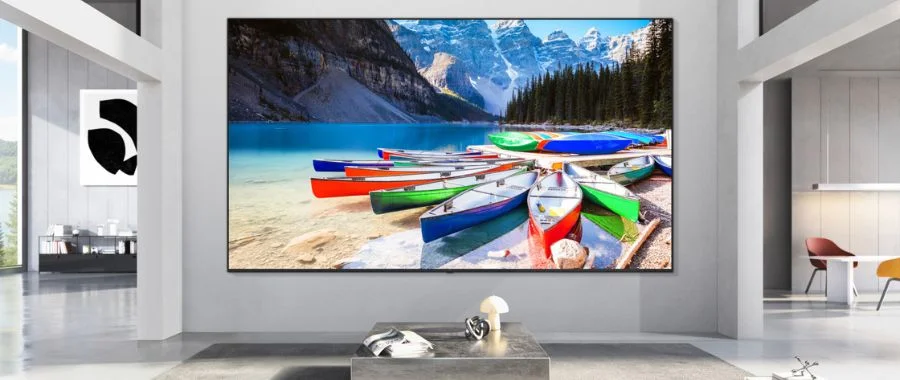

Welcome to the era of Micro RGB TVs, televisions powered by a new technology as impressive as OLED TVs. We're excited to show off some of our favorites, like the Samsung R95H and LG MRGB95B. Here, Abt is evaluating them side by side to see just how great they both are when it comes to traits like brightness, color, black levels and more. If you're new to the technology, you're not alone; nearly everyone is. In simple terms, these new TVs put a completely fresh spin on classic LED TV technology. Both the Samsung and the LG models use an LCD panel to project bright white light, combining it with a layer of colorful, miniature RGB pixels. The tiny diodes are independently controlled, and emit red, green and blue light for ultra-precise images that are infused with bright color. While they use similar technologies, these TVs are not the same, so which one is right for you?
A good thing to note before we continue: The naming conventions for these televisions can be a bit confusing. Micro RGB, RGB Mini-LED, and True RGB Mini-LED are all essentially the same technology, and are just different branded terms. These two TVs both use the term Micro RGB, but it's something to keep in mind.
Our TVs: The Samsung R95H and LG MRGB95B
The Screen Sizes
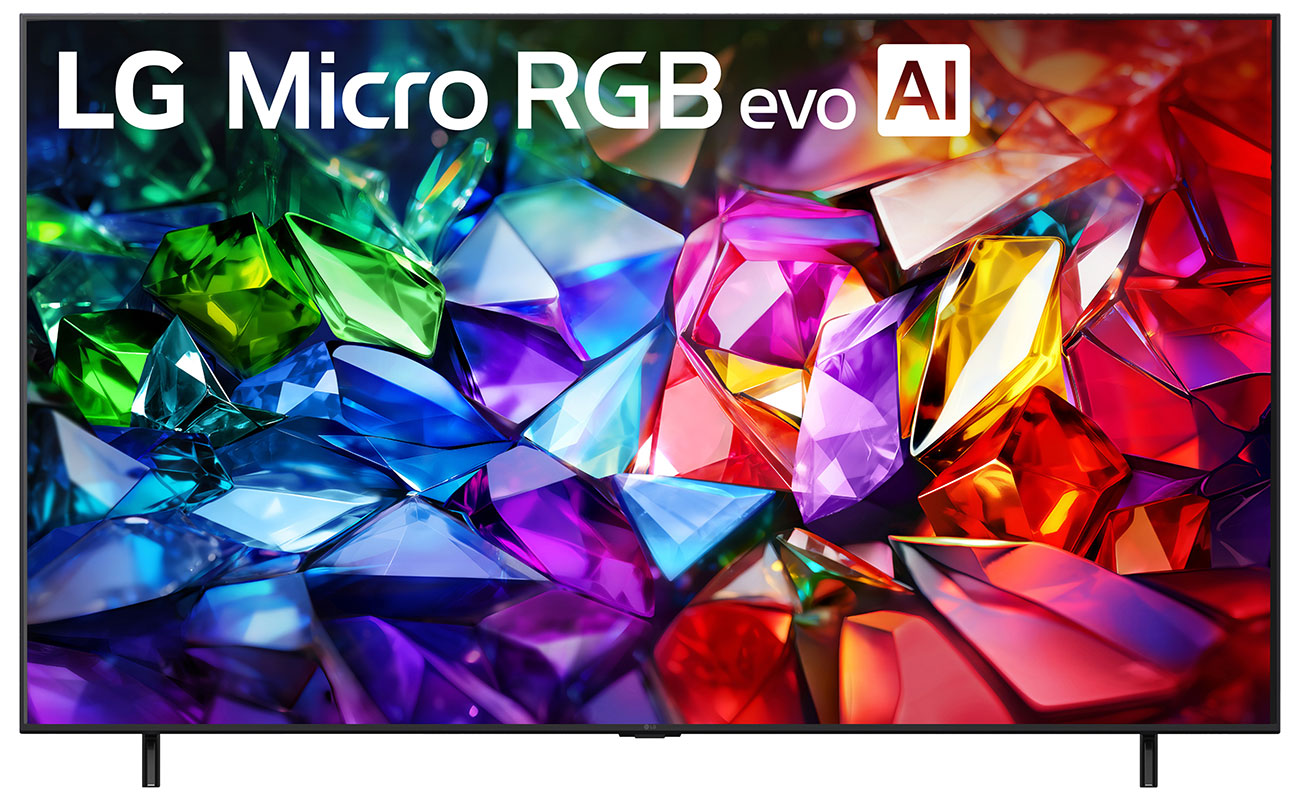
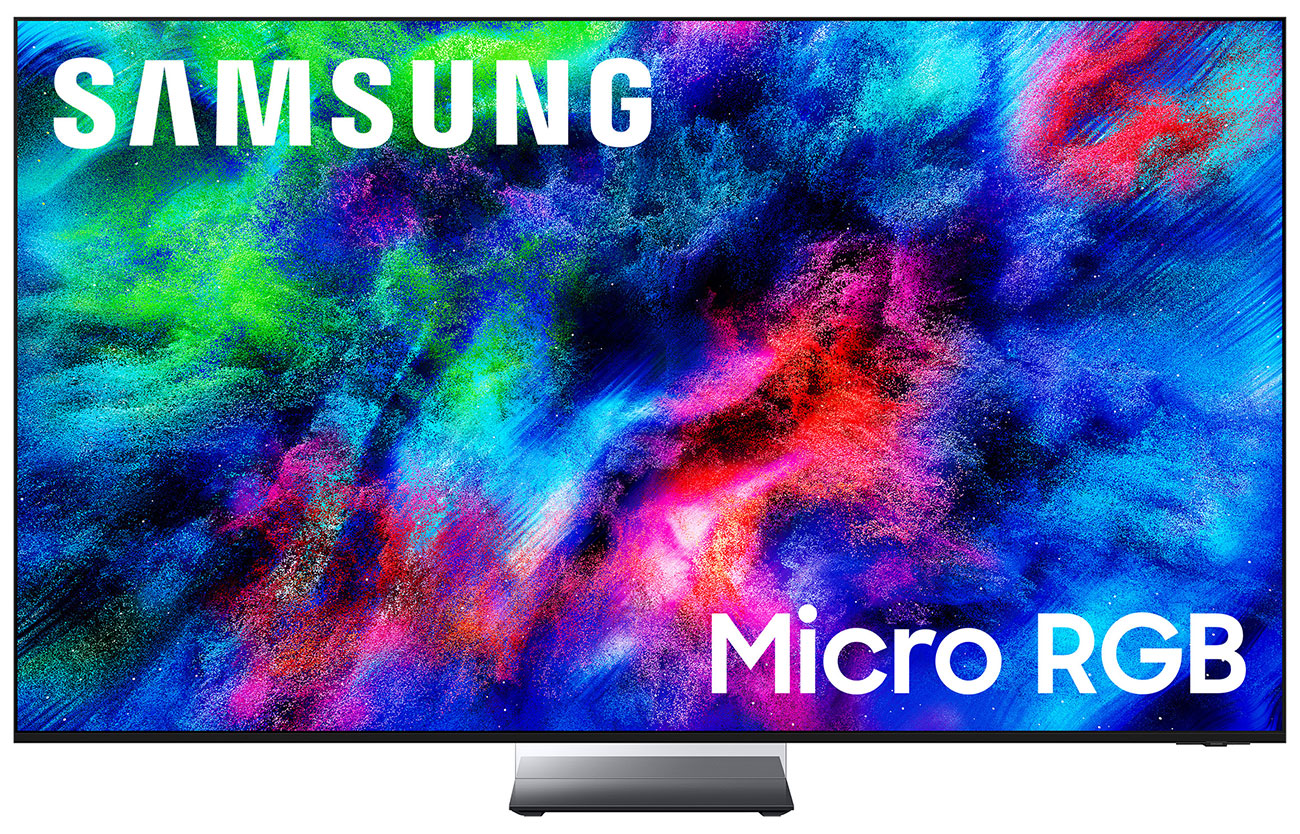
To begin, these are big TVs. The LG MRGB95B comes in three sizes: a 75-inch, an 85-inch and a 100-inch model. Samsung goes big as well, but keeps one smaller model with a 65-inch, a 75-inch, and an 85-inch television. None of these TVs are small, but if you need something on the standard side, the Samsung R95H might be a good choice, and if you're looking for something massive for an extra-large home theater, the 100-inch choice from LG is your best option. But why go so big in the first place? Nearly all of these televisions are targeting the home theater crowd with these big sizes and with this exciting new technology. They'll work best for those who have a dedicated space for entertainment. That being said, one of the smaller Micro RGB TVs will work well in a mid-sized living room if you have the wall space for it. Just make sure you measure before you buy-our guide to TV measuring and buying will help you choose the right pick for your space.
Which TV Does RGB Technology Better?
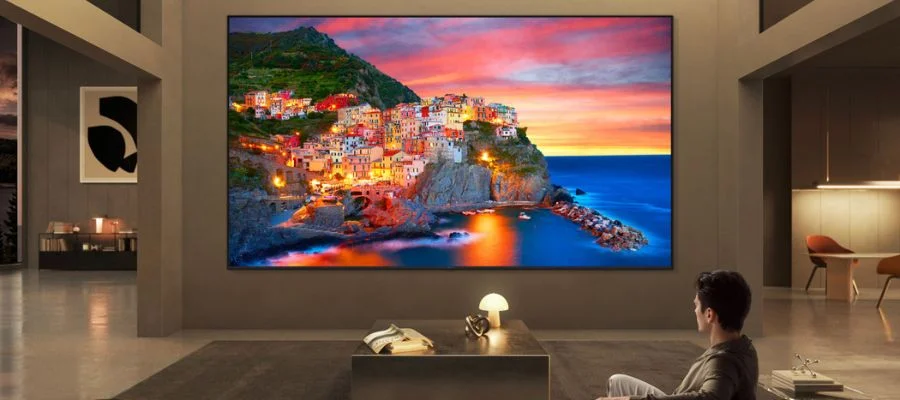
This is a tough question to answer, especially with the technology being so new. We'd put both of the brand's Micro RGB televisions at a draw in this category for a few reasons. One, in the battle of the Samsung R95H vs. LG MRGB95B, they both use the same illumination and color engineering at their core. It's Micro RGB, and Samsung and LG put their own flair on the systems where tiny red, green, and blue pixels create incredibly colorful images onscreen. Paired with a bright LCD panel, these televisions bring a new way to watch to every home. That being said, these two TVs do have some different features that may make one better for your lifestyle than the other. Explore our comparison below.
Color
An area where both televisions excel is in bringing intense color to anything you watch or play, from streamed shows to sports matches to video games. When it comes to the Samsung R95H vs. LG MRGB95B, let's take a deeper dive. The LG notes that it is "certified for Triple 100% Color Coverage across BT2020, DCI-P3, and Adobe RGB standards" for a wide color gamut that goes beyond reds, blues and greens. Meanwhile, the Samsung competitor isn't far off, with "pure color with 100% BT.2020 color area ... VDE-certified ≥100% BT.2020 color area; vs. DCI-P3". They both deliver incredible color accuracy, and they're brighter than what you'd find in other types of televisions. These Micro RGB TVs both cover the BT2020 color gamut, making them incredible competitors for other models that use different tech, like LED or OLED. Both get extra bright, beating out OLED televisions with help from that LCD technology. When it comes to color, we'd say they're equals.
The Panel
Next up, the panel. This is where things start to differ. They're both incredible televisions with matte screens that discourage glare, but different features on different televisions make more sense for where you watch TV and the way that your home is formatted. For example, the Samsung R95H uses a VA panel that's marketed with the brand's impressive Anti-Reflection technology. Then there's the LG MRGB95B, which includes much of the same technology, but evolves from LG's QNED/IPS tech for better viewing angles than you might find on the Samsung choice. LG is the king of OLED, and with a big focus on LG's Micro Dimming Zones, the LG TV pushes its ability to brighten or dim certain sections independently. When it comes to the panel type, the build matters more than you'd expect. We'd say that the Samsung R95H might be a better choice for a bright or sunny room, while the LG MRGB95B and its multiple Micro Dimming Zones and Dolby Vision might be better for darker spaces, cinephiles and certain types of gamers ... but we'll dive into gaming preferences more below.
Inky Blacks
Finally, reaching those dark blacks. Whether you're watching an old black and white film or hiding in the shadows in your new video game, seeing the different dark levels are important. That being said, it's hard to beat an OLED television when it comes to black levels, though RGB TVs come pretty close ... and it's hard to think of a better model to excel than the LG MRGB95B. Its Micro Dimming Zones put it ahead in this competition and it gets to those darker lows. When it comes to the Samsung R95H vs. LG MRGB95B, it's a matter of preference. Do you want a television that performs better in sunny or bright environments (The Samsung), or do you want to see those deep blacks (The LG)? That's what these two televisions are competing for when it comes to the picture, if you're really nitpicking.
Smart Technology & AI
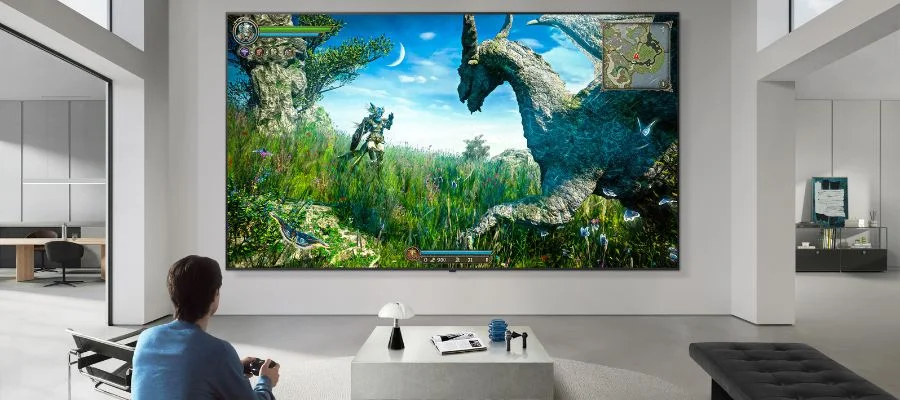
In the battle of Samsung R95H vs. LG MRGB95B, there's more to it than just how the screen looks. Nearly every new television features smart capabilities, but these Micro RGB televisions take things to another level. We're going to go through some of the AI capabilities that sets these TVs apart. Depending on your preferences, they might put one ahead of the other in your eyes.
In the R95H, it all begins with Samsung Vision AI, technology that's infused into every level of the TV. It's fueled by the R95H's impressive 4K AI processor, delivering 4K AI-powered upscaling for extra clarity via upscaled resolution. Other AI features enhance color and brightness even further with Auto HDR Remastering Pro and HDR features designed just for a Micro RGB TV. Then there's the AI Companion. The extra-smart Companion pairs with upgrades from Bixby, Microsoft Copilot and Perplexity. Ask questions about what's onscreen, look for nearby lunch spots, tweak picture and sound settings via voice and have fun with generative wallpapers. With the Samsung R95H, you can truly customize your TV to get the most out of it.
Next, the LG: can it stand up to its competition in the fight between the Samsung R95H vs. LG MRGB95B? In one word, definitely. The LG MRGB95B is packed with AI features that are just as impressive. There's a lot of Neural Processing going on here inside the television's chip and its dual AI engine. Things move quickly, all so that you get better graphics, fast operations, and better AI neural processing. The picture is sharper with Super Upscaling 4K, too. The smart TV's user-friendly platform, webOS, is powered by AI as well thanks to Google Gemini and Microsoft Copilot. As with the Samsung model, you can use your voice to find and watch what you want, and the Mini RGB TV brings personalized content it thinks you'll want to watch to the forefront. LG points out that the MRGB95B can easily transform into an art TV with LG Gallery+ when hung on the wall, and the Samsung model also features Art Mode and can do the same. Then there's what may seem small to some, but has a cult following: the Magic Remote, a wand-like remote control outfitted with AI capabilities to make finding what you need even easier.
When it comes to AI and smart features, the Samsung R95H and LG MRGB95B are incredibly powerful and have some of the best features on the market, but there are some differences worth noting. For example, Samsung Vision AI has juiced up its HDR remastering, while LG has put extra energy into WebOS. Samsung's voice control works with multiple AI assistants, including Bixby, Microsoft Copilot, Perplexity and Alexa, while LG works mainly with Google Gemini and Microsoft Copilot. In our opinion, the LG model takes the win when it comes to webOS and the AI-powered remote, but Samsung Vision AI is impressive, and all of its features are hard to beat. Both of their chips are powerful and ready to do the heavy lifting.
Audio & Art Modes
Next up, the audio. If you already have a soundbar that you love or a home theater system you're happy with, you may feel like you can skip this section. But these Micro RGB televisions pack a powerful sonic punch. The LG MRGB95B has a 2.2-channel speaker system and features a11 AI Sound Pro for virtual sound enhancement. What you're watching, playing or listening to will be up-mixed into an 11.1.2-channel system for a virtual surround-sound experience. This TV is designed around Dolby Atmos as well for a truly cinematic sonic experience, and if you're looking for more, opt for a soundbar equipped with WOW Orchestra. With WOW Orchestra, the speakers built into your TV and the soundbar sync up for a multi-channel performance that's truly immersive. Then there's the Samsung R95H and its audio skills. This Micro RGB TV comes with an impressive 4.2.2 speaker channel system as well as Dolby Atmos and Object Tracking Sound+, a feature that "moves" the audio along with who or what is onscreen. Samsung has a feature just like WOW Orchestra called Q-Symphony, so if you feel the need for a boost in volume, look for a Q-Symphony soundbar from the brand and you'll experience the same thing: synced-up audio from both the TV and the soundbar as they work in harmony.
Then there is the option to feature artwork. The latest TVs don't need to look like black rectangles on the wall when they're not in use. Both of these Micro RGB TVs feature modes where, for a subscription, you can choose your favorite paintings and photographs to display (a great choice when you mount the TV on the wall). Explore Samsung's Art Mode and LG's Gallery Mode to learn more about their subscriptions and what's included for free.
What Do Gamers Want?
Our last section is on the specs for gamers; the ones who need high speed, who want to keep lag at bay, who want snappy refresh rates and quick response times. We're laying out some of the most important specs in the chart below.
| Gaming Feature | LG MRGB95B | Samsung R95H |
|---|---|---|
| Resolution/Hz | 4K/120 Native | 4K/165Hz Native |
| HDR Formats | Dolby Vision, HDR10, HLG | HDR10+, Micro RGB HDR Pro |
| VRR | Yes | Yes |
| ALLM | Yes | Yes |
| Number of HDMI Inputs | 4 | 4 |
| AMD FreeSync Premium | Yes | Yes, Pro Version |
| Motion Boosting/Enhancing Technology | Yes, Motion Booster 330 | Yes, AI Motion Enhancer Pro |
| Game Bar/Dashboard | Yes | Yes |
Boiling it down, a lot of these specs are similar, and they're incredible. PC gamers and anyone with a console will have a blast with one of these high-resolution televisions, their bright colors and the incredible refresh rates, and you'll have a hard time finding these colors in an OLED television. But a few things will stand out to the pro gamer when comparing these two in the battle of the Samsung R95H vs. LG MRGB95B. The big one? The native refresh rate for the Samsung is high at 165Hz for an incredibly smooth, low-blur and low-lag play experience. You can get a similar experience from the LG TV, where the native refresh rate is 120Hz, but you'll need to make some adjustments and you'll have to use the right kind of console/PC. That's the biggest difference that gamers will notice. But, as we mentioned in the section above, the LG MRGB95B can make for a more cinematic experience thanks to those Micro Dimming Zones.
Which One Is for You?
We've gone through a lot of the details, from screen quality to AI features to audio and more ... so what's the takeaway in our comparison of the Samsung R95H vs. LG MRGB95B? It's like we've said again and again, both televisions are making great use of a new technology with how they implement Micro RGB. It's all new, and it's all impressive. But some features may be better for certain watchers than for others. LG is the powerhouse of OLED, and the brand brings its expertise in creating deep black levels to the world of Micro RGB with its impressive Micro Dimming Zones. These boost contrast and make it easier to see deep blacks and shadows. That makes this TV a great choice for darker spaces and rooms dedicated to entertainment. The Samsung is just as impressive, but with a great anti-glare coating and powered-up brightness, this screen is a good choice for rooms with bright lights and sunlight, though the LG can do well in these spaces, too. The different television screen sizes limit you a bit as well. For something on the classic, somewhat smaller size at 65 inches, you'll need a Samsung R95H, and if you want one of the larger Micro RGB televisions available, you'll want the 100-inch LG MRGB95B.
If you still have questions or are having a hard time choosing the Micro RGB TV that's right for you, we're here to help. Call us at 800-860-3577 to speak to our specialists, or read up online with our guide to Mini RGB televisions.
Samsung R95H vs. LG MRGB95B FAQs
-
Micro RGB TVs use a new technology that combines a bright LCD panel and a layer of closely packed, extremely small red, green and blue LED lights. The effect? Bright whites and intense colors.
-
That depends on what you're looking for in a television. Nothing can counter the deep blacks you'll find in an OLED, where the pixels can literally turn off for inky effects. But the bright whites and color in a Micro RGB TV can power past many OLED televisions, even the more advanced models.
-
No. Though they may sound similar, the technology is different between these two televisions. Micro RGB TVs use tiny red, green and blue LEDS and combine them with a bright LCD panel. In contrast, Micro LED TVs use tiny self-emissive LED pixels. There is no LCD panel involved at all in Micro LED.


