


MacBook Air vs. MacBook Neo: Which is Best for Students?


Shop the MacBook Air & MacBook Neo


Budget Considerations
The first factor you need to determine is your MacBook budget. The MacBook Air starts at $1,299; certainly not cheap, but also not the most expensive laptop on the market by far. There are certain factors that justify this higher price, such as advanced display features and a more powerful M5 chip; you'll need to think about what you plan to use your laptop for to determine if it's worth spending more. The MacBook Neo went viral for its incredible price point; even after Apple's recent price increases, the 512GB model only retails for $799, making it far cheaper than many high-quality laptops on the market. If you're working with a smaller budget, the MacBook Neo offers an enjoyable, stylish option, especially compared to similar-priced models on the market.
Comparing the Performance of the Air vs. Neo
Simply put, the MacBook Air offers better performance thanks to the M5 chip. It also features a 10-core CPU and 8-core GPU, compared to the Neo's 6-core CPU and 5-core GPU. The Neo is also the first Mac to be powered by an iPhone chip, the A18 Pro. However, that doesn't make the MacBook Neo a bad laptop; they're just for different users. If your school work involves graphics-heavy applications (game design or film majors, for example), you'll appreciate the advanced performance of the MacBook Air. If you're mostly writing papers, reading scientific journals or emailing your professors, the Neo is still enjoyable to use. And don't forget: MacBook Air's advanced computing power comes at a much higher price.
MacBook Display Differences
While all MacBooks are known for having great display quality, there are differences between the MacBook Air vs. Neo. Both laptops have Liquid Retina displays, but that's where the similarities end. The MacBook Air also offers support for True Tone and P3 wide color, with a slimmer display border that some users might want depending on the work they're doing. While on paper the Air has a better display, not every student needs these enhanced display technologies. If you're an art or photography major, features like True Tone will help you see your work more accurately. If you're mostly using your laptop to write papers or comment on class discussion boards, you'll probably be satisfied with the Neo's simpler display.

Air vs. Neo: Design
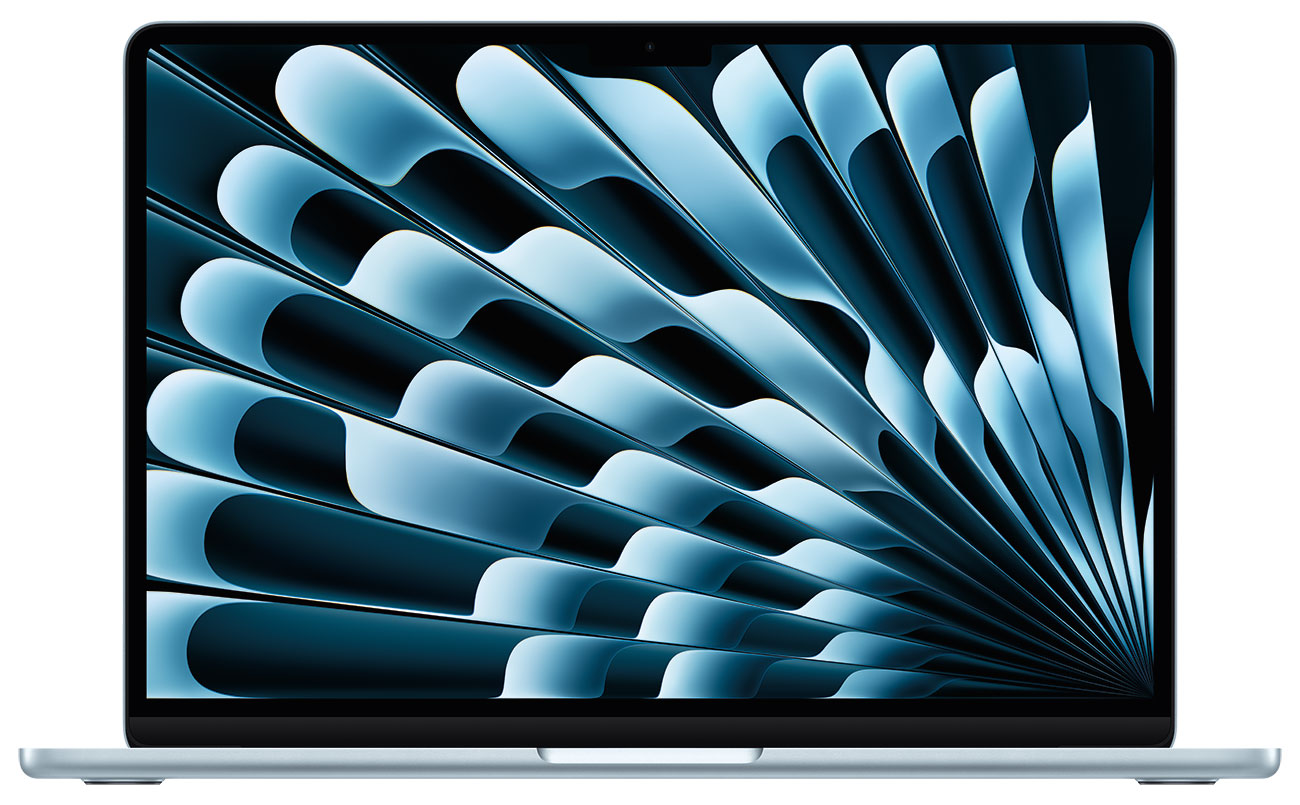
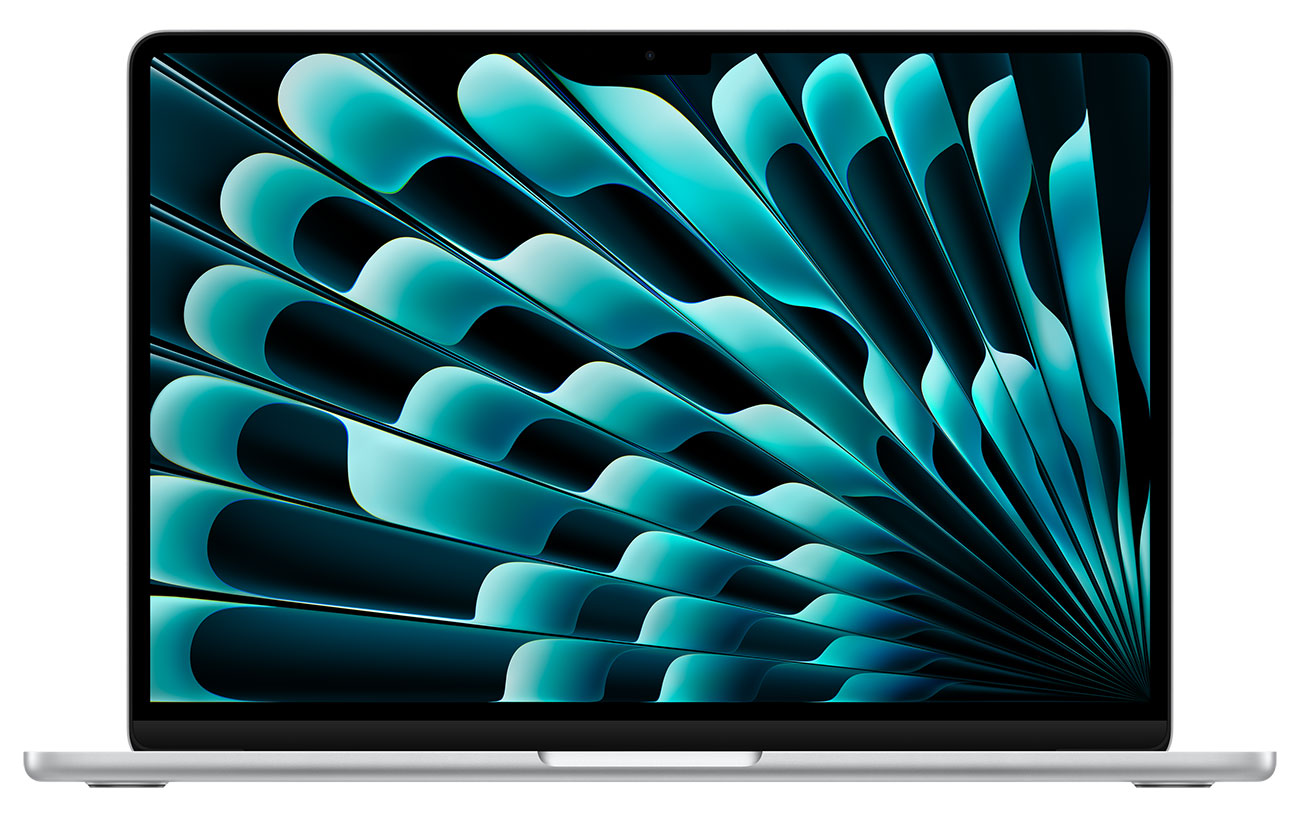
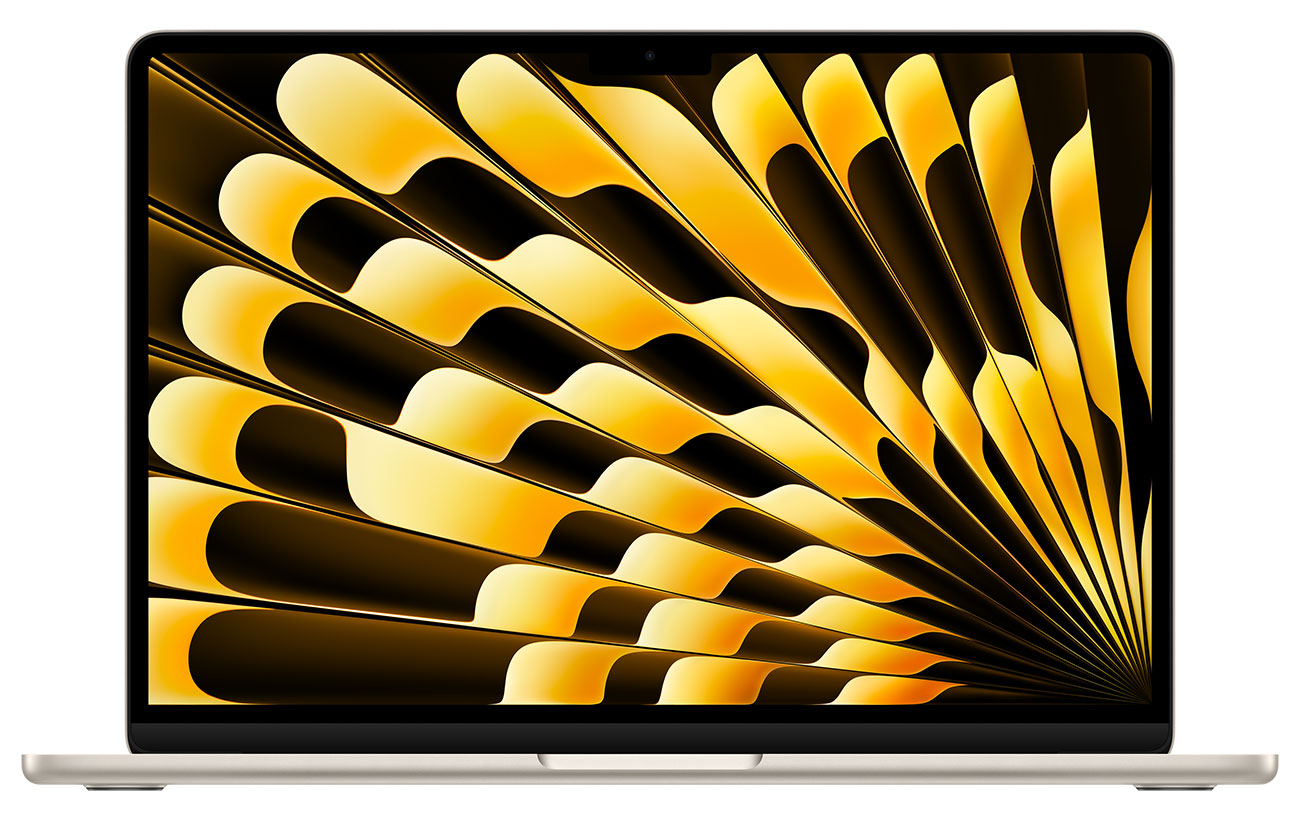
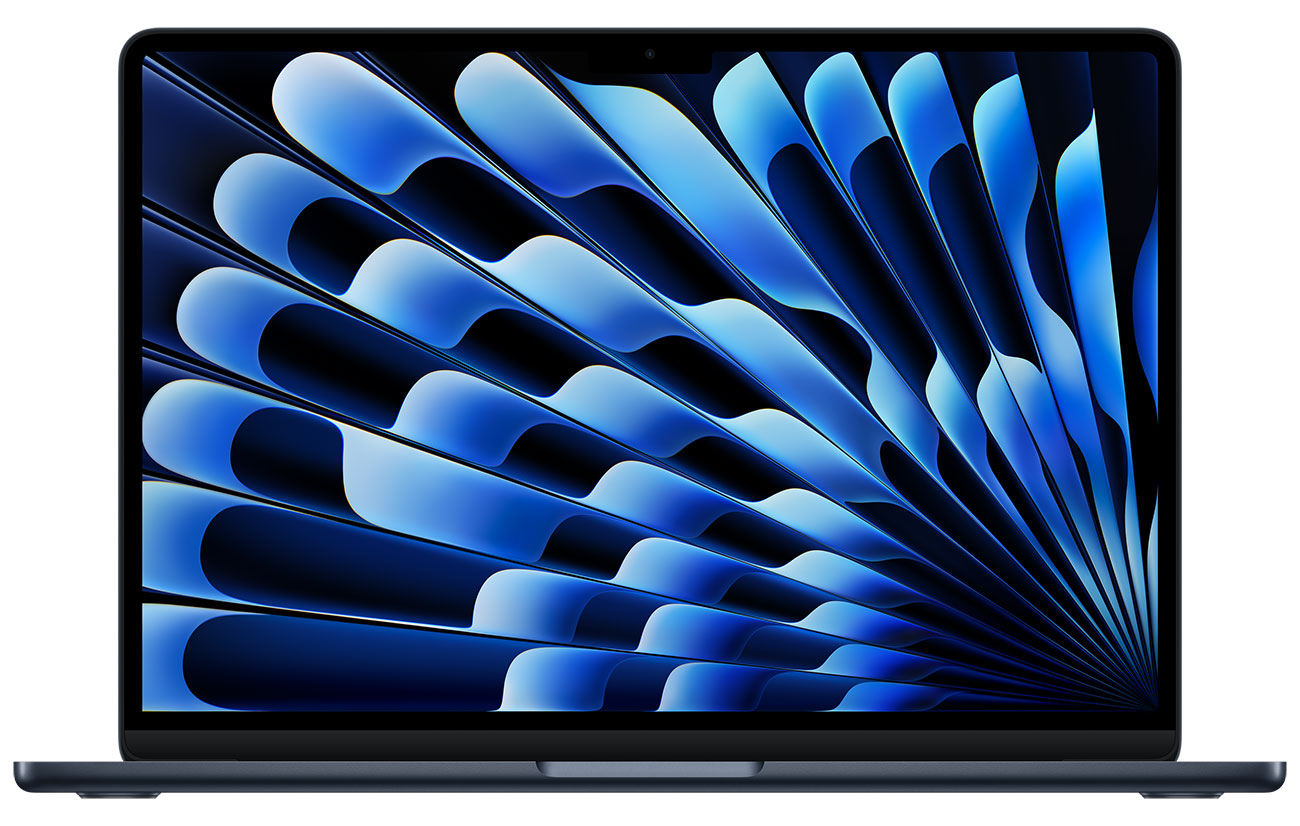
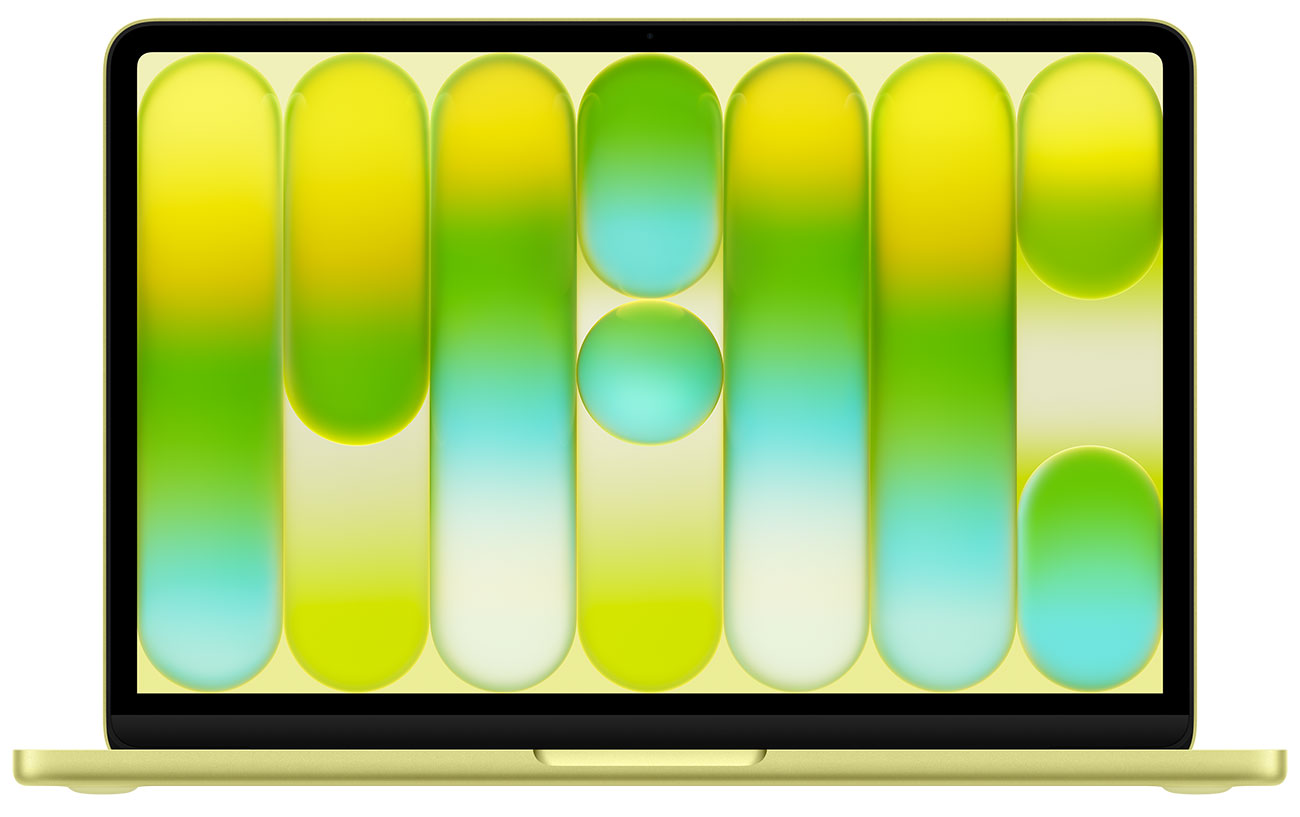
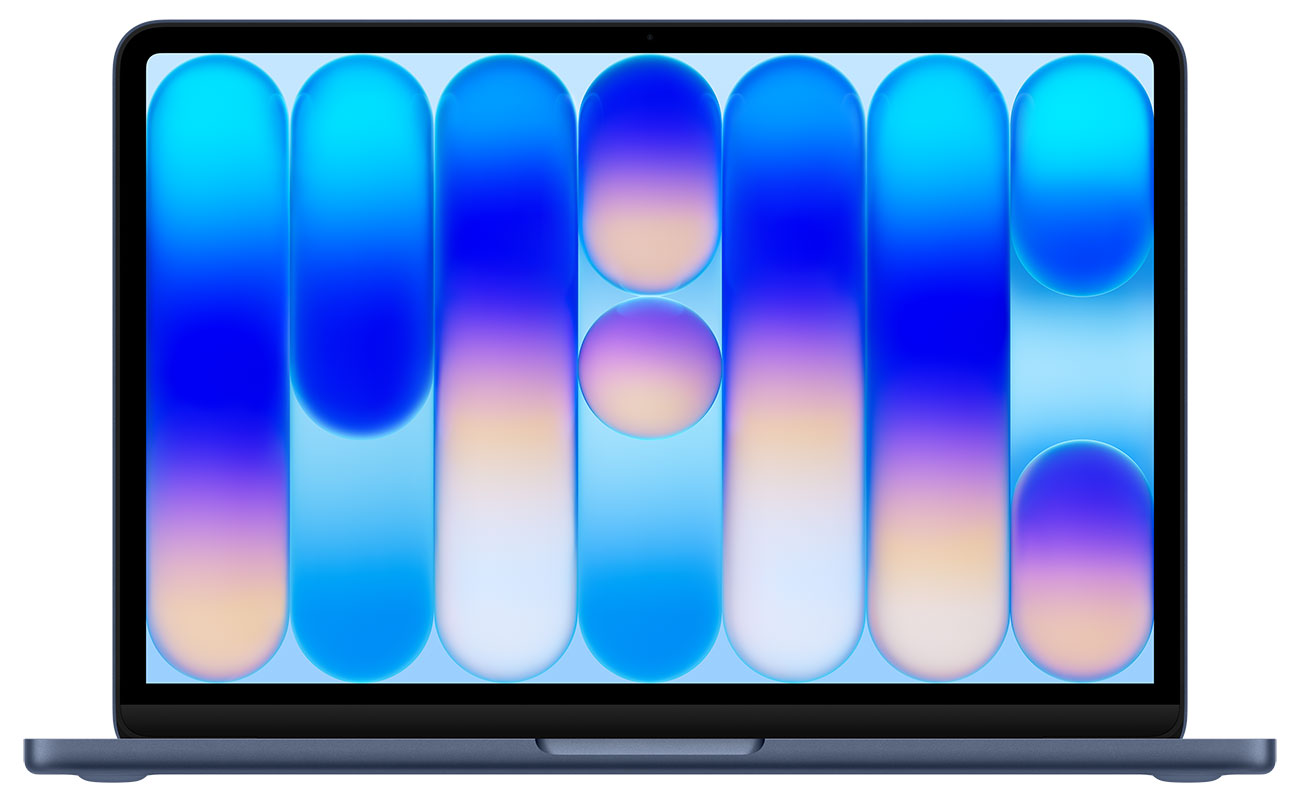
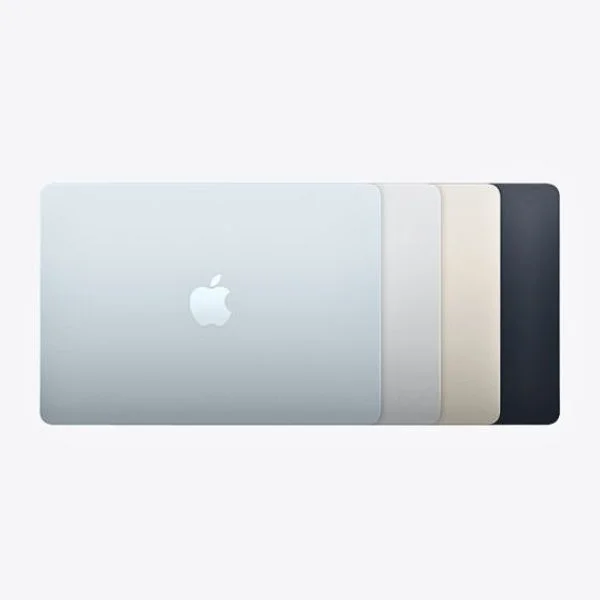
While not the most important factor in your purchase decision, there are design differences between these MacBooks that may sway you in one direction. Notably, the MacBook Neo features brighter colors that hearken back to Apple devices of the early 2000s, to the delight of many consumers: choose from Blush, Citrus, Indigo or Silver. Additionally, the Magic Keyboard matches the color of the laptop. Neo is only available in a 13" size. The Air comes in an attractive Sky Blue color, but is otherwise available in colors that are now standard across Apple devices: Silver, Midnight and Starlight. There are 13" and 15" size options, and certain students may find a larger screen helpful for their work.
Comparing Memory & Storage Options
The MacBook Air offers 512GB, 1TB, 2TB and 4TB SSD storage options. It also features 16GB, 24GB and 32GB unified memory options. In comparison, the Neo only has two SSD storage options, 256GB and 512GB, and 8GB unified memory. As we've already mentioned, if you're largely using your laptop for class discussions or writing papers, you won't need as much storage; the 512GB MacBook Neo is a versatile option for many students. If you need to save videos, photography or design projects, you'll likely want the MacBook Air; for those with a smaller budget, consider the Neo and an external hard drive.

Portability
MacBook Air's signature design feature is how thin and light it is, making it great for taking on the go, whether to class or back home for winter break. While the Neo is a thicker laptop, these MacBooks weigh the same. So, unless you have a small bag for school and want the thinnest computer possible, the Air and the Neo are equally portable. They're both ideal for bringing to class or carrying across campus to the library.
Shop the Best MacBooks for Students at Abt
So, which MacBook is best for students? For those studying film, photography, graphic design, game design and other graphics- or editing-intensive majors, the advanced power of the Air is better suited for your studies. If you're mostly reading PDFs, writing papers and sending emails, the Neo is a great choice with fun colors. Luckily, both MacBooks offer nearly all-day battery power (16 hours for the Neo and 18 hours for the Air), so they're both great for cram sessions. Ready to purchase? You can shop our selection of MacBooks online, or visit the Apple Store inside our atrium to hold each laptop and see the colors in person. If you already have a MacBook you love, check out our recent tips for ensuring your laptop is ready for back-to-school. For additional questions about either laptop, our Apple experts are available at 800-860-3577.
MacBook Air vs. MacBook Neo FAQs
-
Yes; the MacBook Neo is a great laptop, especially for students. It has a fun but solid design, is a great value, and the A18 chip easily handles work like writing emails, word processing and more.
-
Yes. The MacBook Neo has a 1080p FaceTime HD camera that's perfect for staying connected with friends at other schools or meeting with classmates for a group project.
-
The biggest difference is the chip. While the Neo is powered by the A18 chip, the most current MacBook Air has Apple's M5 chip. That means the Air is a more powerful computer, which also makes it cost significantly more. Depending on what you plan to use your laptop for, the upgrade may or may not be worth it.
-
No. In fact, the Neo and the 13" Air weigh the same.
-
The Air is an excellent laptop for students because it combines the powerful M5 chip with a lightweight design, making it ultrafast but also easy to carry across campus. The 18-hour battery life is also great for marathon study sessions or writing long papers. However, some students may find the price point high.


