


Samsung S85H vs. S90H vs. S95H: An OLED TV Comparison
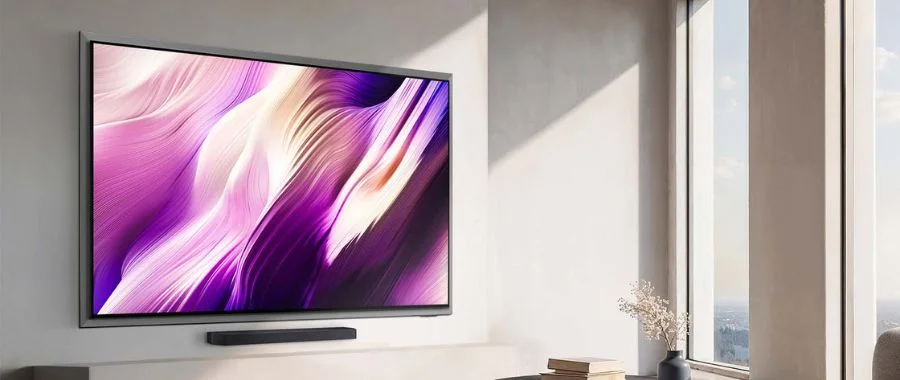

Samsung's latest generation of OLED TVs is here: it's the S85H vs. S90H vs. S95H, and these models are a true upgrade over last year's generation. Whether you're shopping for a replacement screen or you're a TV fanatic, you'll want to know the differences between these TVs from Samsung. Luckily, our video team took a deep dive into how these new picks differ from last year's models and each other. If you're in the market for a new OLED, check out what makes these televisions stand out in our video and blog post below.
Meet the TVs: Price Comparison
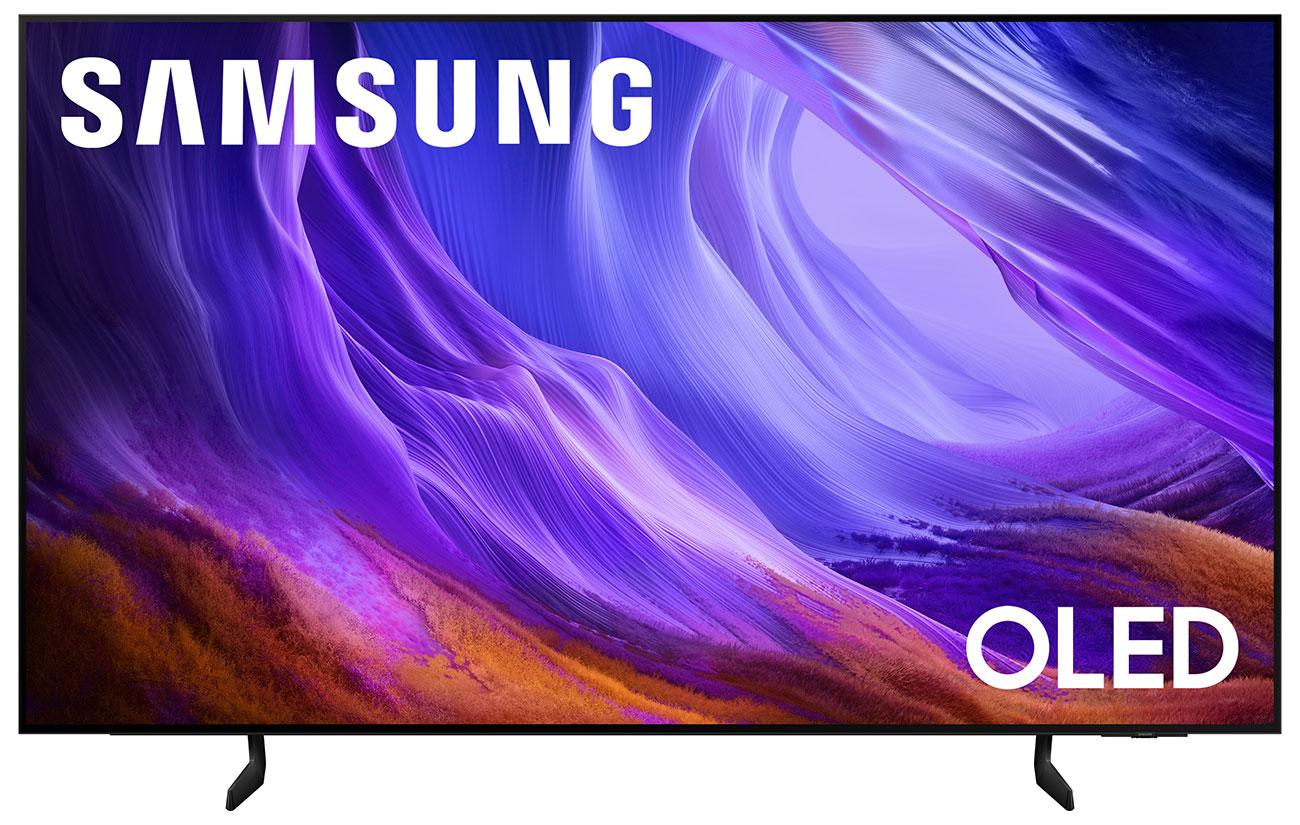
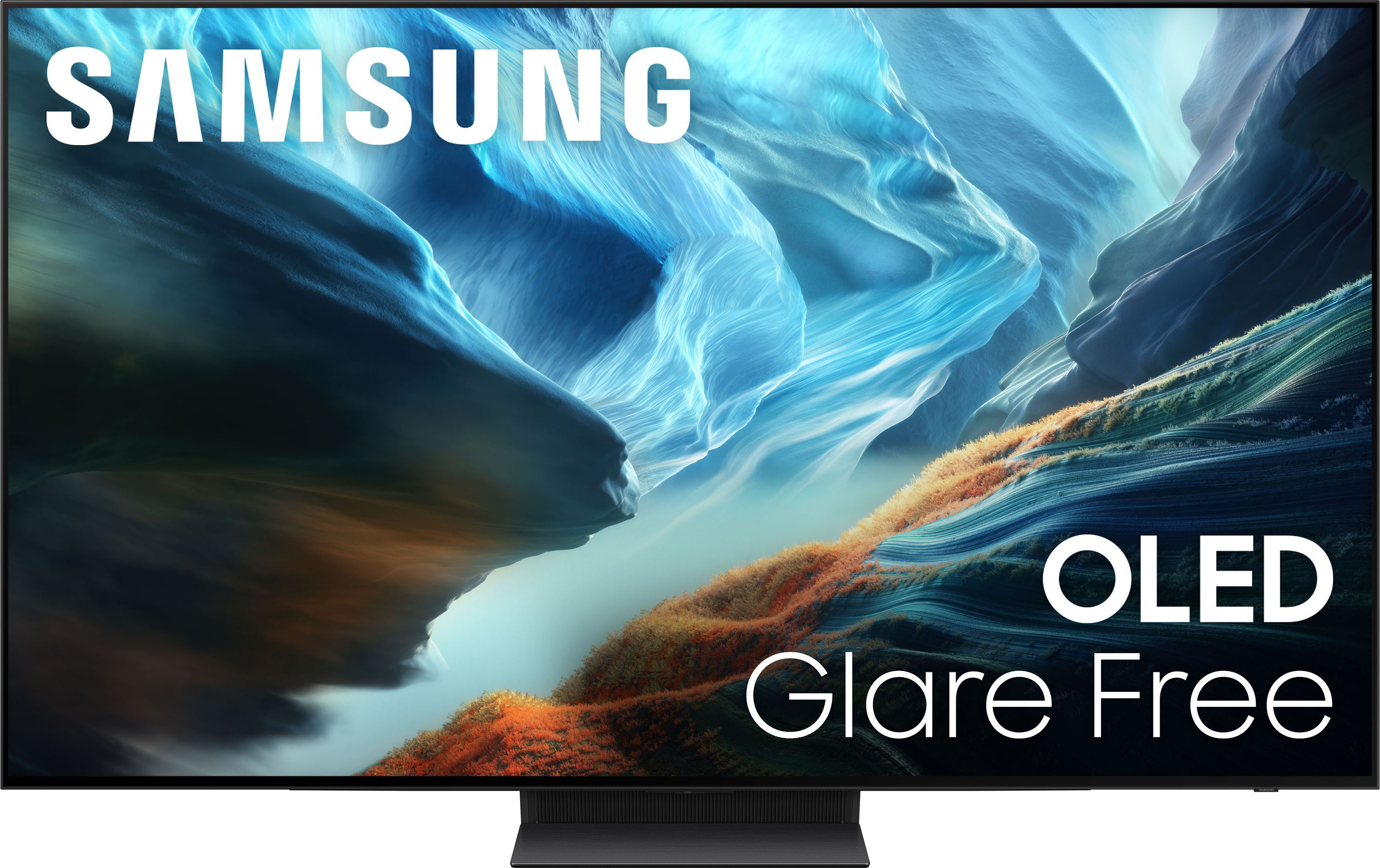
Watch Our Samsung OLED TV Comparison Video
The Different Screen Sizes
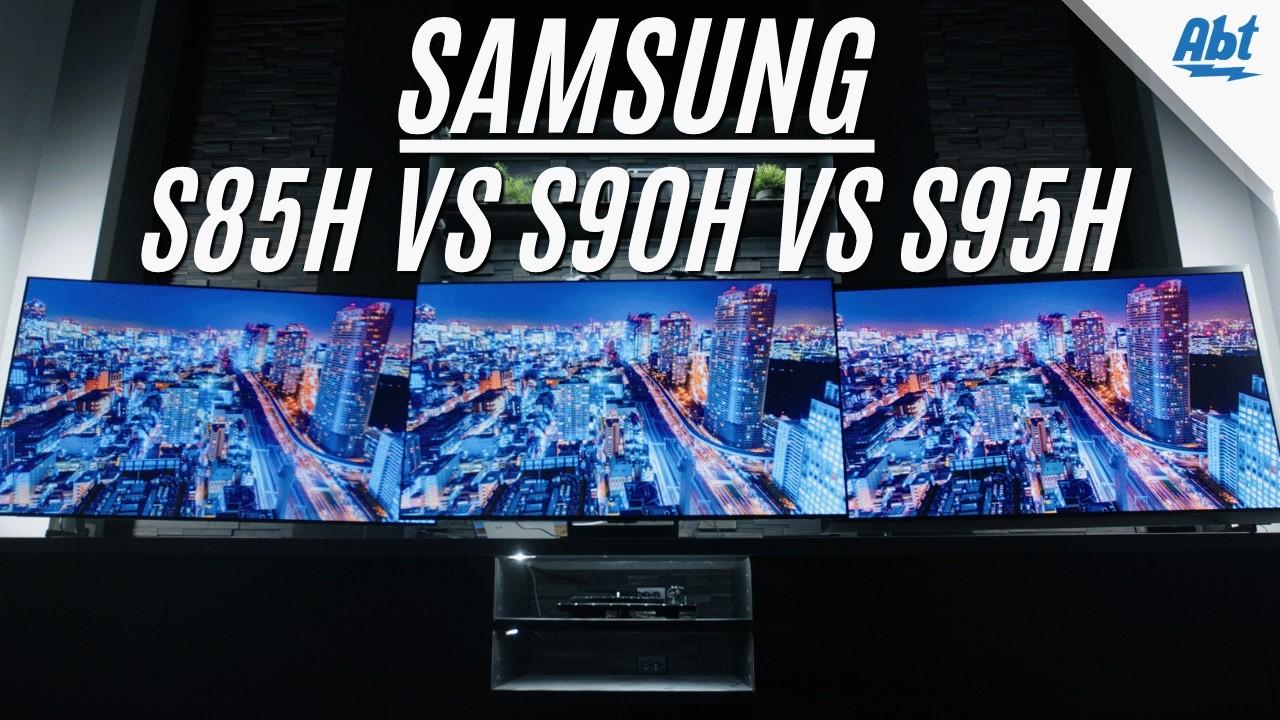
Whichever TV you choose, you'll have an array of sizes that best fit your home and budget ... but not every TV comes in every size. The Samsung S85H television comes in 48", 55", 65" 77", and 83" sizes, the Samsung S90H comes in 42", 48", 55", 65", 77" and 83" sizes, and the flagship S95H comes in just 55", 65", 77" and 83" sizes. None of these televisions are massive, capping out at 83 inches, It's rare that you'd need a television larger than that, but if you want something closer to home-theater size, we have lots of other options in our collection of televisions.
WOLED or QD-OLED Panels?
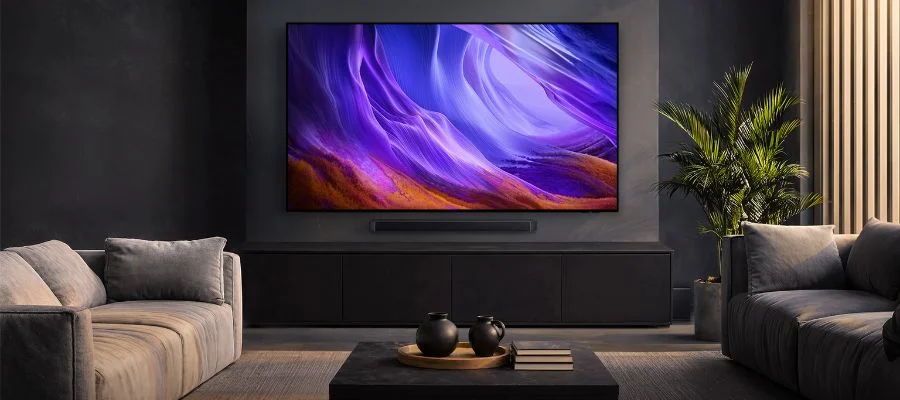
Here's where things get contentious: the panels. While all of these televisions are technically OLED, the Samsung S85H, S90H and S95H don't have the same panel ... by model and by size. The S85H uses a WOLED panel on every single model, and these are made by LG. You'll find this technology in other models as well, like the S90H's 42-, 48- and 83-inch versions and the S95H's 48- and 83-inch models. The other televisions use Samsung's QD-OLED panels, which bring in higher color saturation and better viewing in dark spaces. If you want a QD-OLED panel, you'll need to opt for a S90H or an S95H TV in the 55-, 65- or 77-inch models. While both WOLED and QD-OLED TVs bring in premium OLED technology, they aren't the same. Experts often say to choose the quantum-dot infused QD-OLED screen in dark rooms to bring vivid contrast and color, and choose a WOLED screen in bright rooms to maintain better black levels in well-lit spaces. While neither of these OLED panels performs poorly, some prefer one over the other—and QD-OLED is growing in popularity.
Glossy or Matte Screens?
Screen quality is where anyone shopping for an S85H, an S90H or an S95H should zero in. One major difference is the screen's finish. In recent years, TV creators like Samsung have been experimenting with matte finishes on certain televisions, with the goal of keeping bright light and glare from distracting from what's onscreen. It works well to diffuse light in many situations, making it easier to watch your favorite films and shows in bright rooms like living spaces and kitchens. However, not everyone loves the anti-glare treatments. An anti-glare finish can be a downside for eagle-eyed TV viewers who watch for any abnormalities in color or brightness. That being said, our in-house specialist, Carl, believes the Samsung Glare-Free finish to be a benefit. "The matte finish is definitely a positive overall. The colors stay vibrant, the picture is extremely bright, and that finish almost completely neutralizes any direct light that might hit the screen." The S90H and S95H both use the Glare-Free finish, while the S85H uses a classic glossy screen.
Color & Brightness
Then there are the other elements of screen quality, like color and brightness. Classic OLEDs can get a bad reputation when it comes to these factors, as their organic LEDs lend themselves more to deep hues and inky blacks. But when it comes to the Samsung S85H vs. S90H vs. S95H, they all excel in the realms of color and brightness. You'll see a bold and beautiful spectrum of colors thanks to HDR 10 and HDR 10+, and Carl challenged viewers to notice the variations between all three screens in the video. There are still differences between these three TVs when it comes to color and brightness. The entry-level OLED Samsung S85H brings vivid brightness and colors with OLED HDR and Color Booster Pro, while the mid-tier S90H pushes the boundaries with OLED HDR+ for even more lifelike hues that leap from the screen. Then there's the flagship S95H. The brand kicks things up a notch here with OLED HDR Pro and a built-in brightness optimizer. When it comes to brightness and color with these OLED TVs, it's truly a good, better, best situation, with the Samsung S95H ruling over the other two, but you can't lose with any of them.
Resolution & Deep Blacks
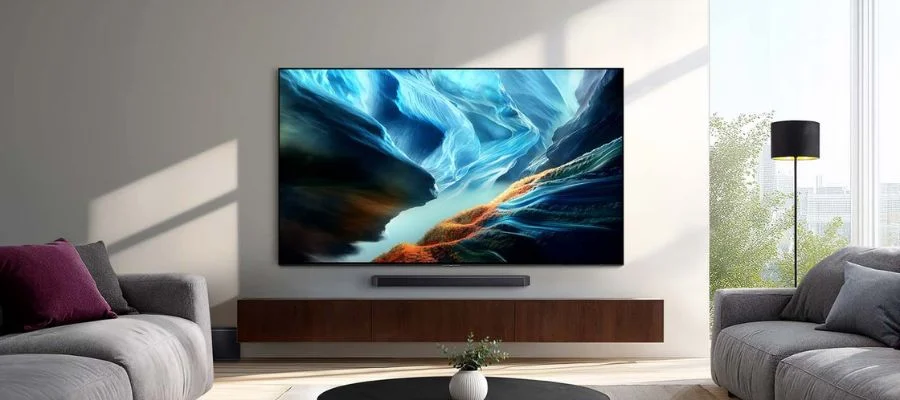
Next up, the upscaled resolution. These three 4K TVs are designed with the latest AI-powered upscaling chips inside, and can enhance HD or even SD feedback in real time. They all have different AI processors that make them a little more (or a little less) powerful than their siblings, though. It's all rooted in the television's processors. The S85H gets the NQ4 AI Gen2 processor, which excels at AI-based upscaling for whatever you're watching or playing. The S90H gets the NQ4 AI Gen3 processor (for OLED HDR Plus) and the S95H is designed around the NQ4 AI Gen3 processor (for OLED HDR Pro). And while everything onscreen is upscaled to 4K resolution, you'll still see the beautiful, deep blacks that OLEDs are famous for on every television. As far as how different the black levels look, that's something that can be seen in whether you're using a WOLED and QD-OLED panel. In the dark, you'll see beautiful blacks on both types of screens, but as we noted earlier, some say to choose QD-OLED in dark rooms to balance out those deep blacks with a more vivid color contrast. It can be a matter of preference, though.
Sound Quality
It's not all about what's onscreen. When you're exploring home theater options, you want a multi-sensory experience. That's where the OLED TVs' audio systems come in. These TVs are slim yet powerful when it comes to sound and packed with next-gen tech. The Samsung S85H uses features like Object Tracking Sound Lite, where you'll hear sound as it moves around the screen thanks to a virtual top channel. The upgraded S90H sports the same tech, while the S95H gets the upgraded Object Tracking Sound+. When paired with built-in Dolby Atmos, these Samsung TVs help you feel like you're inside the world onscreen. Other dialogue upgrades help speech sound clearer, but if you're looking for a truly immersive experience, opt for a Samsung soundbar with Q-Symphony. With this, both the TV speakers and your soundbar will work together to give you an incredible and full-bodied sonic experience.
Which Is Better for Gaming?
Players, gather round. These OLEDs are all great for video gamers, but some might be better for your use case. As Carl says in the video, you really can't go wrong with any of them, but certain models have more features than others, and the system you use can work better with some televisions than others. Each of the Samsung OLED televisions has four HDMI ports for plugging in a classic console, and they all support G-Sync from NVIDIA. The S85H gets AMD FreeSync Premium and the ability to play at 4K/120Hz for smooth gameplay, while the S90H and S95H get AMD FreeSync Premium Pro, making those TVs a great option for playing on an Xbox Series X. The S90H and S95H get another point with the ability to support gaming at 4K/165Hz for lag-free and even smoother gameplay. PC gamers will appreciate that level of refresh rate and tear-free play. All three televisions support VRR, or virtual refresh rate, and auto low latency mode as well, making them great for PlayStation gamers. Explore more of what's in these TVs with our chart below, and you'll see what's best for your play style.
| Gaming Feature | S85H | S90H | S95H |
|---|---|---|---|
| NVIDIA G-Sync | Yes | Yes | Yes |
| AMD Free Sync Premium Pro | No | Yes | Yes |
| Resolution/Hz | 4K/120Hz | 4K/165Hz | 4K/165Hz |
| AMD FreeSync Premium | Yes | No | No |
| VRR | Yes | Yes | Yes |
| ALLM | Yes | Yes | Yes |
The Look
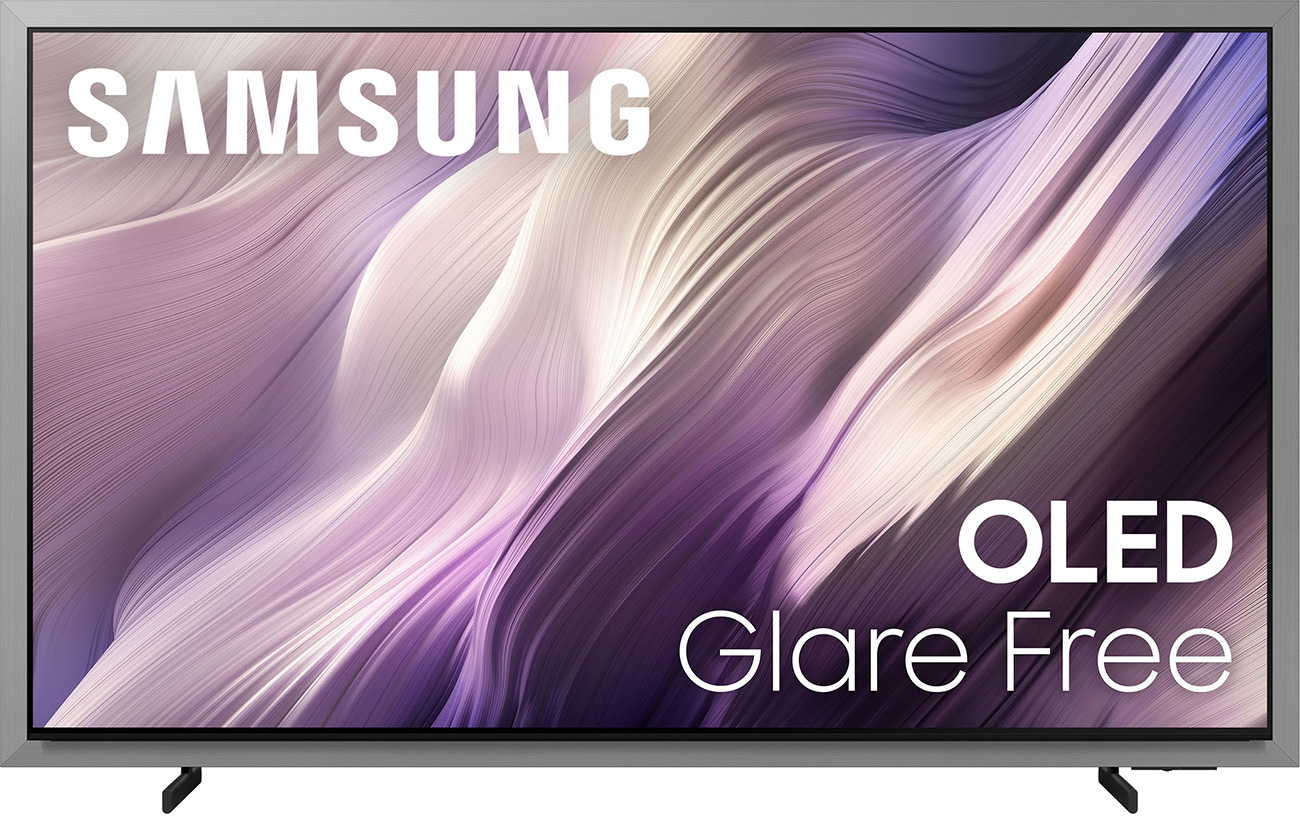
Whether you're playing video games, watching the news or streaming a movie, how your TV looks matters whether it's turned on or off. And while these screens are all relatively thin and can be mounted on walls or set up on a pedestal, there's one glaring difference in the Samsung S95H. This TV has a silver-gray bezel that sets it apart from its siblings and competitors from other brands. It's more of a frame than a bezel, giving the flagship TV a unique experience. This OLED also features a FloatLayer Design, with a flush mount that brings your home a minimalist look and a TV that appears to float off the ground. The other two televisions are great for mounting as well; extra-thin bezels make them a great addition to any space.
Which Samsung OLED TV Is Right for You?
So, which Samsung OLED TV is right for you? That depends on a few factors that we've covered above, but let's start with the knowledge that these are all incredible OLEDs. If you're a TV connoisseur, you may have a preference for a WOLED or QD-OLED panel, and that will limit your choices. If you're installing your screen in a space with extra lighting, you'll probably want to choose one of the Glare-Free screens, narrowing things down to the S90H or S95H. Then there's the color, brightness and resolution. For these factors, you're looking at a good, better, best scenario: the S85H is good, the S90H is great, and the S95H is the best among the three. Gamers may want certain features over others, especially depending on the console. And then there's that silver bezel on the flagship, which some love more than others. We'll narrow it down to this: if you hate matte screens and are looking for the most budget-friendly option, the S85H is for you. If you're hoping to have the best of the best (including pro-level AI-processing, extra features and a beautiful screen) the S95H is your choice. The S90H is the happy medium, and keeps the silver bezel away all while retaining the best aspects of the S95H, like its matte screen, many upgraded gaming features and powerful processing.
We hope our deep dive into these TVs has helped you choose which Samsung OLED is right for you. But if you still have questions, our team of experts is here to help. Give us a call at 800-860-3577 to learn more, or check out our other recent Samsung comparisons, like this article on the Samsung M70H vs M80H Mini LED TVs and another on the Samsung QN900F vs. QN990F 8K Neo QLED TVs.
Samsung S85H vs. S90H vs. S95H OLED TVs FAQs
-
Yes they do, and they have for years. Their most popular ones of 2026 are the S85H, S90H and S95H.
-
The Samsung S95H is available now, and was first released in April of 2026.
-
No, the Samsung S85H uses a WOLED panel, not a QD-OLED panel.
-
Yes, the S90H OLED TV uses an anti-glare coating, the Samsung Glare-Free finish.


