What is TV Burn-In?

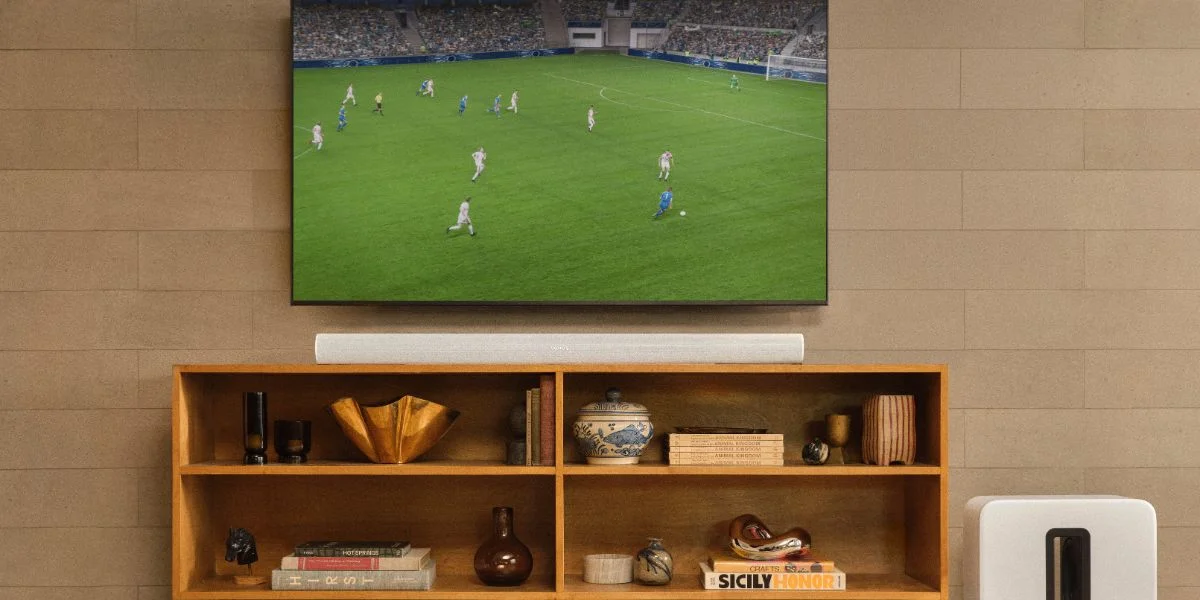
TV Burn-In and Its Causes
Often associated with OLED models, TV burn-in is a static image or mark that lingers on the display, even after changing the channel or streaming service. While they don't cover the entire screen, they do have an effect on picture quality. These marks can appear as dark spots, shadows or faint impressions. The primary cause? Viewing habits. When an image is left on the TV's display for an extended period, particularly when set to higher brightness levels, you run the risk of burn-in. The longer these images remain fixed, the faster the pixels degrade. In other words, TV burn-in is another way of saying the screen's pixels have aged unevenly.
The precursor to burn-in is image retention. While these terms are occasionally used interchangeably, image retention disappears once the screen has cooled down. When you begin to notice this phenomenon, it's a good indicator to switch up what you're watching. For example, if you start to notice a lingering mark where the sports game's scoreboard was, then it's time to switch to a different program or turn off your TV for a while.
For most people, TV burn-in won't be a concern. More often than not, movies, TV shows and other programs don't have prolonged static images, and it's unlikely that you're leaving your television paused for hours at a time. The main groups affected are avid news or sports watchers and gamers. News channels and sports games tend to have lingering scoreboards, logos or taskbars that remain onscreen throughout the entire program. Meanwhile, many video games consistently display information such as health and inventory bars. While these graphics are important to the experience, they're also the main culprits for TV burn-in.
Is It Reversible?
Unfortunately, TV burn-in is not reversible. And in some cases, it's not covered under warranty since it's caused by viewing habits, not manufacturing defects. Fortunately, it is preventable. This phenomenon shouldn't be a concern as long as fixed images aren't left on the screen an extended time. While burn-in can affect any digital display, it's good to note that OLED models are more susceptible. If you're a daily gamer or sports and news watcher, then you might want to opt for an LED or QLED model. Regardless of which type you choose, it's always good practice to vary what you watch and to turn off the display when stepping away.
If you have your heart set on an OLED, consider exploring TVs with built-in features that preserve picture quality and protect the screen from burn-in, such as LG's G series. In the TV's settings, you'll have access to three panel options. First is Clear Panel Noise. When activated, the TV resets, effectively clearing the pixels. Second is Screen Shift. If a static area is detected, the image is slightly moved across a few pixels at regular intervals. Finally, you have Logo Luminance Adjustment. When a motionless logo is detected, the area's brightness is reduced to decrease the risk of image retention. LG has also included a Pixel Refresher feature. This automatic function is triggered after you've watched for over four hours in total or if pixel deterioration is detected.
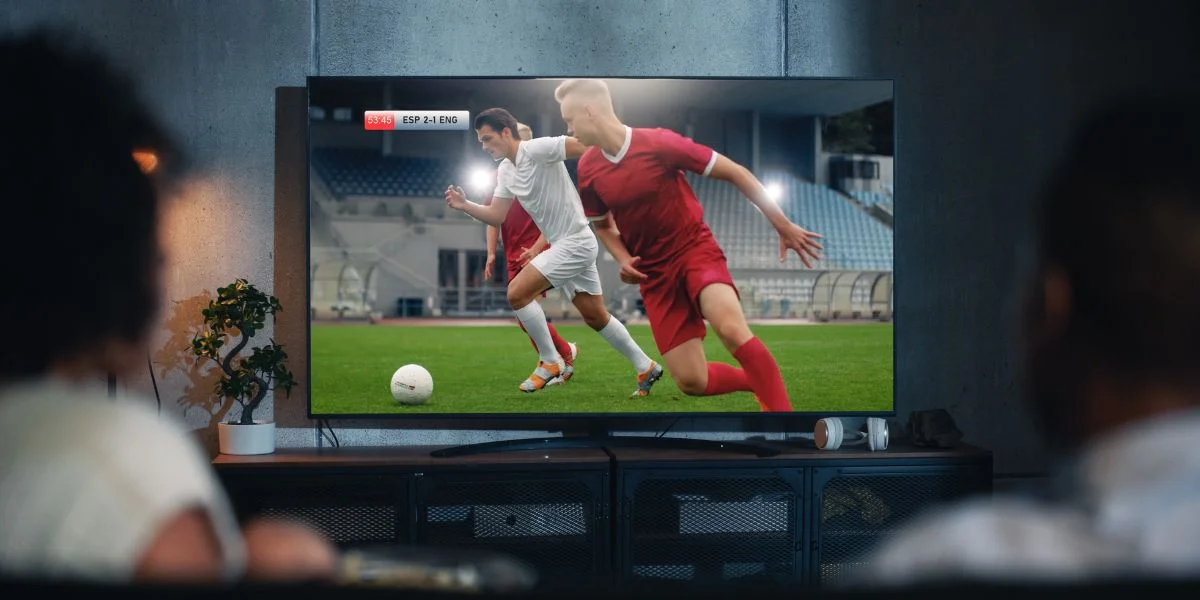
Ways to Avoid TV Burn-In
Should you start to notice image retention, turn off the display and let the pixels rest for a few hours. Before returning to your game or show, try watching a different program to ensure the temporary retention is completely gone. If you tend to watch programs or stream content with static images, here are a few tips and tricks to help prevent image retention and TV burn-in.
- First, don't leave content paused for too long. When stepping away for a prolonged period, turn off the TV to give the pixels time to cool.
- Second, rotate what you watch. If you're a regular gamer or daily sports/news watcher, change the channel from time to time as varied content helps the pixels age evenly.
- Finally, if possible, reduce the brightness. Watching content with fixed images at peak brightness increases the risk of burn-in. Some models are equipped with features that automatically dim the screen when paused for extended periods. However, since the pixels are still illuminated, the risk doesn't go away entirely.
At the end of the day, avoiding TV burn comes down to your viewing habits. For example, if you want to continue watching after the big game, put on a new movie or an episode of your favorite show instead of another sports match. It doesn't matter what you pick. And if you're stepping away for a while, turn off the television instead of pressing pause. The key to preventing burn-in is content variation and giving the pixels time to cool. If you still have questions about image retention or TV burn-in, contact our team of experts at 800-860-3577. Looking to upgrade your current television? Read our TV buying guide or visit our store in person to explore the variety of options available.
TV Burn-In FAQs
-
No, TV burn-in is not reversible.
-
TV burn-in appears as dark spots, shadows or even faint impressions.
-
While any digital screen can experience burn-in, OLED models are known for being more susceptible.
-
Image retention is temporary, while TV burn-in is not reversible.