


Shark ChillPill vs. Dyson HushJet Mini Cool: Comparing Portable Fans



Comparing Cost
One of the main differences between these popular portable fans is their price. The HushJet Mini Cool retails for $99, while the ChillPill rings up at $149. Neither of these fans are budget picks, but they offer features that go beyond the standard fan you might find at a big box store.
Fan Attachments & Accessories
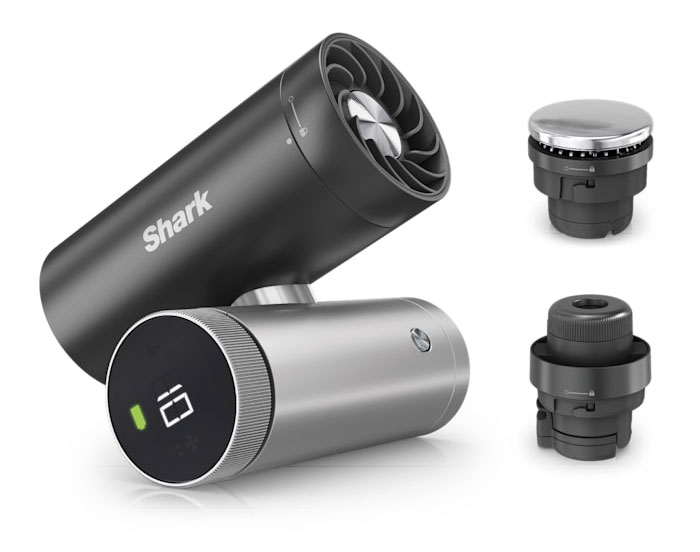
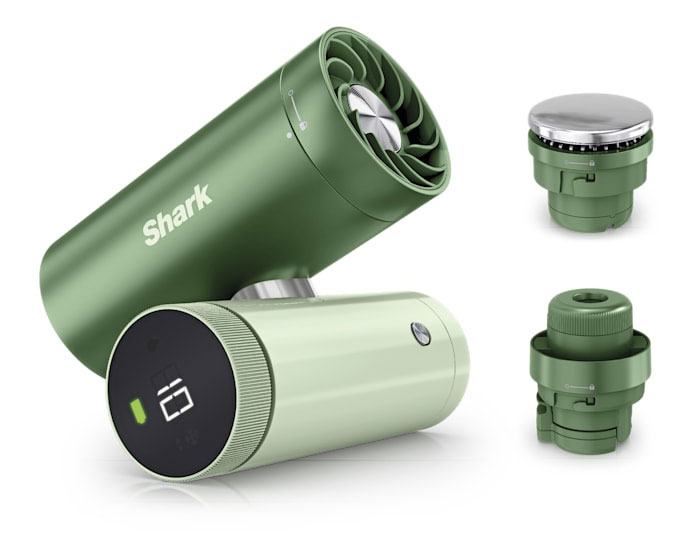
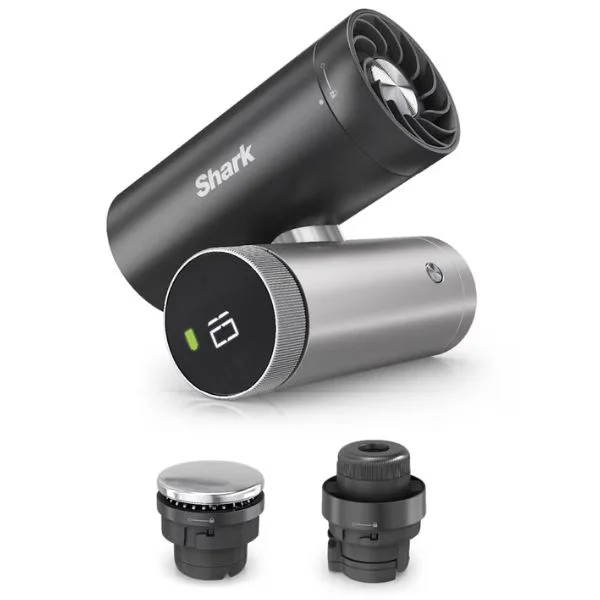
One of the reasons for the price difference between these fans is their accessories. As a 3-in-1 device, the Shark ChillPill does more than just fan; in addition to being a fan, it comes with a cooling plate designed for targeted cooling (like the back of your neck) and a misting pod. It's easy to imagine the cooling plate for a variety of uses, from hot flashes to headaches, and the mist function seems great for sweaty workouts. In short, ChillPill offers three different kinds of cooling. We think most people will like the options available, but you have to decide if they're worth paying more for.
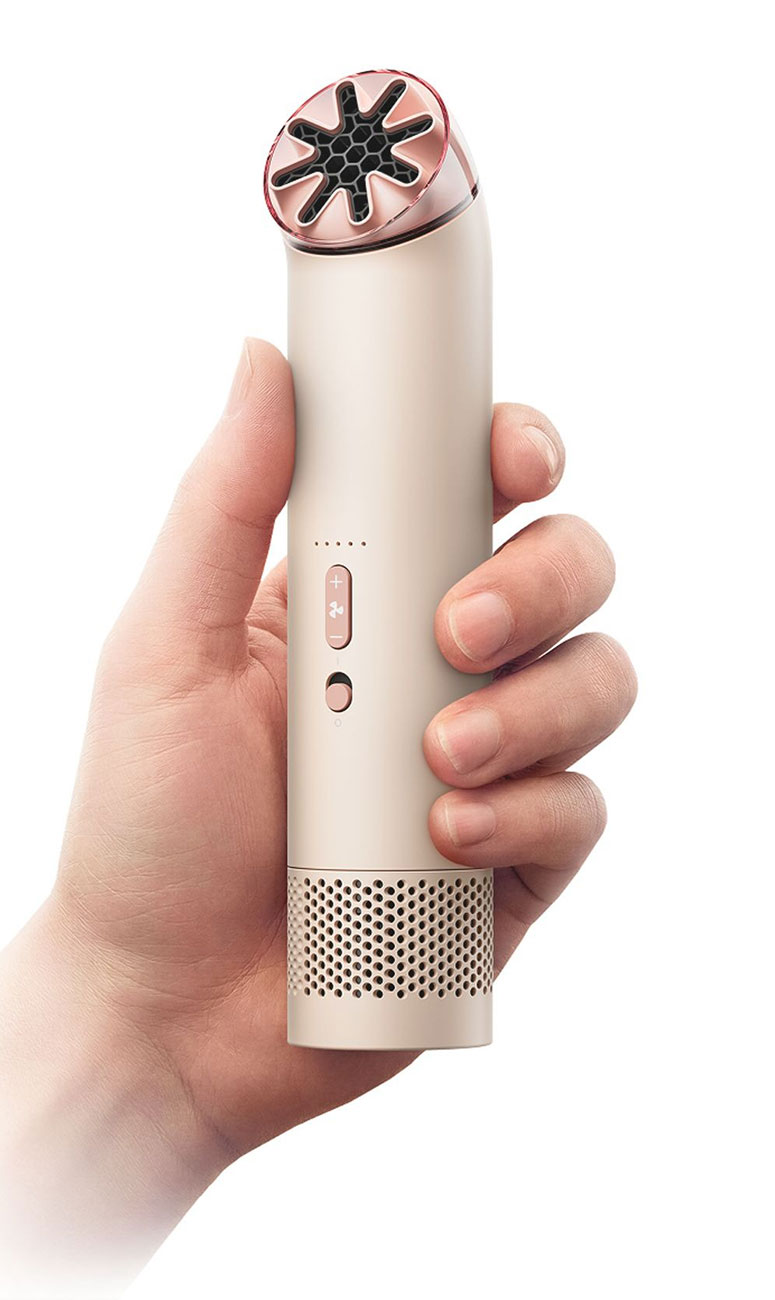
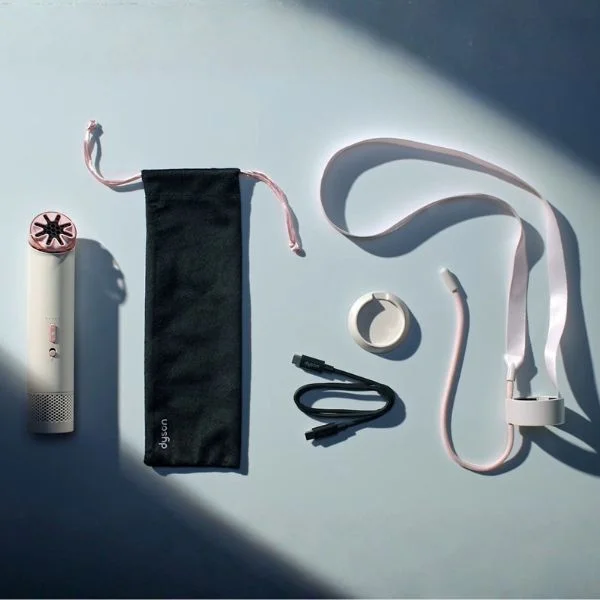
The Dyson HushJet Mini Cool comes with a travel pouch, charging stand and neck dock, designed for hands-free cooling at music festivals, theme parks or sporting events. While Dyson does refer to this fan as a 3-in-1, it's not the same as the ChillPill; by this they mean it can be handheld, carried on the strap or set upright on a table or desk. Notably, the ChillPill doesn't come with an accessory to attach it to your shirt or bag like the HushJet Mini Cool; it's a separate purchase. In short, the ChillPill offers more ways to cool and tons of accessories, but you have to decide how much you're willing to spend on a portable fan.
Design Features: Colors, Controls & More
The Shark ChillPill comes in eight colors, two of which you can find at Abt: Carbon (black) and Matcha (green). The Dyson HushJet Mini Cool is available in Stone/Blush (similar to many of their hair tools), Carnelian/Sky and Ink/Cobalt, all of which you can buy at Abt. Color obviously doesn't impact performance, but it's good to know you have options.
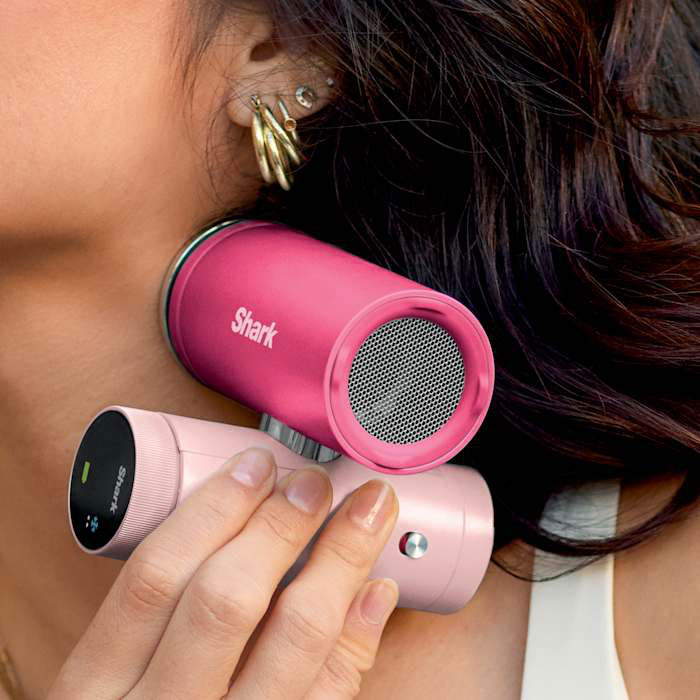
When it comes to operation, both fans are easy to use. The Shark ChillPill features "hinging barrels" that let you twist the fan into a handheld orientation or a table orientation, so you can ensure the cool air is blowing right on you. A simple press on the display turns the fan on. To change the airflow speed, just turn the dial clockwise; counter-clockwise lowers the speed. The fan, cooling plate and mist pods are all different attachments that come off with a twist. It charges via a simple USB-C port. To turn the fan off, press and hold the display.
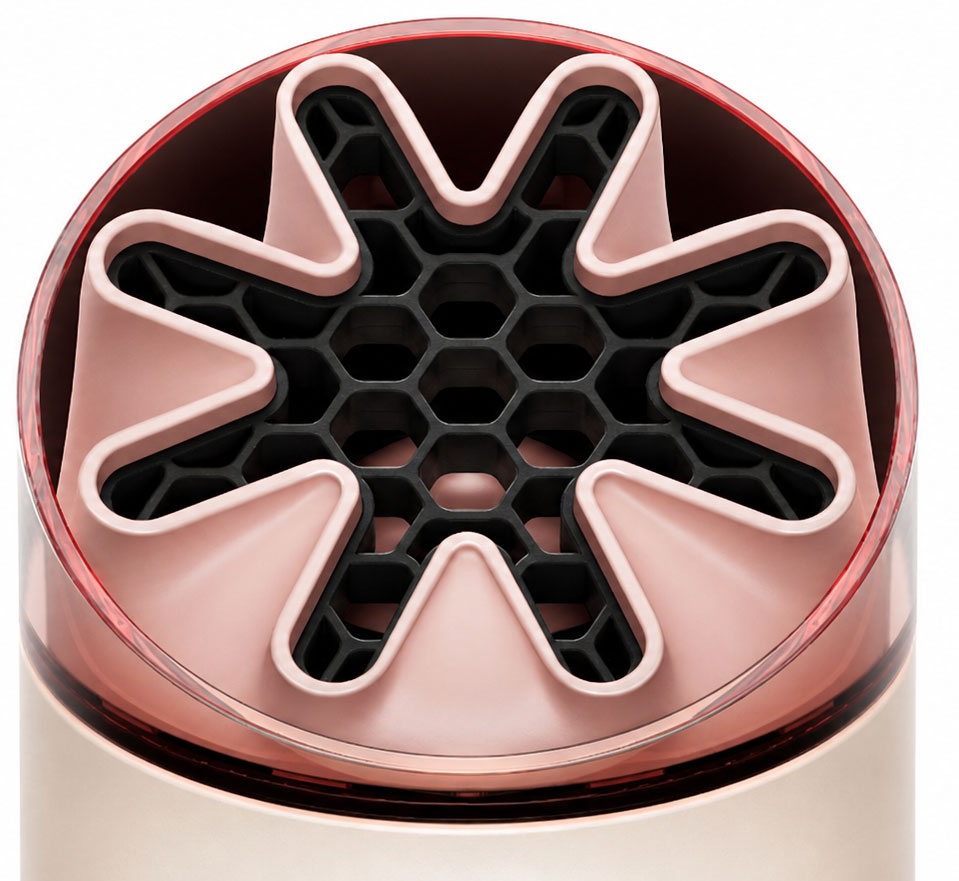
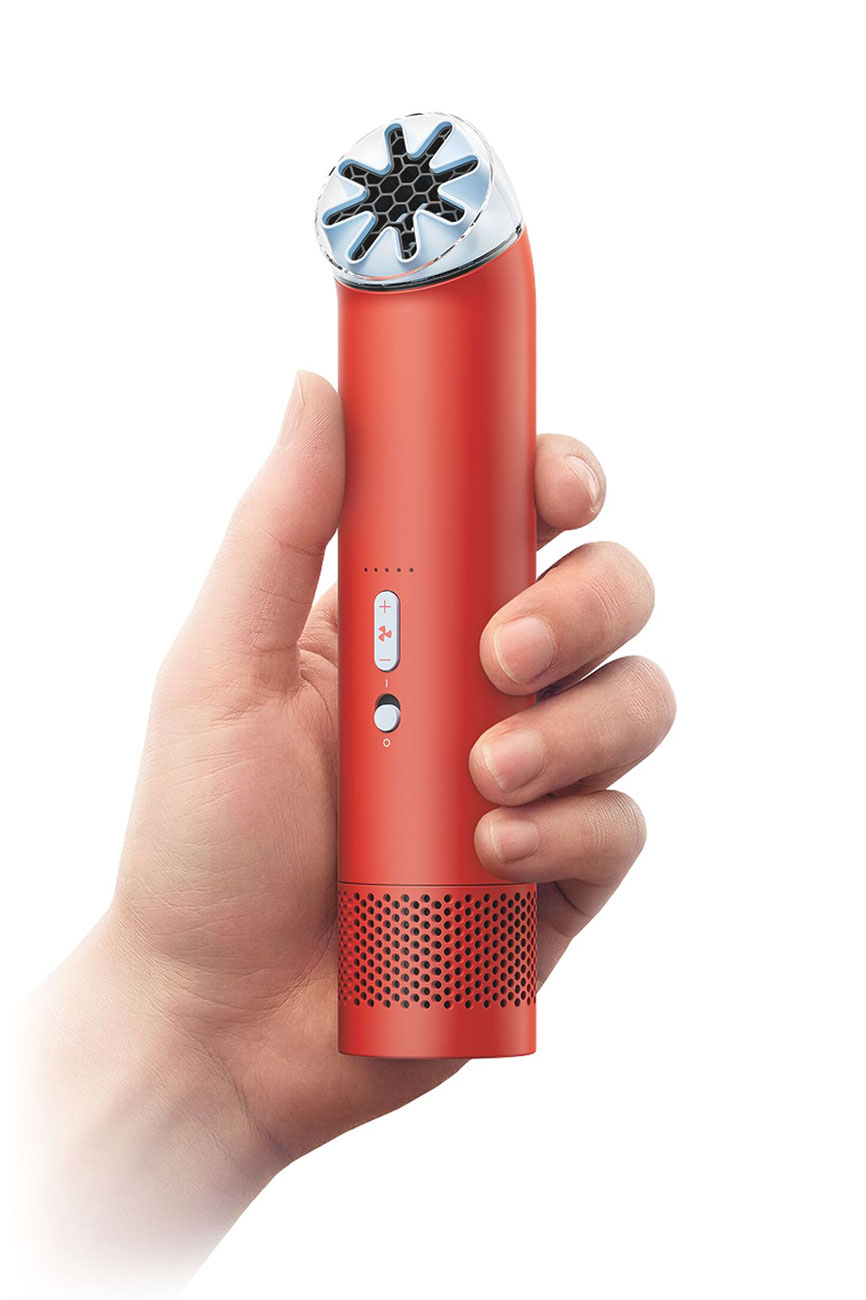
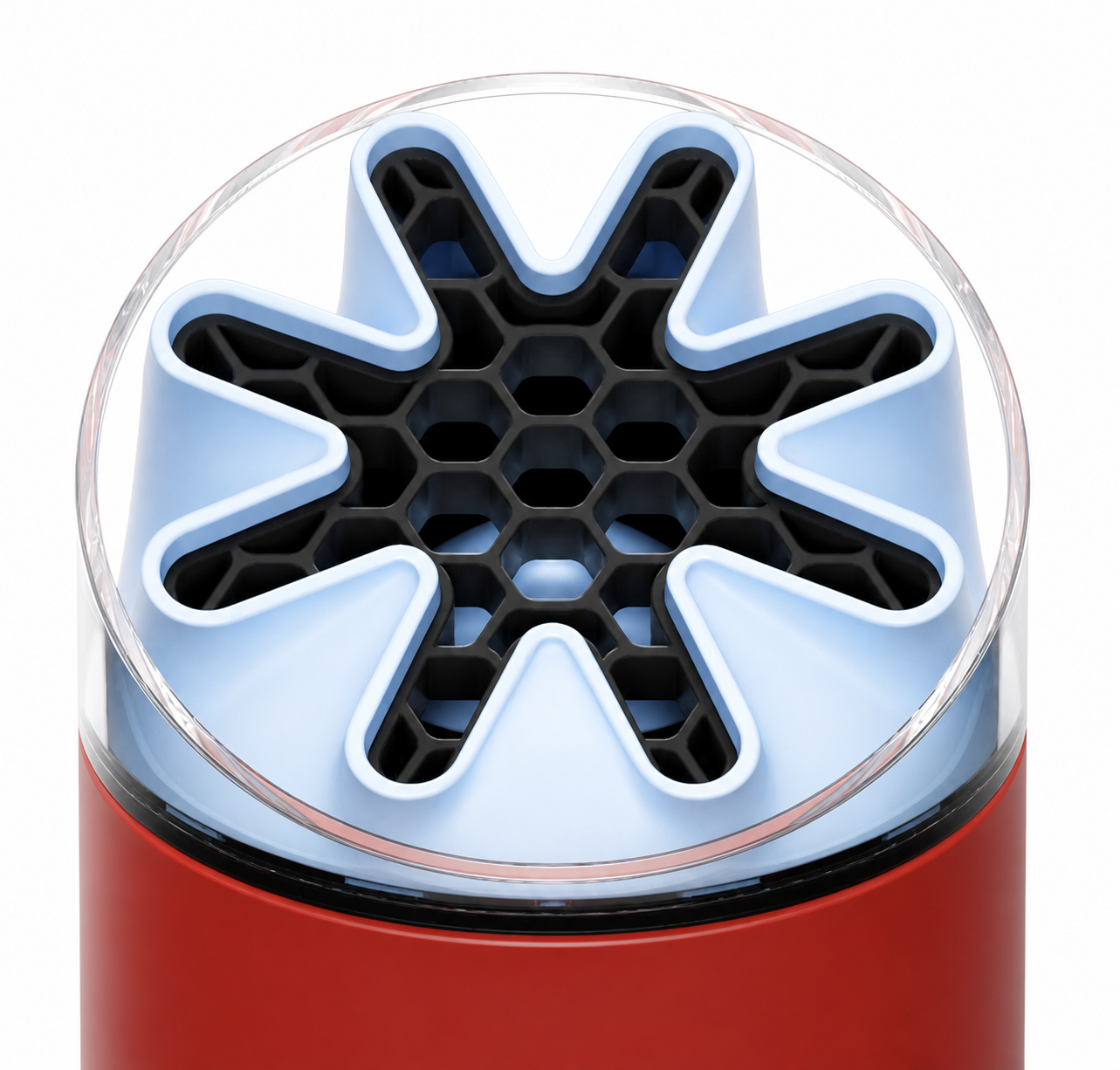
The Dyson HushJet Mini Cool turns on with the simple flick of a switch. The fan speed controls are directly above the power switch, with a simple plus and minus to increase and decrease fan speed. The airflow inlet is at the bottom of the fan, with the battery indicator light and USB-C charging port beneath the inlet. When the power is off, you can use the airflow controls to see the battery levels. And finally, you can twist the nozzle at the top of the fan to change the direction of the airflow. While these fans have different control methods, they're both easy to use; the Dyson is especially easy to use, so it may be better for someone who isn't tech-savvy or who wants to minimize the amount of screens they own.
Fan Speeds
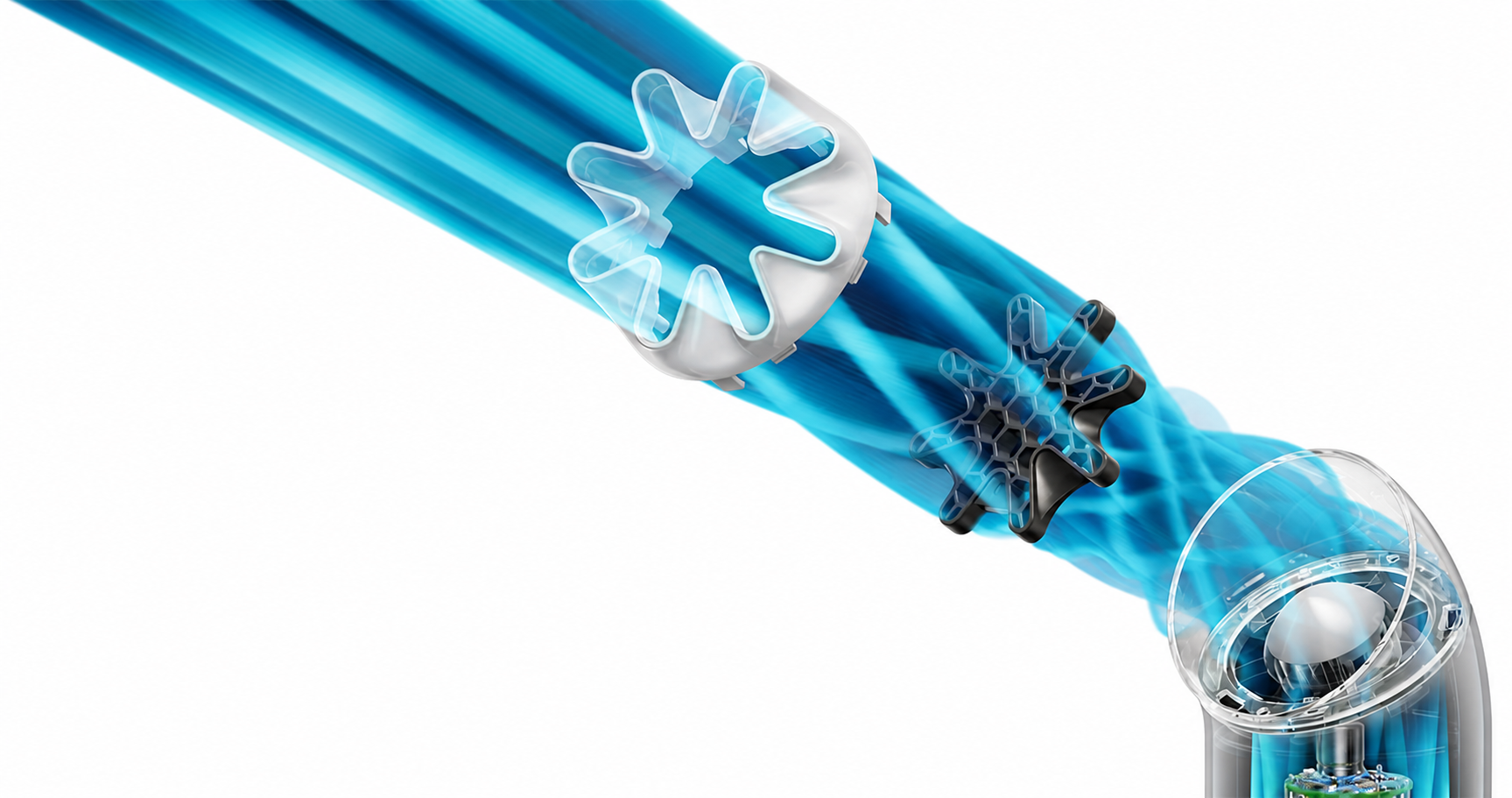
Being able to customize the airflow is one of the most crucial components of a personal fan. The ChillPill features 10 fan speeds, while the HushJet Mini Cool has five and a Boost mode. However, the Dyson fan is far more powerful, reaching speeds up to 65,000 RPM. Here, we're seeing Dyson's signature airflow technology at work; after all, it's the core of the science behind their popular vacuums and hair tools. If you're looking for the most powerful option, go with the Dyson; if having more options and greater customization is important to you, the ChillPill might be a better choice.
How Loud is Each Fan?
Noise level is another important consideration, especially as you'll likely be using your fan in public. No matter what, fans tend to be louder the faster the fan speed. The Shark ChillPill has 10 fan speeds and 10 noise levels, and if you're at 10, it's definitely easy to hear; we wouldn't recommend using it in a quiet space. While the Dyson HushJet Mini Cool doesn't have 10 speeds, what it has in common with the ChillPill is the noise level at max speed. Both fans are fairly loud at max speed, so keep that in mind; their noise level is about the same, so they're evenly matched here.
How Long Does the Battery Last?
The ChillPill's battery can last up to 11 hours, but only on low-on a hot day, you won't find the battery lasts that long. At max power, the battery lasts up to 90 minutes, and the fan recharges in three and a half hours. On the other hand, the HushJet Mini Cool has a run time of up to six hours, and it fully charges in three hours. Fan speed is the key factor here; the higher it runs, the sooner the battery runs out. And on a hot summer day, you likely won't be using the lowest setting. Both fans also take roughly the same time to recharge, so we think they're pretty evenly matched in terms of battery life.
Shark ChillPill vs. Dyson HushJet Mini Cool: Which Fan is For You?
Both of these fans have gone viral for their fun, unique designs. But which is right for you? If you're looking for a multipurpose device and have a larger budget, the cooling plate and mist feature on the Shark ChillPill are nice additions. If you're looking for something more straightforward with great design and a lower price point, the Dyson HushJet Mini Cool is better for you. No matter which fan you choose, you can shop online and in-store at Abt. If you have further questions about either fan, call us at 800-860-3577 for assistance.
ChillPill vs. HushJet Mini Cool FAQs
-
It depends on what you're looking for. If you're looking for a more cost-effective option with great power, the Dyson is better. If you're looking for more options and slightly quieter information, the ChillPill is better.
-
The Dyson HushJet Mini Cool can run for up to 6 hours, depending on the settings you use.
-
The Dyson HushJet Mini Cool is a good fan, with a powerful breeze and bladeless design; however, it can get loud if you're using a higher fan speed.


