


Sonos Beam vs. Beam Ultra: Sonos Soundbars, Compared


It's the original versus the upgrade in our in-depth comparison: the Sonos Beam vs. Beam Ultra. The Sonos Beam is the audio master's mid-tier soundbar, and the first generation came out way back in 2018. Between the original version and their Gen 2 release, this soundbar has been a great addition to any living room ... and a great building block for any home's Sonos sound system. But the brand recently released the latest addition to their collection, the Sonos Beam Ultra—and it's packed with features, from smart tech to boosts in audio quality and beyond. But in our Sonos Beam vs. Beam Ultra comparison, we're pitting the two soundbars against each other to see which one you should choose.
Shop Sonos Beam Soundbars
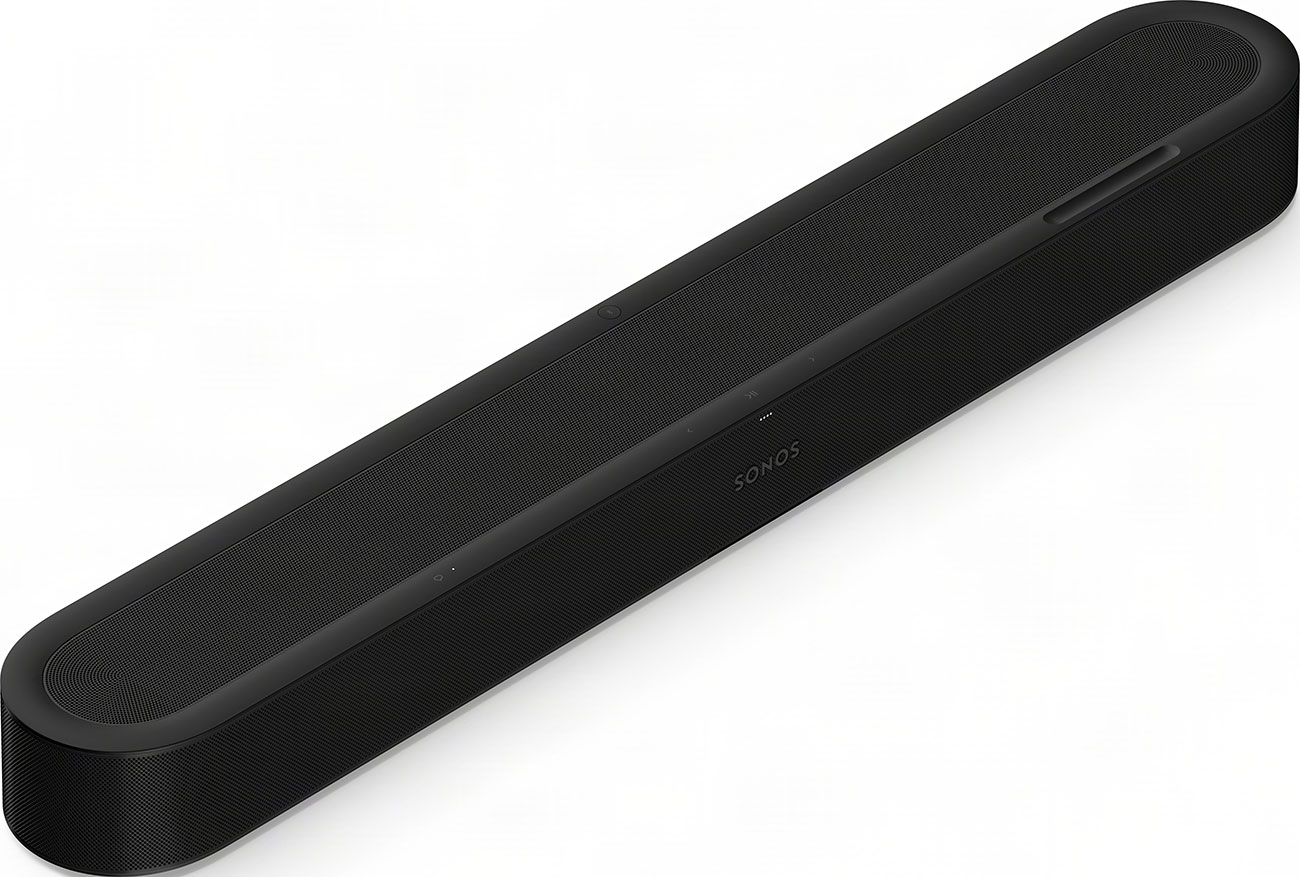
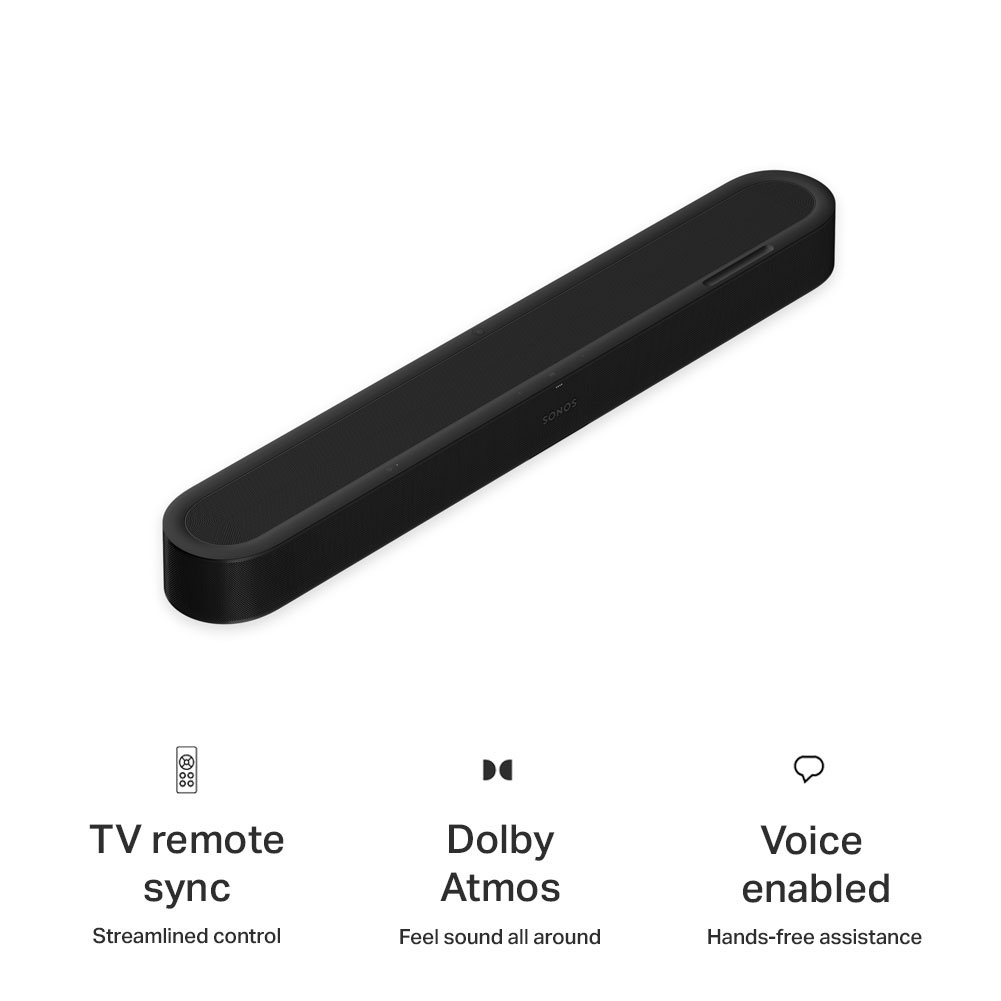
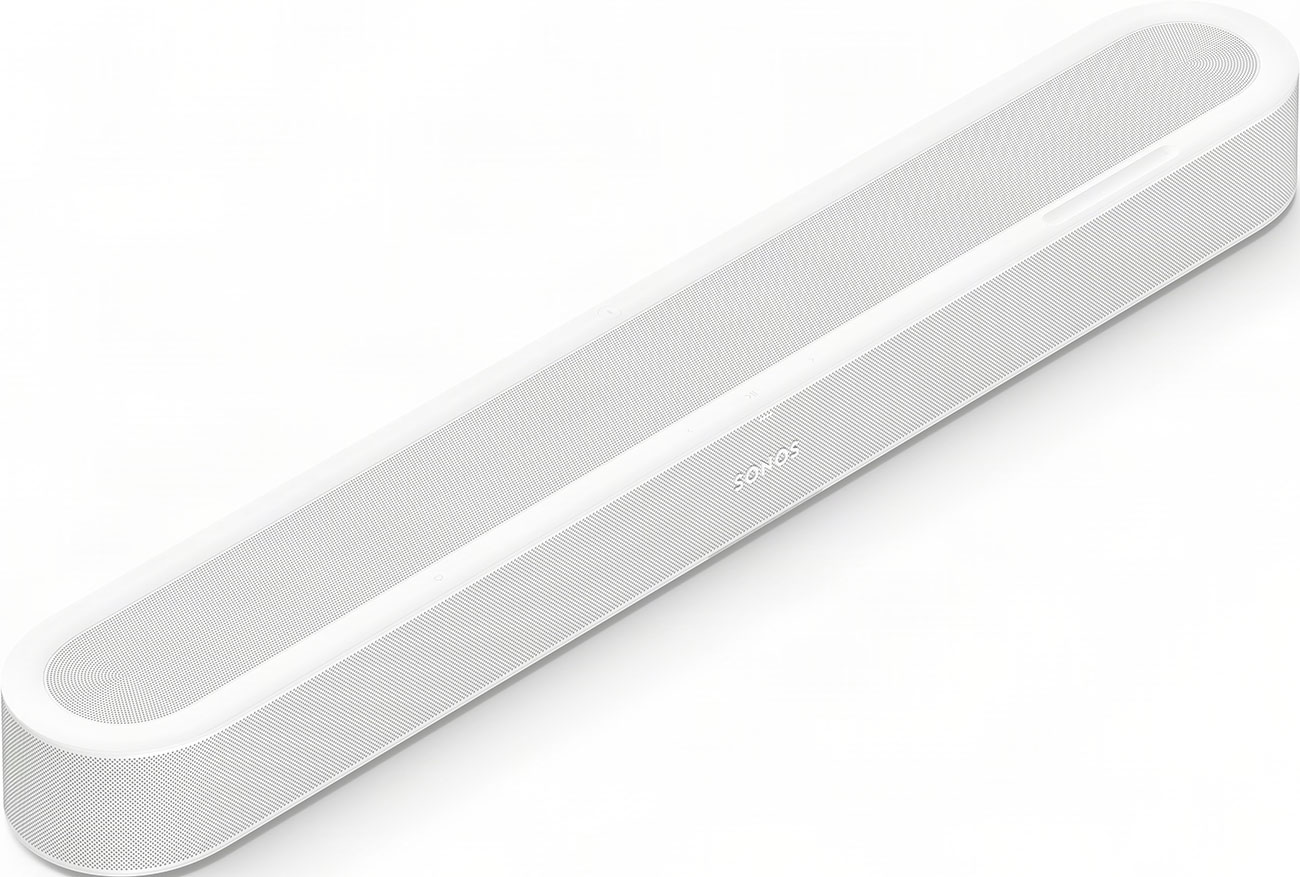
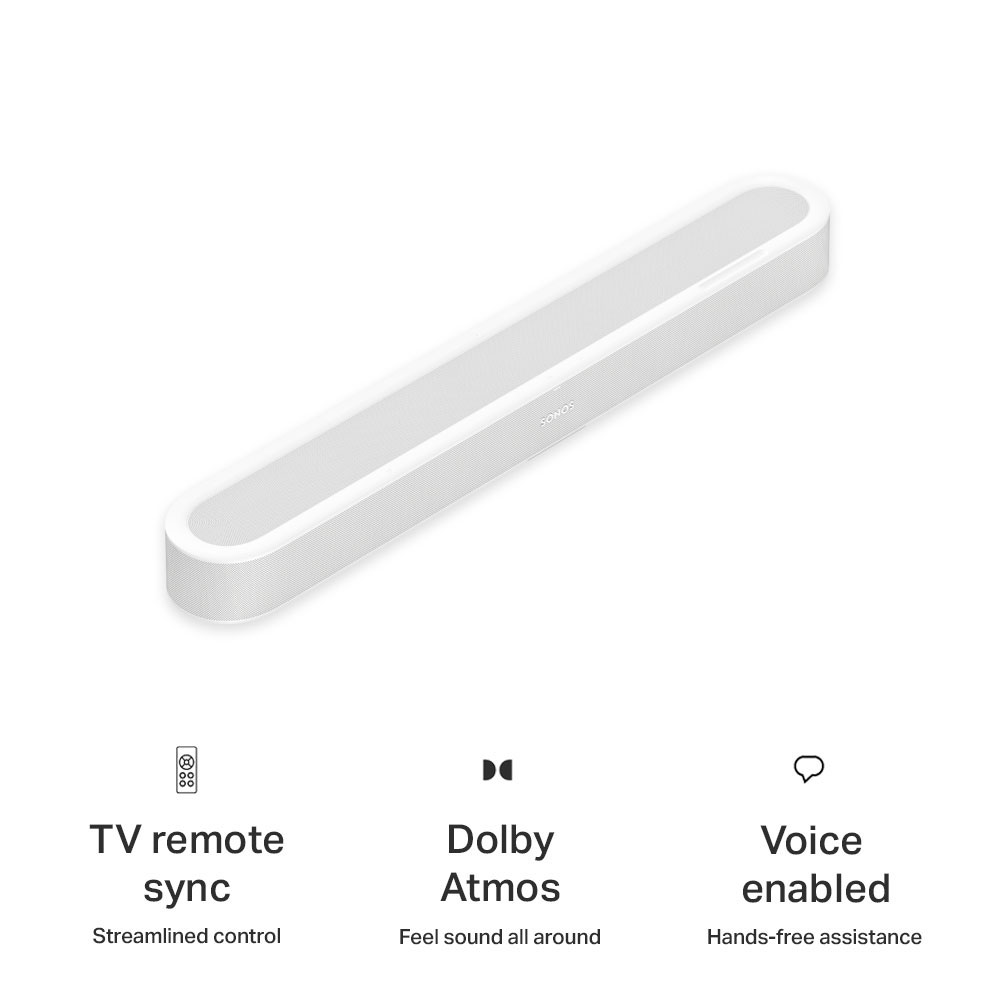

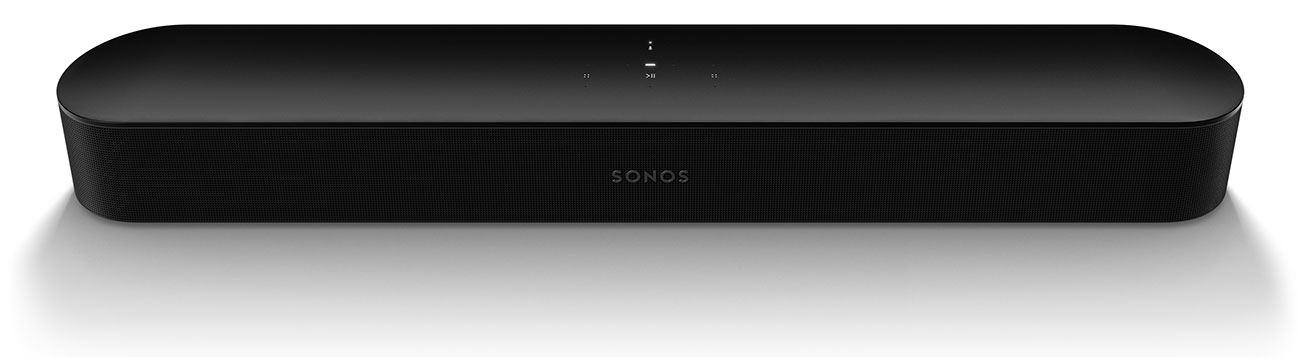
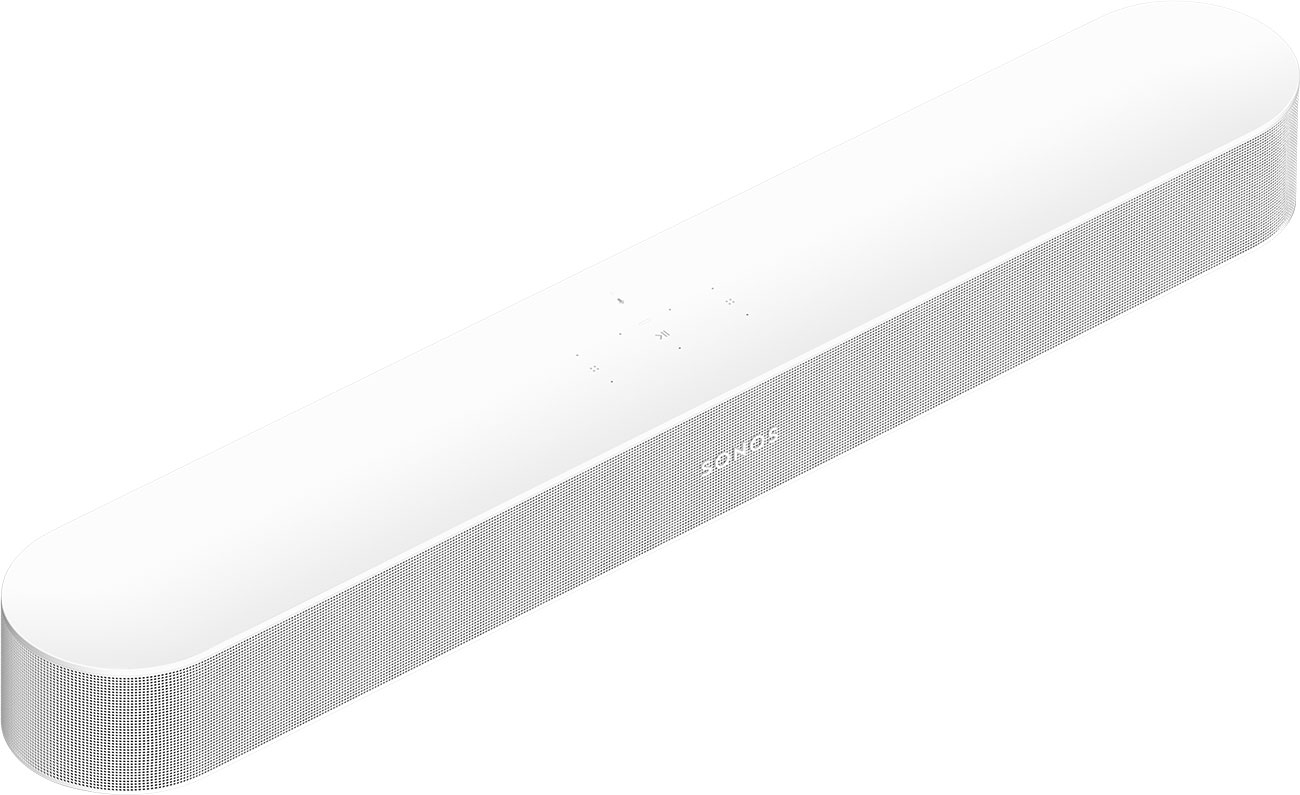
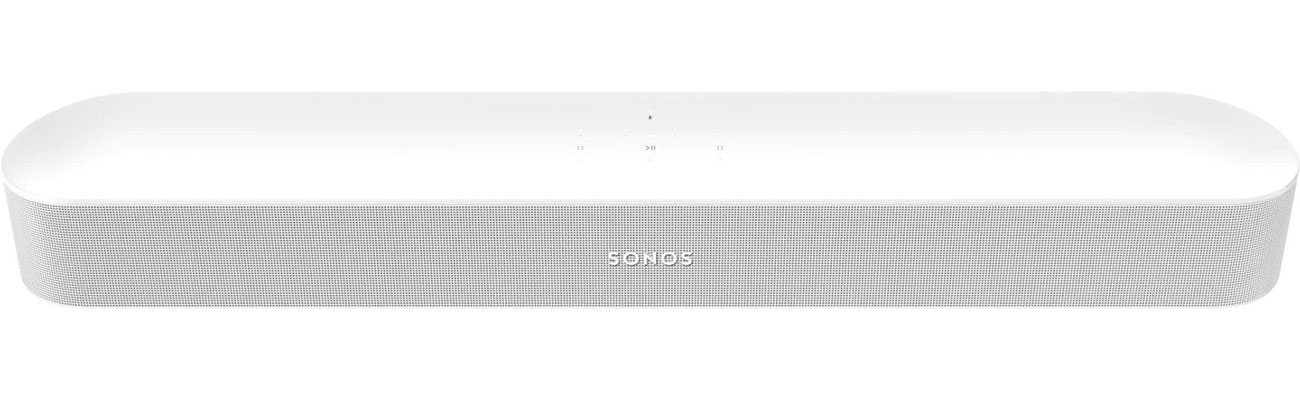
What's Inside The Compact Soundbars
When a company upgrades products or moves from one generation to the next, some only make small tweaks or adjustments. That's not the case with the Sonos Beam (Gen 2) and the new Sonos Beam Ultra. Some of the biggest differences produce louder (and fuller) sound, and it has to do with the drivers inside both of the soundbars. The Sonos Beam (Gen 2) has five speakers in a classic 5.0 channel system. Those five speakers create a digital version of Dolby Atmos for a virtual surround sound experience that brings listeners into the action. But the Sonos Beam Ultra goes further with the real deal: this is a 7.1.2 channel system made with 9 drivers that can deliver true Dolby Atmos sound. But it's not just about the number of drivers in the Sonos Beam Ultra, it's about their design—and redesign.
The Second-Gen Beam
The Sonos Beam (Gen 2) we're comparing to the Ultra is itself a revamp on the original model from 2018. It was released with a CPU that was 40% stronger than its predecessor, and much of that power was put toward creating that virtual Dolby Atmos experience. Its five forward-facing drivers bring listeners direct audio that still feels spacious. Two of its five speakers are dedicated to delivering that virtual surround sound with no need for vertical drivers. Warm treble and true depth of sound make the Beam a standout at its price point and it always has, and that's made it hard to follow up.
The Ultra: a New Center Channel & Upward-Firing Speakers
Here's where the Ultra earns its name. This model features up-firing drivers that help send sound up and over listeners for a real, not virtual, surround sound experience. It's why you can visibly see the difference between the Beam (Gen 2) and the Beam Ultra's designs as well; the Beam Ultra needs to be perforated to let all of that sound loose. The Sonos Ultra features a new center-channel speaker dedicated to delivering clear dialogue, too (with the help of AI Speech Enhancement). In our Sonos Beam vs. Beam Ultra comparison, we'd be remiss not to mention the four low-profile woofers inside. Those new lows bring you a truly dynamic three-dimensional picture of sound.
The Intelligence Inside
We mentioned that the Beam (Gen 2) focused on boosting its processing power, all to simulate virtual surround sound. That processing power holds up well, but the Beam Ultra needed a different formula for its 9.1.2-channel system. Instead, you'll find features like AI Speech Enhancement—where cluttered sound makes way for clear dialogue. Other smart upgrades in the Beam Ultra? Something you'd expect from the smallest portable speaker, Bluetooth (Bluetooth 5.3, specifically). The Beam Ultra gives users (and guests who want to play DJ for the evening) the opportunity to connect quickly and easily without entering the Sonos app. That being said, to enjoy any of the brand's soundbars, speakers, woofers or headphones, you should definitely connect to the app. And while the Beam (Gen 2) was equipped with Wi-Fi 4, the Beam Ultra uses Wi-Fi 6 for a vast improvement in speed, though both soundbars are quick when it comes to connectivity.
Different Ways to Connect

There's a five-year gap (and a decent price difference) between these two soundbars, so, naturally, there are differences in the ways users can connect and stream. With the Sonos Beam (Gen 2), users have a single HDMI eARC output as well as Wi-Fi 4 and AirPlay 2 connectivity. The Sonos Beam Ultra improves upon some blind spots with a USB-C connection and, as we mentioned earlier, Bluetooth 5.3. What they both still lack is HDMI passthrough, and with a single HDMI port, both soundbars only have a single wired connection to your television. Sonos always wants to make their speakers as clean and unblemished as possible, so an additional USB-C port is a leap forward. The USB-C input is a great spot to connect an AUX cable or Ethernet cable with the right adapter. Bottom line? You're getting more ways to connect with the Beam Ultra, but if HDMI passthrough (or more than one HDMI port) was on your wishlist, it isn't here with the Ultra.
What They Share
In our Sonos Beam vs. Sonos Beam Ultra comparison, we've discussed differences, but there's a lot that these two soundbars share. One is purpose. It's not the entry-level Sonos Ray or the larger and more premium Sonos Arc (or Arc Ultra). The Sonos Beam and Beam Ultra are made to target the living room crowd: people who want to watch TV and enjoy it to the fullest, not those who need a premium home theater-level experience. What's great about both Beam soundbars is that they can be built upon to create a broader sound system with rear speakers, separate subwoofers and more, but they both are a great entry point for anyone who wants to experience everything Sonos.
Other features that they share include TruePlay tuning, an easy, hands-off way to tune your soundbar to match your space's acoustics. Then there's Night Sound, which keeps loud sounds quieter when the rest of the house heads to bed. If you want to keep things even quieter, send audio to Sonos Ace or Ace Ultra headphones for complete silence outside. Controls are easy no matter which Beam you choose, too. Adjust things via the Sonos app, voice control, your TV remote or manually via touch. It's all designed to be as intuitive as possible for a seamless experience that makes entertainment easier, not harder.
Specs, Compared
Those differences and similarities are a lot to keep track of, so we've broken it down into a table below in our Sonos Beam vs. Beam Ultra comparison.
| Soundbar Feature | Sonos Beam (Gen 2) | Sonos Beam Ultra |
|---|---|---|
| Channels | 5.0 | 7.1.2 |
| Dolby Atmos | Virtual Dolby Atmos | Dolby Atmos |
| Bluetooth | No | Yes |
| Inputs | 1 HDMI eARC, Wi-Fi 4 | 1 HDMI eARC, Wi-Fi 6, Bluetooth 5.3, USB-C |
| Included Cords | Power Cable, HDMI Cable, Optical Adapter | Power Cable, HDMI Cable |
| Voice Control | Yes: Amazon Alexa, Google Assistant, Sonos Voice Control | Yes: Amazon Alexa, Google Assistant, Sonos Voice Control |
| Sonos TruePlay | Yes | Yes |
| Dialogue Features | Speech Enhancement | AI Speech Enhancement with Redesigned Center Channel Speaker |
| Height | 2.68 inches | 2.56 inches |
| Width | 25.63 inches | 9.53 inches |
| Depth | 3.94 inches | 4.13 inches |
Which Is For You?
Our Sonos Beam vs. Beam Ultra comparison has looked at both of these soundbars from every angle, from sound quality to smart technology and beyond. Now it's time to answer the final question: should you choose the Sonos Beam (Gen 2) or the Beam Ultra? That depends on a few factors, and we'd say to focus on how you want to use it. The Beam (Gen 2) was always a great place to start a sound system and add other Sonos speakers and subwoofers as time went on. While the virtual Dolby Atmos experience has been impressive, there's nothing like adding some real lows and a more surround-sound experience to your space ... and that's exactly what the Sonos Beam Ultra does, in one neat package. More drivers, extra space and a larger budget buys you a lot more in a single soundbar with the Ultra, making this more of an all-in-one option if you need a single soundbar for your entertainment space. The 7.1.2 system is impressive, and it's all contained in that slightly larger soundbar.
If you already have a Sonos Beam (Gen 2) and are building a Sonos sound system around it, you don't necessarily need to replace your soundbar. Instead, consider investing in other speakers for your space, like a couple of Sonos Era 100s, as well as a subwoofer. If you're starting from scratch, the Beam Ultra is a great place to begin your entertainment system and to build from as time goes on. The upgrades are truly amazing, and between new features like Bluetooth connectivity and a revamped center channel speaker, it's worth the investment. Order yours from Abt for quick delivery, or reach out to our in-house audio experts at 800-860-3577 if you have questions. To learn more before you buy, check out our guide to soundbar shopping.
Sonos Beam vs. Sonos Beam Ultra FAQs
-
You can tell just by looking if your Sonos Beam is Gen 2, the original Gen 1 or the Sonos Beam Ultra. The Sonos Beam 1 had a fabric front grille, while the Gen 2 has a smooth plastic top and a wraparound grille with no fabric. The Beam Ultra has a perforated grille on the top and is wider than both.
-
Yes, you can add speakers and subwoofer to your Sonos Beam or Beam Ultra to expand your sound system. Set up is easy via the Sonos app.
-
Absolutely, you can use your Sonos beam to watch TV, play games, listen to music and more. Connect via the Sonos app, use Apple AirPlay 2 or connect via Bluetooth with the Sonos Beam Ultra.


