


The Touchscreen OLED MacBook Pro for Pro Workflows
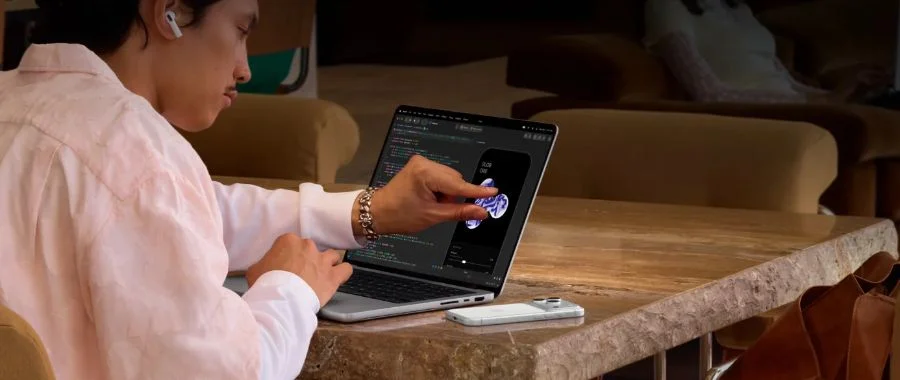

Apple has been showcasing new and exciting products one after another recently, from the iPhone 18 Pro to the record-setting iPhone Duo to the all-new Apple HomeView. Then came the launch of their latest MacBook Pro laptops: first, the MacBook Pro with the all-new M6 chip, and finally, the MacBook Pro with PROLED XDR Display. Many thought an Apple laptop with a touchscreen would never happen, and the launch of this OLED MacBook Pro has heads spinning. But this computer isn't universal, like an iPad or an iPhone—it isn't made for everyone. The latest release lands with a truly heavy "thud" thanks to its incredible processing power, unbeatable screen, AI capabilities and unbeatable graphics. The MacBook Pro with PROLED XDR display is Apple's most incredible portable computer yet, and while the display and touchscreen are flashy, it's packed with power and made for the true professionals among us. So, what makes this OLED MacBook Pro so great for hard-hitting workflows, and is it right for how you'd use a MacBook?
Shop MacBook Pro with PROLED XDR Display

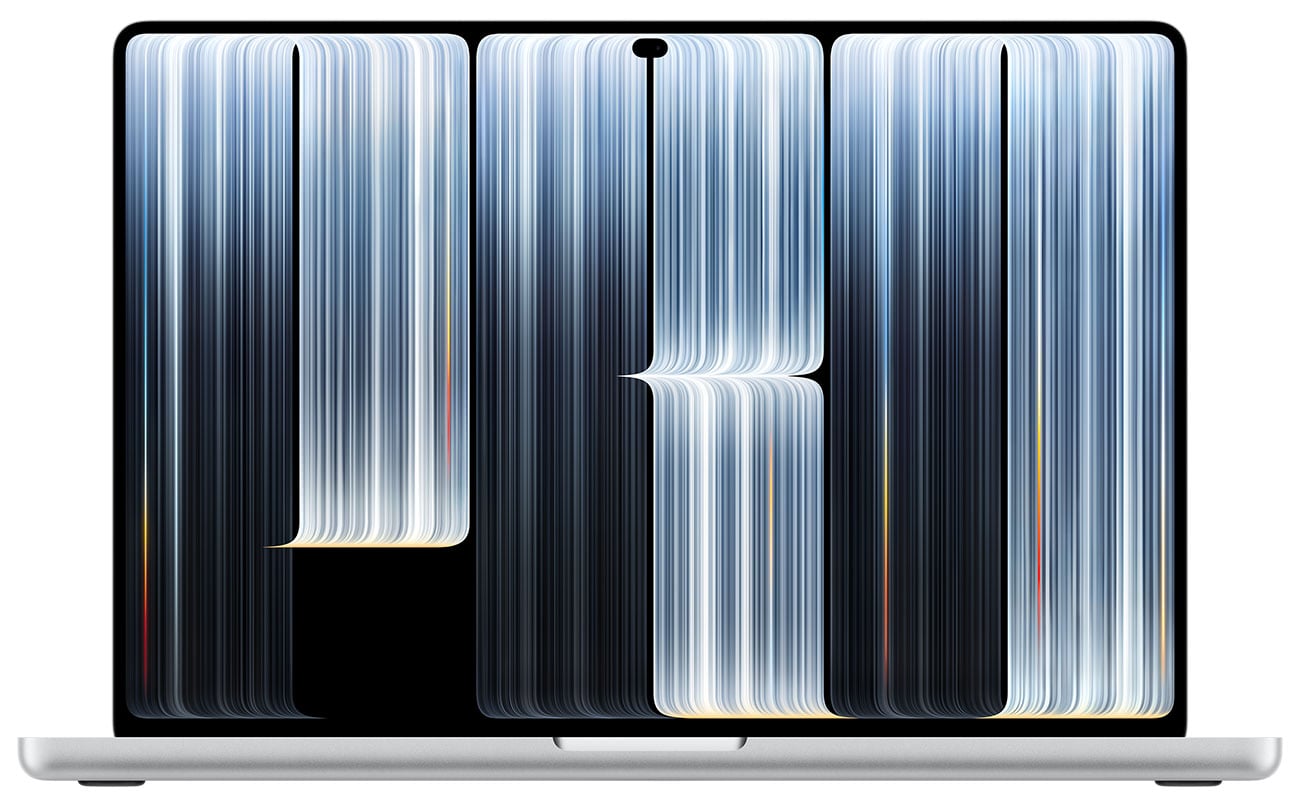
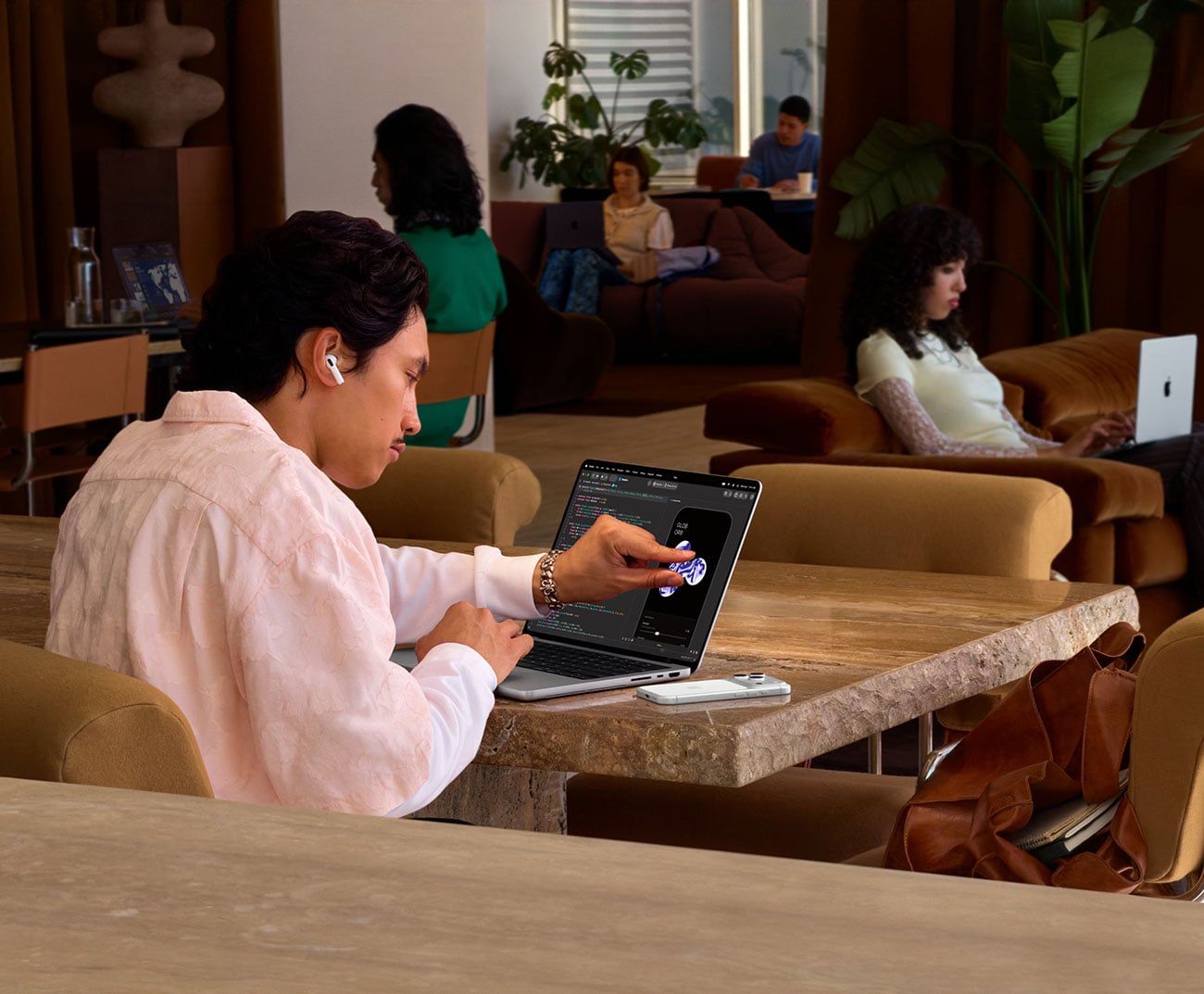
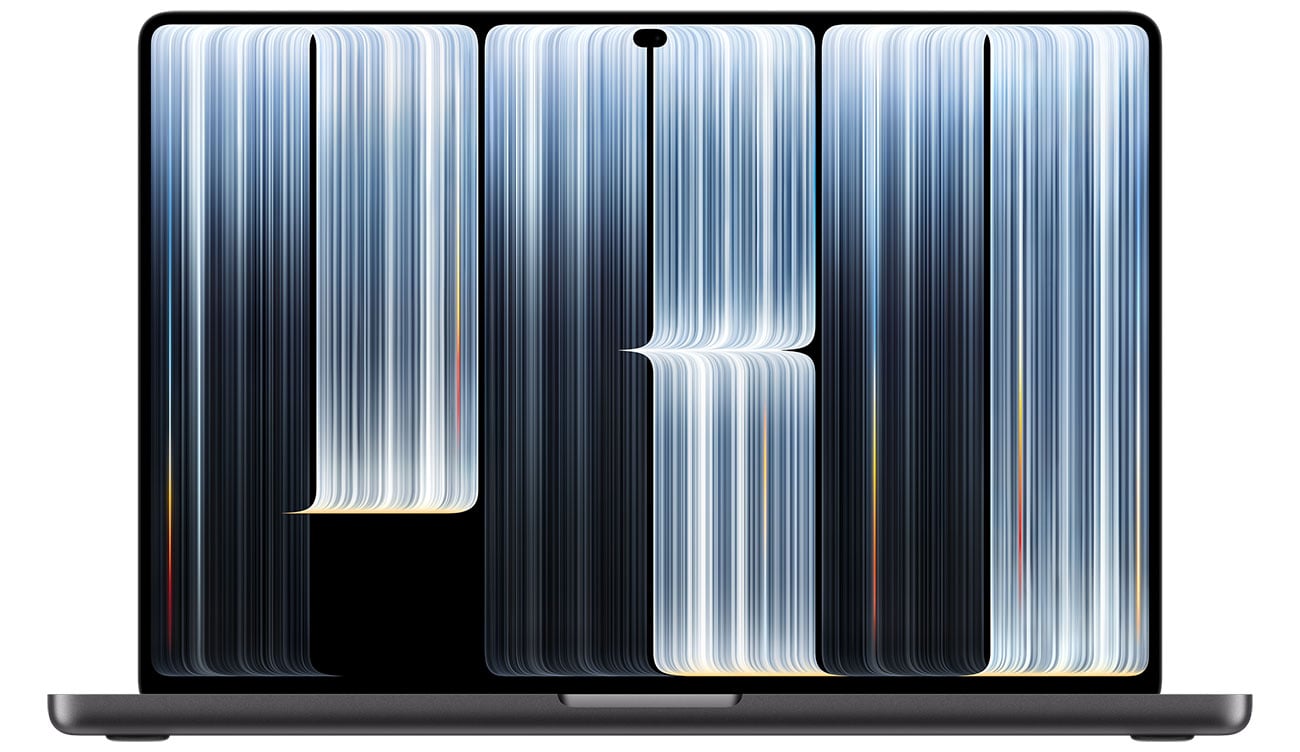
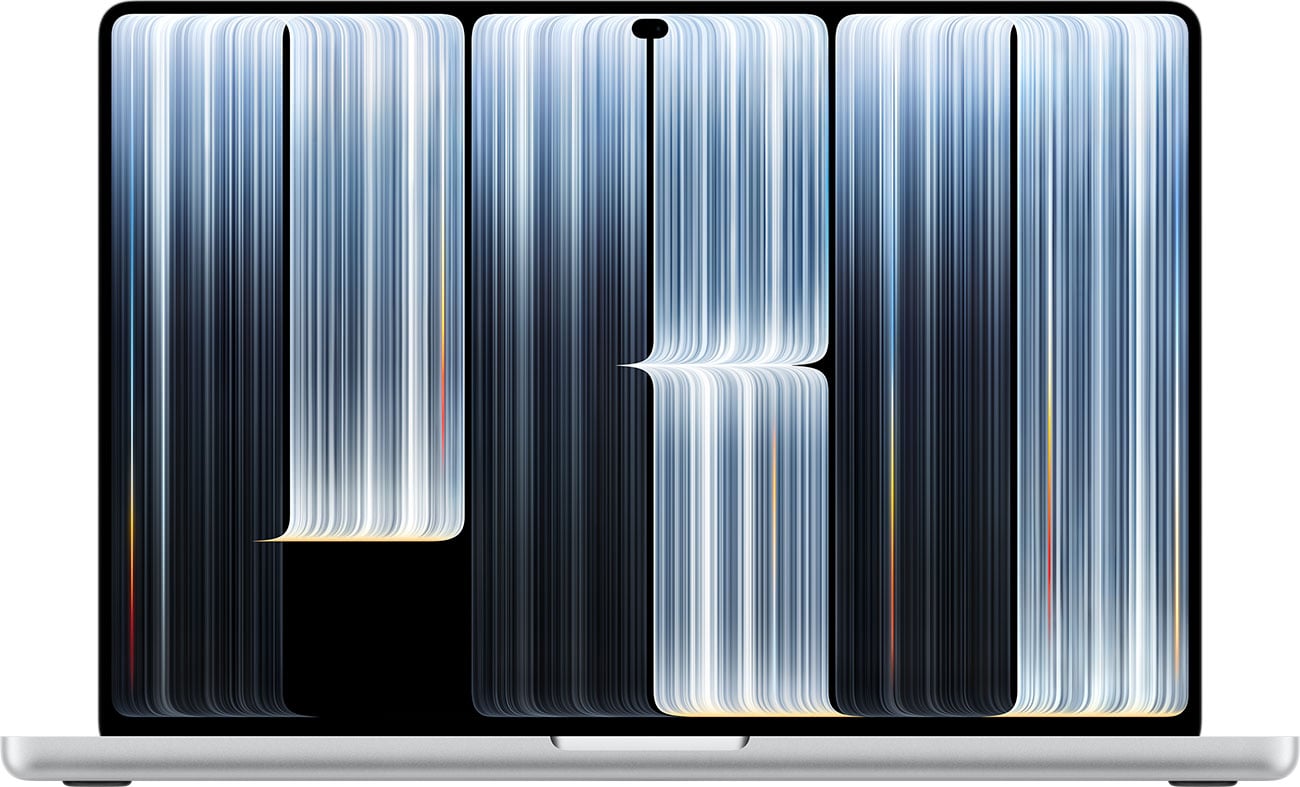
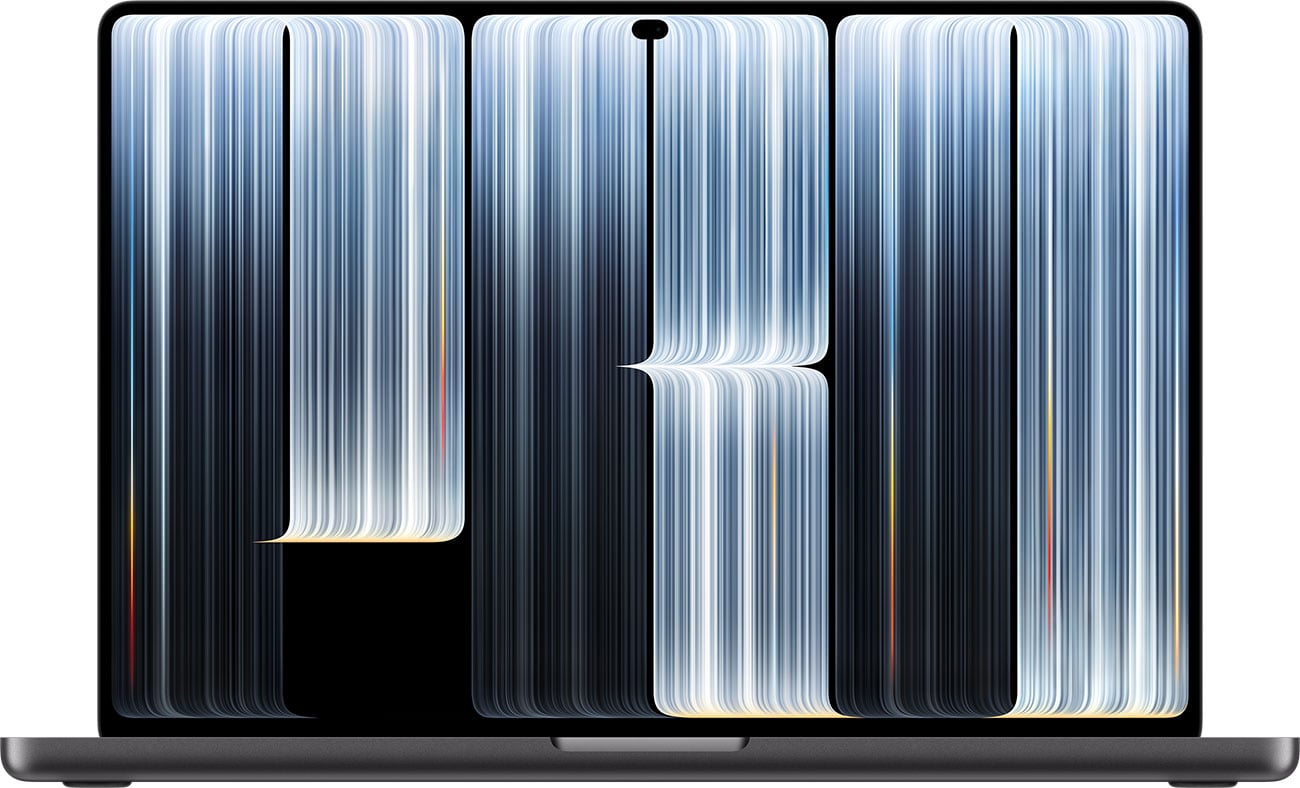
Designed for Workflows with High Demands
Back in the day, if you wanted a laptop from Apple, you were choosing between a MacBook Air and a Pro only. Today's selection is a bit broader, with the budget-friendly Neo, the classic Air, the mighty Pro and now the Pro with PROLED XDR display. Let's be clear—the new OLED MacBook Pro with PROLED XDR Display laptop is not for the average college student or for a multitasker working with documents and emails. Apple has crafted this computer for professionals who need a workhorse that can go as far as they can. If a user needs to pull an all-nighter to finish a project and beat a deadline, so can this heavyweight champion thanks to a full 24 hours of battery life. Graphic artists, music producers, photographers, directors, scientists, and anyone who needs some of the best processing capabilities around will marvel at this machine ... and put it to work. And if users need graphics-intensive software, they'll have a new friend in Apple's first touchscreen laptop. The AI capabilities, high-contrast screen and mighty processing power make this the true pick for professionals in niches you'd never expect.
An OLED Screen from Apple That's Years in the Making
Before we go any further, let's talk about the tandem OLED screen. It's what sets this laptop apart from the pack at first glance, even from other OLED computers and different MacBooks. This is far from the first touchscreen laptop ever, but as with all things, Apple wanted to get their tech perfect before they brought it to the market. Why? Because so many in creative fields depend on Apple computers. Photographers, graphic designers, filmmakers and other creators can't rely on half-baked technology, and that's where the PROLED XDR screen comes in. The numbers speak for themselves: users see up to 1000 nits of sustained full-screen brightness, and 2000 nits of peak HDR and SFR brightness. The contrast is incredible, with a contrast ratio of 10,000,000:1, too.
OLED technology has come far in just a few years. With this OLED MacBook Pro's dual layers of pixels, each individual organic light-emitting diode can turn itself on and off, swapping between intense hues, bright highlights and complete blacks instantaneously. You'll see some of the deepest shadows possible here. Everything onscreen comes to life in beautiful detail and color with the latest and greatest incarnation of OLED technology. Colors look their best with P3 and Adobe RGB wide color gamuts as well, making this computer an incredible choice for graphic designers, HDR video editors and artists of all kinds. And one more thing to note about that OLED technology? With the MacBook Pro with PROLED XDR Display's screen, you won't need to worry about damage from burn-in, something that plagued early models of OLED TV screens and monitors.
The Pro-Level PROLED Touchscreen
Next, the touchscreen. While Apple has been making touchscreens on iPhones and iPads for decades, this tech is all new for MacBooks. Steve Jobs himself looked down on touchscreen laptops and said they'd never happen at Apple. Much has changed since then, from incredible new processing in Apple Silicon to upgraded tech and new capabilities ... and it wouldn't be possible without the precision of the tandem OLED screen.

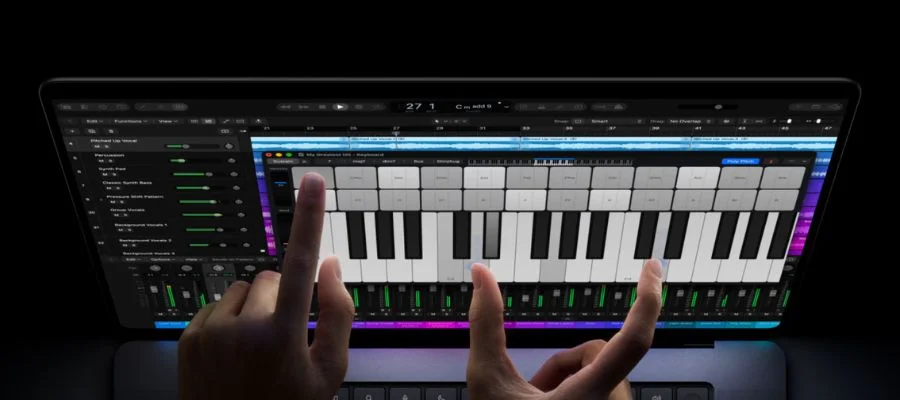
User intuition pairs with the latest Apple technology for a touch experience that's truly seamless. The touch sensor is built right into the display, not layered on top of it, all to keep latency at a minimum. That makes it easy to scroll, pinch to zoom, annotate, sketch, play instruments virtually and interact with 3D objects, for both pro workflows and for fun. That makes the MacBook Pro with PROLED XDR Display laptop a great option for designers who need to get things done on the move. Instead of being anchored to a desk with multiple monitors and a desktop, users can interact with 3D creations like product prototypes, 3D renderings and more, from anywhere. That makes the OLED MacBook Pro touchscreen and its iOS app capabilities great for artists in any field. Music producers can tweak faders and play virtual instruments with their fingers for work that travels with them, eliminating the need to haul around full-sized instruments at all times. And for productivity use and daily tasks, the touchscreen makes it easy to scroll through documents, pinch to zoom, drag and drop slides and flick things into place. Touch and navigation feels intuitive all across the MacBook Pro with PROLED XDR Display laptop, whether you're touching, tapping, twisting or using the classic trackpad.
The M5 Pro and M5 Max Chip: Which is Right for You?
Inside, the touchscreen OLED MacBook Pro is run by some of Apple Silicon's most impressive processors: the M5 Pro and the M5 Max. Users choose between these mighty CPUs, where unified memory and multithreaded processing keep everything running at its fastest. Mighty Neural Accelerators run through every core of the GPU, letting you move through AI work in a snap. Extra and faster storage is just part of the framework that makes these chips the perfect architecture for new laptops like the Apple Pro with PROLED XDR Display. And while you're running multiple programs that would slow down any other computer, there's no need to worry about overheating thanks to the upgraded thermal design.
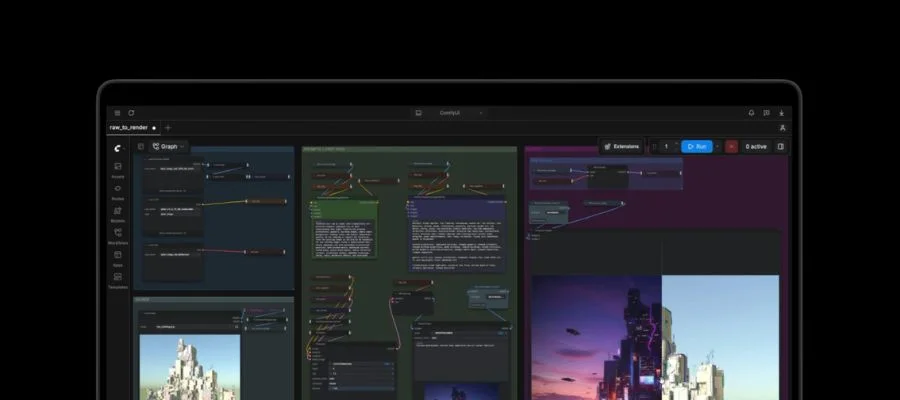
So, between the M5 Pro and the M5 Max, which chip is best for you and how you would use this new OLED MacBook Pro? We have an article from when the M5 series was first introduced, and dive into the differences between M5 chips. Apple recommends the M5 Pro chip for scientists, engineers, software developers and creative professionals. Then there's the M5 Max, which takes things to another level. Apple describes this as its most powerful chip built for a pro laptop, and a great option for users like 3D VFX artists, film composers and AI developers. There's no way to make a bad choice here, but one may be better for your needs than the other.
Get Smarter: AI, Siri AI, Apple Intelligence
The MacBook Pro with PROLED XDR Display laptop is made to work with you when it comes to AI and all the things you can do with it. Whether you're creating agents, making everyday multitasking easier or doing a deep analysis of code, the mighty processing within brings everything AI within reach. Generate videos and photos, enhance code and make the most of AI apps and classic software, like the Adobe Suite and Logic Pro. Go from complex to complete in moments with the right tweaks.

Then there's Apple's own Siri AI, as well as Apple Intelligence. Everything on the computer becomes a bit easier to reach with the help of everyone's favorite voice assistant, completely leveled up. Siri is a helper that's there when you need it and available all across your apps. Powered by Apple Intelligence for effortless communication, Siri AI delivers better productivity and simple shortcuts right when you need them.
Mobile Made Pro
Whether your workflow involves 8K footage and motion graphics, medical imaging in non-diagnostic views, multi-threaded music production or good old-fashioned coding, you can bring it with you with the MacBook Pro with PROLED XDR Display laptop. And while the ultra-portable laptop weighs just 3 pounds at its lightest configuration, that doesn't mean it has to go everywhere. Thanks to all of its ports and plugs, connecting extra displays and peripherals has never been easier. The OLED MacBook Pro supports three Thunderbolt cables, along with a full HDMI port, a headphone jack and an SD card. It can support as many as four external displays, too, giving you the flexibility to build out a workstation at home that's just the way you want it. When you need to present your latest project in a meeting, plug right in to an HDMI cable directly for quick collaboration. Everything has been thought of, from moments when you're working on the go to time at home to long hours in the office. There's no need for multiple computers when the high-powered MacBook Pro with PROLED XDR Display laptop can move from place to place and handle it all.
So, Is This MacBook Pro for You?
We'll repeat, is this right for you? Because it isn't for everyone, and that's why Apple has such a broad lineup of laptops and desktops. Between the colorful MacBook Neo, the extremely portable MacBook Air, the beloved and mighty MacBook Pro and the latest release, this touchscreen OLED version, there's something for everyone. If you're looking for something more for students, web browsing, multitasking, everyday use, writing, then the PROLED might not be the choice for you—but you have plenty of options. But if you need something for video editing, 3D art, developing software and all-around hard-hitting performance, then congratulations, you've found your laptop. From the incredible OLED touchscreen to the mighty processor, everything within this OLED MacBook Pro lends itself to professional lifestyles. Order yours from Abt for quick delivery, or come shop our Apple store in the Atrium to see our collection in person. If you have questions, our team of experts can help with anything Apple; call us at 800-860-3577.


