Gaming Desktop vs. Laptop: Which Should You Choose?

Why Consider a Gaming Laptop?
That's the question veteran gamers will be asking. "Don't they perform poorly, overheat and run out of battery quickly?" That used to be the case, especially with gaming laptops made just a decade ago. Consider a handheld gaming console from ten years ago, like the lightweight Nintendo Switch. Bright colors, a crisp screen, and battery life that lasted around 6 hours if you were careful. Then, there were the heavier gaming laptops of the same era (and before). These machines were oversized, heavy, handled heat poorly and lasted for less than an hour if left unplugged. So, why even consider them?
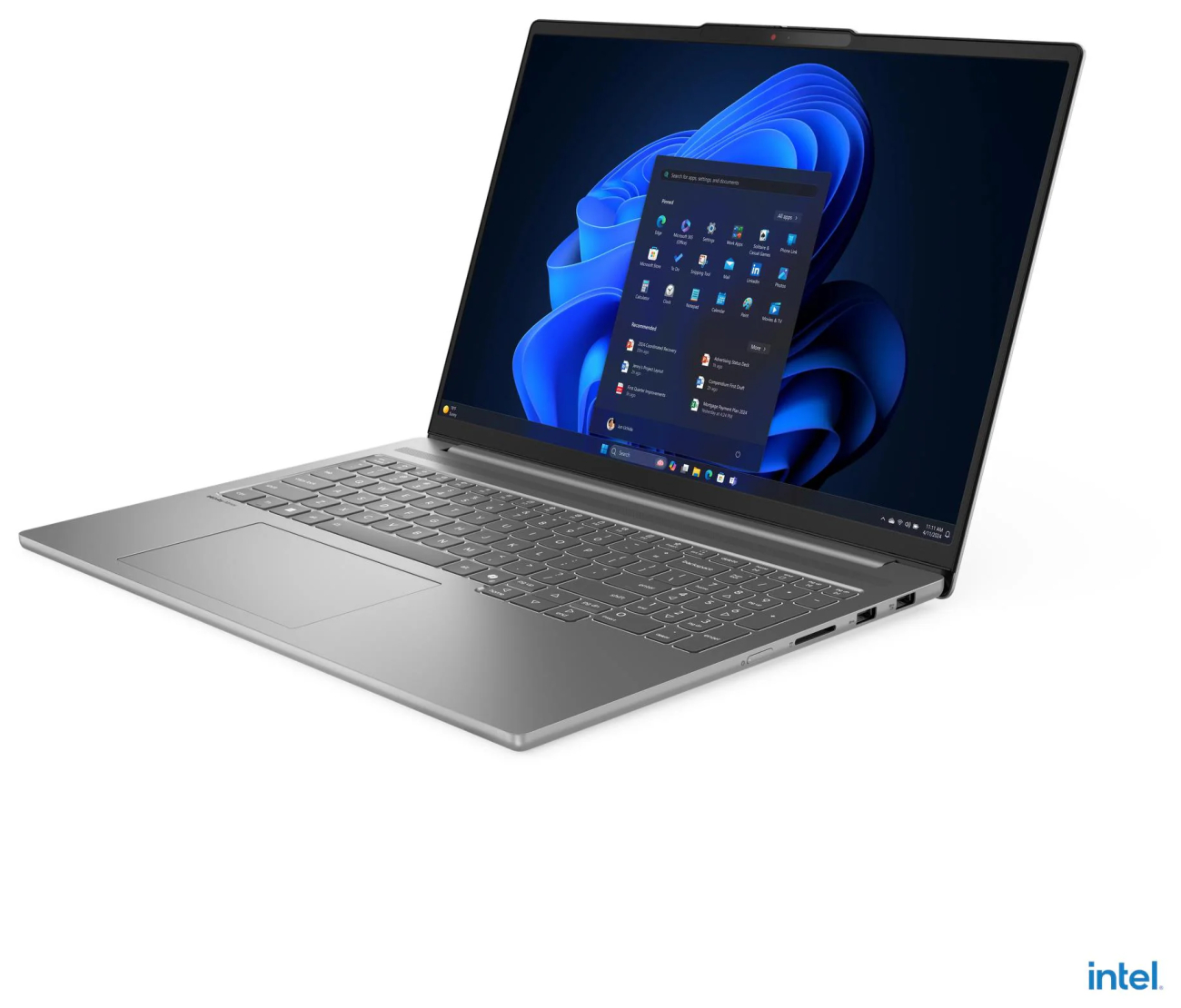
Recent updates in everything from hybrid CPUs to graphics cards to cooling systems have allowed gaming laptops to take on a whole new form, with lightweight bodies, powerful performance and much better battery life than their prior incarnations. The ability to put a gaming laptop in your backpack and comfortably carry it is a huge improvement, and something you wouldn't see much just a decade ago. That being said, there are still some things these laptops don't do perfectly—even as they compete with full-sized desktops.
First: Where Are You Starting?
How anyone approaches this comparison starts with what kind of equipment you have now. As you consider the topic of gaming desktop vs. laptop, what kind of gamer are you? Have you only ever used a console before, like a Nintendo Switch 2 or the Sony PlayStation 5? Maybe you've been playing on a gaming desktop for a while and already have a rig that you've built from scratch, complete with a great graphics card and storage that used to be enough for you ... but maybe that tech has aged out. Or maybe you're completely new to this space and want to break in and have some fun.
If you already have experience with gaming desktops, you have a leg up: one, you already know what you like and bring in your own experience, and two, you may already have hardware and peripherals (like a mouse, keyboard and speakers) that you'll want to use with your new setup. If you've never played on a gaming desktop before, an all-in-one portable laptop might be a great place to start: there's no need to do tons of research, buy different computer components for a pre-built desktop or build everything yourself. A gaming laptop wraps up everything you'll need to play: a screen, the hardware within, a keyboard and a mouse, all in one. But traditional gaming desktops are heavy hitters, and here's why they're so loved.
The Processing Power & Graphics Cards
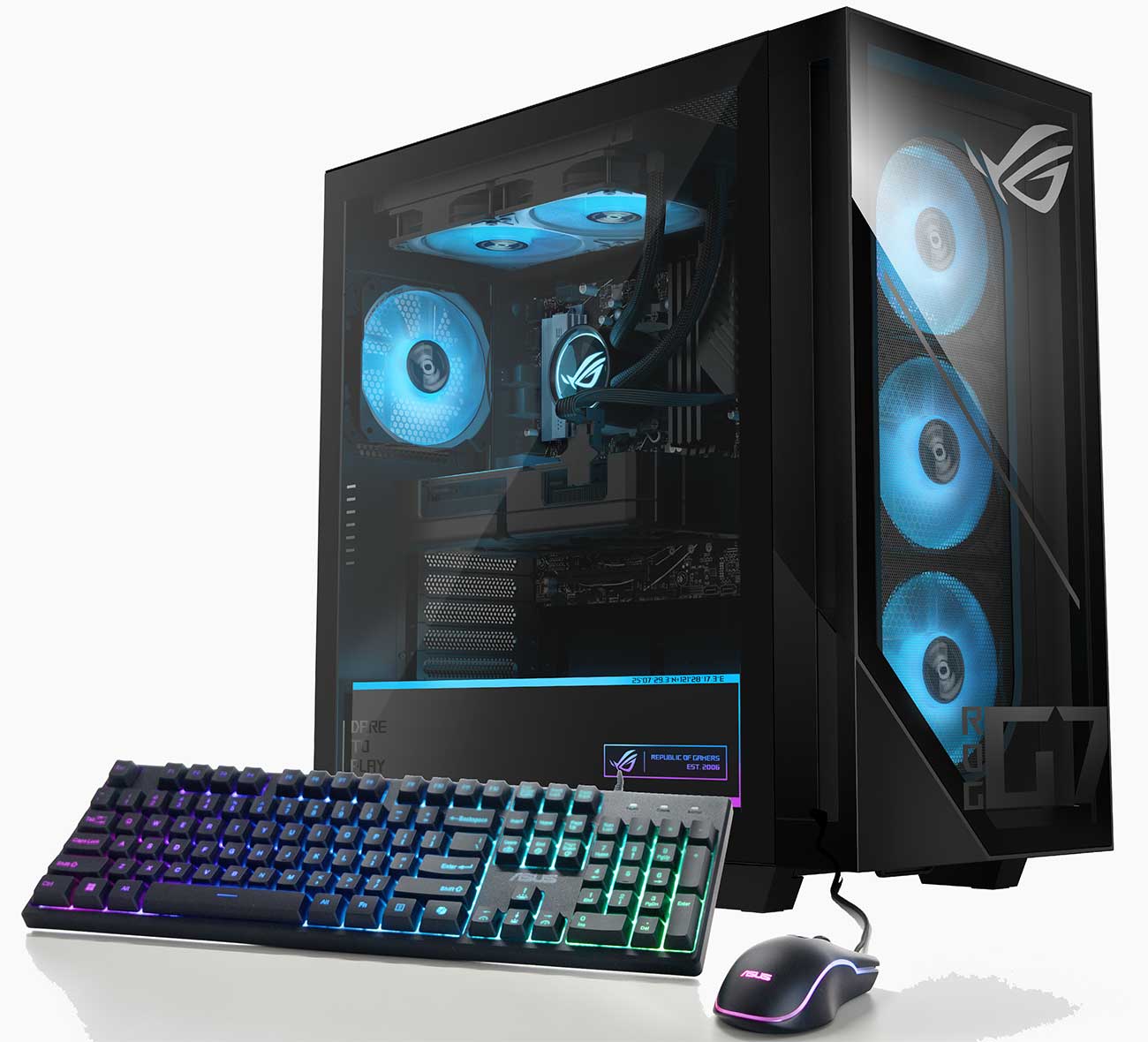
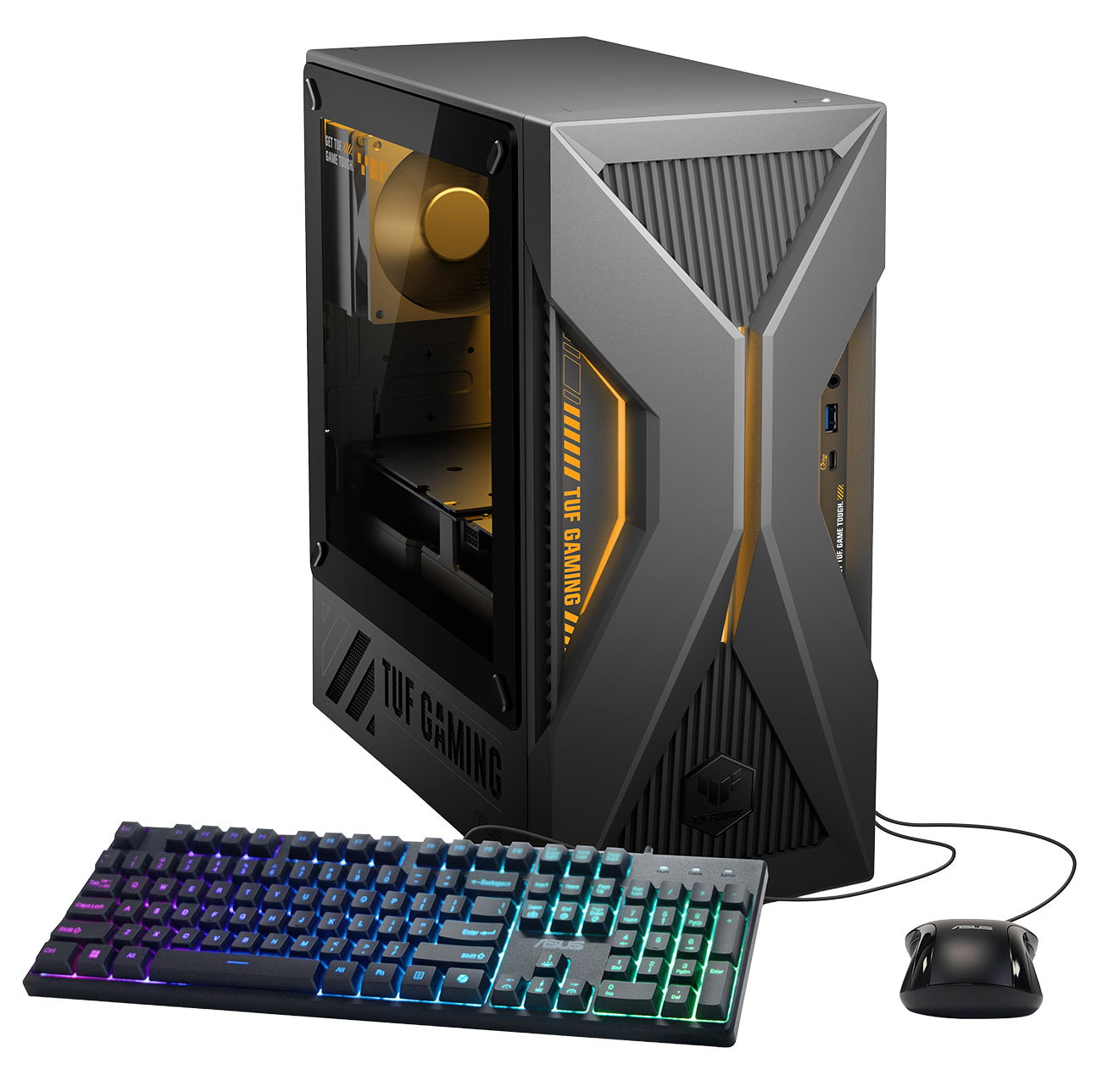
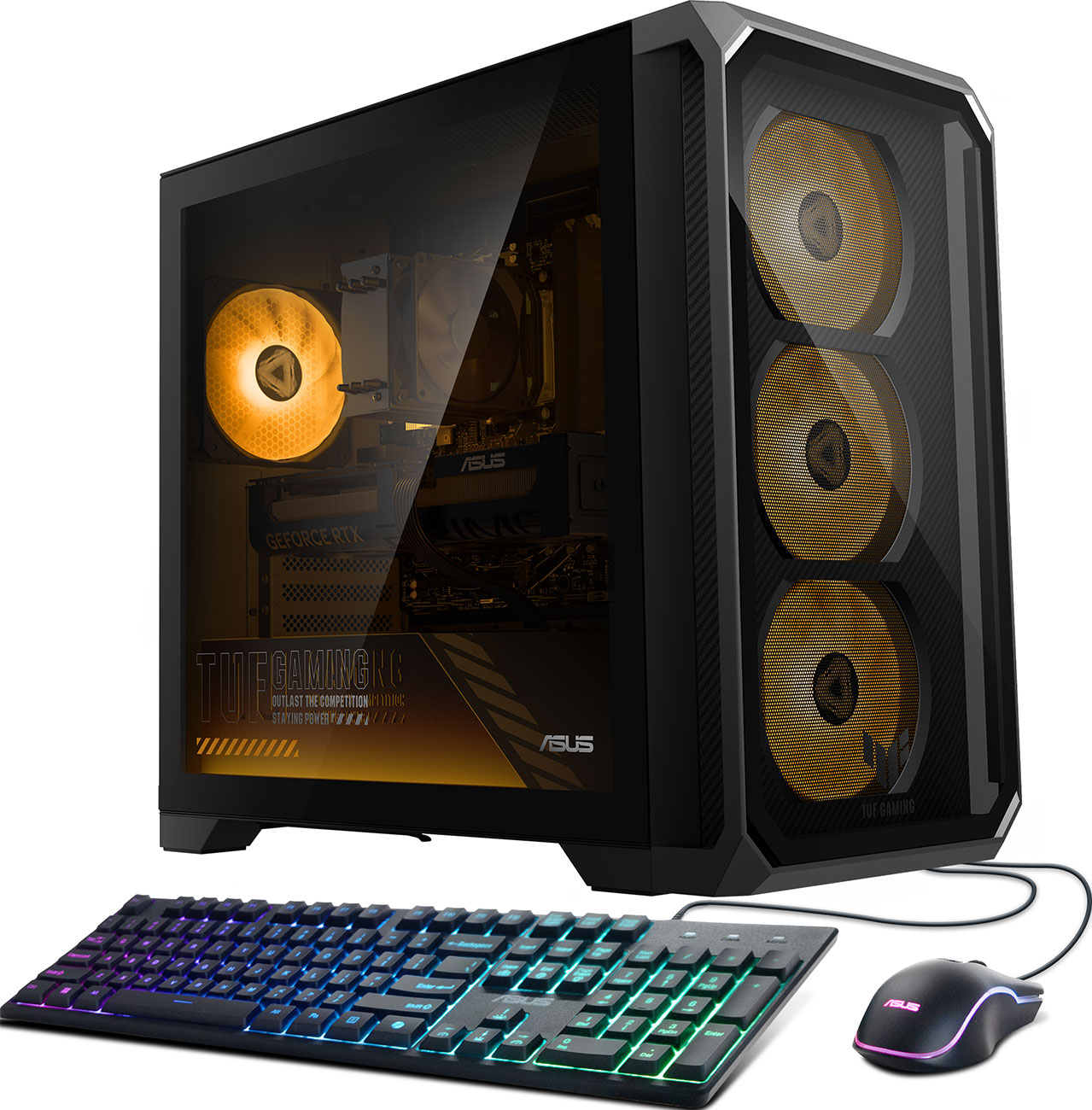
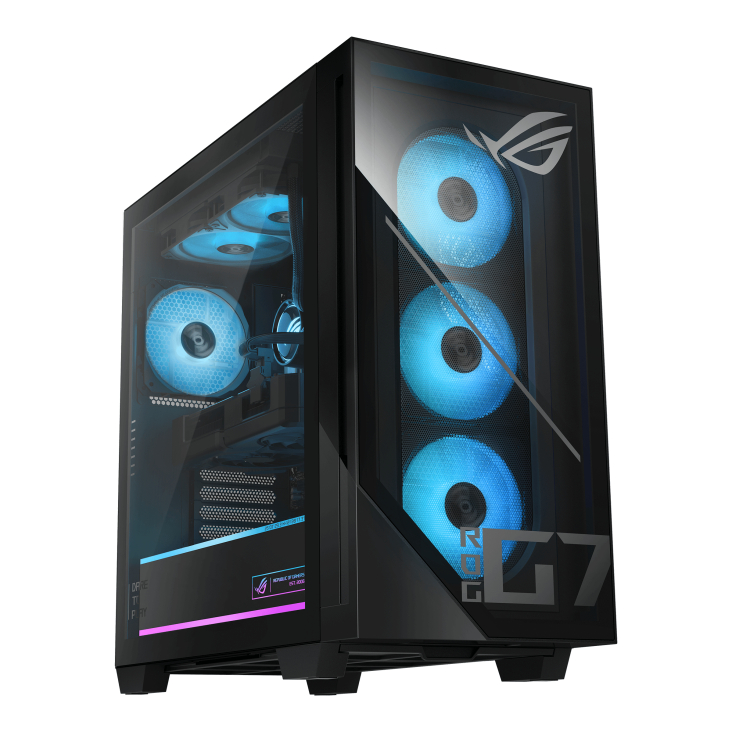
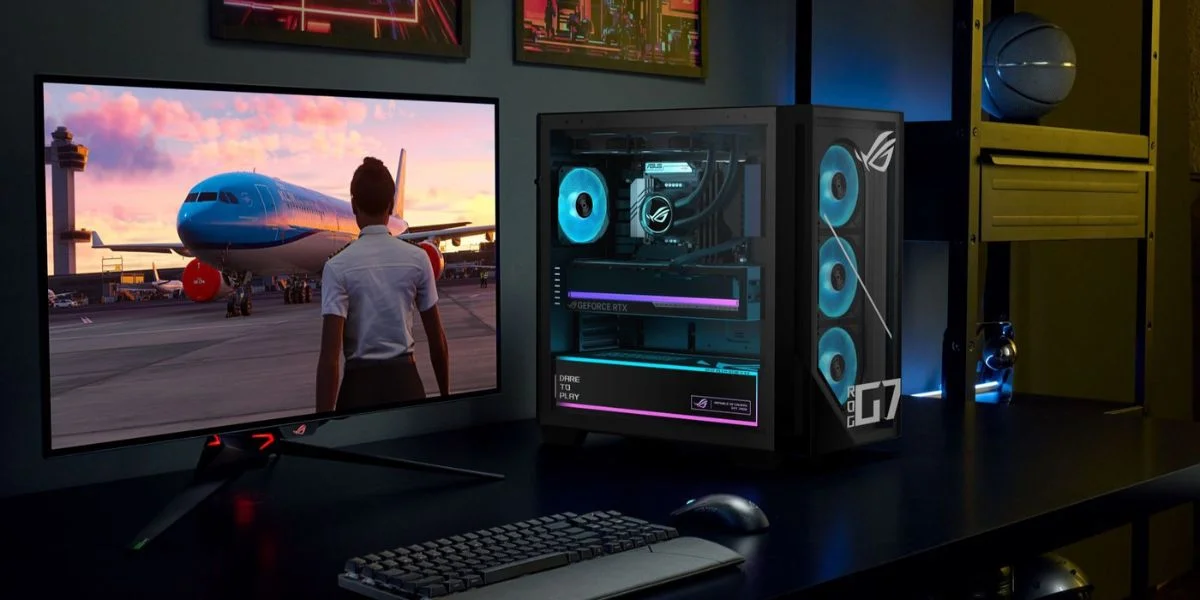
In the gaming desktop vs. laptop battle, desktop gaming PCs take home the prize. It's not for lack of trying on the portable computers' part, but CPUs and GPUs that are made for desktops are designed to manage a lot of power, all while processing graphics quickly and beautifully. Both of these components need to pull more power from the wall, all while larger cooling components (like fans and liquid cooling) keep them from overheating. It can be a balance, but between the mighty processors, a constant power flow and proper cooling, the classic desktop gaming PC has become the gold standard.
That doesn't mean that gaming laptops don't have impressive CPUs and GPUs. In fact, it's the opposite. For these slim laptops to contain mighty processors and graphics cards without overheating and melting is a testament to modern cooling systems and heat sinks. That being said, it's just not enough to deliver the same kind of power that desktop gaming PCs can tap into, and because of that, performance takes a hit. The desktops can handle heavy-hitting games and software depending on the processing power, but the laptops have more limits. If you're planning on playing the newest AAA games, lean towards a desktop. If you don't mind playing games that are a little older and that put less strain on your processors, then a gaming laptop should serve you well ... and you'll be able to bring your favorite titles everywhere you go.
Is It Portable?
Gaming desktop vs. laptop: which one is more portable? That's an easy question to answer. But why does it matter, and does it matter to you? A classic gaming desktop is anchored to a single spot, whether that's a desk, table, or even a living room TV stand for those who use a TV instead of a monitor. You can lay out your keyboard, mouse, speakers, and gaming controllers, and build a system for your perfect place to game. But that means it stays right there, where you can enjoy its impressive performance and update everything from peripherals to internal hardware. But what if you want to take play on the go? Packing up an entire desktop PC is no small feat, and it can be dangerous, especially if you're entrusting a tower that you built yourself into the hands of another. Checked baggage? Really, really not recommended.
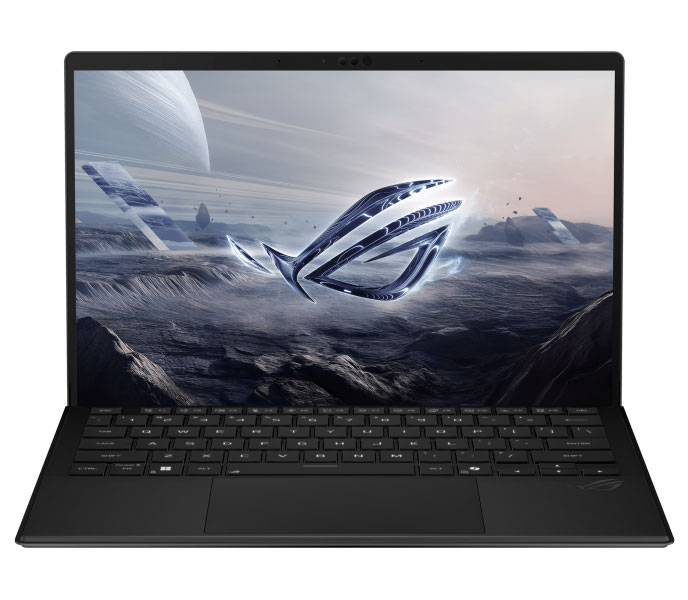
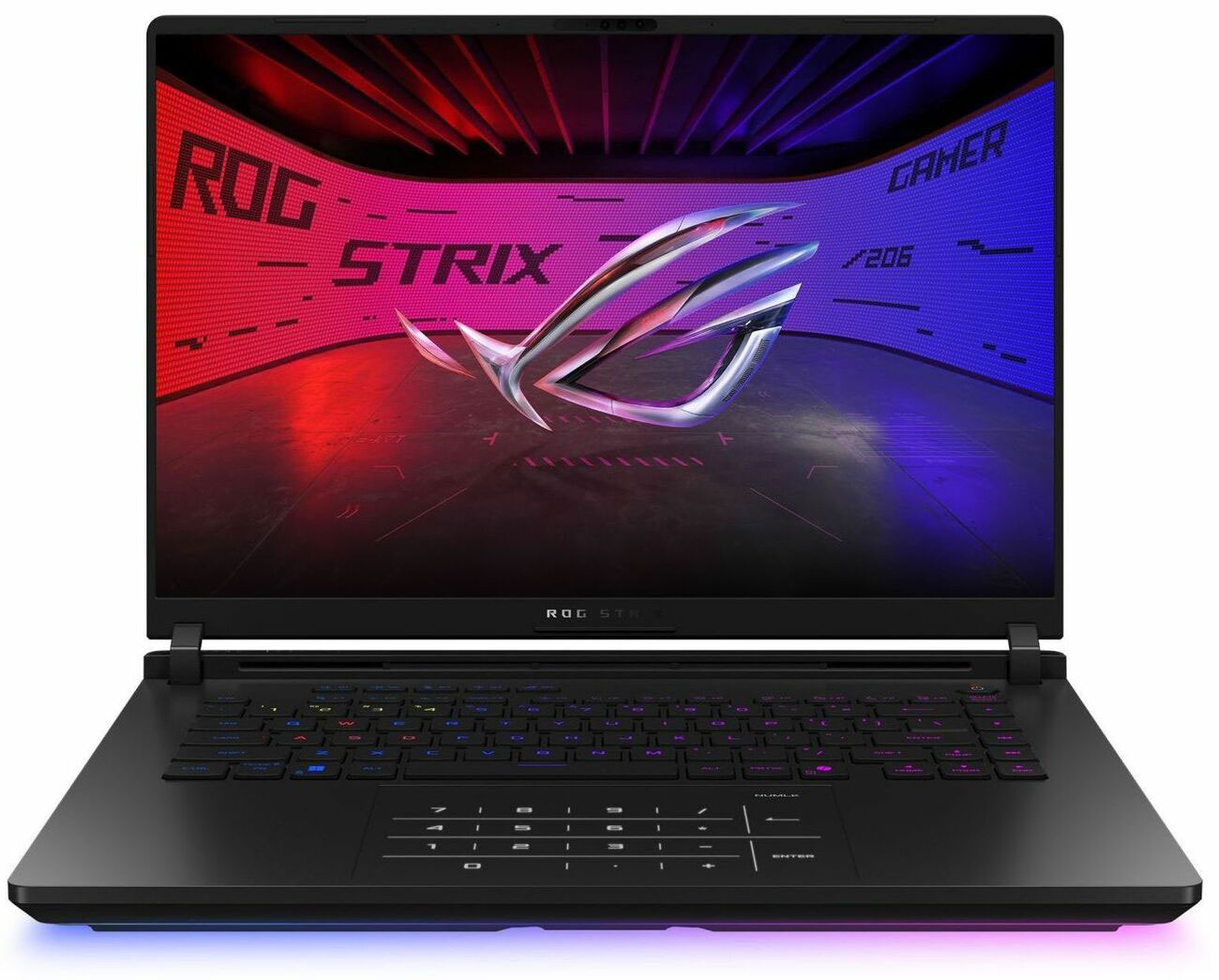
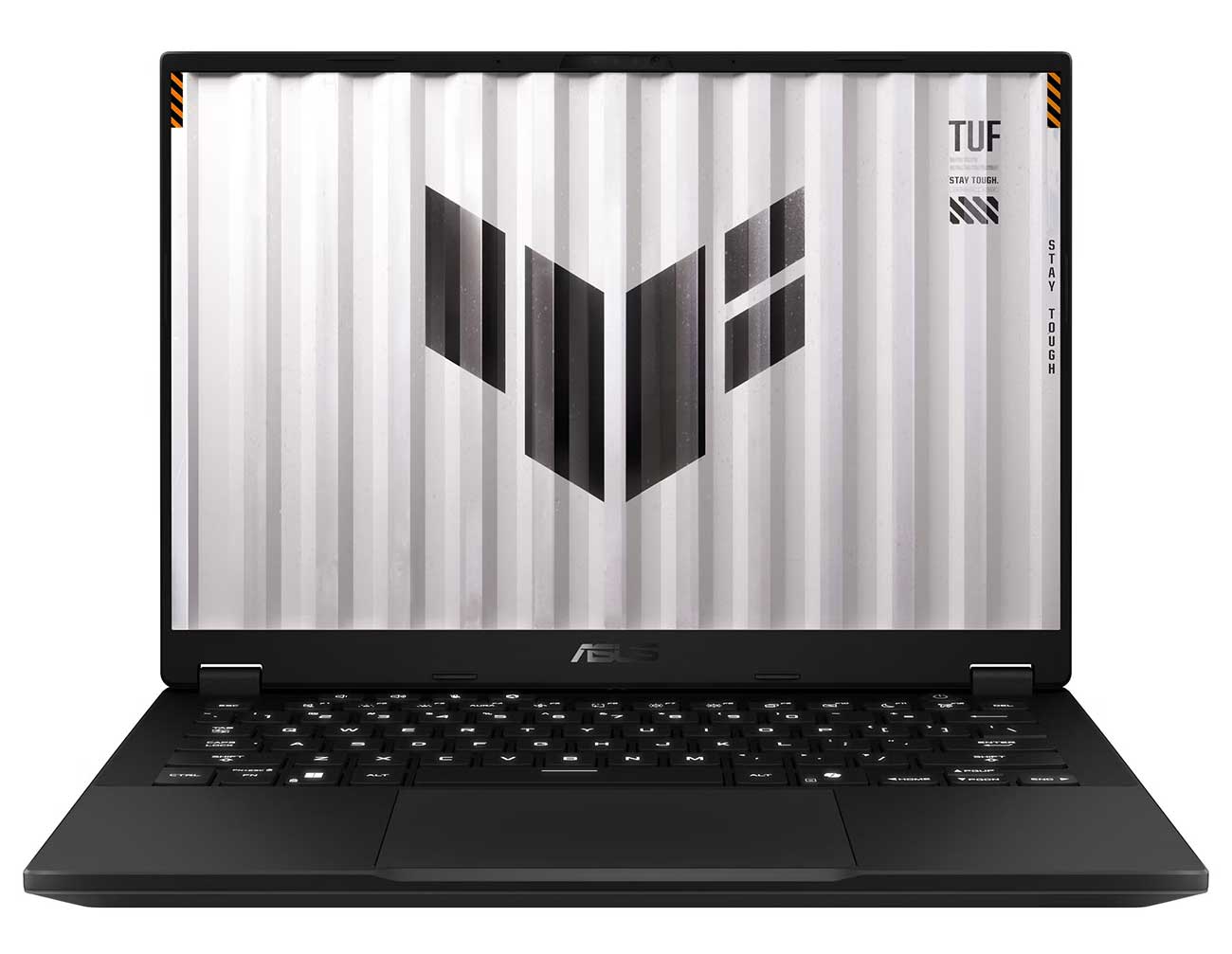
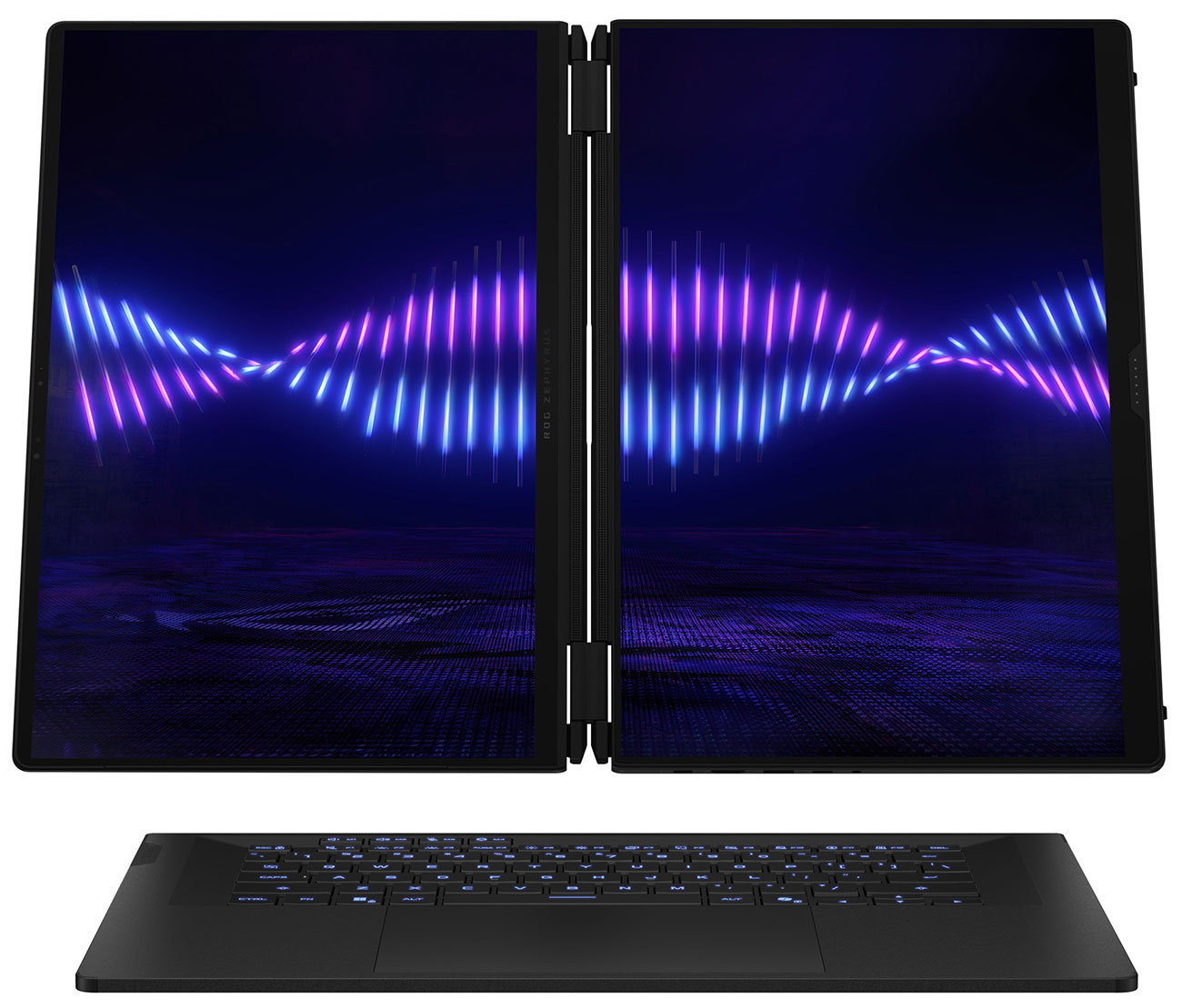
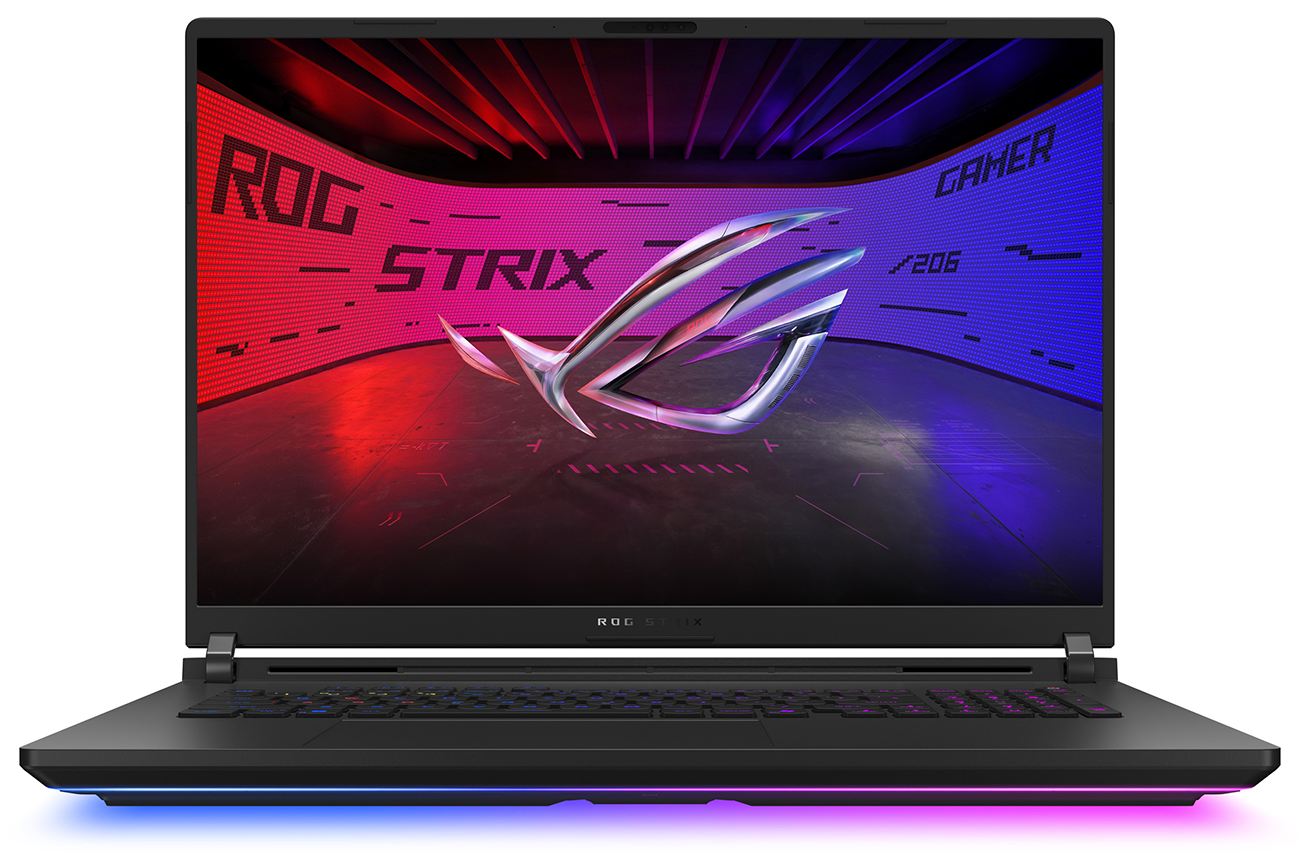
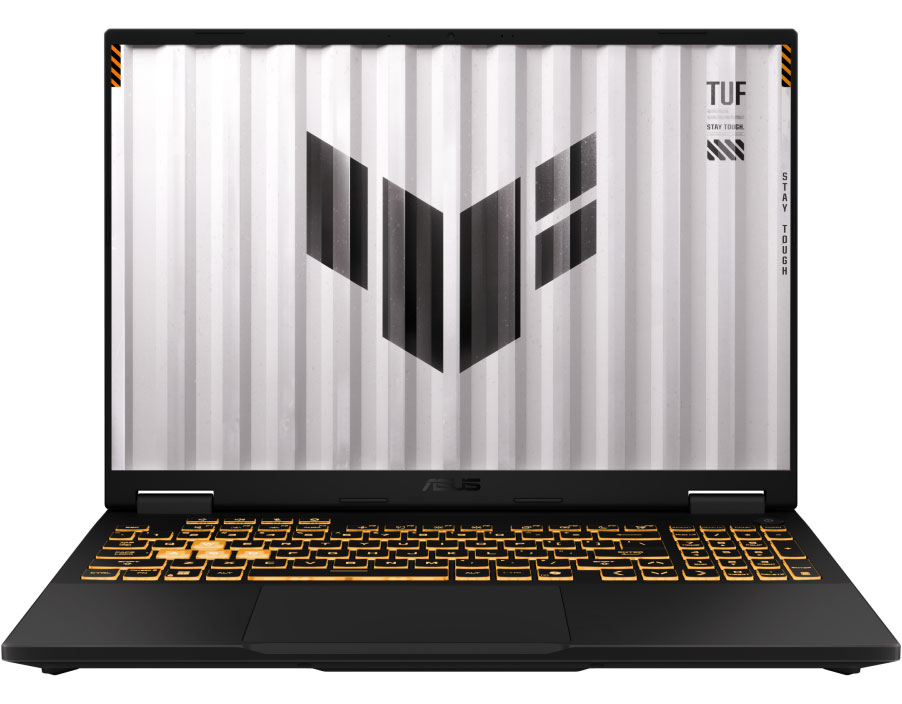
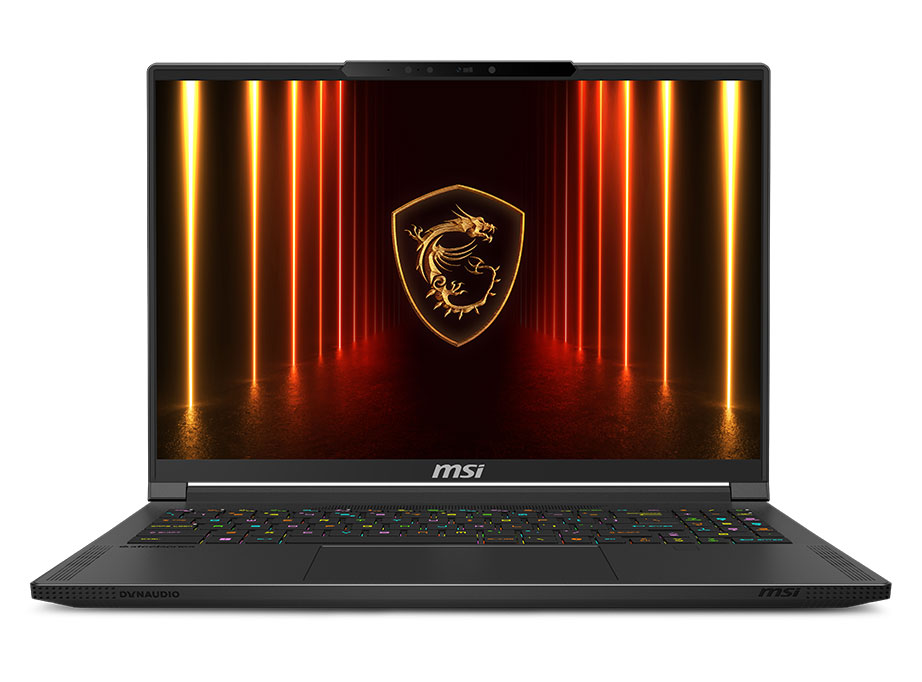
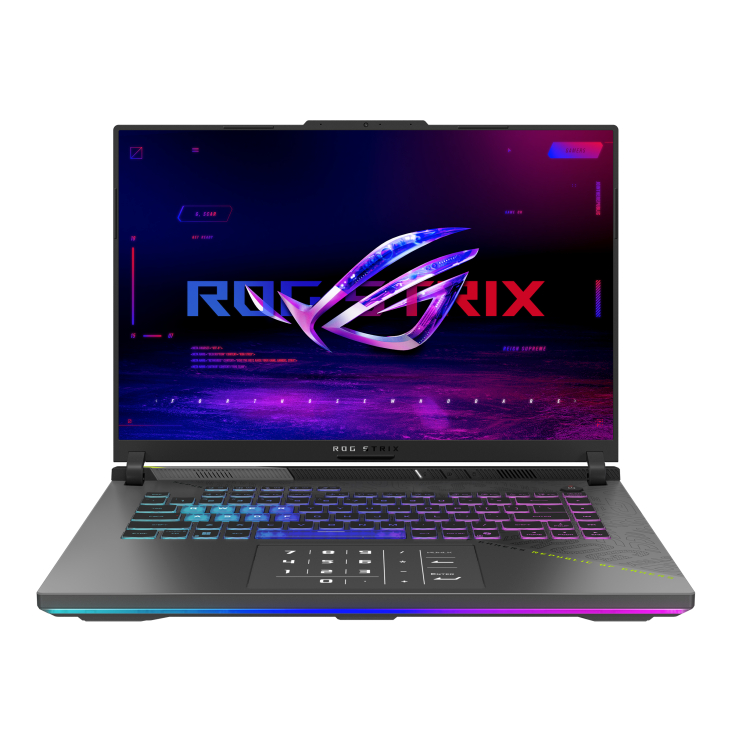
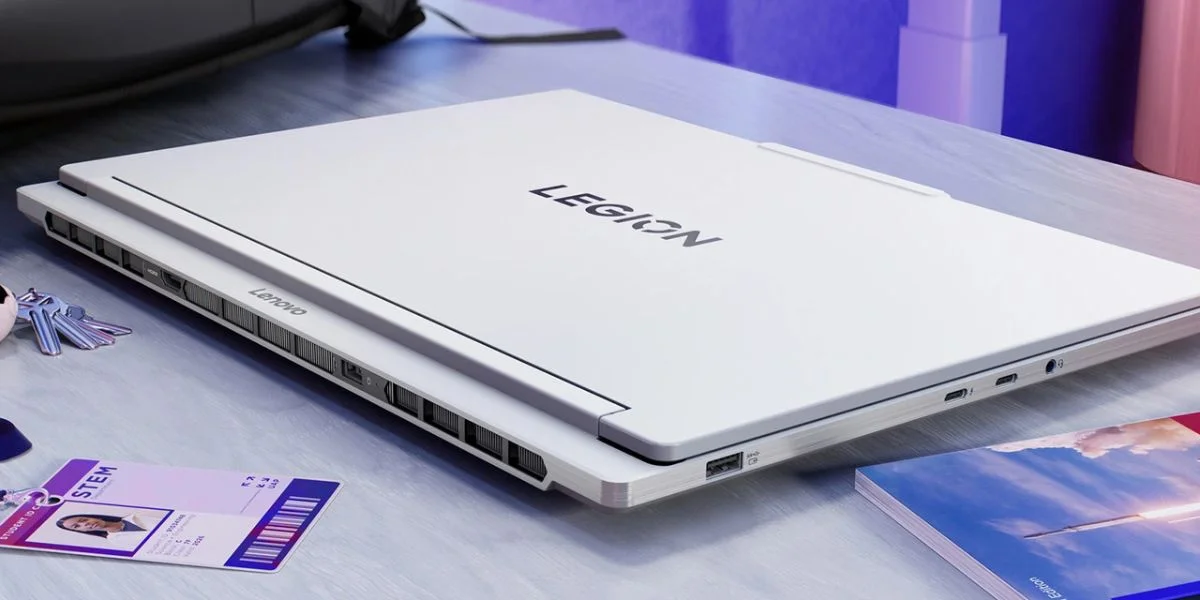
Portability is where gaming laptops truly have their moment in the sun. These are lighter and less blocky than previous models, with slimmer forms than you might expect. Slip one into a backpack or briefcase and bring it anywhere, from a college classroom to a work meeting or on a day of travel. The high-powered programming capabilities and games come with you wherever you go—there's no need to wait until you get home to play. Whenever you have free time, you can get in a few hours of playtime, whether you're in a hotel hundreds of miles from home or in a cafe with an hour or two between online meetings. One thing to keep in mind is that using a touchpad mouse isn't always the most comfortable when it comes to play; bringing along your favorite peripherals is a good idea, like a slim wired/wireless gaming mouse and a good pair of headphones.
What's Your Budget?
This is crucial. No matter what you want, your budget can often be a hard line. But gamers who have their own desktop PCs will always tell you there's some wiggle room, and if you get creative, you can find ways to create or shop for machines that you want. First, set up that budget and do some research ahead of time. How much are you willing to spend, and is it realistic with what pricing looks like these days? At the time we write this, there's high demand for certain components. Demand for RAM and SSD storage is high due to the surge for the AI industry, and that puts pressure on products all across the board. But in the argument of the gaming desktop vs. laptop, both products need those components, and both products take a hit. With gaming PC desktops, you can keep everything customized—maybe settling for lower-quality parts while you save up for something more impressive that can be swapped out in the future. But with gaming laptops, these electronics are all-in-one; convenient, but unbendable for the most part. Swapping expensive storage for a secondhand part you found online is less of an option here. And with every part packed inside (like a keyboard, mouse, speakers and more) in a single device, you're paying for more than you'd find in a simple tower. That means that gaming laptops tend to be more expensive than desktops as a general rule. This isn't always the case, especially when you're comparing high-performance desktop PCs to entry-level laptops. Before you invest, take a look at the specs inside these computers and see if what you're looking at is what you want and what you need.
Lifespan and Customization
There's more to think of than flashy graphics cards in the gaming desktop vs. laptop discussion; it's important to consider that computers like these are investments. So, how long will yours last before you need to get a new one, especially with products (or parts) that are this expensive? First, gaming desktops. These are designed to be as customizable as possible, with parts that users can either and install themselves—or choose a pre-built model. Pre-built gaming desktops are great options, especially for beginners who aren't interested in or don't know how to search for the parts they'd want as they build a computer that's perfect for them. Users can often take these apart and replace parts as time goes by and things need replacing, though it does void warranties, and not all models are easy to tinker with. As a whole, though, desktop gaming PCs (both pre-built and personal) have a long lifespan since they are so customizable: when one part fails, replacing it is a simple task, and doesn't cost as much as replacing an entire computer.
That's not entirely the case with gaming laptops. Everything is packed into a tight space here, and elements like CPUs are often soldered in for a slimmer form. Talented tinkerers have been able to swap certain parts for others, or add more storage and extra RAM sticks to the motherboard. But upgrading is much easier with a desktop, and there's more room in a large desktop tower than you'll find in a slim laptop. That being said, we'd suggest you choose a laptop with specs that meet (or exceed) your expectations. If you're ready to pick out a fun, portable gaming laptop, it's a good idea to make sure the specs are up to your standards, from the GPU to the storage and RAM.
The Peripherals You'll Need
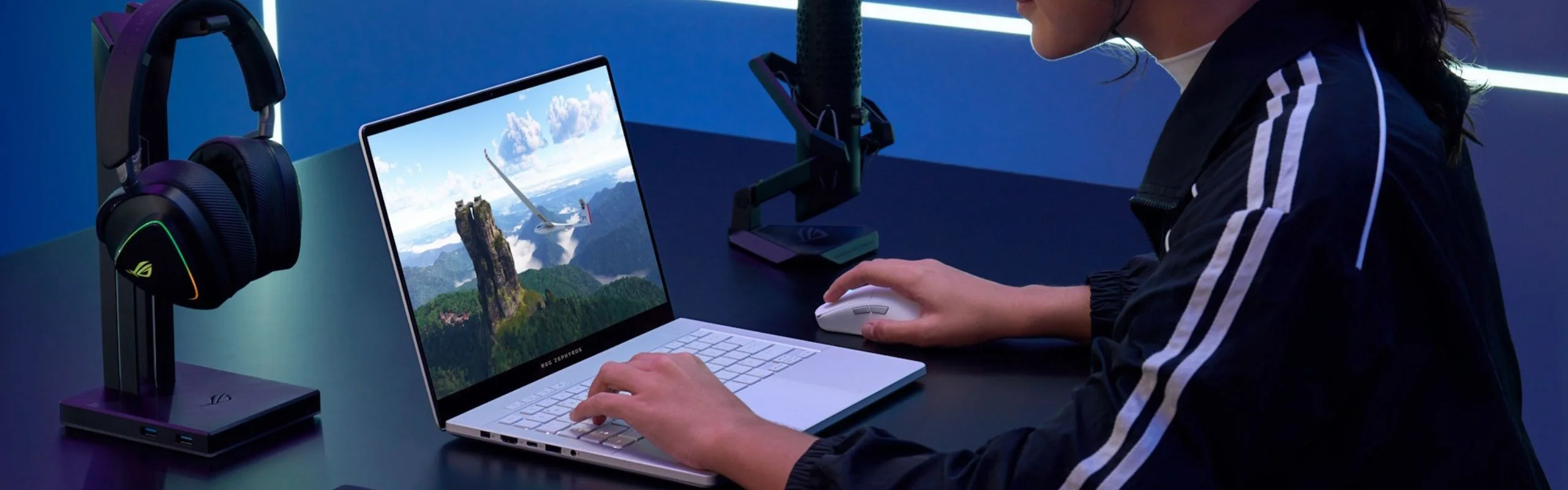
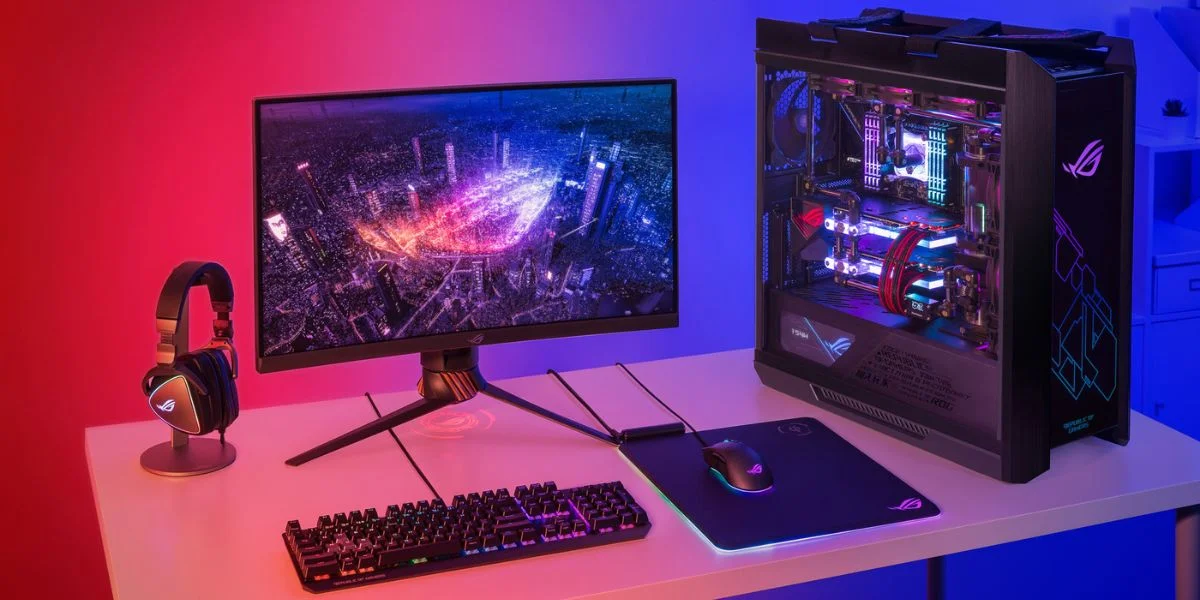
We've used the word "peripherals" a few times in this article, and here's where they come into play. In terms of gaming and gaming desktops, peripherals are external connected devices that make it easier to perform at your best. Think gaming mice, gaming keyboards, monitors, over-ear headsets and controllers. You can customize how you play with your favorite peripherals ... but you might not have to. Of course, desktops will need an external screen, mouse or controller, and keyboard to start. But you don't necessarily need to shop for all of those extra components with a gaming laptop. In the gaming desktop vs. laptop battle, the laptop has all of these peripherals wrapped up in one neat package.
That being said, not everyone loves playing on a laptop's trackpad. Nearly every gamer will still want a few must-haves, like a gaming mouse that makes everything from movement to action freer and faster. And if you're setting up a gaming desk at home for your laptop, why not go for upgrades like a big monitor and speedy keyboard? Owning a gaming laptop doesn't mean you can't spread out and create a center for all things gaming—it just means you don't have to unless you want to, and you can unplug whenever you need to.
Good, Better, Best For Different Players
| What You Need | Gaming Desktop | Gaming Laptop |
|---|---|---|
| Performance | Greater | Great |
| Portability | Not Portable | Very Portable |
| Budget-Friendly | Often More Budget-Friendly | All-In-One Pricing |
| Customizable? | Easy to Customize | Harder to Customize |
Who Should Choose Which?
We've gone through some of the most crucial traits of all gaming computers, from how well they perform to how adjustable they are and how budget-friendly they can be. That being said, no two gaming computers are the same, but take this gaming desktop vs. laptop comparison as a guide to where you should start researching.
Who will have the best time with desktops? Anyone who games competitively online and needs high levels of performance, as well as those who love AAA games and know they want to upgrade their investment over time. These are great options for anyone who wants to stream their own content as well. If you want to have an at-home setup that's tailored to meet your needs to a T, this is the right choice for you. Then there's the laptop. Primarily for the gamer on the move, gaming laptops are great for anyone who doesn't have that time to invest at a desk at home, and would rather squeeze in that play where they can. These are great choices for travelers, students, those who work on the go, and people who want a computer that can handle everything. Gaming laptops can handle heavy-duty tasks, like image- and audio-editing software. So, how do you choose from here, and where do you even start? Check out our guide to pre-built PC shopping to learn more, or call our team of experts at 800-860-3577 if you have more questions.
Gaming Desktop vs. Laptop FAQs
-
That depends on how and where you use it. Gaming laptops are a great choice for anyone who wants to play from anywhere, while desktops need to stay in one place and require a separate monitor, keyboard and other peripherals. That being said, gaming desktops can be easier to take apart and modify with new hardware like graphics cards and extra storage. That makes them great for anyone who will want to update their gaming PC in the future.
-
When shopping for a gaming laptop, keep in mind that they're not as easy to update as desktops, so you'll want great core components you'll be happy with for a while: think good processors, graphics cards, storage, cooling components and RAM. Those are key components, but these are all-in-one units, so you should like the screen and keyboard, and the size should feel comfortable. Worry less about the trackpad, you can always upgrade to a gaming mouse.
-
Many of the same things that make a good gaming laptop make a good gaming desktop: those core components of a great CPU, GPU, extra storage and RAM. You're picking out more hardware here, so do your research when choosing components. A good monitor, mouse and keyboard are all must-haves, but little things like how many USB/USB-C ports you have can be crucial, too.
-
Absolutely. They're both portable and powerful, and these laptops are great for multitaskers who want to work in a couple of hours of play into a day of studying or getting work done away from the office. The all-in-one form factor is great for travelers, and while they aren't always as powerful as a desktop, they more than make up for the difference with the extra convenience and portability.