


TCL QM7K vs. QM8K: Comparing TCL's QLED TVs

The latest versions of these TCL TVs are available now, and we have a fresh comparison of the new models with our guide to the TCL QM7L vs. QM8L and the SQD-Mini QLED technology. You can shop the latest TCL TVs there and find this year's upgrades.
TCL strives to create a collection of TVs that provides breathtaking visuals no matter what you choose to watch. Each detail is carefully crafted to ensure top-performing products that fit flawlessly into your home while staying within your budget. Throughout the design process, the brand focuses on producing eco-friendly devices that contribute to a sustainable future. Today, we're comparing two of the brand's newest products: the TCL QM7K vs. QM8K. Join us as we explore the range of features on both TVs and discover which one is right for you.
Shop the TCL QM7K and QM8K
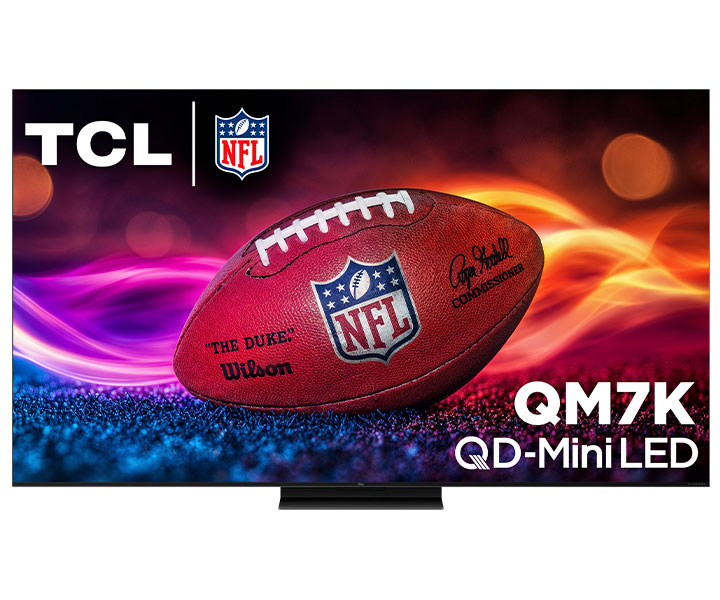
TCL QM7K Series QD-Mini QLED TV 65-Inch 4K Smart with Google TV in Black - 65QM7K
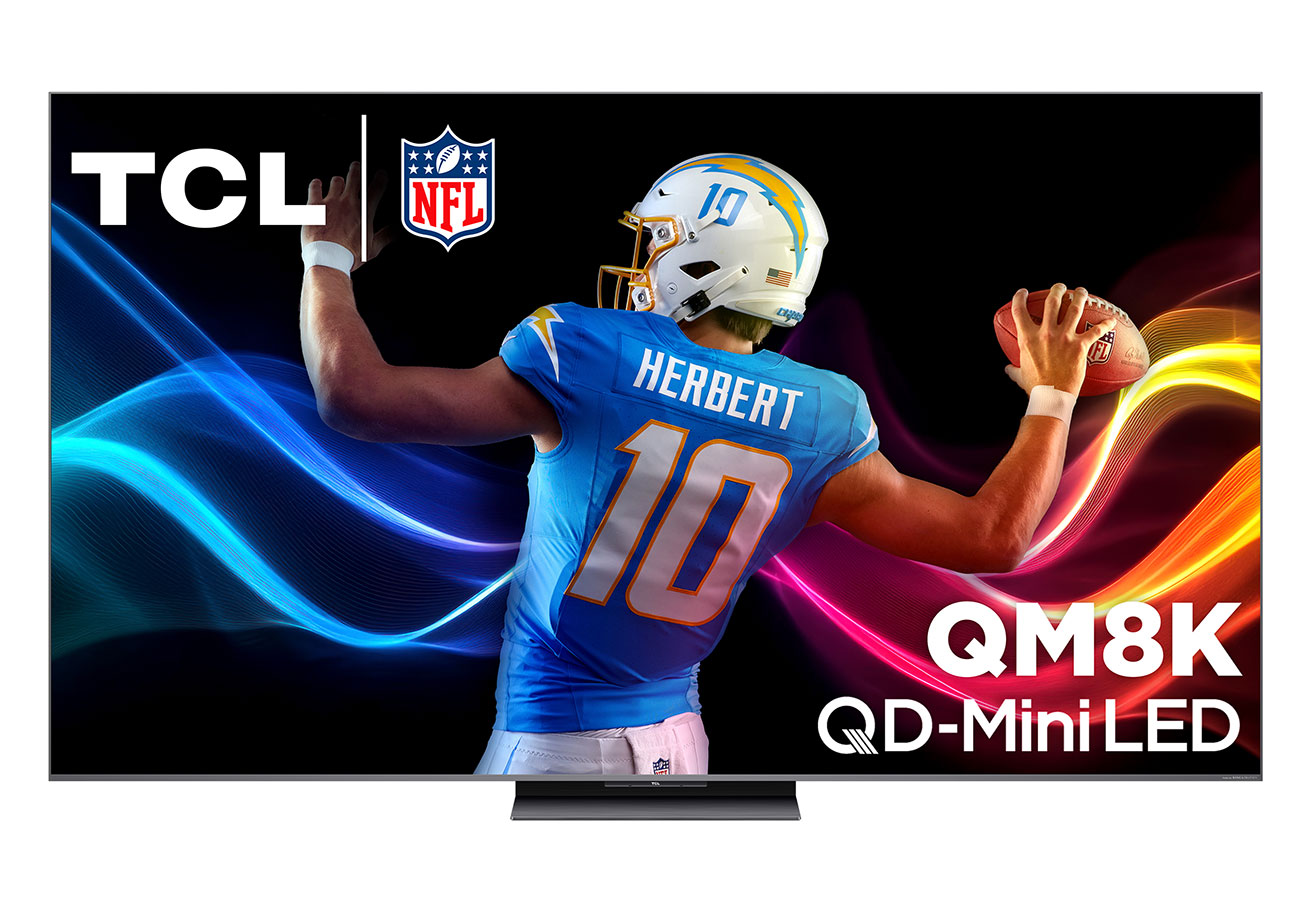
TCL QM8K Series QD-Mini QLED TV 65-inch 4k Smart With Google TV - 65QM8K
Selecting the Proper Size
When preparing to compare the TCL QM7K vs. QM8K, it's important to point out the various sizing options for each model and the differences between them. While both televisions come in 65", 75", 85" and 98" selections, the QM7K comes in two additional sizes: 55" and 115". If you only have space for the 55" QM7K model, note that it comes with a different game accelerator, which we will touch on below. Meanwhile, the 115" QM7K TV includes an Onkyo 4.2.2 speaker system for elevated audio, along with improved brightness for enhanced visuals. With the QM8K, each size comes with the same features, so you won't be sacrificing anything depending on the space available in the desired room. For our TCL QM7K vs. QM8K comparison, we will be comparing the 98" designs.
Clear, Crisp Picture Quality
Picture quality is always a key deciding factor when purchasing a new TV. When it comes to comparing the TCL QM7K vs. QM8K, each product, uses QD-Mini LEDs to illuminate the screen, which combine the technology from standard mini-LEDs with an innovative Quantum Dot layer. The two technologies work together to display vivid images like never before, with a purer color gamut and deeper levels of contrast. A CrystGlow HVA panel is used with the QM7K. This high-contrast liquid display reduces the appearance of unwanted reflections while providing sharper, more detailed visuals. Contrast levels and colors are further enhanced with LD2500 Precision Dimming and High HDR2600 Brightness.
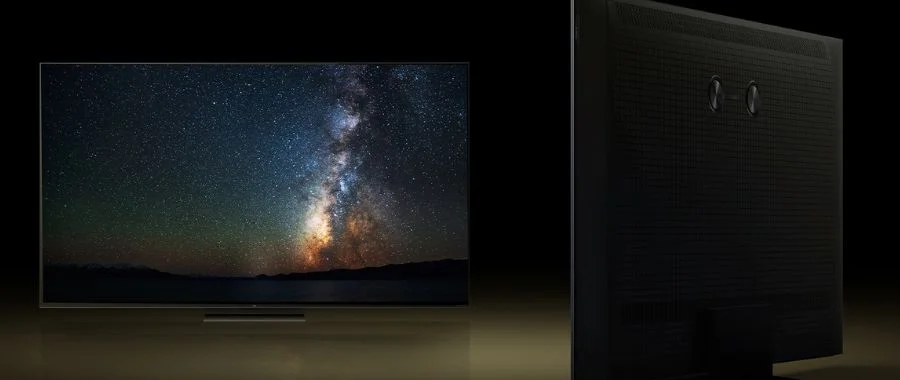
Instead of a standard CrystGlow HVA panel, the QM8K has a CrystGlow WHVA Panel. The difference? Wider viewing abilities from multiple angles at once. This means that watching off-center scenes is easier than ever and causes less strain on your eyes. This television also displays edge-to-edge content with ZeroBorder, meaning the entire screen is filled with the content on the display. As images appear, the QM8K uses LD3800 Precise Dimming and High HDR5000 Brightness to create an immersive environment as if you were witnessing each scene in person. If elevated image quality is a top feature that you're looking for, then choosing between the TCL QM7K vs. QM8K is an easy decision.
Optimized for Smooth Gameplay
When comparing the TCL QM7K vs. QM8K, clear, fast and reactive gameplay is important - and you'll need a high refresh rate. Whether you're watching live sports games or relaxing with your favorite video games, both models work to enhance the overall experience. Each product supports a 144Hz native refresh rate to guarantee uninterrupted images as they fly across the screen. Additionally, the TCL AiPQ PRO Processor uses the power of AI to optimize content and learns as time goes on. However, it is important to remember that although the larger models use a Game Accelerator 288, the 55" QM7K uses a Game Accelerator 240 instead. The main difference between these two accelerators is the overall responsiveness. While both help improve gameplay, the accelerator 288 efficiently reduces lag and minimizes blur.
Versatile Connections
Continuing through our comparison of the TCL QM7K vs. QM8K, each TV offers several connection ports for convenient cable management. Having a variety of connection ports is great if you plan on using external devices like Blu-ray players or gaming consoles. The QM7K includes 4 HDMI and 3 USB ports, perfect for connecting a range of media devices. The QM8K also has includes 4 HDMI; however, one of them is an HDMI 2.1, which is not found on the former TV. This port design offers 8K resolution along with lower latency rates. The slim design of this QM8K model makes accessing the ports quick while assisting with cable management to keep your space hazard-free and looking neat.
The Shared Perks
When choosing between the TCL QM7K vs. QM8K, there are several features that both models come with to help enhance the controls and overall viewing experience. Each has been designed to be slim and can be mounted on your wall. This way, you'll be watching all of your favorite content from an optimal location. As audio comes through the Bang & Olufsen speakers, you'll be immersed in each scene as it comes onto the screen. Both products also use Dolby Atmos audio to further enrich audio playback - from movies to live sports to video games. Additionally, you'll have access to Google Assistant, Amazon Alexa and Apple HomeKit. So if you can't find what you're looking for, just ask your smart assistant for help finding what you want.
Experience Peak Performance Today
Enjoy all of your go-to movies, TV shows and more with either of these models and elevate your home theater or living room when you buy online today. If you are still debating between the TCL QM7K vs. QM8K, reach out to our experts at 800-860-3577 and our team will be happy to assist and answer any questions you still have. To learn more about the process of selecting the best television for your home, navigate to our Learn Center and explore our in-depth guide to TVs.
TCL QM7K vs. QM8K FAQs
-
The TCL QM8K supports Dolby Vision, HDR10. HDR10+ and HGL.
-
The TCL QM7K offers several connectivity options, including HDMI, Ethernet, cable and USB. You'll also find output connectors for sound systems.
-
Yes, both the TCL QM7K and QM8K come with built-in Bluetooth and Wi-Fi.


