


How to Build Your Bose Lifestyle Ultra Sound System

Shop the Bose Lifestyle Ultra Collection
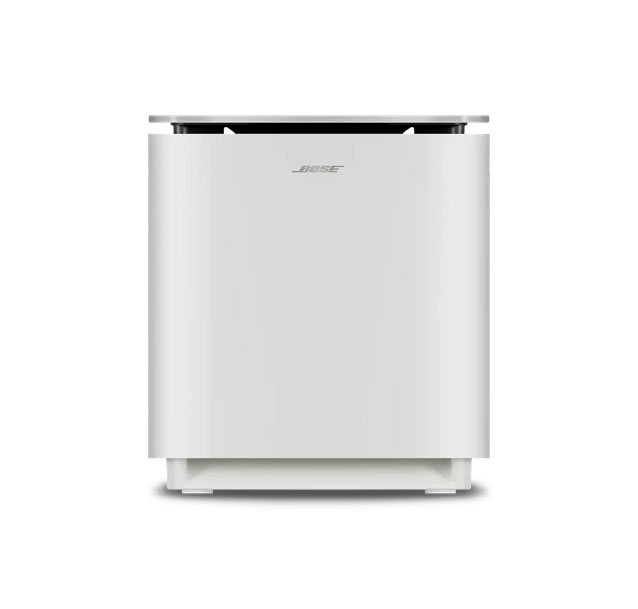
Simple, Standalone Operation
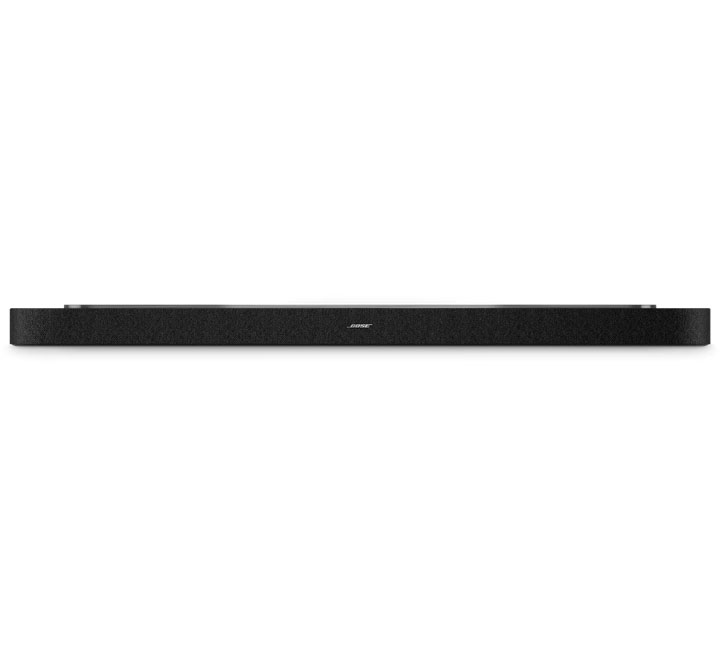
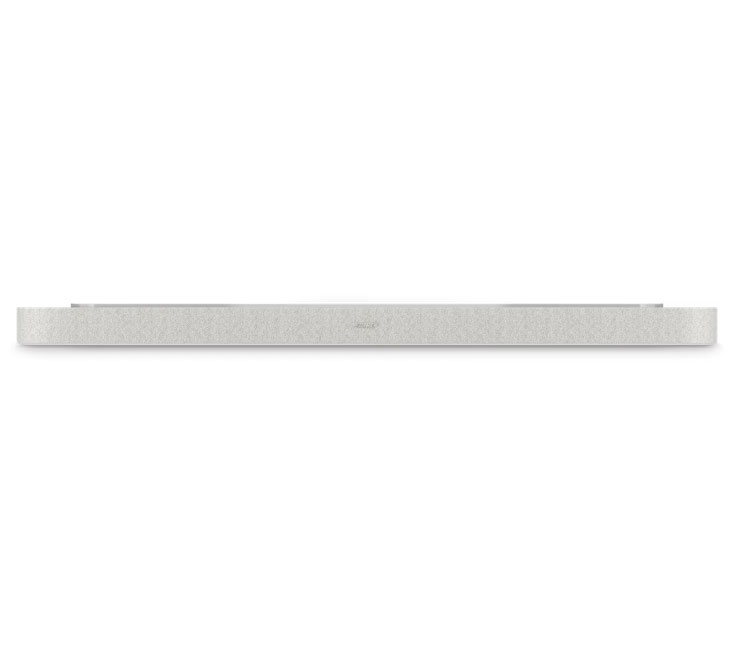
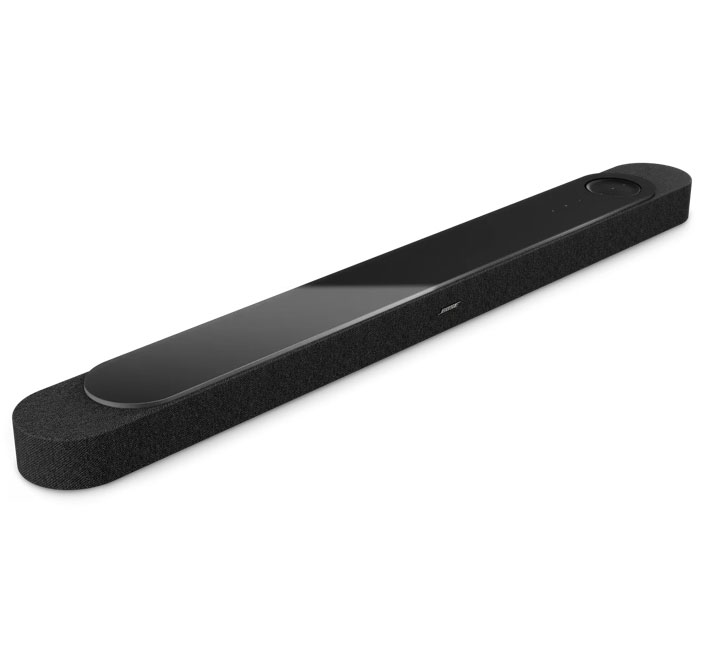
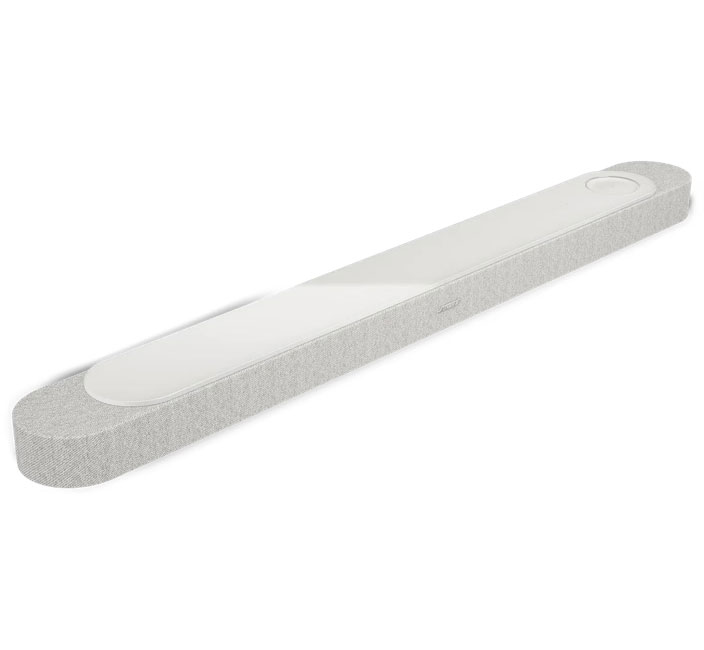
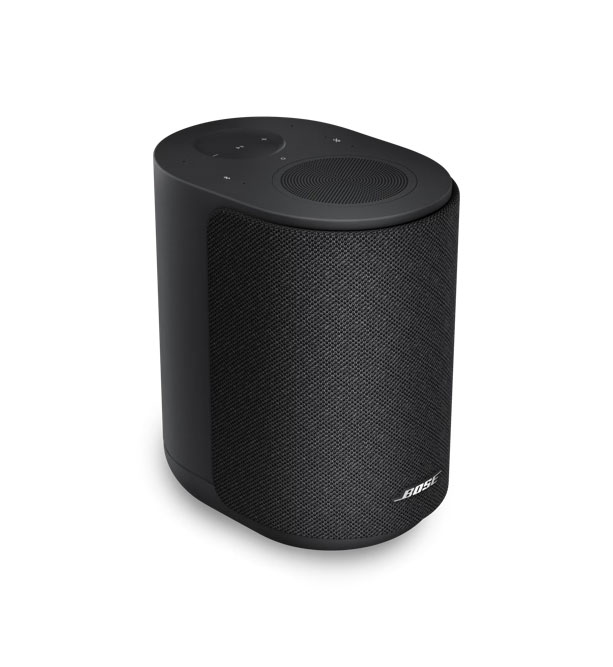
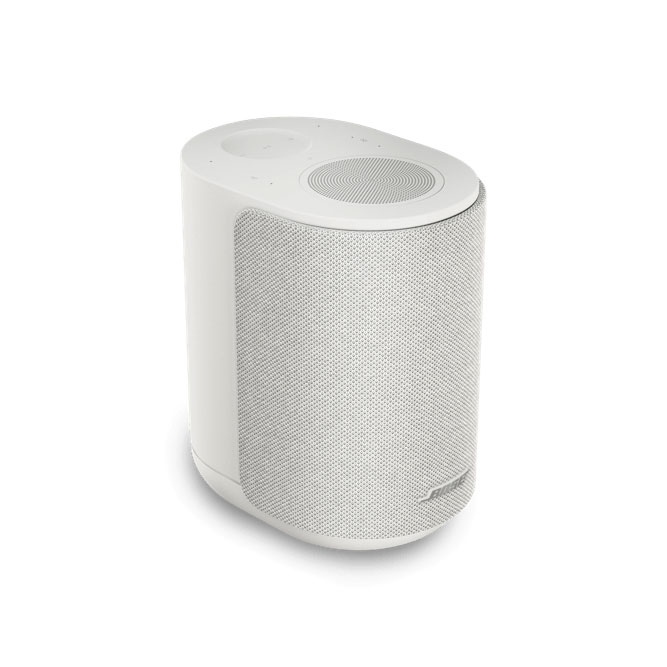
Both the Lifestyle Ultra speaker and soundbar can be used on their own. If you're looking to upgrade your TV's audio, the Bose Lifestyle Ultra soundbar is a great plug-and-play option with Dolby Atmos. Setting up your soundbar is easy: plug it into a power outlet, then use the Bose Music app to connect the bar to Bluetooth so it can be wirelessly controlled from the app. The Bose Lifestyle Ultra speaker acts as a smart home speaker, so you can use voice controls to enjoy your favorite playlists and podcasts while cooking in your kitchen, getting ready in your bathroom or relaxing in your living room. In both instances, you can control the devices with smart assistants or music control apps like Apple AirPlay (which is different from using the Bose app to set up your system, which we'll explain later). There's not much to "build" in either scenario, but we want to note that you don't need to build a large multi-room sound system if you're just looking to make a small upgrade.
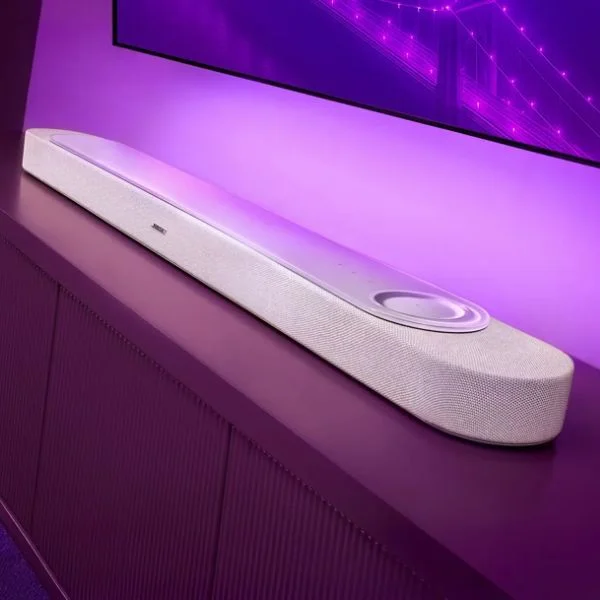
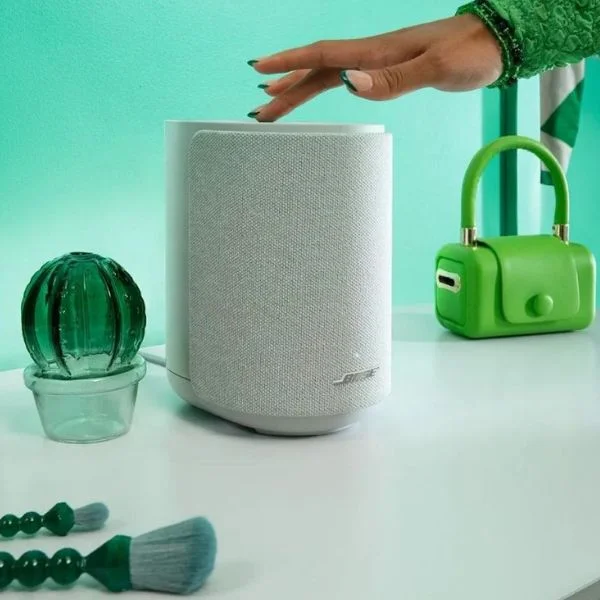
Pair for Stereo Sound
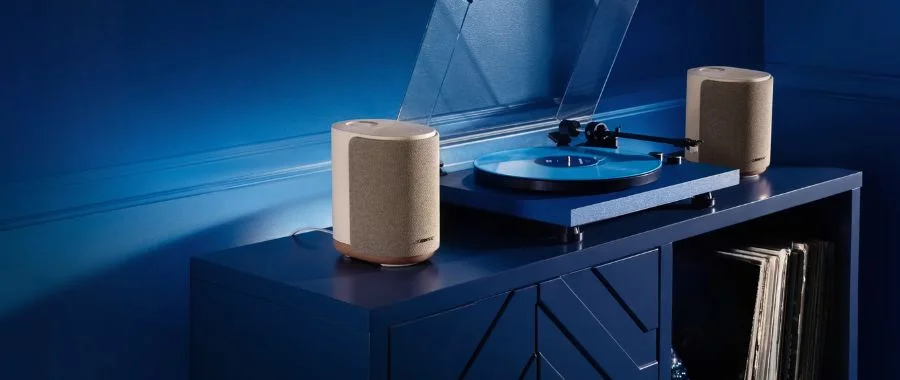
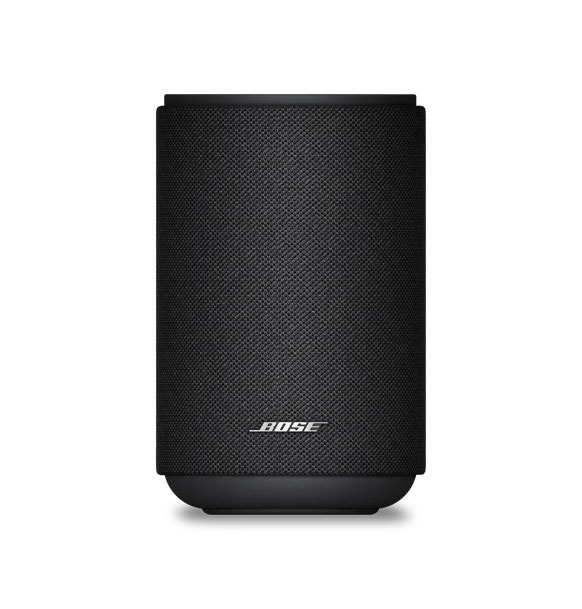
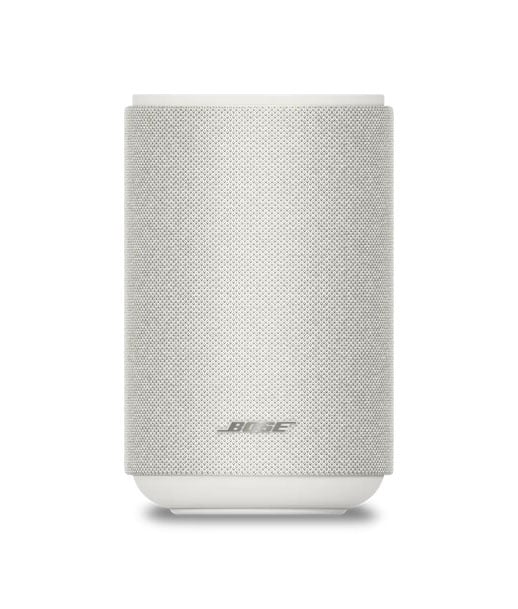
You can also pair two Bose Lifestyle Ultra speakers to create a stereo sound system, which is a great way to upgrade your turntable, for example. One speaker serves as the left channel and one serves as the right channel, which creates a wider soundscape. To create a stereo pair, open the Bose app, tap the Configure button, assign a position to each speaker and tap Save. In a matter of minutes, you've created a great-sounding stereo sound system.
Build a Bose Surround Sound System
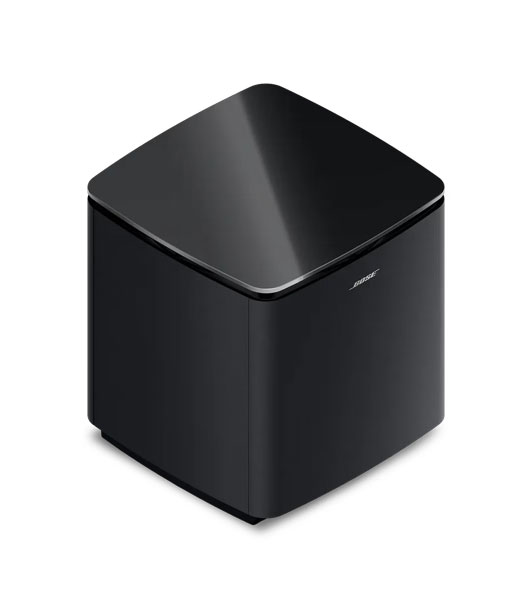
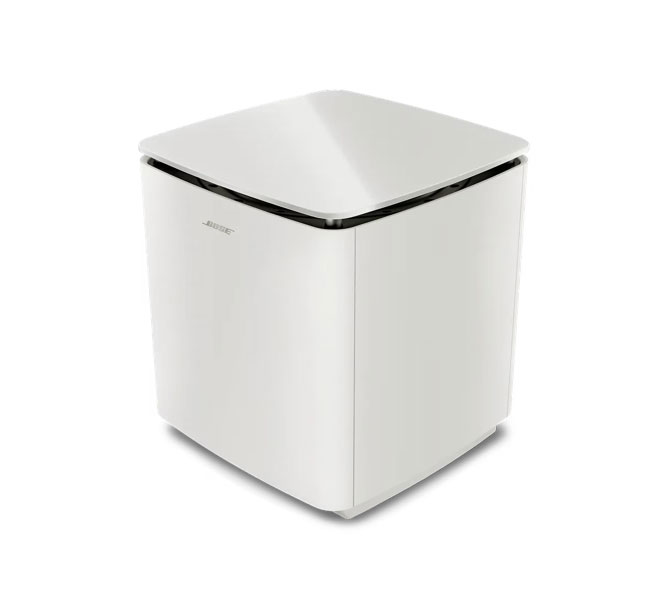
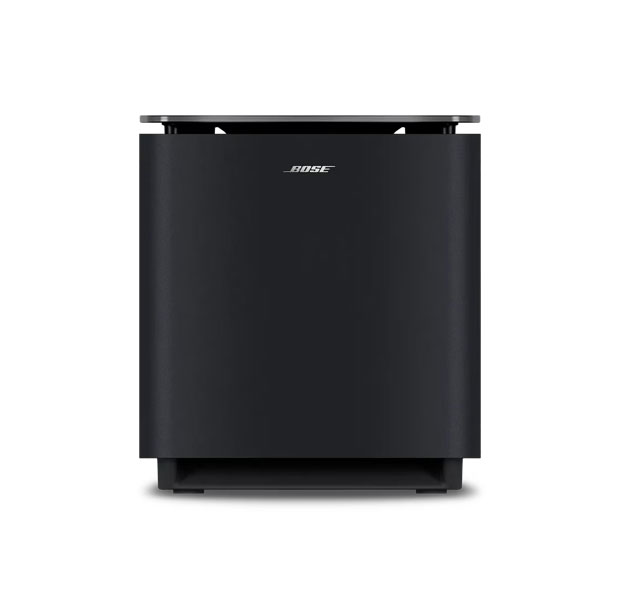
The modular design of the Bose Lifestyle Ultra lineup makes it easy to build a full surround sound system without investing in complicated installation. To do so, add two speakers and a subwoofer to your existing Lifestyle Ultra soundbar. You're able to add speakers to your soundbar at any time for a simpler, piece-by-piece setup. To add speakers, open the Bose app and select Configure. The Home Theater Setup screen will appear. Tap the + buttons; when the speakers are found, select each speaker one at a time to add them to your setup. You can also swap the speaker position with the swap speakers button to ensure sound is coming from the right place.
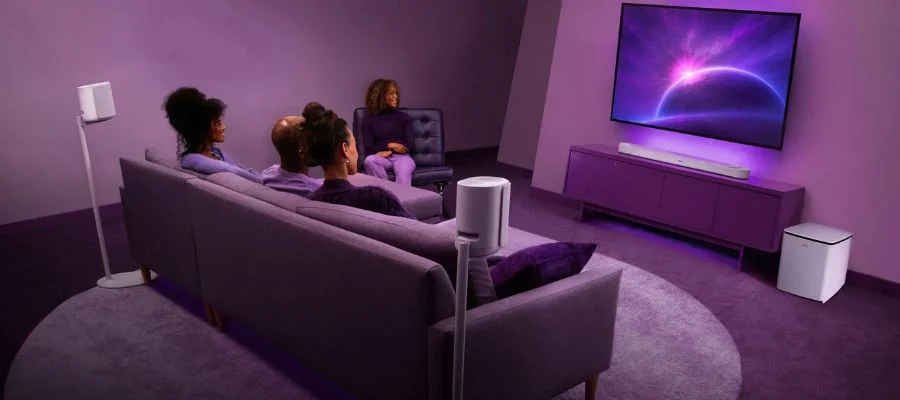
Home Theater & Music Set
The next biggest setup is called the "Home Theater & Music Set," which consists of the soundbar, subwoofer and three of the speakers. It's the next step up from a true surround system, creating even more immersive sound with the additional Lifestyle Ultra speaker. You'll be able to enjoy surround sound in one room and room-filling audio in another. Dolby Atmos support helps create that immersive sound, whether you're hosting movie night or picking the perfect party playlist.
The Ultimate Home Set
Bose calls the largest configuration of these products the "Ultimate Home Set." This system contains a soundbar, five speakers and a subwoofer that are placed throughout your home, creating a multi-room system. The Lifestyle Ultra subwoofer brings big bass for sound you can feel, which is especially important when you're setting up multi-room audio. This configuration flows from room to room, for a sophisticated setup that's still easy to configure in the Bose app. If you entertain often, the Ultimate Home Set is the perfect upgrade so guests can enjoy music wherever they are in your home. Plus, you can build this impressive system with clear dialogue and dynamic audio for under $4,000.
Find the Bose Lifestyle Ultra Lineup at Abt
Whether you just want your TV to sound better or you want to create an immersive, whole-home audio system, you can do it with the Bose Lifestyle Ultra collection. It's never been easier to create a multi-room sound system, and buying your system at Abt means we can help set it up for you. You can shop the collection in-store and online, and Abt's audio experts can help you build the right system at 800-860-3577.
Bose Lifestyle Ultra FAQs
-
Yes, they are wireless home speakers.
-
Yes, the Lifestyle Collection supports Bluetooth connectivity.
-
We definitely think Bose's Lifestyle Collection is worth it. Having the ability to create your own system based on the size of your room or your audio needs makes this system flexible for tons of different users. Each item sounds great alone or together, with superior sound architecture and support for the best audio technologies like Dolby Atmos. Plus, the different configurations are a great price.


