Main Content

TV Buying Guide

Our TV Buying Guide will guide you through everything you need to know about TV's, TV features, and TV accessories; as well as what to look for when buying a new TV for your home.

Getting Started
There's never been a better time to buy a TV. Advancements in technology have dramatically improved picture quality while making TVs more and more affordable. You've never been able to get such great picture quality for as little money as today. At the same time, it seems like there are hundreds of expensive, high-end TVs on the market. And with so many types of TV available, how do you know what to look for when buying a tv? This TV Buying Guide will help you understand the differences between LED and OLED, HDMI, HDR, 4K and 1080p, plus everything else you need to know when on the hunt for your new TV.
Types of TVs
The first decision you'll need to make is what type of television to buy. As recently as a few years ago, you might have needed to choose between Plasma, LCD, LED, DLP and rear-projection TVs. These days, manufacturers have whittled down the various types of TV. Almost all TVs sold today, including QLEDs, are LED-lit LCD TVs, usually referred to as LED TVs. The one exception is OLED TVs which we'll discuss in detail below.
LED
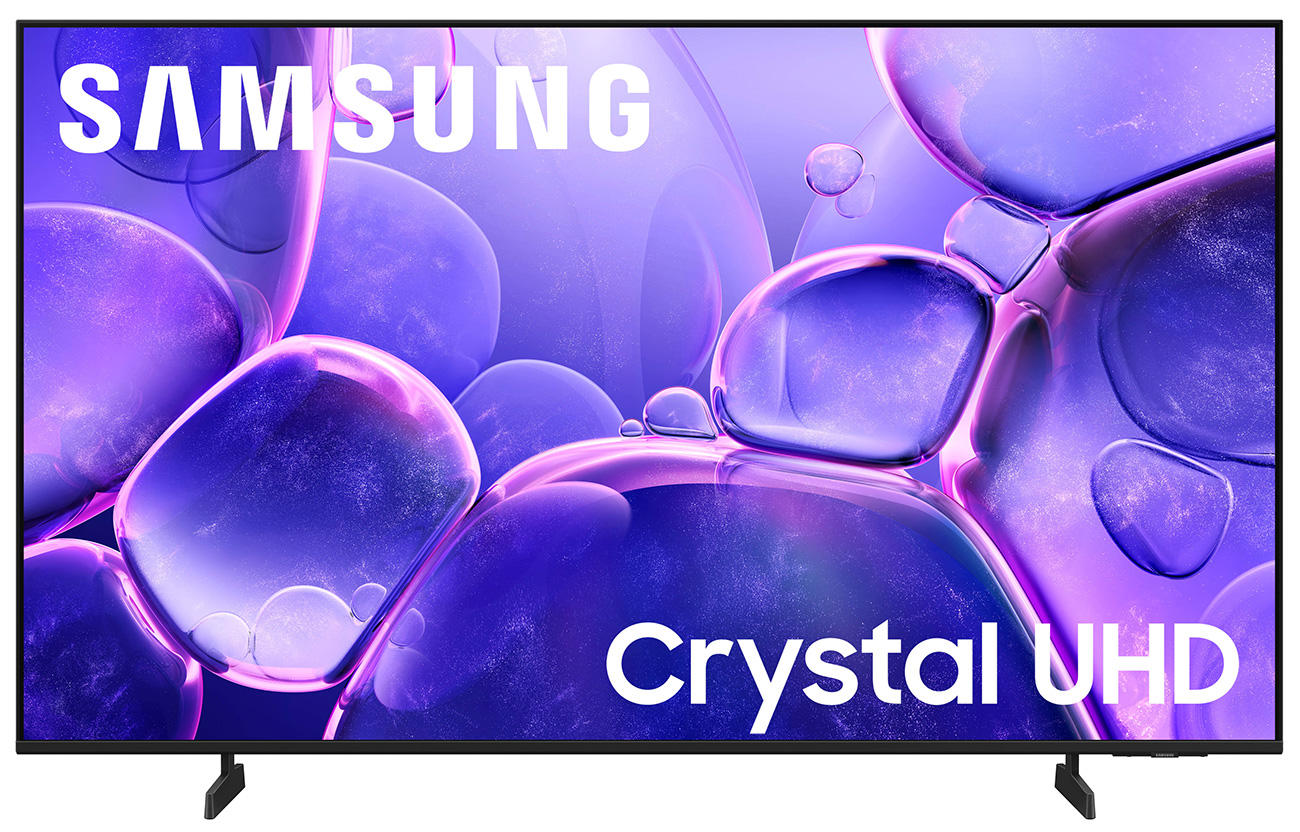
While LCD and LED TVs are often billed as separate technologies, they both create their picture the same way, with a Liquid Crystal Display. A Liquid Crystal Display is a thin, translucent panel made of millions of tiny cells known as pixels filled with liquid crystal. Each of the pixels can change in opacity when a charge is applied. Red, blue and green colored filters give each pixel the ability to also create color. When light passes through the pixels from behind, you get the building blocks of a visible image.

(Close Up of LCD Pixel Array)
The main difference between LCD TVs and LED TVs is that LCD TVs used fluorescent lamps to provide their backlighting, while LED TVs use, as you might have guessed, LED lamps. LEDs are much smaller than fluorescent lamps, so the TV can be made much thinner. They also use a bit less power, so LED TVs are more energy efficient.
But best of all LEDs can perform something that fluorescent backlights could not: a function known as local dimming. This is the act of turning off some of the backlights during scenes with high contrast (i.e. both very dark areas and very bright spots in the same scene) so the brights can be brighter and the dark parts can be darker. LCD TVs could not turn off any of their backlight, which gave them a reputation for blacks that were closer to grey. Local dimming gives LED TVs a more intense image with better contrast and color, leading to a picture that just looks better.
When they debuted, LED TVs were much more expensive than LCD TVs. Since then, the technology in LED TVs has come down in price to the point that there are no longer any advantages to using fluorescent backlights, and today only LED TVs are still available to purchase.
Quantum Dot/QLED
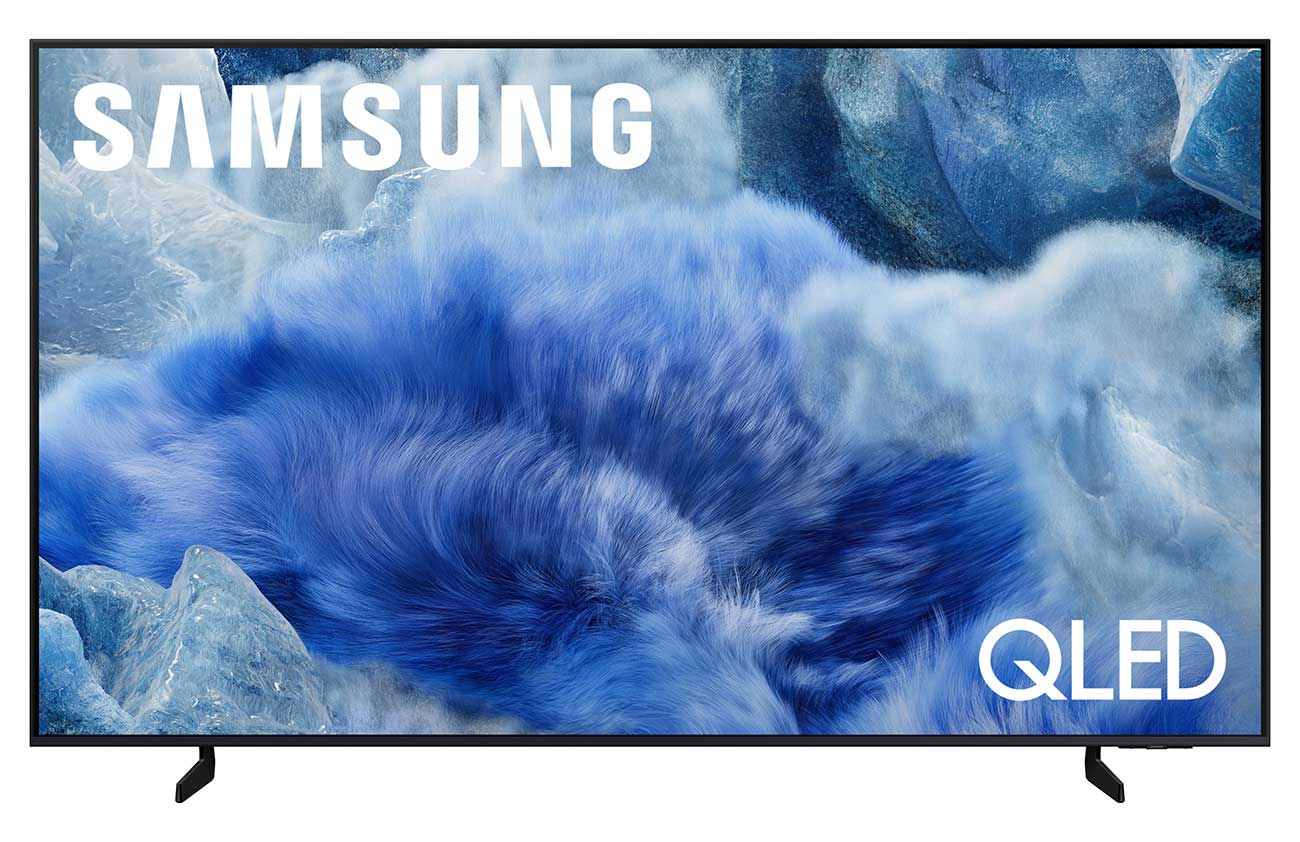
To understand what sets QLED televisions apart from other technologies, its best to start with quantum dots. These dots are incredibly small man made crystals that glow when excited by an energy source. QLED TVs place a layer of these crystals, or quantum dots, in front of a blue LED backlight. The blue backlight excites the quantum dots, causing them to glow. The combination of the LED backlight and the glowing quantum dots allow the QLED TVs to output impressively vibrant colors and excellent brightness. However, the use of a backlight limits QLED TVs ability to achieve the deep blacks possible with OLEDs where each pixel produces its own light.
OLED
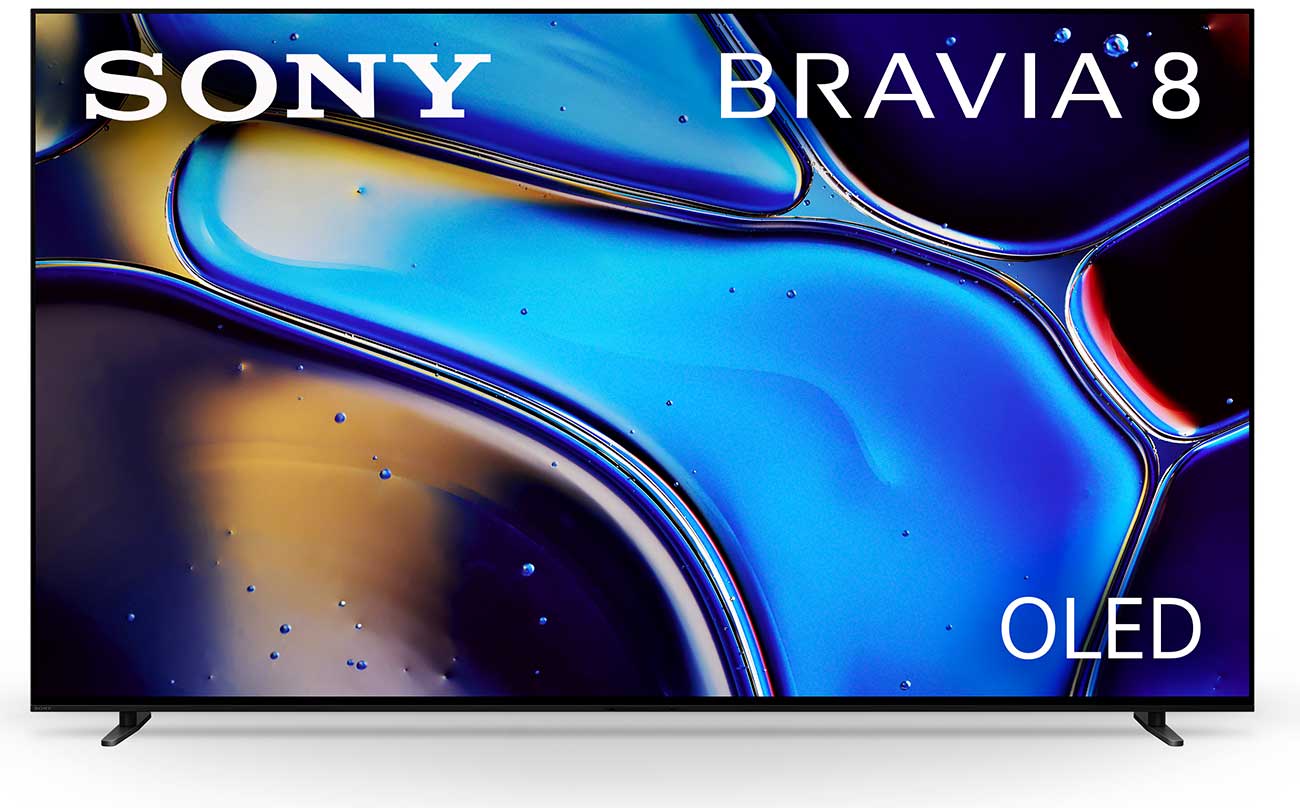
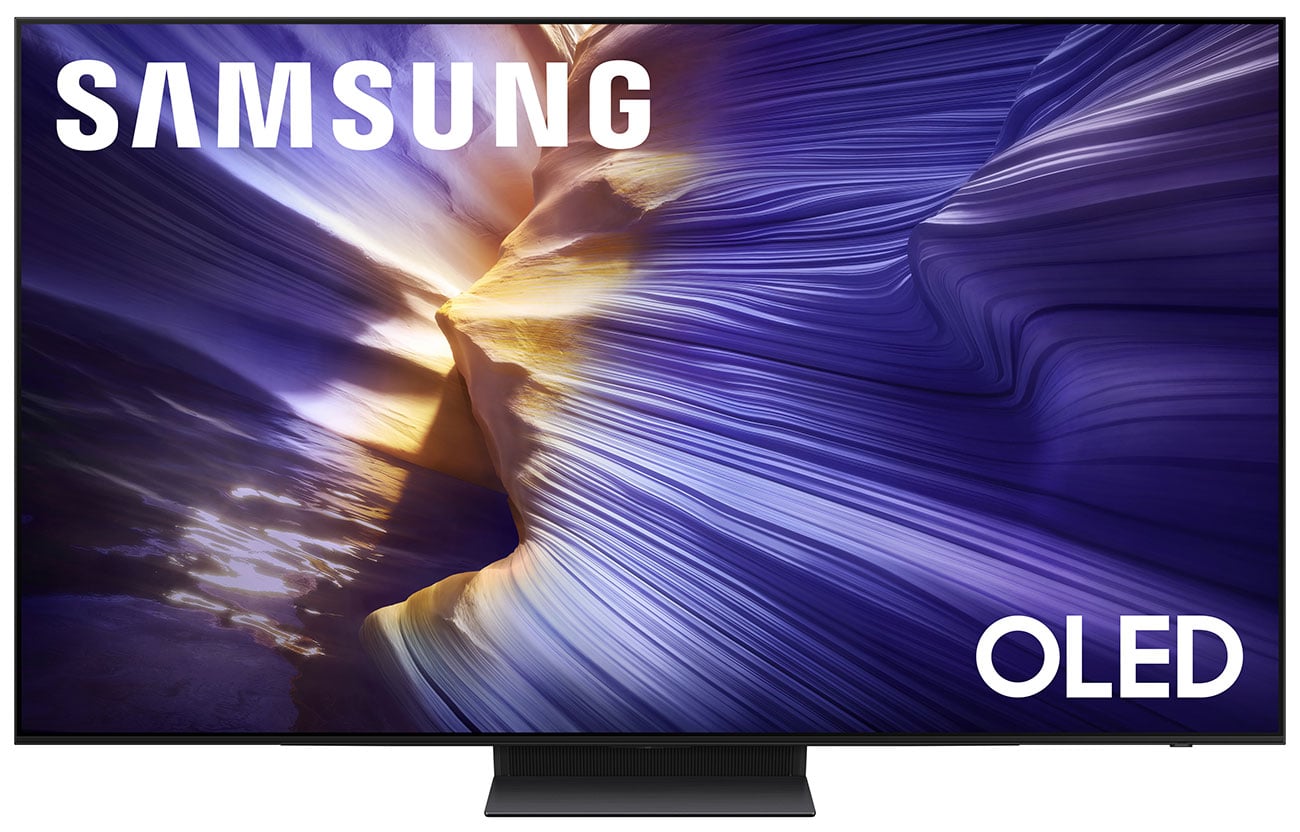
Among the various types of TV available today the OLED TV is the most unique. OLED (Organic Light Emitting Diode) TVs are similar to LED TVs, with one major difference. Each individual pixel is able to create light, color, and opacity itself. This means that manufacturers can do away with backlights altogether. Consequently, OLED TVs can be made mere millimeters thick, because backlights added both weight and depth to TVs. Additionally, because brightness can be controlled at the pixel level, OLED TVs can produce incredible contrast on their screen. Unlike other types of TV screens, OLEDs can actually turn off individual pictures, allowing them to create deep blacks that simply aren't possible with other technologies. Put simply, OLED TVs create the best-looking, most vivid picture of any television currently available. However, they are still much more expensive than LED TVs and QLED TVs which is their main drawback.
RGB Mini-LED
RGB Mini-LED is the newest TV display technology. It uses individual red, green and blue lights behind the panel, which produces faithful, more accurate and more vivid colors. It's the first major display innovation since OLED, and the main draw is how the color really pops on these TVs. They offer great contrast and eliminate the issue of burn-in that can happen on OLED screens.
Resolution
The next big decision to make when buying a new TV is what resolution to choose. A TV's resolution is a measure of the number of pixels on the screen. In previous years, you might choose between a 480p, 720p, or 1080p set. Each of those numbers denotes the number of horizontal lines of pixels that the set features. More pixels in a display equals more details, which equals better picture quality (and usually more money). As TVs get more advanced, resolution increases and picture quality gets better. Today, display technology has advanced to the point where 480p TVs are no longer made, and 720p can typically only be found on small, low-end sets, if at all. With the rise of 4K and the introduction of 8K, even 1080p sets are starting to disappear.
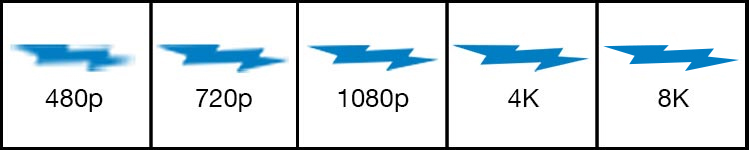
Today, the real choice is between 1080p and 4K TVs. 4K resolution, also known as Ultra High Definition (UHD), features four times as many pixels as 1080p. As in the previous explanation, this pixel increase means that a 4K TV set produces a picture that's vastly more detailed. In many instances, you won't even be able to see the "screen door effect" that most LED/LCD TVs have always produced, where the lines between pixels are visible at close viewing distances. 4K TVs can also reproduce significantly more color depth than regular HD TVs, for a picture that is more vivid and lifelike. In short, everything about the picture of a 4K TV is better.
If you're looking for the best of the best, a few 8K TVs are already available. With four times as many pixels as a 4K TV and 16 times as many pixels as 1080p, 8K screens offer a remarkable amount of detail. Because these screens are still in their infancy, there isn't much 8K content available. However, the screens do upscale lower resolution content into 8K, improving on even the remarkable quality of 4K.
Bottom Line on Resolution
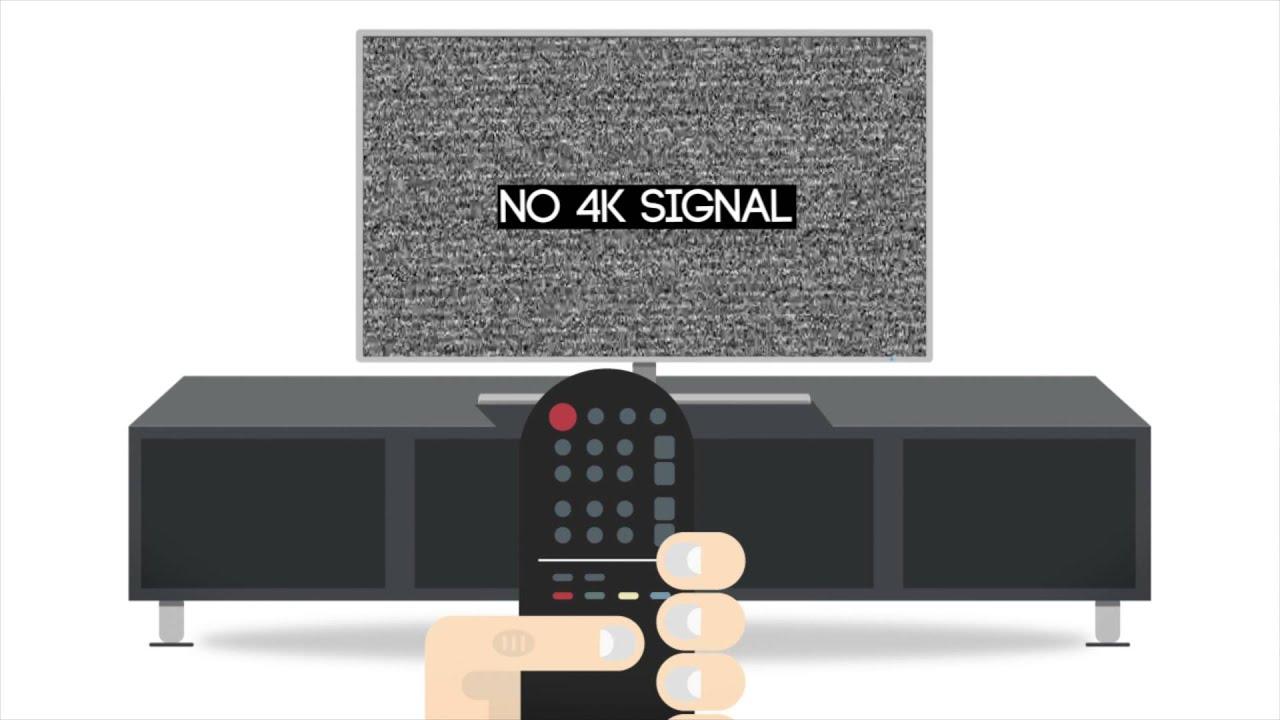
1080p for TVs 40" or smaller. 4K for most TVs. 8K TVs for anyone interested in the ultimate picture quality, especially those planning on keeping their TV for as long as possible.
Size
After you've mulled over various types of TV and their resolutions, you'll have to select the appropriate size. Once upon a time, most TVs were the same size, with anything above 40 inches considered "big." Today, TVs are available in just about any size that will fit through your front door and even some so big that they probably won't. The size of any TV can be found by measuring the screen diagonally from one corner to the corner opposite of it. For example, if you're looking at a 65" TV, that means the diagonal measurement of the device was 65 inches.
While most shoppers will automatically look at the largest TV they can afford, bigger isn't always better. A TV too large for your viewing distance can be just as annoying as watching a TV that's too small. If you've ever been stuck in the front row at the movie theater during an action flick, you've felt the pain of a sore neck and strained eyes. So if you have only a certain amount of space in your TV room, let that guide you in choosing a screen size. If you have a larger room and flexible seating options, you can be more flexible with the TV dimensions.
Sitting too close to your LED TV will also make the screen door effect more visible. So, you'll want to pick a TV and place it at a distance that allows you to appreciate the resolution while remaining conscious of seating for guests and their viewing angles.
TV Screen Size & Distance Calculator
Or
Bottom Line on TV Size
Buy what fits your viewing space and distance, but beware that watching too large a TV can be unenjoyable.
HDR
While higher resolutions allow for a more detailed image, a wider color pallet allows for a more vibrant picture with lush colors and lifelike imagery. Televisions equipped with a High Dynamic Range (HDR) can produce a wide range of colors to create more realistic pictures. There are, however, several competing versions of HDR, which is where it can get a little confusing. Although the history of technology suggests that one of these versions will ultimately become embraced almost universally, there's no way of knowing which that will be. Therefore, selecting a TV with an impressive image quality is more important than making sure it supports every kind of HDR. And, because HDR is software based, manufacturers can add support for new or different versions via software updates. If you'd like to dive into the weeds of HDR, the different versions are detailed below. Otherwise, skip ahead to see what else to look for when buying a TV.
HDR10
HDR10 is an open standard, meaning its free to use. This version of HDR offers a 10-bit color gamut, giving it access to just over a billion colors. In contrast, the 8-bit color of most standard HD broadcasts offers just under 17 million colors, or 1/64 the number of shades. HDR10 uses static metadata to enhance luminance for individual movies or shows as a whole. Because it's free, all 4K TVs with HDR capabilities will support HDR10.
HDR10+
Although it was developed primarily by Samsung, HDR10+ is another open standard. It differs from HDR10(no plus) in its ability to use dynamic metadata, allowing it to enhance the image quality of each individual frame as opposed to a generic enhancement to an entire movie or show. With support from Amazon, Fox, Panasonic, Warner Brothers, and more, HDR10+ has a good chance of becoming the industry standard. As an open standard with support for dynamic metadata, its easy to see why so many companies are eager to adopt the technology.
Dolby Vision
Like HDR10+, Dolby Vision allows content creators to encode dynamic metadata into their videos, adjusting each frame of video individually to provide the highly tuned visual experience. Dolby Vision also supports a 12-bit color gamut, giving it the ability to produce far more shades of color than the other standards. It also supports brightness up to 10,000 nits, more than double that of HDR10+. While Dolby Vision may support this impressive color range and luminous brightness, few TVs are capable of these brightness settings and color depths, even those that support Dolby Vision. These expanded capabilities should help the format remain relevant longer. Another key difference between Dolby Vision and HDR10+ is that its a closed standard, requiring manufacturers and content creators to pay licensing fees should they want to use it.
HLG
Hybrid Log Gamma (HLG) is a format that was designed to allow broadcast companies to put out a single signal that could be interpreted by TVs capable of displaying HDR images and those that cannot. This open standard sends out signals within the standard definition (SDR), including extra information for HDR TVs to provide a broader range of colors and a brighter picture. Because it can only increase color and brightness, HLG signals share their black levels with those of the original SDR signal. While the standard may not be the most sophisticated HDR option, backward compatibility with SDR TVs makes it an appealing choice for broadcasters.
IMAX Enhanced
Combining enhanced picture quality with improved sound, IMAX Enhanced aims to simultaneously rival both Dolby Vision and Dolby Atmos technologies. Its algorithms reduce graininess and excess noise from pictures while delivering "heart-pounding audio." The format also lets you see more, like a true IMAX screen, adjusting aspect ratios to get rid of the black bars above and below the image in some movies and shows. Another closed standard, IMAX Enhanced requires licensing fees from manufacturers and content creators. While it's sure to deliver an incredible viewing experience with dynamic metadata allowing for frame by frame optimizations, IMAX Enhanced will likely only be available on high-end TVs.
How To Clean Your TV Screen
Other Things To Consider
Smart TV Functions
Most TVs sold today are "smart TVs," meaning they can wirelessly connect to your home network and have special processors built-in to take advantage of web apps. A smart TV lets viewers stream movies from services like Netflix or Amazon Prime Video, play music from Pandora, Spotify or network-attached storage, or even check their social networks. Many newer models even offer compatibility with Google Assistant and Amazon Alexa, allowing you to take control with simple voice commands. Some TVs make it easy to stream content from your phone or tablet right to the TV, while others include FreeSync to help reduce motion blur while gaming. Smart TVs are getting smarter all the time with new features always on the horizon. Although, realistically, most people only use the most popular streaming apps.
Inputs
If your entertainment system consists of many components, it's important to make sure your new TV has enough inputs to support them all. A typical home theater system might include a Blu-ray player, cable box, receiver, streaming media player, and video game system. Each of those devices would require an HDMI input. If your TV doesn't have enough HDMI inputs, you will have to rely on a signal splitter, or manually swap cables when switching between devices.
Alternatively, you can get by with fewer HDMI inputs on your TV if you plan on running all of your devices through your receiver. Just make sure the receiver has an appropriate number of ports for your devices. It's also important to make sure your receiver can process information fast enough to take advantage of your TVs resolution. Look for HDMI 2.0 for 4K TVs and HDMI 2.1 for 8K. Although HDMI 1.4 can technically transmit 4K signals, it can only do so at 30Hz, making the pictures more susceptible to motion blur.
Refresh Rate
The refresh rate of a TV refers to the number of times its screen displays an image every second. Most televisions offer refresh rates of either 60 or 120 Hz, refreshing the image on the screen 60 or 120 times per second, respectively. However, manufacturers often advertise a MotionRate or TruMotion Rate in place of the native refresh rate. Samsung's MotionRate and LG's TruMotion are pieces of software built into the TV to reduce motion blur with varying levels of success. Their rate is typically double the set's native refresh rate. So a MotionRate of 120 Hz is actually a 60 Hz screen.
TVs with low refresh rates are more prone to motion blur, the distortion of a quick-moving object or image. If you've ever noticed "soft" or blurry edges on a hockey puck as it darts across the ice, or a streak of color on the screen as a cameraman tries to follow a long pass in a game of football, that's motion blur. Videos are only a composition of still images; lower refresh rates mean that each image stays on the screen longer. When we perceive an object as moving but subconsciously notice it briefly standing still, our brains blur the image, filling in the gaps between frames. Higher refresh rates help alleviate this issue.
Internet Speed and Wi-Fi
As more and more high-quality content moves to streaming services like Netflix and Amazon, its important to have a strong internet connection wherever you plan to enjoy these services. This becomes especially important when streaming 4K and HDR content which requires more bandwidth than standard high definition. Netflix recommends a steady 25 mbps connection to stream in 4K. Check your internet bill to see what speed is offered by your current plan to see if you need to upgrade, remembering that the speed delivered by your internet service provider (ISP) must be shared by all of the devices in your home. Plus, if you're connecting your TV via Wi-Fi, you'll likely lose a bit of signal strength. Try to get an internet package that offers at least 50 mbps, but the faster the better. If you still struggle to get a steady signal and are connecting via Wi-Fi, a stronger router or a mesh network system will help distribute Wi-Fi throughout your house more efficiently.
Projectors
While the maximum size of TVs has continued to grow in the last few years, if you want to go really big, nothing beats a digital projector and dedicated projector screen. If your TV room allows it, a projector and screen gives you the truest home theater experience and can be set-up more affordably than very-large screen LED TVs. For more info, visit our Projector Buying Guide.
Accessories
Cables
One of the most convenient aspects of today's high-tech digital A/V equipment is the dawn of a cable standard. The High Definition Multimedia Interface (HDMI) interface was created by a consortium of technology companies, in order to have a cable that would be guaranteed to work with all digital display devices, regardless of brand or type. Today, even devices that have historically had proprietary cable connections (video game systems are the most notorious) all have HDMI ports. HDMI cables simplify the connection process by passing both audio and video through a single cable. For more info on selecting an HDMI cable, visit our Cable Buying Guide.
Screen Care
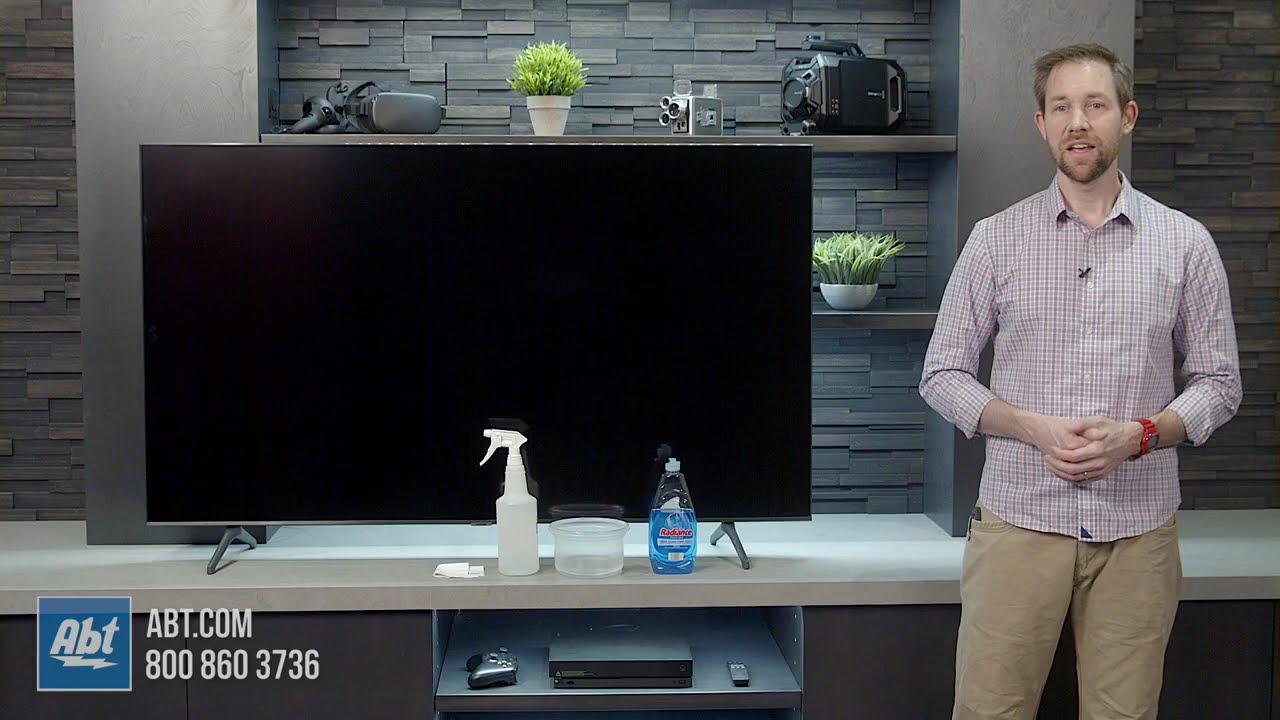
Unlike the glass front panels of tube TVs, the screens on LCD and OLED TVs are made from plastic that can be easily damaged by common household cleansers. Most manufacturers suggest a microfiber cleaning cloth and specially-formulated screen cleanser to remove smudges and other marks on your TV's screen.
Mounts and Stands
One of the benefits of a flat-panel TV is the ability to hang it directly on a wall in your home. A wide variety of TV mounts are available that let you adjust your television in every direction, or keep it completely static. If you'd prefer not to hang your TV, all flat-panel TVs also come with removable pedestals, so you can simply place your TV on a table or specially-designed TV stand. Also, visit our flat panel TV mount buying guide to find the best mount for you.
Surge Protectors
The same advanced electronics inside your TV that give them a world of high-tech functions also make them extra susceptible to surges in electricity. Whether from faulty wiring, a lightning strike or a power outage, a voltage surge can permanently damage the internals of your TV and A/V components. Thankfully, some simple prevention can keep you safe. For a very low cost, a surge protector can keep your devices safe in the event of a voltage surge.
Remotes
Your new TV will include a remote that gives access to all of the TV's controls and adjustment menus. Many manufacturers provide remotes that can also control other devices they make (e.g. the remote for your Samsung TV will likely be able to control your Samsung Blu-ray player or soundbar). Most Smart TVs can also be controlled with a web-connected device, like your smartphone or tablet, so you'll never have to worry about finding the remote again.
If you have an entertainment system that consists of multiple components, especially from multiple different manufacturers, you may be interested in a universal remote control. These remotes can be programmed to control a variety of different devices, regardless of brand. The simplest of these require you to select each component before you can control it, while advanced universal remotes can be programmed to turn on every one of your devices, adjust the volume to a predetermined amount and even select your favorite channel, all with the press of a single button.
Antennas
Believe it or not, a simple antenna still has a place in some households. If you're trying to avoid a costly monthly cable bill, it's still possible to get crystal-clear HD broadcasts of your local networks (typically CBS, NBC, ABC, FOX, PBS and multiple others depending on your location). If you're in an ideal location (in a large metropolitan area) a set-top antenna (also known as "rabbit ears") will be able to pull in any available signals. Those located farther from broadcast towers may want to choose a rooftop antenna for its extra reach. To determine which channels are available near you and how strong their signals are, check the FCC DTV Reception Map.
Speakers and Soundbars
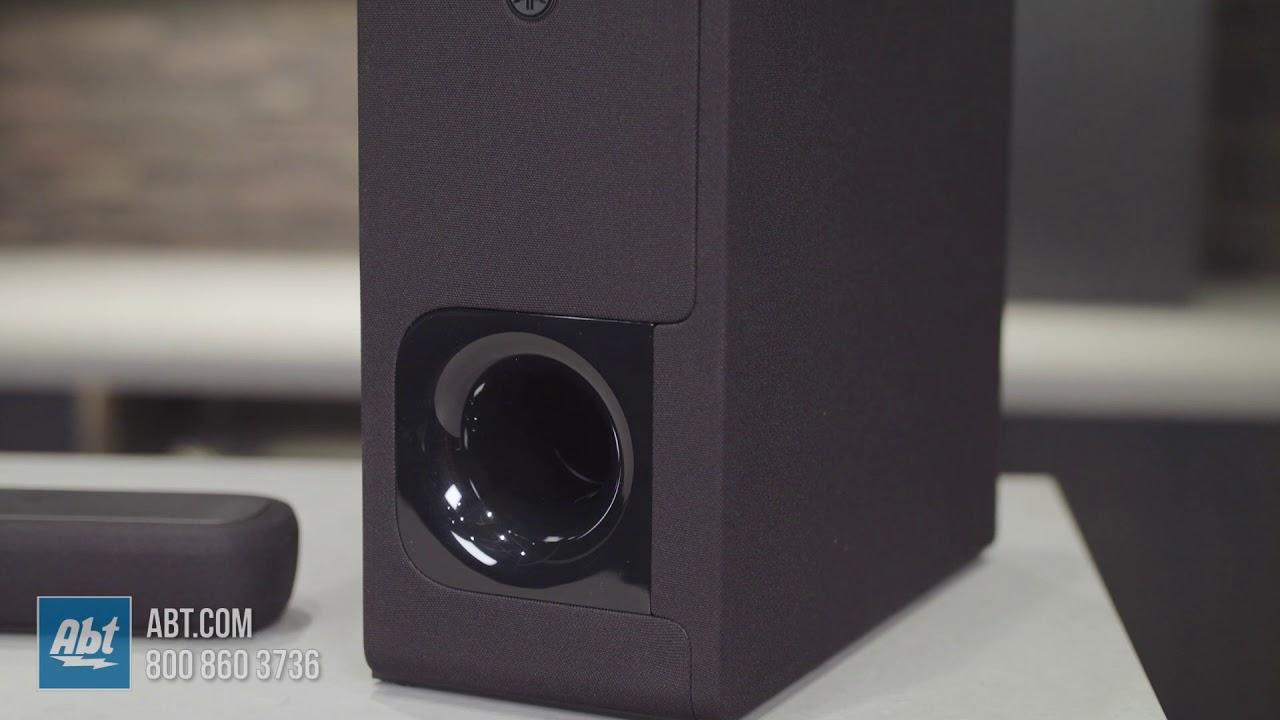
Every year TVs are getting thinner. While the small frames make the TVs aesthetically pleasing and easy to hang, it doesn't leave much room for speakers. As a result, sound quality suffers. Thankfully, enjoying high quality sound quality has never been easy or more affordable thanks to soundbars. If you're looking for a true surround sound experience, consider adding a set of speakers. Check out our Speaker Buying Guide and Soundbar Buying Guide to find the best way to improve the sound quality of your new TV.
TV Buying FAQs
What are the different types of TV?
The different types of TV typically fall into one of the following categories: Ultra HD 4K, 8K, LED, OLED, QLED and outdoor TVs. Outdoor TVs are specifically designed to withstand outdoor challenges like weather. There are also smart TVs, which fall under one of the aforementioned categories but also include WiFi connectivity so you can stream apps like Netflix or Hulu.
How do I choose a TV?
Choosing a TV largely depends on personal preference and the space in which you're setting up the device. Larger rooms would ideally have a larger screen as you are likely sitting farther away. If you already have a TV stand or entertainment console in the room, the television stand needs to be the correct size to sit on top (unless you're going to mount it). If you love streaming, you'll want a model with smart technology built in. Those who don't mind investing in their television will love the vivid contrast of an OLED TV. Additionally, individual models have unique features that make them better suited for watching movies, playing video games or other activities so it's important to do some research prior to purchasing.
When is the best time to buy a TV?
There are several times of year that you can find deals on TVs, though Abt prides itself on great prices year-round. Black Friday is arguably the best time of year to buy a TV, but there are also Memorial Day and Labor Day sales where prices are lowered on many models. The NFL playoffs are also a time where brands promote deals on TVs. If you're looking for the newest models, they are typically released in the spring.
What is 4K?
4K resolution referes to a horizontal display (in this case, a TV) with a resolution of about 4,000 pixels. 4K TVs have become increasingly common and offer great picture quality.
What is 8K?
8K resolution referes to a display resolution of about 8,000 pixels. 8K is currently the highest resolution option on the market, but has not achieved widespread use yet.